Zendesk is great at handling support tickets. But when customers start asking for new features, improvements, or changes to your product, those requests tend to get buried in the same queue as password resets and billing questions. Managing Zendesk feature requests effectively requires more than just tagging tickets, it requires a system built for feedback, not just support.
The problem most teams run into is simple: feature requests aren't support issues. They need to be collected, grouped, voted on, and prioritized based on demand, not just resolved and closed. Without a dedicated workflow, valuable product insights get lost in a sea of tickets, and your team ends up guessing what to build next instead of letting real user data guide decisions.
This guide walks you through how to capture, track, and prioritize feature requests that come through Zendesk, whether you're working within Zendesk's native tools or pairing it with a dedicated feedback platform like Koala Feedback. You'll learn practical methods to stop losing requests, organize them into actionable priorities, and keep your users in the loop with public roadmaps and status updates. Let's get into it.
Before you build any system, you need to define what counts as a feature request in your specific context. Teams that skip this step end up tagging everything as feedback, which makes prioritization nearly impossible later. A feature request is a specific ask from a user for a new capability, an improvement to an existing feature, or a change to how your product behaves. It's not a bug report, not a billing question, and not a general complaint about product quality. Getting everyone aligned on that definition is the first thing you need to do.
The core difference comes down to resolution path. A support ticket has a clear end state: you resolve the issue, close the ticket, and the user moves on. A feature request has no immediate resolution. It goes into a backlog, gets evaluated against other requests, and may or may not ship depending on your roadmap priorities. When you route both types through the same Zendesk queue without separating them, you create confusion for your agents and your product team at the same time.
Treating feature requests like support tickets is the fastest way to lose them. They need a different destination entirely.
A support ticket might say "I can't export my data." That's a bug or a usability problem you need to fix now. A feature request says "I'd love to export my data as a CSV file." That's a product direction signal. Both look similar on the surface, but they require completely different responses and different owners inside your organization. Your support agents should close tickets. Your product team should own feature requests.
Not every feature request looks the same. Recognizing the different types helps you route and categorize them faster once you set up your intake system. Here are the most common types that come through Zendesk:
Each type has different implications for your product team. New feature asks often require significant scoping work, while UX improvements might be quick wins you can ship in a sprint.
Defining your categories upfront prevents your team from debating later whether something belongs in the product backlog or the support queue. Without clear boundaries, you'll end up with a messy Zendesk inbox where feature requests, bug reports, and complaints all share the same tags and no one knows who owns what.
The goal of managing Zendesk feature requests properly is to make sure every product signal your users send actually reaches the people who can act on it. That only happens when you've agreed internally on what a feature request is, who it belongs to, and where it goes after it gets captured. Once that's settled, you can start building the intake system around it.
Zendesk doesn't come pre-configured to separate feature requests from support tickets. You need to build that separation yourself before a single request comes in. Setting up a dedicated intake path ensures every product signal lands in the right place from the start, instead of getting buried under regular support ticket volume and forgotten.
Your first move is to create a separate ticket form in Zendesk specifically for feature requests. Go to Admin Center, then navigate to Objects and rules > Tickets > Forms, and click "Add form." Name it something clear like "Feature Request." This keeps intake separate at the source, rather than relying on agents to sort submissions manually after the fact.
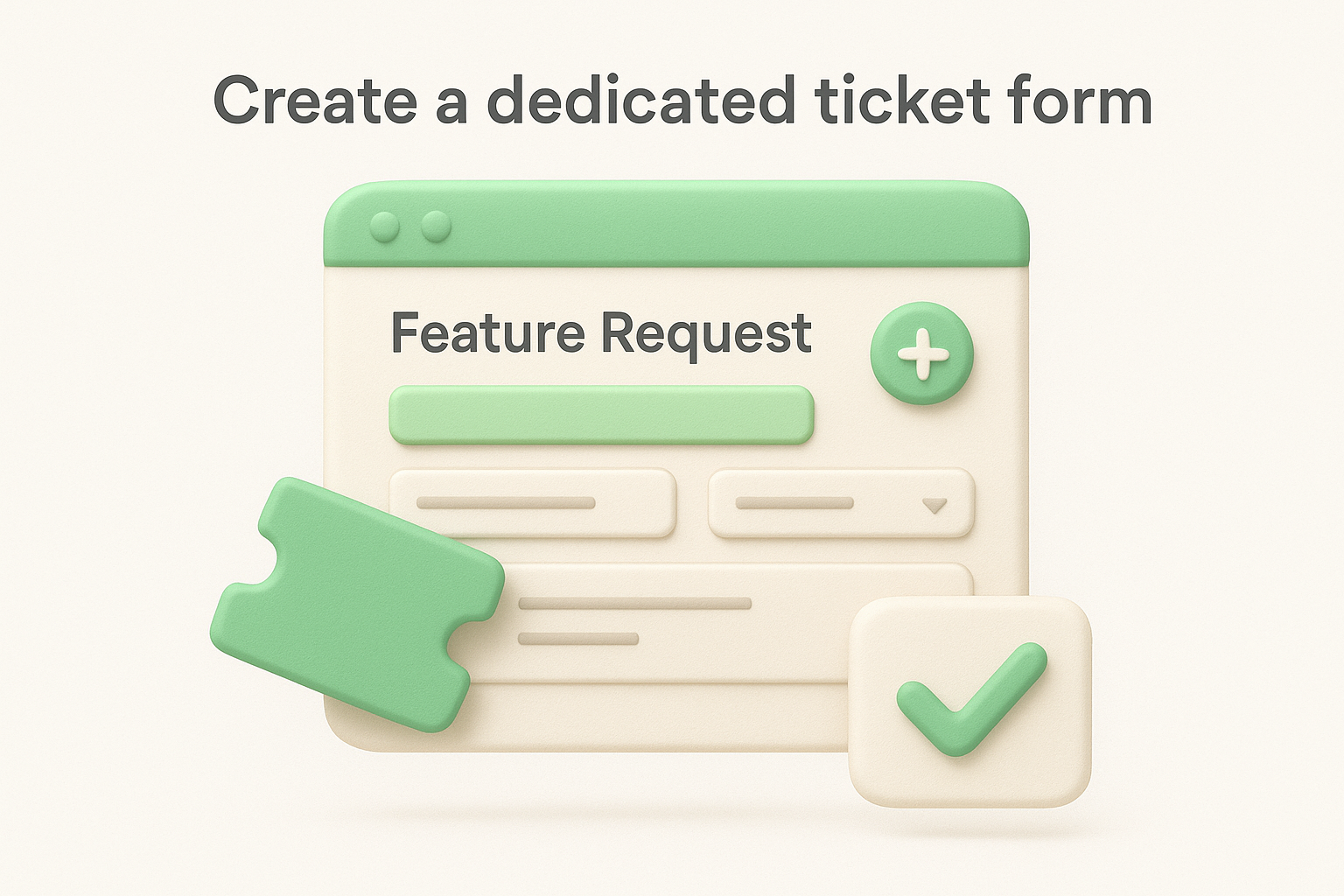
A dedicated form signals to users that their product feedback has its own path, which reduces the chance requests get logged as generic complaints and never reach your product team.
Add these custom fields to your feature request form:
| Field Name | Field Type | Purpose |
|---|---|---|
| Request title | Single-line text | Short, descriptive name for the ask |
| Feature category | Dropdown | Integration, UI/UX, New Feature, Workflow |
| Use case description | Multi-line text | "What are you trying to accomplish?" |
| Business impact | Dropdown | Low, Medium, High |
| Current workaround | Multi-line text | "How do you handle this today?" |
These fields give your product team usable context immediately, without requiring follow-up conversations for every submission.
Once your form exists, you need a Zendesk trigger to route submissions without any manual intervention. Go to Admin Center, then Business rules > Triggers, and create a new trigger. Set the condition to "Ticket form is Feature Request" and add two actions: assign the ticket to a specific group such as "Product Team," and apply a tag like feature-request.
This trigger removes the step where an agent has to read every ticket and manually decide where it goes. Your product team receives feature requests directly, and your support agents stay focused on the issues they actually need to resolve. Without this routing rule in place, submissions will keep landing in the general queue and competing for attention with billing questions and login issues. The combination of a dedicated form and an automated routing trigger is the foundation your entire Zendesk feature requests workflow depends on.
Raw Zendesk tickets almost never arrive in a format your product team can act on directly. A user might write "it would be cool if you could export stuff" and submit it through your feature request form. That sentence has zero context for prioritization. Before any ticket moves from your support queue to your product backlog, someone on your team needs to convert it into a structured, usable request that captures the what, the why, and the who behind every submission.
Every feature request that passes through your Zendesk feature requests workflow should follow a consistent structure before it reaches your product team. Without a standard format, you end up with a backlog full of vague one-liners that no one can compare or rank against each other. Assign one person, typically the support agent handling the ticket or someone in a product operations role, to reformat each submission using this template:
Title: [Verb-noun description, e.g., "Export reports as CSV"]
Submitted by: [User name, plan tier, company size]
Use case: [What the user is trying to accomplish]
Current workaround: [How the user handles this today]
Business impact: [Low / Medium / High]
Related tickets: [Links to similar requests if known]
Notes: [Any relevant context from the conversation]
Write the title as an action, not a question. "Export reports as CSV" is easier to group and prioritize than "Can we export?"
This format gives your product team immediate context without requiring them to read through the original ticket thread. It also makes grouping similar requests far easier when you reach the deduplication step.
Not every sentence in a support ticket belongs in the feature request. Your job at this stage is to extract the core ask and strip out the frustration, workaround descriptions, and off-topic comments. Here is a quick before-and-after example:
Raw ticket: "The reporting is a nightmare. I copy everything into Excel manually every week. Can you add an export button? Also the graphs could be bigger."
Converted request 1: Export reports as CSV. User copies data to Excel manually each week. High business impact. Converted request 2: Increase graph display size in reports. User finds current size difficult to read. Low business impact.
When a ticket contains multiple separate asks, split them into individual requests rather than bundling everything into one entry. Bundled requests are nearly impossible to prioritize and often result in the more important ask getting ignored in favor of the easier one.
Once your team starts converting tickets properly, you'll notice the same requests showing up repeatedly from different users. That's actually valuable signal, but only if you recognize and merge those duplicates before they inflate your backlog. Skipping deduplication means your product team ends up looking at thirty separate tickets asking for the same CSV export instead of seeing one request with thirty votes behind it, which makes it easy to underestimate how much demand actually exists.
Your first task is to identify requests that describe the same underlying ask, even when the wording is different. One user writes "I want to download my data," another writes "export reports as a file," and a third writes "CSV download option." Those are all the same request. Before you add any new ticket to your backlog, search your existing list by keyword and scan for intent overlap.
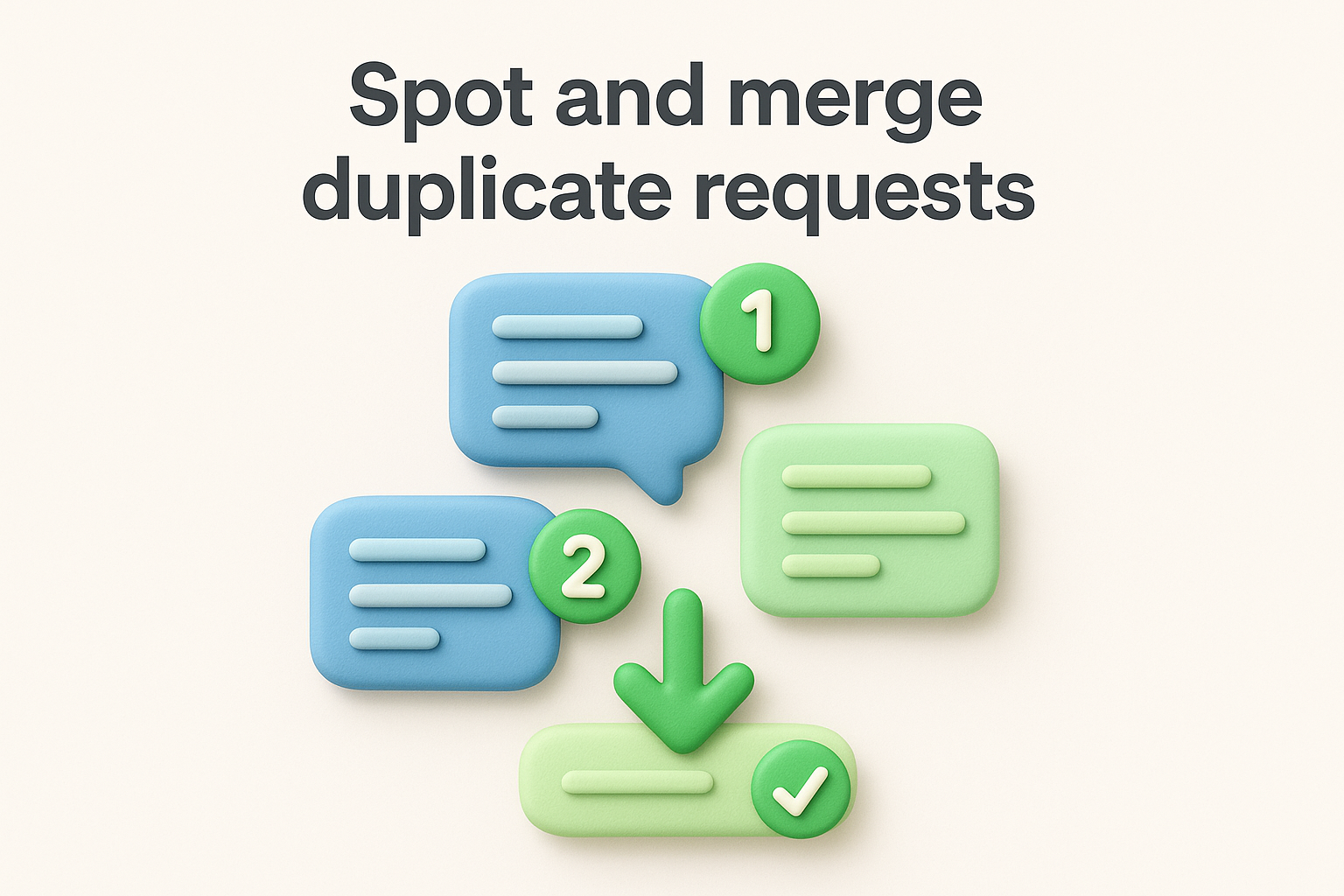
When you consolidate duplicates into a single record, you transform scattered complaints into a measurable demand signal your product team can actually act on.
In Zendesk, use the search and filter functions to pull all tickets tagged feature-request and scan by category. When you find duplicates, link them to a parent ticket, add a note indicating the merge, and tally the total number of users who submitted the same ask. That count becomes a key input when you prioritize in the next step.
Tags only help you if your whole team applies them the same way. Define your tag taxonomy once and document it somewhere your entire support team can access. Here is a straightforward set of tags that covers most Zendesk feature requests workflows:
| Tag | When to apply |
|---|---|
fr-integration |
User wants a third-party tool connection |
fr-ui-ux |
User wants a visual or workflow change |
fr-new-feature |
User wants something that does not exist yet |
fr-permissions |
User wants role or access changes |
fr-reporting |
User wants new data, charts, or export options |
Apply tags at the point of conversion in Step 2, not after the fact. Retroactive tagging is slower and less consistent, and it creates gaps in your reporting data that make it harder to spot trends across a quarter or a product area.
You have a clean, deduplicated, tagged list of Zendesk feature requests. Now you need to decide what to build first. Without a scoring system, prioritization turns into whoever argues loudest in a planning meeting wins. A simple numeric score forces your team to evaluate every request against the same criteria, which means decisions become defensible and repeatable rather than driven by gut feeling or whoever had the most compelling slide deck.
Your scoring matrix needs to capture the factors that matter most to your product decisions. Four variables cover most situations without adding unnecessary complexity. Score each request from 1 to 5 on every factor, then add the scores together for a total out of 20.
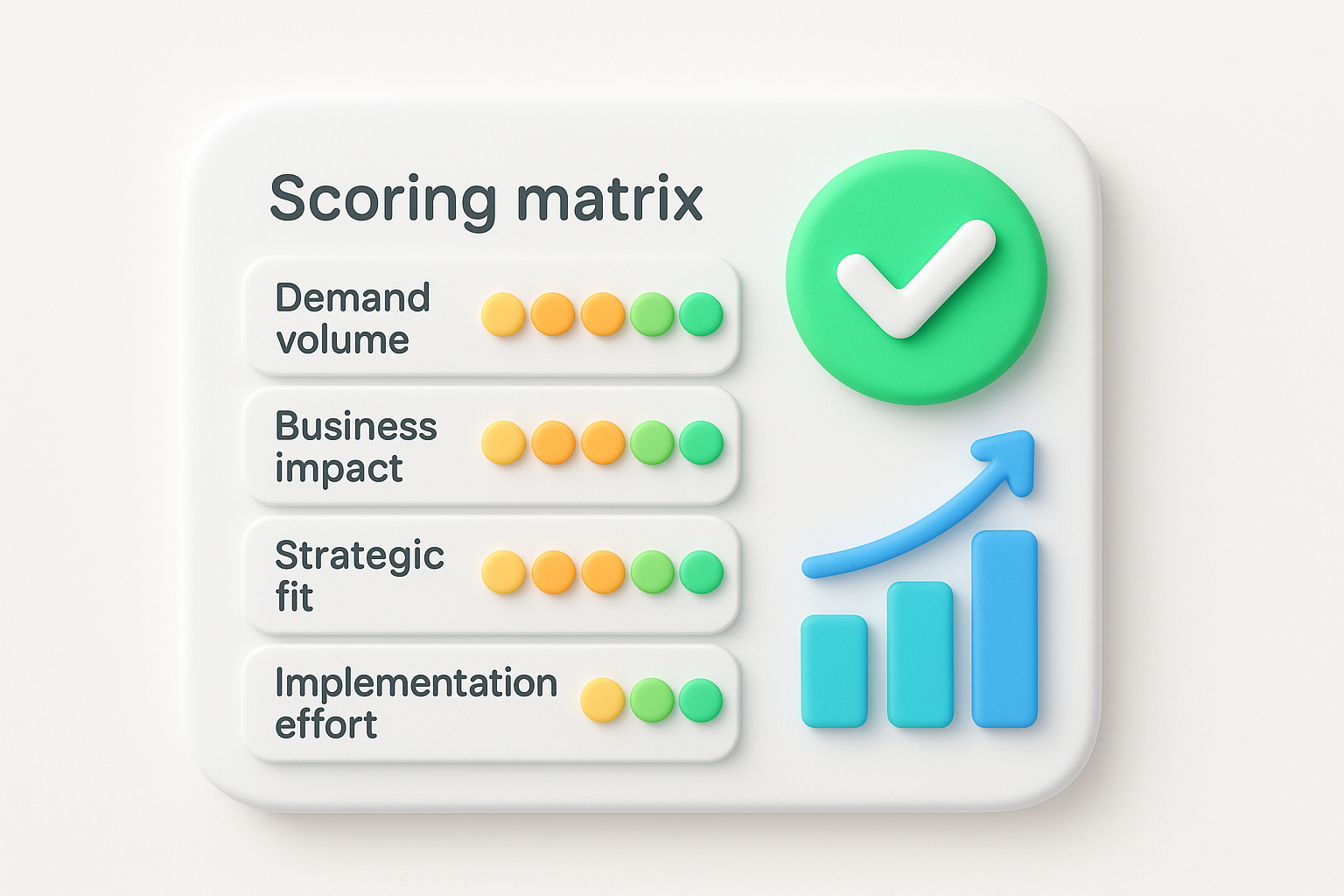
A lower-complexity improvement with strong demand almost always delivers more value than a complex new feature that only a handful of users ever requested.
| Factor | What to measure | Scoring guide |
|---|---|---|
| Demand volume | How many unique users submitted this request | 1-2 users = 1, 3-5 = 2, 6-10 = 3, 11-20 = 4, 20+ = 5 |
| Business impact | How much this affects retention, revenue, or activation | Minimal = 1, Low = 2, Medium = 3, High = 4, Critical = 5 |
| Strategic fit | How closely this aligns with your current roadmap direction | No fit = 1, Weak = 2, Moderate = 3, Good = 4, Direct fit = 5 |
| Implementation effort | How much engineering time this requires | Months = 1, Weeks = 2, ~1 week = 3, Days = 4, Hours = 5 |
Once you have scored every request, sort your backlog from highest to lowest total score. Requests that score 16 or above deserve serious consideration for your next sprint or planning cycle. Anything below 8 should stay in the backlog until demand or strategic fit changes.
Run this scoring exercise with your product team every two weeks or every sprint cycle, not once and never again. Demand shifts as your user base grows, and a request that scored 6 three months ago might score 14 today because ten more users submitted the same ask through your support queue. Keeping scores updated ensures your prioritization reflects current reality, not a snapshot from last quarter.
Capturing and prioritizing Zendesk feature requests only creates value if users actually hear back from you. Most teams skip this step entirely, which means users who submitted requests never know whether their feedback was read, ignored, or shipped. That silence damages trust faster than a slow roadmap ever will. Closing the loop turns a one-way feedback collection process into an ongoing conversation that keeps users engaged with your product.
Your status update message needs to be short, specific, and tied directly to the original request. Users don't need a product announcement, they need confirmation that their specific ask was heard and acted on. Use this template when you're ready to notify a user about a request they submitted:
Subject: Update on your feature request: [Request Title]

Hi [First Name],

You submitted a request for [brief description of the feature].

Here's where things stand: [one of the following]
- We shipped this in [version/date]. Here's how to use it: [link or description].
- This is on our roadmap and planned for [quarter/timeframe].
- We've reviewed this request and won't be building it right now because [brief reason].

Thank you for the feedback. It directly shapes what we build next.

[Your Name]
[Team Name]
The "won't build" message matters as much as the "we shipped it" message. Users respect honesty far more than silence.
You don't need to reply to every ticket manually. Set up a Zendesk macro for each status type so your team can send a consistent, well-written update in two clicks. Go to Admin Center, then Workspaces > Macros, and create three macros: one for shipped features, one for roadmap additions, and one for declined requests. Each macro should update the ticket status and add a tag like fr-shipped, fr-roadmap, or fr-declined automatically when applied.
Pair this with a public roadmap tool that lets users see planned, in-progress, and completed features without submitting a support ticket at all. When users can check roadmap status themselves, your support queue shrinks and your team spends less time answering "any update on this?" follow-ups. Proactive communication reduces support volume while reinforcing that your team actually listens to user feedback.
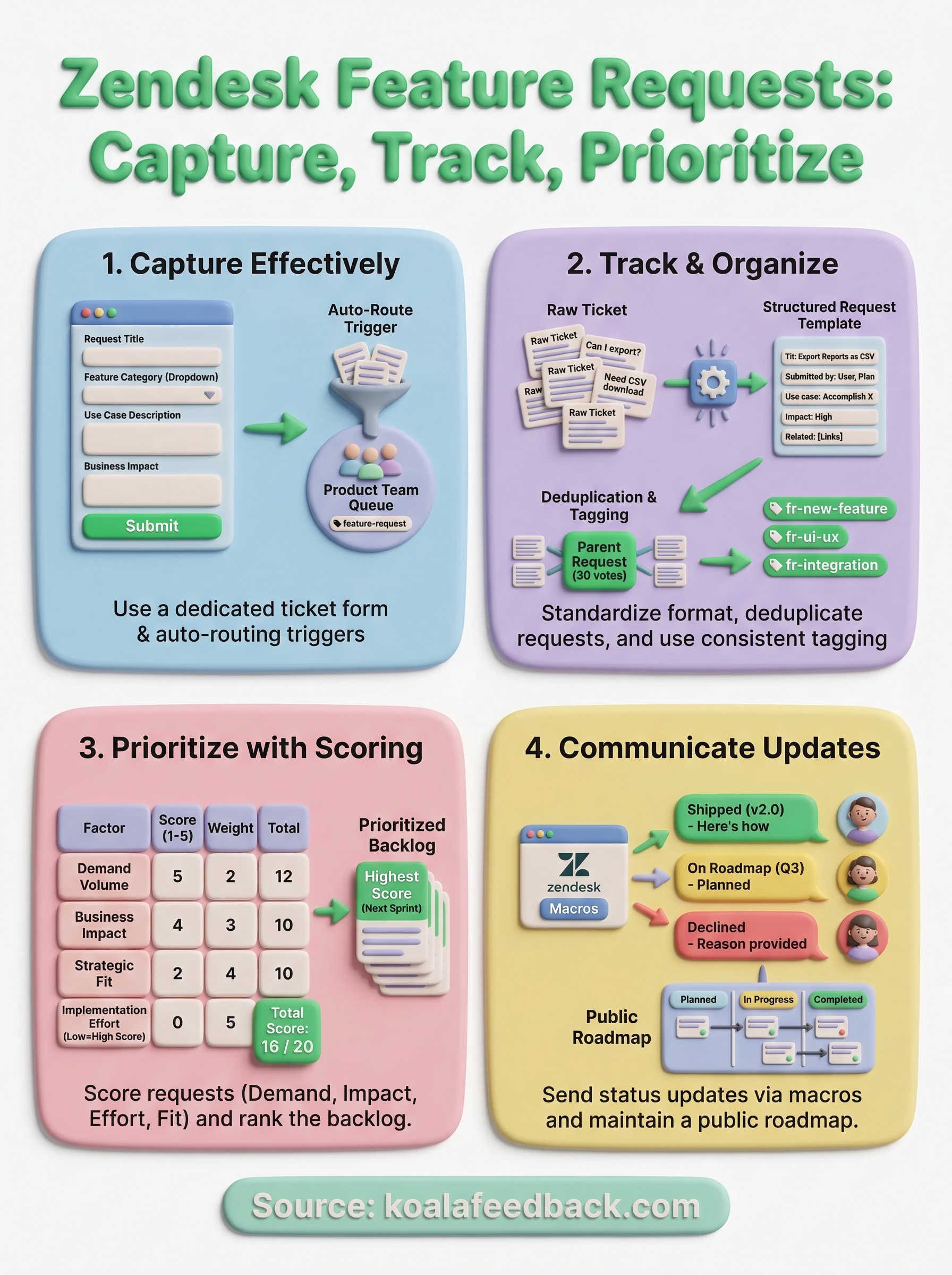
You now have a complete system for handling Zendesk feature requests from intake to follow-up. Start with the ticket form and routing trigger in Step 1, then build the conversion and tagging habits before you touch prioritization. Trying to score requests you haven't properly organized yet wastes time and produces unreliable results.
Once your Zendesk workflow is running, the biggest remaining gap is usually visibility. Users submit feedback, but they have no way to see where their request stands unless you manually reply to each ticket. That's where a dedicated feedback tool fills the gap. Koala Feedback gives you a public-facing portal where users can submit ideas, vote on existing requests, and track roadmap progress without emailing your support team. It pairs directly with the Zendesk workflow you've built here, so nothing gets lost and your users stay informed at every stage.

Start today and have your feedback portal up and running in minutes.

