Canny is one of the more established tools in the product feedback space. If you've been researching canny product feedback solutions, you've probably seen it mentioned across review sites, comparison posts, and community threads. It promises to help teams collect feature requests, prioritize what to build, and keep users in the loop through public roadmaps. But is it the right fit for your team and budget?
That depends on what you actually need. Canny covers a lot of ground, but its pricing structure and feature set don't work equally well for every team. Some product managers and SaaS founders find it perfect. Others hit limitations, especially around cost at scale or customization options, and start looking elsewhere.
This article breaks down Canny's core features, walks through its pricing tiers, and compares it against alternatives worth considering, including our own platform, Koala Feedback. We built Koala Feedback to solve many of the same problems Canny addresses: centralizing user feedback, prioritizing requests, and sharing product roadmaps. So we know this space well, and we'll give you a straightforward look at where Canny shines and where other tools might serve you better.
Canny is a product feedback management platform built to help teams collect, organize, and act on input from their users. It connects the gap between customer requests and your development roadmap by letting users submit ideas, vote on existing requests, and follow progress through a public-facing roadmap. Founded in 2017, it has grown into one of the more recognized names in the feedback tool category, particularly among SaaS companies that want a dedicated home for feature requests instead of a pile of spreadsheets and support emails.
Canny centers its product around three activities: capturing feedback, organizing it, and communicating status back to users. People submit feature requests through a public or private portal, and your team tags, merges, and prioritizes those submissions inside a backend board. When a request moves forward, Canny updates its status on a public roadmap and automatically notifies everyone who voted on it.
The platform also connects to tools like Slack, Jira, and Intercom, letting you pull feedback from conversations happening outside the portal. That integration layer matters because most feedback doesn't arrive through a dedicated form. It shows up in support chats, sales calls, and community threads, and Canny tries to funnel all of that into one centralized view.
Centralizing feedback collection is often the first real step toward better product decisions, and Canny's integrations make that practical for distributed teams.
Product managers at mid-size SaaS companies tend to benefit most. If you're handling a steady volume of feature requests and need a way to show users their voice matters, Canny's voting system and roadmap visibility create genuine value. Teams already using Jira for sprint planning also benefit from the native sync, which cuts down on manual status updates between tools.
Customer-facing teams at B2B companies find real use here too. Support and success reps can log feedback from calls directly into Canny, linking it to specific customer accounts. That connection helps prioritization because you can see not just how many users want something, but which accounts, and what their revenue looks like.
Smaller teams and early-stage startups often hit Canny's pricing as a barrier first. The free plan is limited, and the jump to paid tiers adds up fast for a lean team that only needs basic feedback collection and a simple roadmap. You can end up paying for functionality you won't use for months.
White-label customization is another common friction point. Canny allows logo uploads and color adjustments, but if you need your feedback portal to feel fully native to your product, the options feel constrained. Teams building polished customer-facing experiences often find that visible Canny branding undercuts the experience they want to deliver.
When evaluating canny product feedback tools as a category, knowing Canny's intended user helps frame the decision. It was built for a product manager at a growing SaaS company with an active user base and a budget to match. If that describes your situation, the fit is strong. If you're outside that profile, the alternatives are worth a close look before you commit.
Canny organizes its feature set around one core idea: give users a place to speak and give your team a place to listen. Most of the functionality you encounter when exploring canny product feedback tools sits inside three main areas: feedback collection, prioritization, and roadmap communication. Understanding each one helps you judge whether Canny's specific implementation matches what your workflow actually needs.
Canny's feedback boards are the starting point for everything. Users submit requests directly through a public or private portal, and other users can vote on submissions they care about. That voting data gives your team a rough signal of demand without requiring surveys or manual aggregation. You can also merge duplicate requests, which cleans up the board and consolidates votes so you're not splitting interest across five versions of the same idea.
Voting alone doesn't tell the whole story, but it gives you a defensible starting point when deciding what to build next.
Boards can be organized by product area, team, or customer segment. That flexibility matters as your request volume grows. A single flat list of requests becomes hard to manage quickly, and Canny's board structure lets you keep feedback tied to context.
The public roadmap in Canny connects directly to your feedback boards. When a request moves through statuses like "planned," "in progress," or "complete," Canny automatically notifies every user who voted on it. That closed-loop communication reduces the volume of "any update on this?" messages your team fields from users, and it builds credibility with your audience over time.
Your team controls which items appear publicly and which stay internal. That separation is useful when you're working on something sensitive or not ready to announce timelines.
Canny connects to tools like Slack, Jira, and Intercom, pulling feedback from conversations that happen outside the portal. That matters because most feedback surfaces in support tickets and chat threads, not in dedicated forms. The Jira sync in particular helps teams avoid double-entry by linking Canny requests to active tickets, keeping status updates in sync automatically.
On the admin side, you can tag feedback by customer segment, attach revenue or account data to requests, and filter boards by company size. Those controls turn raw feedback into structured data your team can actually rank and defend in planning sessions.
Understanding the feature list for canny product feedback tools only gets you so far. What matters more is how those features connect inside a real workday. Canny's workflow follows a fairly clear sequence: feedback comes in, your team reviews and organizes it, decisions get made, and users hear back. Each step has a distinct set of actions, and knowing the rhythm helps you spot where Canny fits your process and where it might create friction.
Canny gives you a public-facing portal where users submit requests directly. You embed a link to it from your app, docs, or help center, and users land on a page where they can post ideas or vote on existing ones. That's the cleanest path. But Canny also lets your team log feedback manually on behalf of users, which matters for feedback that surfaces during a support call, a sales demo, or a customer success check-in. Your reps capture the request and attach it to the right customer account inside Canny, keeping that data from getting lost in email threads.
The manual logging feature makes Canny useful beyond just the portal, since most meaningful feedback rarely arrives through a single channel.
Once feedback lands in Canny, your internal triage process begins. You review incoming submissions, merge duplicates, and assign tags or board categories. Canny surfaces which requests have the most votes and lets you filter by segments like company size or account revenue, so you're not treating a request from a free-tier user the same as one from your largest enterprise customer. That segmentation layer is where Canny pulls ahead of simpler tools. You can walk into a planning meeting with a ranked list of requests tied to real business context, not just a raw vote count.
After your team decides what to build, Canny handles status updates automatically. You move a request from "planned" to "in progress" to "complete," and Canny notifies every user who voted on it without any manual outreach from your side. That automated loop reduces the back-and-forth of individual status emails and keeps users engaged with your roadmap. Your public roadmap page reflects those changes in real time, giving users a single place to check progress instead of sending your support team repeated questions about release timelines.
Canny uses a tiered pricing model that starts with a limited free plan and moves into paid options for growing teams. If you're evaluating canny product feedback tools based on cost, the structure matters as much as the number itself, because what each tier unlocks determines whether the tool earns its place in your budget at your current stage.
The free plan gives you access to basic feedback boards and voting, but it comes with meaningful restrictions. You're limited on the number of tracked users, and several key features, including advanced integrations and admin segmentation controls, sit behind a paywall. For a solo founder doing light feedback collection, the free tier might be enough to start. Most product teams hit its ceiling quickly once user volume grows and you need more than a simple vote list.
Moving to a paid plan unlocks priority support, deeper integrations, and a broader set of admin tools. The Growth tier opens connections to Jira and Intercom, which matters if your team already runs planning inside those tools. The Business tier adds custom roles, private boards, and more granular admin controls, the features that enterprise-adjacent teams typically need before scaling their feedback operations. Always check Canny's current pricing page directly before committing, since third-party comparison posts often carry figures that lag behind actual rates.
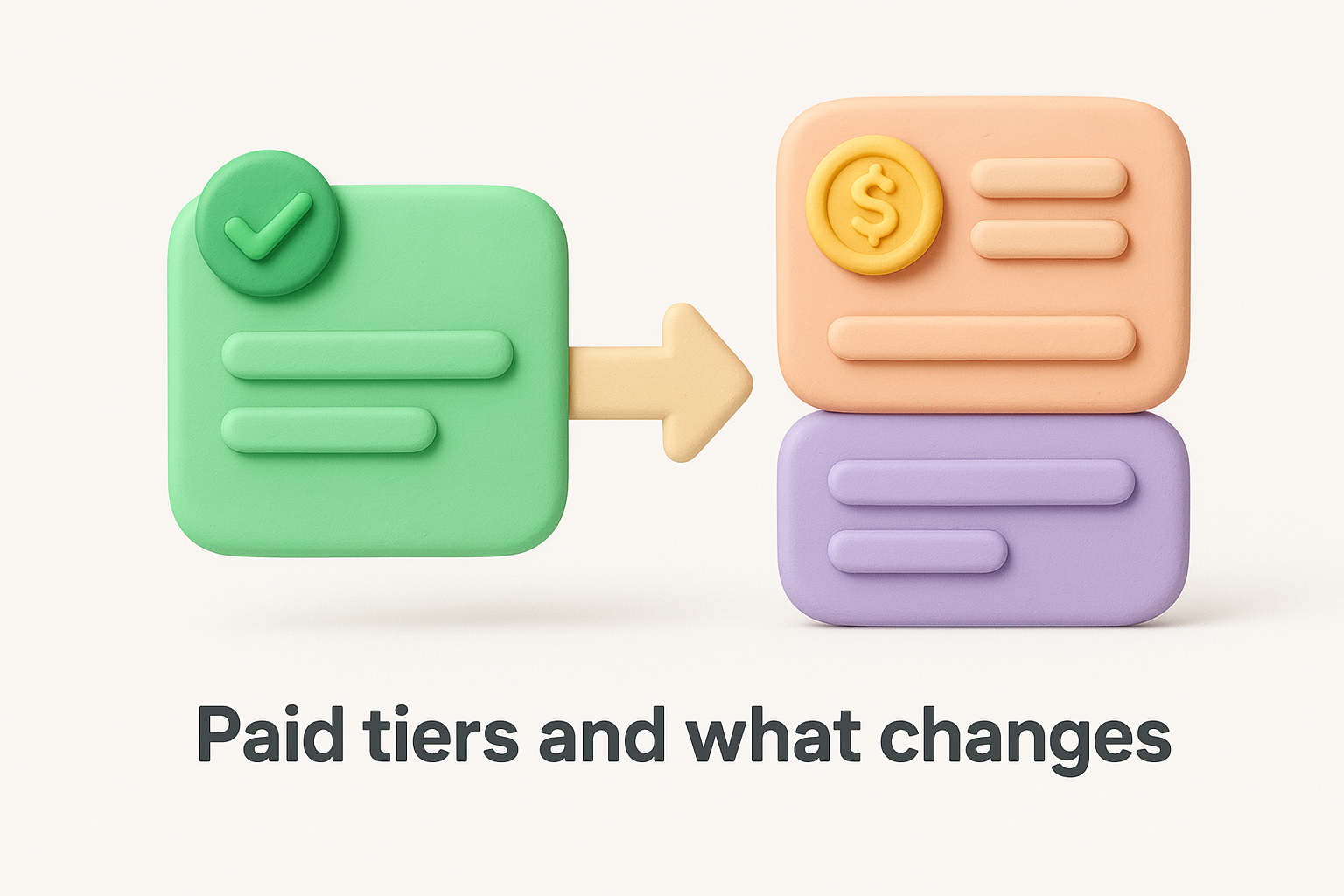
Canny's pricing scales with the number of tracked users and admins, so teams with large user bases can see costs climb faster than expected.
Your team size and feature requirements determine whether the cost makes sense. If you need advanced segmentation, Jira sync, and private boards, the higher tiers justify the price for many B2B product teams. But if you're paying for those features while only using the basic board and roadmap, the value equation weakens considerably.
Smaller SaaS teams and early-stage startups often find the jump from free to paid feels steep relative to what they unlock at that level. That's typically where alternatives start to look practical, not because Canny is overbuilt, but because its pricing model assumes a team size and user volume you may not have yet. Knowing that ceiling ahead of time helps you avoid committing to a plan that outpaces your current stage.
When teams compare canny product feedback platforms, the comparison usually splits into two categories: dedicated feedback tools versus general project management tools stretched to handle feedback. Knowing which category each tool belongs to helps you set accurate expectations before you commit time and budget to a platform.
Jira is a project management and issue-tracking tool, not a feedback platform. Some teams try to adapt it for feature request tracking by creating custom issue types or a dedicated "feature request" project, but that setup creates friction quickly. Jira's interface is built around engineering workflows, and it lacks native voting, public portals, and the user-facing roadmap display that makes dedicated feedback tools worth having. Canny and Jira were never meant to compete directly, which is exactly why Canny built a direct integration between the two.
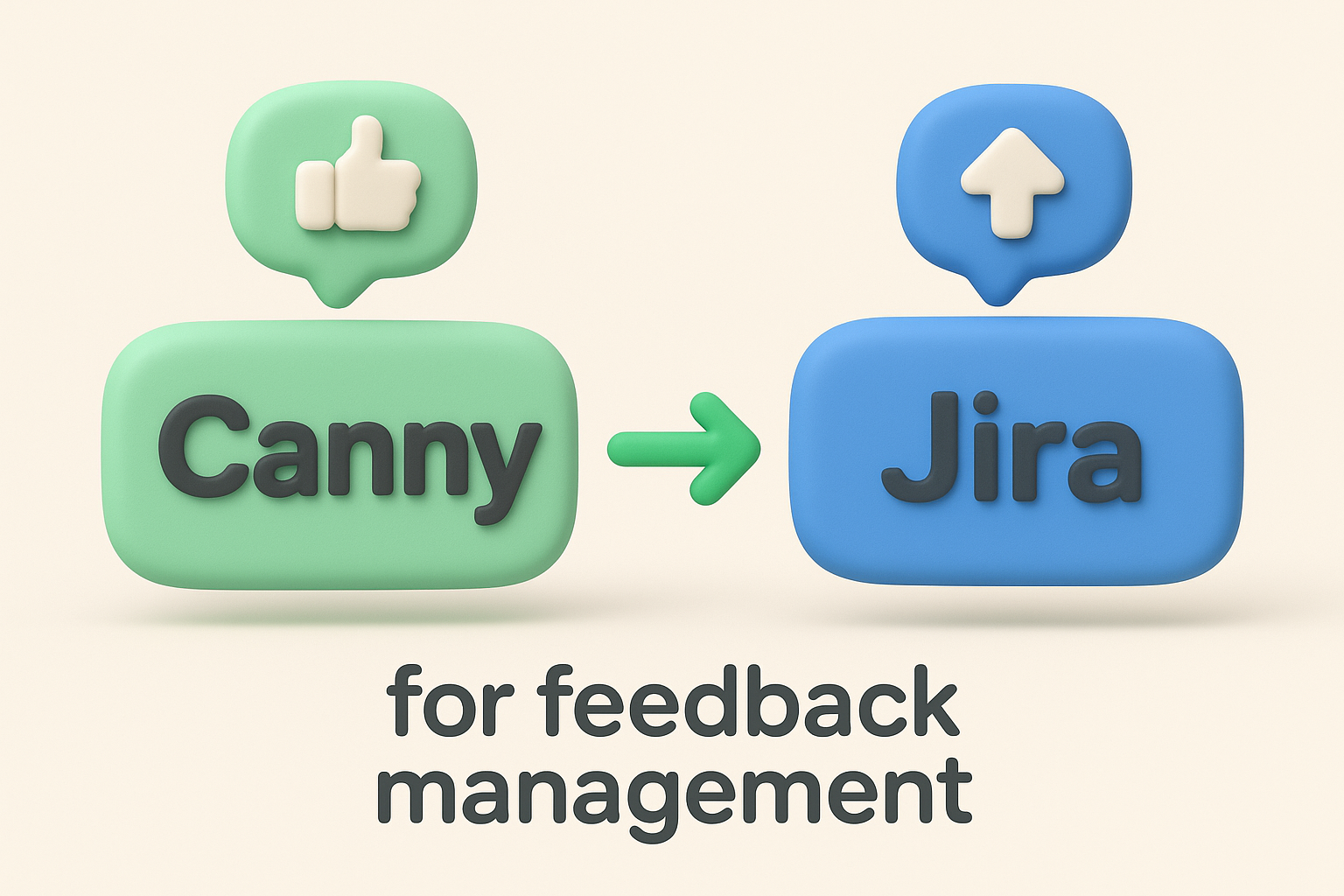
When your team connects Canny to Jira, status changes in Jira push back to Canny automatically. Your engineering team moves a ticket from "in progress" to "done" in Jira, and Canny updates the corresponding feedback request and notifies every user who voted on it. That sync removes the manual work of bridging two systems, and it keeps your public roadmap accurate without requiring a product manager to update it separately after every sprint.
Canny handles the customer-facing side of feedback collection and roadmap communication, while Jira handles engineering execution. Using both together gives your team a cleaner handoff between user input and sprint planning.
Dedicated feedback platforms share more functional overlap with Canny than Jira does, since they serve the same core purpose. The differences between them come down to pricing structure, customization depth, and how each platform handles user notifications and roadmap display. Some tools price more aggressively for smaller teams. Others give you fuller control over branding and portal appearance, which matters when your feedback portal needs to look like a native part of your product rather than a third-party add-on.
Canny's edge in this comparison comes from brand maturity and integration polish. Its connections to Slack, Jira, and Intercom tend to be more reliable and feature-complete than what you get from newer entrants in the category. The trade-off is that this polish comes with a pricing model built for teams at a certain scale. If your team has not yet reached that scale, or if you need deeper customization control over your portal's look and feel, the comparison shifts and other tools start to close the gap in ways worth examining closely.
The market for canny product feedback tools has expanded enough that you have real options, not just Canny with a different logo. The choice between them comes down to three things: what stage your team is at, what you actually need the tool to do, and what you're willing to pay before the product earns its place in your stack. Picking the wrong tool early costs more in migration time than the subscription price ever would.
Before you evaluate any alternative, define what Canny is not giving you. Is the friction about price, customization limits, user volume caps, or missing integrations? Your answer narrows the field fast. Teams switching because of cost should look for tools with transparent flat-rate pricing rather than per-tracked-user models that scale unpredictably. Teams switching for customization reasons should confirm that the alternative lets you apply your own domain, colors, and logo without visible third-party branding bleeding through.
Knowing your specific reason for switching before you start a trial saves you from evaluating features you don't need and missing the ones you do.
Use this list to frame your evaluation before you start comparing platforms:
Koala Feedback was built to handle the same core workflow that Canny covers: centralizing feedback, organizing requests, and keeping users informed through a public roadmap. The key difference is that it targets product teams who want that functionality without the pricing complexity tied to user volume or admin seat counts. If your team is earlier stage, growing fast, or just needs a cleaner cost model, that framing matters.
The platform gives you feedback boards with voting, categorization, and a public roadmap that reflects real-time status changes. Customization goes further than basic color adjustments, so your feedback portal can look like it belongs inside your product rather than sitting beside it. If those gaps are what pushed you to start comparing tools in the first place, Koala Feedback is worth adding to your shortlist.
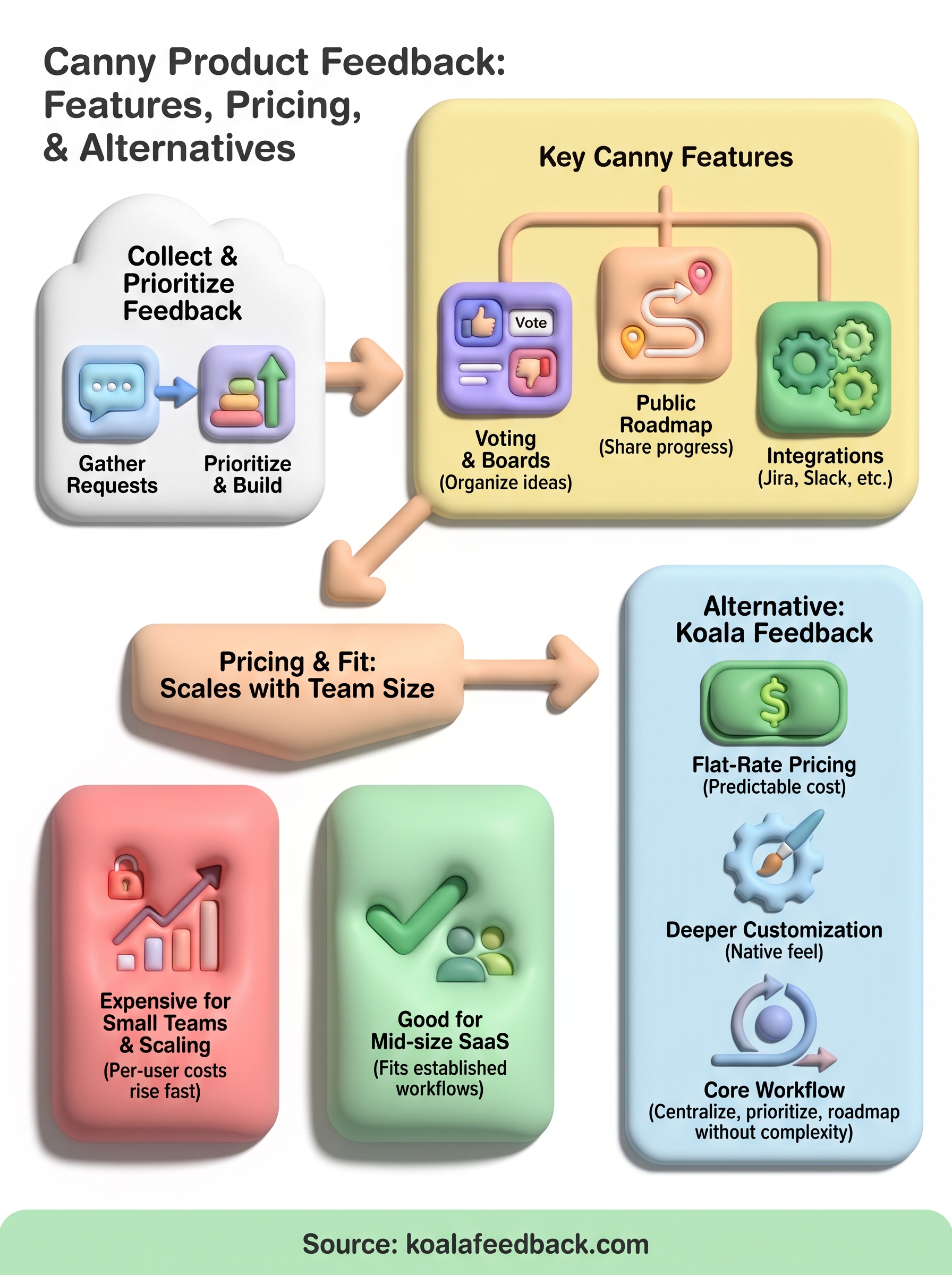
Canny is a solid tool for the right team. If you manage product feedback at a mid-size SaaS company, need reliable integrations with Jira and Intercom, and have a budget that matches its pricing model, it covers the workflow well. The voting system, automated roadmap updates, and feedback segmentation give product managers a real foundation for making defensible build decisions.
Where canny product feedback tools like Canny fall short is for teams at earlier stages or those who need deeper customization without paying for features they won't use yet. That gap is exactly what Koala Feedback was built to fill. You get centralized feedback collection, prioritization boards, and a public roadmap without the pricing complexity tied to user volume. If you've been evaluating Canny and hit a wall on cost or customization, Koala Feedback gives you a direct alternative worth trying before you commit to a plan that outpaces your current stage.

Start today and have your feedback portal up and running in minutes.

