You know you need customer feedback, but staring at a blank survey template or an empty review request email is tougher than it should be. Should you ask an open ended question or something more specific? Do you thank an angry customer the same way you thank a happy one? Looking at a real example of customer feedback before you write your own saves you from guessing.
That's exactly what this list gives you. Below you'll find examples of customer feedback pulled from actual reviews, support tickets, survey responses, and feature request threads, each one broken down so you can see what makes it useful, actionable, or worth responding to. You'll also see how businesses turned raw comments into real product decisions instead of letting them sit in an inbox.
We cover twelve situations: praise, complaints, feature requests, NPS responses, and more, so you have a sample of customer feedback for nearly any channel you collect from. By the end, you'll have concrete templates for asking better questions, categorizing what comes in, and responding in a way that keeps customers talking to you instead of walking away quietly.
A dedicated feedback portal is where customers post ideas directly, instead of burying them in a support ticket or a tweet you'll never see again. This is the format most product teams recognize immediately because it's built for exactly one purpose: collecting structured requests you can act on.
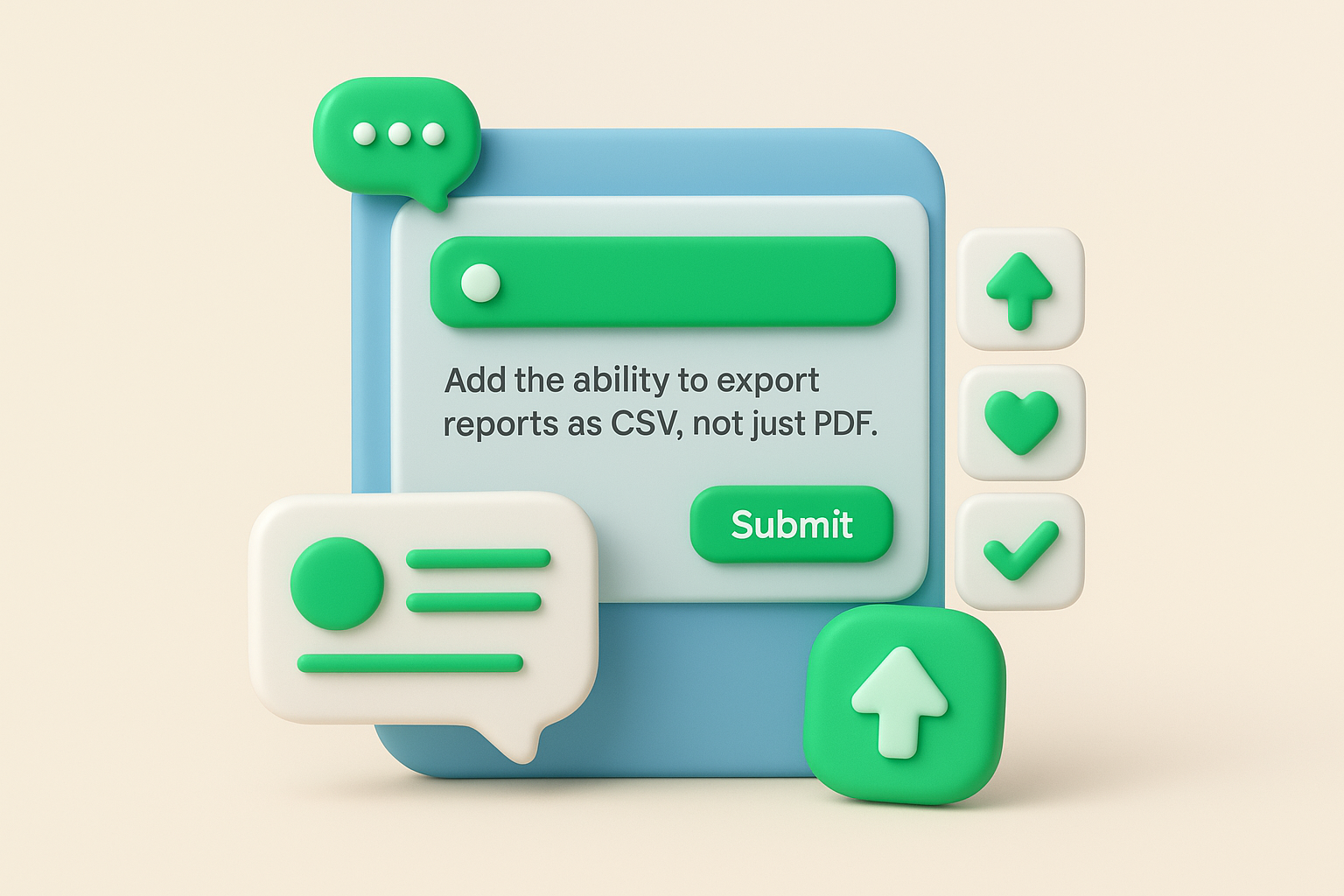
A typical submission reads something like: "Add the ability to export reports as CSV, not just PDF. I need to hand these to my finance team every month and reformatting PDFs manually is a pain." Other users then upvote it, and some add comments like "Same here, we'd use this weekly" or "Would also want scheduled exports, not just on-demand." This kind of thread shows you the request, the reasoning behind it, and how many people share the same problem, all in one place. Compare that to a single email complaint, and you can see why portals produce a richer sample of customer feedback than most other channels.
Voting and comment counts turn opinions into data. Instead of guessing which feature matters most, you can rank requests by demand and see the actual use case behind each one. This transparency also works both ways: customers can see their idea was heard, even before you build it, which reduces the "I already asked for this and nothing happened" frustration that drives churn.
A feedback portal turns scattered opinions into a ranked list you can actually act on.
Portals also naturally deduplicate similar requests when the tool groups them for you, which makes collecting, prioritizing, and shipping requests far less manual than cross-referencing five different phrasings of the same ask.
Setting one up doesn't require building anything from scratch, and there are plenty of proven methods for SaaS teams to borrow from. Here's a simple workflow that works for most product teams:
Koala Feedback's feedback portal handles the categorization and voting automatically, so submissions land in the right board without manual sorting. Ultimately, the goal isn't just collecting requests, it's building a visible record that customers trust enough to keep contributing to.
Online reviews are the customer feedback everyone sees, whether it's on Google, Capterra, G2, or the App Store. Unlike a portal submission, the customer isn't asking you for something. They're telling the world what they already think, which makes this example of customer feedback both more public and more permanent.
A typical five-star review reads: "Switched from a spreadsheet to this tool last month and can't believe we waited so long. Setup took twenty minutes and support answered a question within the hour." A two-star review might say: "Good idea, but the mobile app crashes every time I try to upload a photo. Fix this and I'd rate it higher." Both are short, specific, and public, and both name a concrete detail (setup time, a crash) rather than a vague impression.
Reviews carry weight with prospective customers precisely because they're unsolicited and visible. A pattern across ten reviews mentioning the same bug tells you more than one support ticket ever could. Star ratings also give you a rough public sentiment score over time, letting you track whether a product update moved perception up or down.
One review rarely means much, but ten reviews repeating the same complaint is a roadmap item.
Don't wait passively for reviews to appear. Build a habit around requesting and responding to them:
Feeding review themes into a structured board, like the ones inside Koala Feedback's prioritization boards, keeps public complaints from disappearing once the review is posted.
Net promoter score, or NPS, is one of the CSAT, NPS, and CES formats worth knowing, and it asks one question: "How likely are you to recommend us to a friend or colleague?" on a 0 to 10 scale, followed by an optional "why did you choose this score?" field. It's the fastest example of customer feedback to collect because most customers answer in under thirty seconds, yet the follow-up comment often reveals more than a five-paragraph review would.
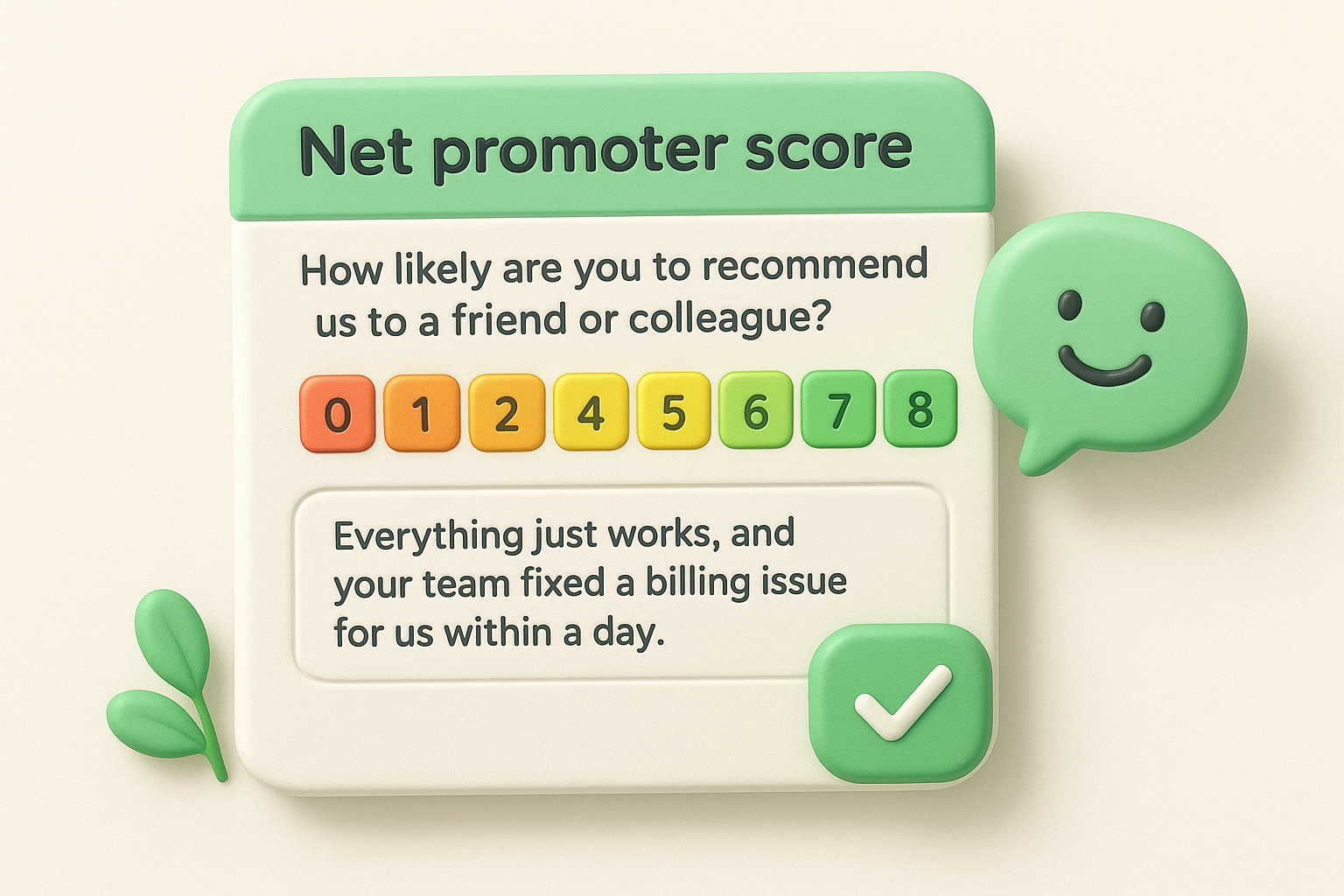
A promoter (score of 9 or 10) might write: "Everything just works, and your team fixed a billing issue for us within a day." A passive (7 or 8) might say: "It does what we need, but the onboarding docs are thin." A detractor (0 to 6) often leaves something blunt: "Too expensive for what it does, and I've asked twice for a feature that competitors already have." Each score maps to a different urgency level, and the comment attached tells you exactly why.
Scores alone tell you almost nothing useful. The comment field is where the real sample of customer feedback lives, because it explains the number instead of leaving you to guess. Tracking NPS over time also shows whether a specific release moved sentiment, which single reviews or support tickets can't do as cleanly.
A number tells you how someone feels, but the comment tells you why, and why is what you can actually fix.
Run NPS quarterly rather than constantly, since over-surveying tanks response rates. Once responses come in:
Routing detractor comments straight into Koala Feedback's boards keeps low scores from becoming forgotten complaints.
Customer satisfaction, or CSAT, asks a narrower question than NPS: "How satisfied were you with [this specific interaction, purchase, or feature]?" usually on a 1 to 5 scale. Where NPS measures loyalty to the whole brand, CSAT measures a single moment, which makes it one of the more precise examples of customer feedback you can collect right after something happens.
A customer who just closed a support ticket might rate the interaction a 5 and add: "Fixed my login issue in ten minutes, no back and forth needed." Someone who just finished onboarding might rate it a 2 with: "The setup wizard skipped a step and I had to email support to figure out why my data wasn't syncing." Because CSAT surveys fire immediately after an event, the comments stay specific to that moment instead of blending into general brand impressions.
CSAT pinpoints exactly which touchpoint is working and which one isn't. A low satisfaction score tied to onboarding tells you something different than a low score tied to billing, and each points to a different team to fix it. Tracking CSAT by touchpoint over months also shows whether a redesign or process change actually improved the experience it targeted, which is the heart of a working customer satisfaction feedback loop.
CSAT tells you which specific moment broke, not just that something, somewhere, went wrong.
Trigger CSAT surveys automatically right after the relevant event, not on a fixed schedule, and start from ready-made satisfaction survey templates rather than a blank builder:
In-app surveys pop up while a customer is actively using your product, not days later in an email they'll ignore. A short question appears in a corner or modal, tied to a specific screen or action, which makes this example of customer feedback feel less like an interruption and more like a quick check-in.
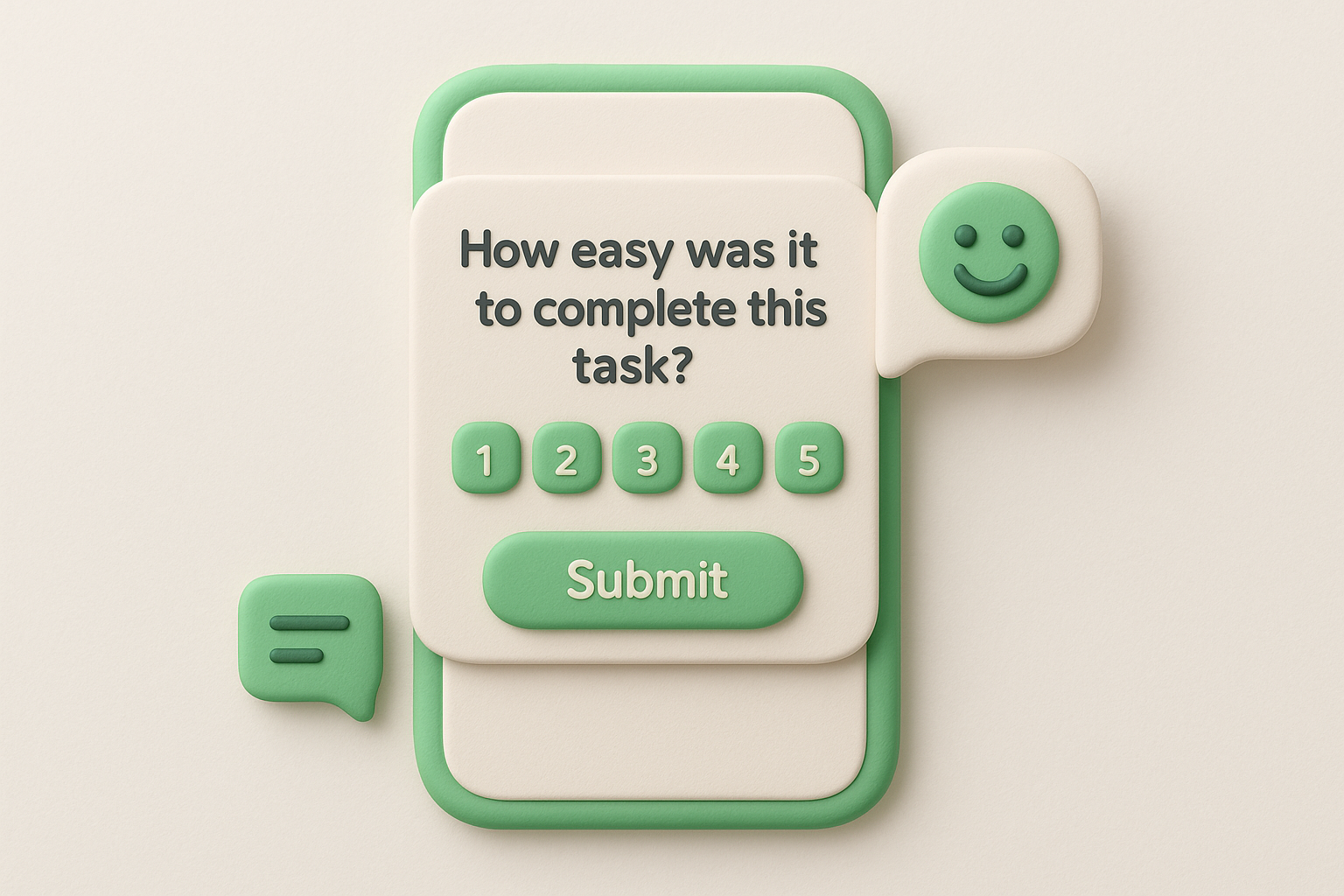
A typical prompt might ask: "How easy was it to complete this task?" with a 1 to 5 scale, triggered right after a user finishes setting up an integration. A response might read: "3, took longer than expected because I couldn't find where to add my API key." Another common format is a single open text box: "What's missing from this page?" which often surfaces answers like "I wish I could bulk edit these instead of one at a time." These are short, but they're tied to the exact screen the customer was on, which is something a general survey can't replicate.
Context is what makes in-app feedback different from every other sample of customer feedback on this list. You already know which feature, page, or flow triggered the response, so there's no guessing about what the comment refers to. Response rates also tend to run higher than email surveys, since the customer is already engaged and the ask takes seconds.
Feedback tied to the exact screen someone was on beats a general survey every time, because you already know what they're reacting to.
Keep the surveys short and targeted:
Every ticket, chat transcript, and call log your support team handles is packed with unsolicited feedback that never touches a survey tool. Customers say things mid-conversation they'd never bother typing into a form, which makes support interactions one of the richest sample of customer feedback sources most teams underuse.
A chat transcript might include a customer typing: "While I've got you, is there any way to duplicate a project instead of rebuilding it from scratch each time?" buried in the middle of an unrelated password reset conversation. A call log note might read: "Customer mentioned they almost canceled last month because the reporting export was too limited, glad we resolved it." Neither comment was solicited. Both surfaced because a human was listening during a routine interaction, not because anyone ran a survey.
These comments carry less filter than survey responses because the customer isn't answering a prompt, they're just talking. Support tickets often mention feature gaps, confusion points, and near-churn moments that customers would never volunteer in a formal review. Agents also hear the same offhand complaint repeated across dozens of tickets, which is a signal worth tracking even when no single customer thought it was worth escalating.
The best feedback often shows up as a side comment in a support chat, not an answer to a survey question.
Build a habit around capturing this instead of letting it evaporate after each ticket closes:
Routing these into Koala Feedback's boards keeps support-sourced ideas from staying trapped in a help desk tool nobody else on the product team opens.
Customers tag your brand on X, comment on your Instagram posts, or drop a complaint in a Facebook comment thread long before they'd ever open a support ticket. Social platforms turn every post into a potential feedback channel, and because replies are public, this example of customer feedback carries an audience beyond just your team.
A tweet might read: "@yourbrand loving the new dashboard but why did you remove the dark mode toggle? Bring it back." A comment on a product announcement post might say: "Finally! Been waiting for this since March, thank you." Direct messages tend to be blunter: "This is the third time I've had this bug, considering switching." None of these came through a survey. They showed up because someone had a reaction and typed it where their followers could see it too.
Social comments are unfiltered in a way formal surveys rarely are, since there's no prompt shaping the response. Public visibility also raises the stakes: a slow or dismissive reply damages trust in front of everyone watching, while a fast, specific fix builds it. Volume matters here too, and it's part of why listening to customers pays off: a dozen mentions of the same missing feature within a week signals urgency that a single support ticket wouldn't.
A complaint posted publicly and ignored costs you more than the complaint itself, it costs the audience watching how you respond.
Don't rely on scrolling manually through mentions:
Feeding these mentions into Koala Feedback's prioritization boards keeps public complaints from disappearing into a feed nobody revisits.
Email feedback shows up unprompted, in reply to a newsletter, a receipt, or even a shipping notification. Nobody asked a question, but the customer had something to say and your inbox was the easiest place to say it. This example of customer feedback tends to be longer and more personal than a survey response, since the customer took the time to write it themselves.
A typical email might start: "I wasn't going to write in, but I've used your product daily for six months and wanted to flag something." What follows is often a mix of praise and a specific request, like: "The reporting feature saved my team hours, but I keep hitting a limit on how many filters I can apply at once." Other emails arrive shorter and sharper, replying directly to a receipt with just: "Cancel my subscription, the price increase wasn't communicated clearly." Both are unstructured, but both carry real signal buried in the prose.
Emails capture context a form field can't. Long-form replies often explain the backstory behind a request, not just the request itself, which helps you understand the actual use case instead of a stripped-down summary. Because the customer chose to write rather than click a rating, these emails also tend to come from more engaged users, the ones worth listening to closely.
A customer who takes the time to write you an email is telling you they still care enough to be heard.
Don't let these sit unanswered in a shared inbox:
Moving these requests into Koala Feedback's feedback portal turns a one-off email into a trackable, votable item other customers can back.
Customer interviews are the slowest way to collect feedback, but they're also the deepest. Instead of a rating or a short comment, you get thirty to sixty minutes of someone walking through their actual workflow, frustrations, and reasoning. This example of customer feedback rarely scales past a handful of calls a month, but each one carries more context than a dozen survey responses combined.
A typical interview might have a customer say: "Honestly, I use a spreadsheet alongside your tool because I can't build the report my boss wants inside the app." Pressed further, they might explain the exact columns they need and why the built-in export doesn't cover it. Another customer might walk through their onboarding week screen by screen, pausing to say, "This is where I almost gave up, I didn't know this button did anything." Transcripts like these read less like a sample of customer feedback and more like a recorded thought process, which is exactly what thematic analysis of qualitative feedback is built to make sense of.
Interviews surface the reasoning behind a request, not just the request itself. Follow-up questions let you dig past a surface complaint to the actual workflow driving it, something no form field allows. You also catch body language and tone on video calls, hesitation, frustration, enthusiasm, that text-based feedback strips away entirely.
A thirty-minute interview often explains what a hundred survey responses only hint at.
Run interviews on a regular cadence, not just when a big decision looms, and go in with a set of questions to ask in every customer interview:
Feeding interview takeaways into Koala Feedback's prioritization boards keeps a single powerful conversation from disappearing into someone's private notes.
A small feedback tab or button sits on the corner of your website, letting visitors flag something without leaving the page or hunting for a contact form, and there are plenty of widget tools to compare before you pick one. Unlike a portal, this widget catches people mid-browse, often before they've even become paying customers, which makes it a useful example of customer feedback for catching friction early in the funnel.
Open the widget on a pricing page and you might see a submission like: "Can't tell what's included in the Pro plan versus Business, the comparison table is confusing." On a checkout page, someone might write: "Card form rejected my zip code even though it's correct, tried three times." A visitor on a blog post might leave something unrelated to content entirely: "Site felt slow to load on my phone." These submissions skew short and reactive, tied to whatever page frustrated the visitor at that exact moment.
Website widgets catch pre-purchase friction that support tickets never surface, since the person hasn't signed up yet and has no other channel to complain through. Tagged by page URL, these submissions also show you exactly which page is losing visitors, rather than a vague bounce rate number with no explanation attached.
A widget submission on your pricing page tells you why someone almost didn't buy, which no analytics dashboard can explain on its own.
Keep the widget lightweight so it doesn't interrupt browsing:
Churn feedback arrives at the exact moment a customer decides to leave, which makes it blunt in a way no other channel matches. An exit survey fires right after someone cancels a subscription or downgrades a plan, catching the reasoning while it's still fresh instead of guessing at it later from usage data. This example of customer feedback is uncomfortable to read, but it's often the most honest input you'll ever get from a paying customer.
A typical exit survey response reads: "Switched to a competitor that has native integrations with our accounting software, we asked about this feature twice and never heard back." Another might be shorter and sharper: "Too expensive for the value, especially after the price increase." Some responses point inward rather than at the product: "We just don't need this anymore, our team shrank." Each answer maps to a different fix, or no fix at all, which is exactly why the detail matters.
Churn comments explain the gap between what you built and what the customer actually needed. Pattern tracking across cancellations reveals whether people are leaving over price, missing features, or poor onboarding, three problems with three different owners, and SaaS examples of insights that reduced churn show how those patterns get fixed. A single exit interview rarely changes a roadmap, but a dozen citing the same missing integration should.
Customers who are already leaving have nothing to lose by telling you the truth, so listen closely.
Community forums bring customers together to talk to each other, not just to you, which changes the tone of what gets posted. A thread about a workaround, a comparison between plans, or a shared frustration often reveals more than a single support ticket because other members pile on with their own experiences. This example of customer feedback tends to surface slower but runs deeper, since discussions build over days instead of ending after one reply.
A thread titled "Anyone found a workaround for bulk imports?" might collect a dozen replies, each describing a slightly different workflow and why the built-in tool doesn't cover it. Another post might read: "Been using this for a year, here's what I wish existed," followed by a numbered list other members upvote and add to. Unlike a support ticket, nobody is asking you directly. They're comparing notes with each other, and you happen to be reading over their shoulder.
Forums show you unfiltered peer conversation, the kind customers have when they think you're not listening closely. A recurring workaround thread tells you a feature gap is real and painful enough that people built their own fix rather than waiting for yours. Volume and engagement in a thread also work like a built-in prioritization signal, similar to votes on a portal request.
When customers build their own workaround and share it with each other, that's a feature request you didn't have to ask for.
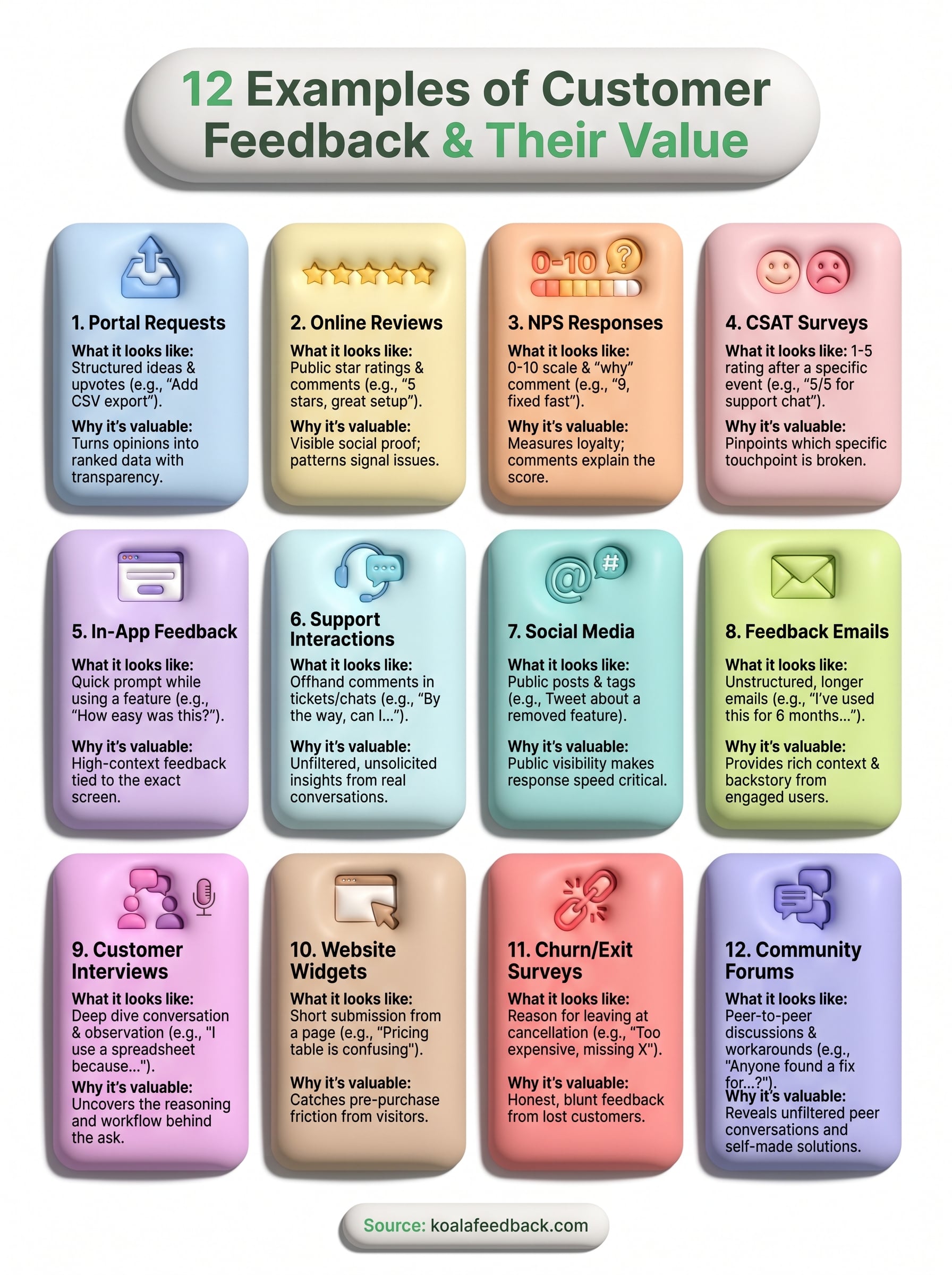
Twelve channels, one common thread: raw feedback only matters once it lands somewhere you can act on it. Every example of customer feedback in this list, whether it came from a five-star review or a churn survey, turned into something useful only after someone cleaned, tagged, and prioritized it against everything else coming in. That's the step most teams skip, and it's the step that actually changes your roadmap.
You don't need twelve separate systems to make this work. What you need is one place where portal requests, support mentions, social comments, and exit survey themes all compete fairly for attention, instead of living in twelve different inboxes nobody cross-references. That's the gap a dedicated tool closes. If you're ready to stop losing good feedback in spreadsheets and email threads, centralize every request in one feedback portal with Koala Feedback.

Start today and have your feedback portal up and running in minutes.

