You already know you need customer input, but a badly built survey gets you nothing but low response rates and vague, unusable answers. Most teams send surveys for customer feedback without a plan for what question type fits what goal, and they end up with data nobody can act on. That's a wasted opportunity, especially when a few small changes to structure and wording can double the quality of what comes back.
This article shows you exactly how to fix that. You'll get a breakdown of the main survey types, from NPS to CSAT to open-ended questions, so you know which one matches your goal, plus real example questions you can copy directly into your next send. We also cover how to create a customer feedback survey that people actually finish, not one they abandon halfway through.
Beyond the mechanics, you'll find practical tips for timing, length, and channel selection that affect completion rates far more than most teams realize. And once the responses start rolling in, we'll touch on turning that raw feedback into prioritized features and a roadmap your users can actually see, which is exactly where a tool like Koala Feedback comes in.
A feedback portal flips the traditional survey model on its head. Instead of pushing a one-time questionnaire to your entire customer base, you give users a permanent, always-open place to submit ideas whenever they think of them. This matters because the best product feedback rarely shows up on your schedule. It shows up the moment a customer hits friction or wishes a feature existed, and a portal captures that moment instead of losing it.
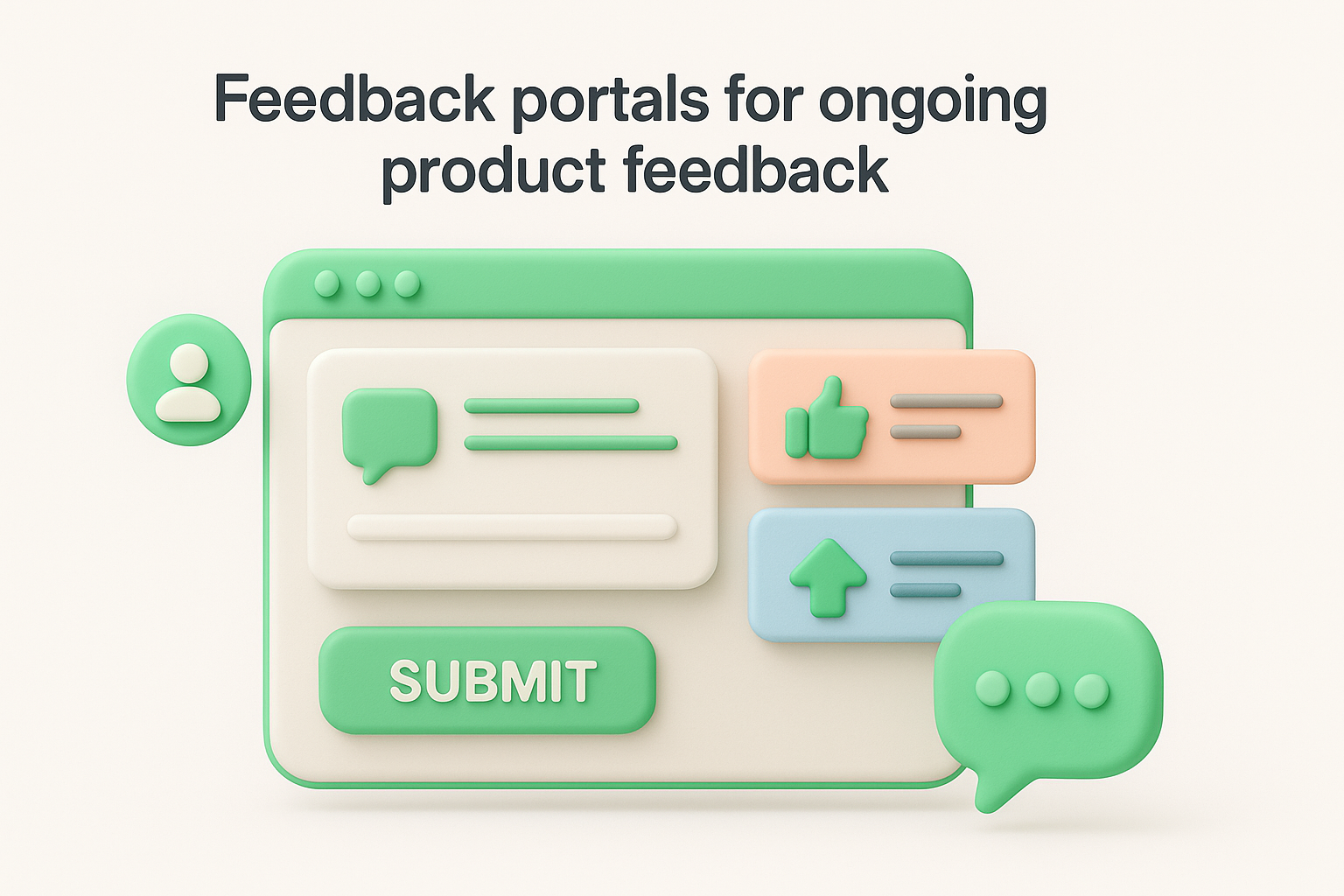
Customers visit a branded page (often linked from your app, help center, or footer) where they can post a new idea, browse existing suggestions, and upvote requests they also want. Automatic categorization groups similar submissions together so ten people asking for "dark mode" become one tracked request instead of ten scattered tickets. This turns what used to be a scattered pile of customer feedback surveys, emails, and support tickets into one running, prioritized list your team can actually work from. Koala Feedback runs this exact model, pairing the submission portal with a public roadmap so users can see what's planned, in progress, and shipped.
A portal isn't a single-question survey, but you still guide what people submit with prompts like:
Success depends on visibility and follow-through, not just having a portal live somewhere on your site. Link it from inside your product, not just your marketing site, since active users generate the most useful requests. Respond to every submission, even a short comment, because silence is the fastest way to kill participation.
A feedback portal only works if people can see their idea move from submitted to shipped.
Close the loop by updating statuses publicly (planned, in progress, complete) so voters get confirmation their input mattered. Customize the portal with your own domain, colors, and logo so it feels like part of your product rather than a bolted-on third-party tool. Combine this always-on channel with the targeted surveys covered next, since portals excel at open-ended ideas while structured surveys quantify satisfaction and effort.
CSAT (Customer Satisfaction Score) is the fastest way to check the pulse of a specific interaction or your product as a whole. Instead of an open-ended portal, this is a customer satisfaction survey with one tightly focused question, usually delivered right after a support ticket closes, a purchase completes, or a feature gets used for the first time. It's the simplest survey type on this list, and that simplicity is exactly why it gets such high response rates.
You ask customers to rate their satisfaction on a scale, typically 1 to 5 or 1 to 10, then calculate the percentage who answered positively (usually the top two ratings). That percentage becomes your CSAT score, which you can track weekly or monthly to spot trends. Because it takes seconds to answer, CSAT works well embedded directly in an email, a chat widget, or a post-support popup rather than a separate online customer feedback survey link.
Send the survey immediately after the interaction, since satisfaction fades from memory within a day. Keep the scale consistent across every touchpoint so scores stay comparable over time.
A CSAT score only means something if you send it right after the moment it's measuring.
Always pair the rating with an optional "why" field. The number tells you what happened; the comment tells you why it happened, and that's the part you can actually act on.
Net Promoter Score (NPS) answers a different question than CSAT. Instead of asking how someone feels about one interaction, it asks how likely they are to recommend your product to someone else, which makes it a proxy for long-term customer loyalty rather than momentary satisfaction. Companies rely on it because a single tracked number, watched over months, reveals whether your product is building advocates or quietly losing them.
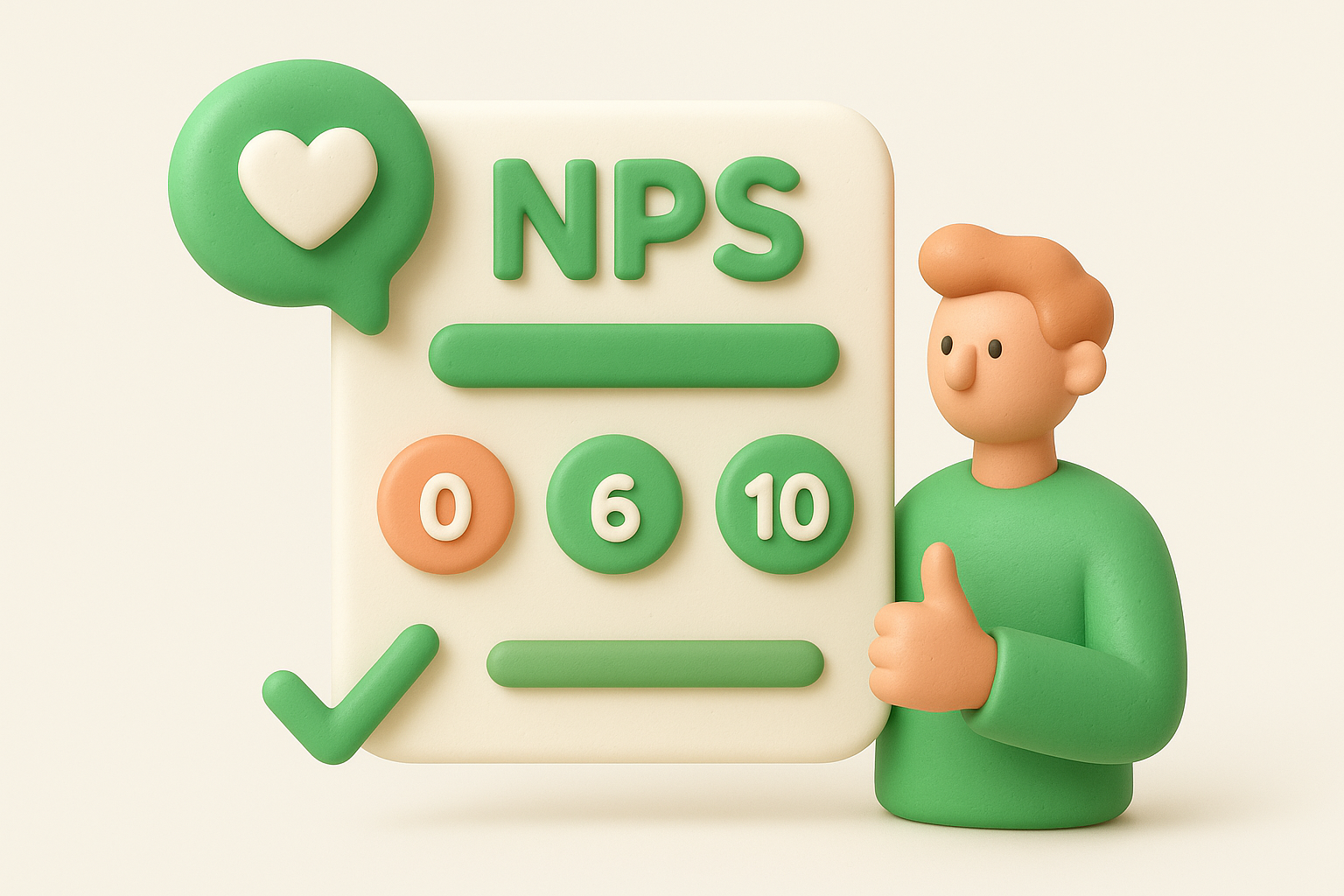
Customers rate their likelihood to recommend on a 0 to 10 scale, and you sort responses into three groups: promoters (9 to 10), passives (7 to 8), and detractors (0 to 6). Subtract the detractor percentage from the promoter percentage to get your NPS.
| Score Range | Group | What It Means |
|---|---|---|
| 9-10 | Promoters | Loyal, likely to refer others |
| 7-8 | Passives | Satisfied but easily swayed |
| 0-6 | Detractors | At risk, may churn or badmouth |
Timing matters more than most teams assume. Send NPS quarterly, not after every login, since loyalty shifts slowly and over-surveying tanks response rates.
NPS tells you who's about to leave long before your churn report does.
Follow up personally with every detractor. That single conversation, built from real customer survey feedback, often saves an account that a dashboard alone never would.
Customer Effort Score (CES) measures something CSAT and NPS both miss: how much work a customer had to do to get their problem solved or their task done. Research from Gartner popularized this metric after finding that reducing effort predicts loyalty better than trying to delight customers, since people remember friction far more vividly than they remember pleasant surprises. This makes CES the right tool whenever you want to know if a process, not a product, is the thing driving customers away.
Typically, you ask customers to rate how much effort a task took, usually on a 1 to 7 scale from "very difficult" to "very easy." You trigger this effort survey right after a specific action, like closing a support ticket, completing onboarding, or finishing a self-service return. Average the scores to track whether a workflow is getting easier or harder over time.
Anchor every CES send to a single, specific interaction rather than the product overall, or the score becomes meaningless. Pair CES with an open comment field so customers can name the exact step that felt clunky.
High effort kills loyalty faster than low satisfaction ever will.
Use the results to fix workflows, not just to report a number in a dashboard.
While CSAT and NPS track broad sentiment, a product feedback survey digs into specific features and functionality. You're not asking "are you happy" here, you're asking "does this particular thing work for you," which makes it the right tool right before a big roadmap decision or right after shipping something new. Think of it as the structured counterpart to the open-ended feedback portal covered earlier, useful when you already know which feature you want opinions on.
You target a specific segment, usually people who've actually used the feature in question, and send a short feature feedback survey through in-app messaging or email. Mixing a rating question with one or two open text fields gives you both a quantifiable score and the qualitative detail that explains it. Keep the survey scoped to one feature at a time; bundling multiple features into a single send muddies the results and tanks completion rates.
Target only active users of the feature, since feedback from people who've never touched it is just noise. Send within days of first use, while the experience is still fresh.
Feature feedback only matters if it comes from people who actually used the feature.
Feed the answers straight into your prioritization board, so real usage data, not internal guesswork, drives what gets built next.
Support interactions generate some of the richest feedback you'll ever collect, but only if you ask right after the ticket closes. A customer support survey measures how a specific conversation with your team went, separate from how someone feels about the product overall. This distinction matters because a customer can love your software and still rate a bad support experience poorly, and you need both signals to know where to invest next.
Most teams trigger this survey for customer feedback automatically the moment a ticket, chat, or call wraps up, while the interaction is still fresh. Keep it to one or two questions embedded directly in the closing email or chat window, since a longer form after a support exchange rarely gets finished. Route the responses back to the specific agent and ticket so you can spot patterns by rep, channel, or issue type.
Attach the survey to the exact ticket so you can trace low scores back to a real conversation, not just a vague trend. Share results with agents individually rather than only in aggregate reports.
A support survey only helps if the feedback reaches the agent, not just a dashboard.
Watch for repeat complaints tied to one issue type; that's usually a product bug, not a training problem.
A post-purchase survey catches customers at two different moments: right after checkout and right after browsing your site if they didn't buy anything at all. Pairing these two triggers gives you a fuller picture than a single customer feedback survey ever could, since you learn what worked for buyers and what stalled everyone else. This is one of the few survey types that lets you study both a completed transaction and an abandoned one side by side.
Trigger a short survey immediately after checkout, then a separate, shorter version for visitors who leave without purchasing, often through an exit-intent popup. Keep each version under three questions, since shoppers rarely stick around for more once the transaction (or the browsing session) is over. Route the answers into your analytics alongside cart and traffic data so you can connect specific complaints to specific pages.
Fire the survey within minutes of the action, not hours later, since browsing details fade fast. Segment results by device, since mobile checkout friction rarely shows up the same way on desktop.
Website friction you never measure is friction you'll never fix.
Review abandoned-cart answers weekly; a recurring complaint about shipping cost or a confusing form is usually an easy fix hiding in plain sight.
Every survey type above only works if the questions themselves are built well. Knowing how to create a customer feedback survey that people actually finish comes down to structure, wording, and knowing what to cut before you hit send.
Start with a single goal, then build backward from it instead of listing every question you're curious about.
Questions shape answers more than most teams realize, so word them carefully. Avoid leading phrases like "how much did you love" and stick to neutral language like "how would you rate." Use consistent scales across every survey you send so responses stay comparable over time, and always let respondents skip a question rather than forcing an answer that skews your data.
A biased question doesn't get you honest feedback, it gets you the answer you wanted to hear.
Long surveys kill completion rates faster than almost anything else. Skip double-barreled questions that ask two things at once, like "was the product easy to use and worth the price," since you can't tell which part someone answered. Never survey the same customer twice in one week, and don't bury the real question under three pages of demographic filler nobody needs.
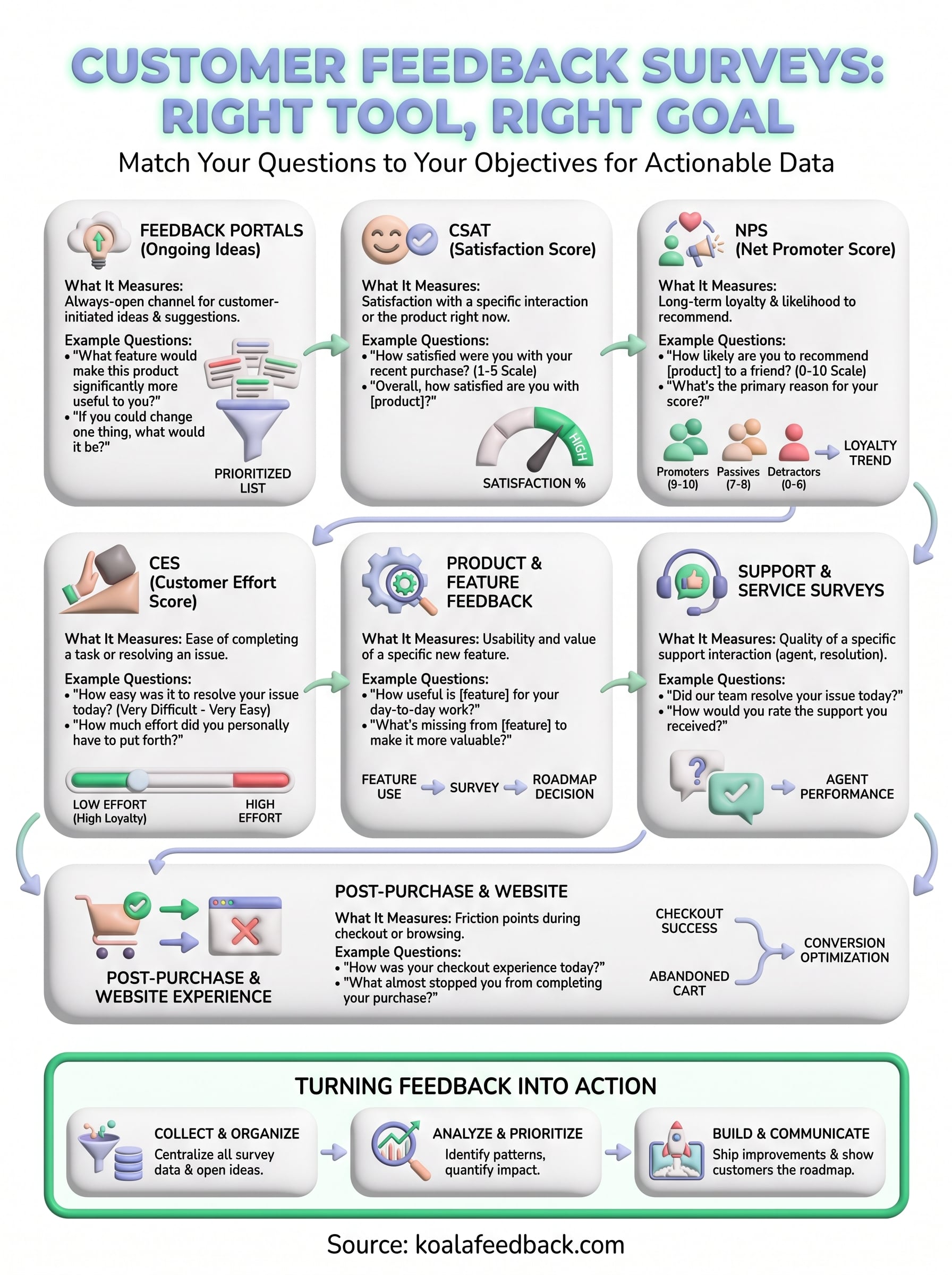
No single survey answers every question, and that's the point. Match the tool to the moment: CSAT for a single interaction, NPS for long-term loyalty, CES for friction points, and a feedback portal for the ideas customers volunteer without being asked. Pick based on what decision you're trying to make next, not on which survey looks most popular in a blog post.
Once responses start coming in, the real work begins: sorting requests, spotting patterns, and deciding what actually gets built. Spreadsheets and scattered email threads can't keep up once volume grows, and that's exactly where structured feedback management pays off. A dedicated portal turns raw survey answers and open-ended suggestions into a single, prioritized list your team can act on, then shows customers the roadmap that came out of their input.
If you're ready to stop guessing and start tracking real demand, try Koala Feedback and see how a feedback portal fits alongside the surveys you're already running.

Start today and have your feedback portal up and running in minutes.

