The difference between a product your users love and one they quietly abandon often comes down to one thing: whether you asked the right questions. Choosing the right customer satisfaction survey questions determines if you get actionable data or a pile of vague, unusable responses that help no one.
But most survey guides dump 50+ generic questions on you without explaining when or why to use them. That's not helpful, it's overwhelming. What product teams actually need is a focused set of proven questions paired with context on how to apply them. That's especially true if you're collecting feedback through a tool like Koala Feedback, where every response feeds directly into your prioritization workflow.
This article breaks down 11 customer satisfaction survey questions that drive real insight, organized by use case, with tips on rating scales and best practices. Whether you're measuring post-purchase sentiment or gauging satisfaction with a new feature, you'll walk away with questions you can use today.
The overall satisfaction question is the foundation of any CSAT program. It gives you a single, consistent benchmark you can track over time, compare across segments, and use to spot trends before they become problems. Every other customer satisfaction survey question you ask builds on this baseline.
Keep the wording simple and direct. The most widely used version is: "Overall, how satisfied are you with [your product/service/company]?" You can also frame it around a recent interaction: "Overall, how satisfied were you with your experience today?" Avoid loading the question with assumptions or multiple concepts, one idea per question keeps responses clean and easy to analyze.
Send this question after a meaningful interaction, such as a completed purchase, a support ticket resolution, or a product milestone like finishing onboarding. For SaaS products, a good default is to trigger it 30 days after signup and then quarterly for active users. Sending it too early, before someone has actually used your product, produces unreliable data.
Timing your overall satisfaction question to a real moment of value, not just a calendar date, gives you responses that reflect actual experience.
Use a 1-to-5 rating scale where 1 is "Very dissatisfied" and 5 is "Very satisfied." This is the standard CSAT scale and makes your scores easy to benchmark against industry data. Your CSAT score is calculated as the percentage of respondents who select 4 or 5, divided by total responses.
Pair the rating with one open-ended question: "What's the main reason for your score?" This single follow-up captures the context behind the number without adding friction. You can also branch the follow-up based on the score, asking detractors what went wrong and promoters what they value most.
Track your CSAT score on a rolling basis and segment it by user plan, acquisition channel, or product area to find patterns. A low score among users on a specific plan signals a pricing or value mismatch. A drop after a product update tells you the change may have hurt more than it helped.
Measuring overall satisfaction tells you how customers feel about your product in general, but it won't pinpoint which specific part of the experience is causing friction. Touchpoint-level customer satisfaction survey questions let you zoom in on a single interaction, such as a billing update, a feature release, or a checkout flow, so you can fix problems at the source.
Ask: "How satisfied were you with [specific touchpoint] today?" Replace the bracketed text with the exact interaction you're measuring. Keeping the question tied to one moment, not a general impression, produces more accurate and actionable responses.
Send this question immediately after the interaction occurs, while the experience is still fresh. A 24-hour delay is acceptable, but anything beyond that weakens the data. For in-app flows, trigger it automatically when the user completes the action.
Timing a touchpoint survey too late is one of the fastest ways to collect responses that reflect a user's general mood rather than their actual experience.
Use the same 1-to-5 CSAT scale as your overall satisfaction question. Consistency across questions makes it easier to compare touchpoint scores against your baseline and identify which areas fall below average.
Add: "What could we have done better?" This open field catches specific complaints you wouldn't surface with a rating alone.
Compare touchpoint scores across different features or stages of your product to rank problem areas by severity and prioritize fixes accordingly.
The likelihood to recommend question, often called the Net Promoter Score (NPS) question, measures something different from pure satisfaction. It reveals how much your customers trust your product, since recommending something to a friend or colleague is a higher-stakes act than simply saying you're happy with it. Including this in your set of customer satisfaction survey questions gives you a signal that correlates strongly with retention and growth.
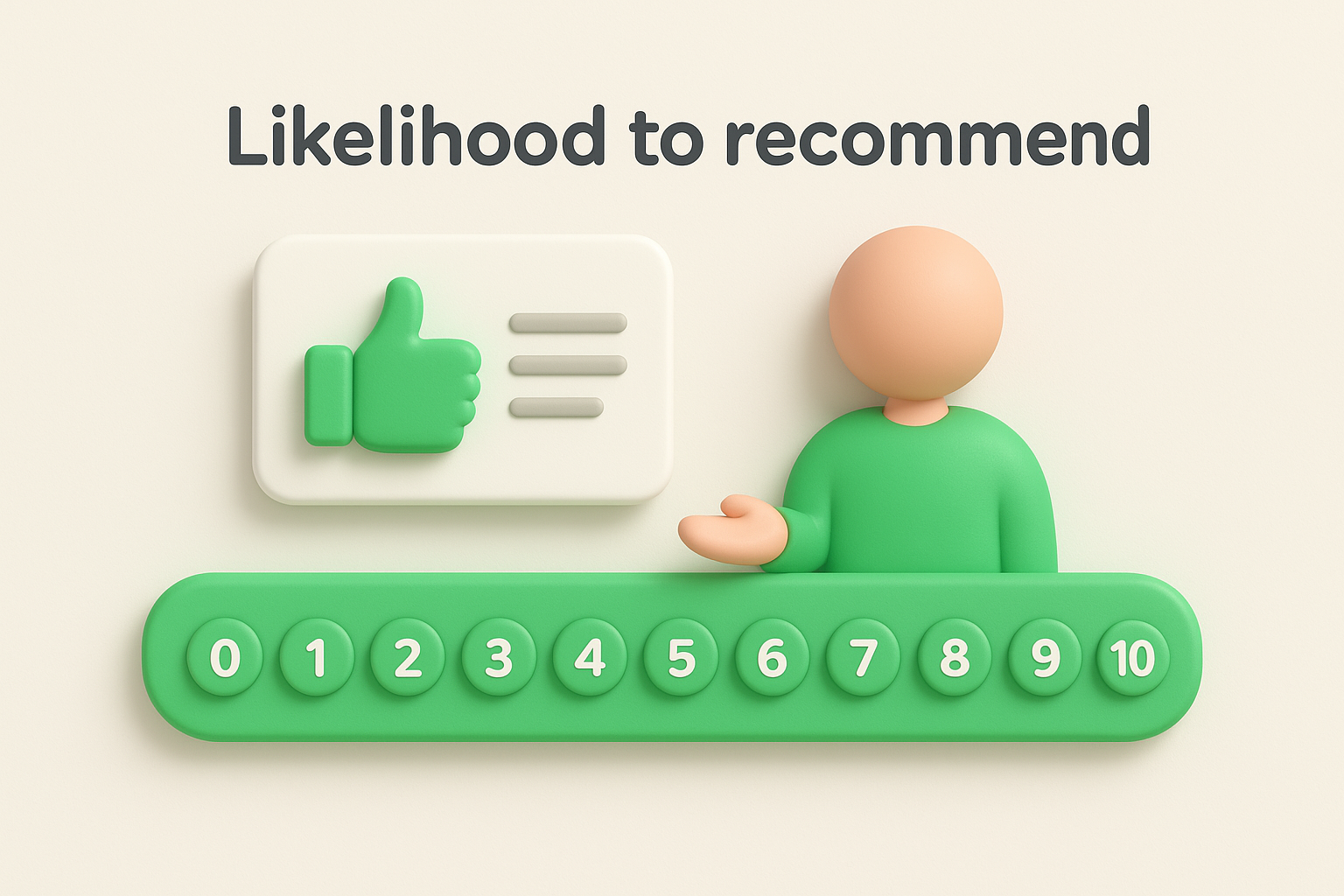
Ask: "How likely are you to recommend [product/company] to a friend or colleague?" Keep it exactly that simple. Adding qualifiers like "based on your recent experience" narrows the question unnecessarily, since this metric works best as a measure of overall relationship strength, not a single moment.
Send this question after a customer has had enough time to form a real opinion, typically 60 to 90 days after signup for SaaS products. Sending it too early produces inflated scores from users still in the honeymoon phase. For long-term customers, re-survey every six months to track changes over time.
A score that drops between survey cycles is one of the clearest early signals of churn risk you can act on.
Use the standard 0-to-10 scale, where 0 is "Not at all likely" and 10 is "Extremely likely." This is the NPS standard, and it lets you segment respondents into Promoters (9-10), Passives (7-8), and Detractors (0-6).
Add: "What's the main reason for your score?" This open-ended follow-up reveals exactly what drives advocacy or hesitation without requiring you to guess.
Calculate your NPS by subtracting the percentage of Detractors from the percentage of Promoters. Then segment results by user plan, cohort, or feature usage to identify which customer profiles are most loyal and which need more attention.
The Customer Effort Score (CES) question measures how hard or easy it was for a user to accomplish a specific task. It's one of the most underused customer satisfaction survey questions, yet research consistently shows that high effort is a stronger predictor of churn than low satisfaction scores. If users have to work hard to get value from your product, they'll leave before they ever become loyal.
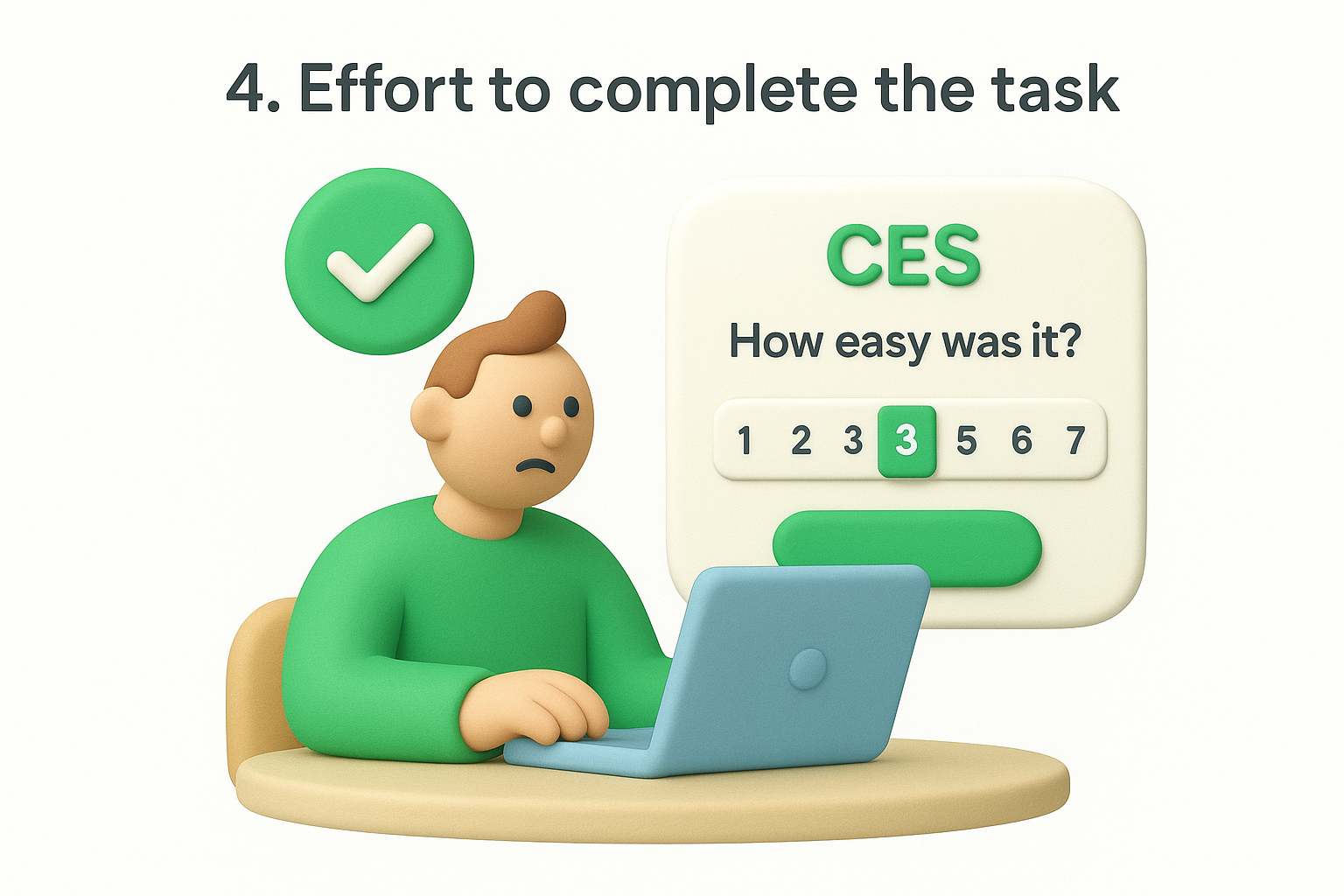
Ask: "How easy was it to [complete task/get help/find what you needed] today?" Frame it around the specific action the user just took. Keeping the wording precise, rather than broad, produces responses that are directly tied to a fixable part of your product.
Send this question immediately after a task is completed, such as after a user sets up an integration, submits a support request, or finishes onboarding. The closer to the action, the more accurate the response.
A one-day delay is acceptable, but waiting longer risks capturing how the user feels in general rather than how the specific task felt.
Use a 1-to-7 scale where 1 is "Very difficult" and 7 is "Very easy." This standard CES scale gives you enough range to detect meaningful differences across tasks and user segments.
Add: "What made this task harder than it should have been?" This open field surfaces friction points you won't find through ratings alone.
Compare CES scores across different workflows to rank friction points by severity and prioritize which flows to redesign first.
Goal completion questions measure something distinct from effort or satisfaction: whether your product actually delivered on its promise. Unlike other customer satisfaction survey questions that measure feelings, this one measures outcomes. A user might find your product easy to use and still leave without accomplishing what they came to do, which is a silent failure that erodes retention over time.
Ask: "Did [product] help you achieve your goal today?" You can offer a simple yes/no answer or expand it slightly: "To what extent did [product] help you achieve your goal?" Both versions work well depending on how much granularity you need from the response.
Send this question at the end of a session or workflow, such as after a user finishes configuring a feature or closes a support conversation. Triggering it at the point of completion keeps responses tied to a specific outcome rather than general impressions.
If users consistently report that they did not achieve their goal, that signals your product's core use case needs to be revisited, not just polished.
Use a binary yes/no or a 1-to-5 scale where 1 is "Not at all" and 5 is "Completely." The binary version is faster to complete; the scale gives you more nuance to work with across different workflows.
Add: "What prevented you from achieving your goal?" This follow-up turns a no-response into a direct signal about where your product falls short.
Segment goal completion rates by user type and workflow to identify which personas struggle most and which parts of your product need the most attention.
Performance problems are silent churn drivers. Users rarely complain out loud when your product is slow or unreliable; they just stop using it. Adding a dedicated reliability question to your customer satisfaction survey questions gives you an early warning system before small technical issues compound into cancellations.
Ask: "How satisfied are you with the reliability and performance of [product]?" You can also split this into two questions if you have the survey real estate: one for speed and one for uptime. Keeping the language plain and free of technical jargon ensures users at every level can answer accurately.
Send this question after a user has completed a significant or repeated workflow, such as running a report, exporting data, or processing a batch action. Quarterly check-ins for active users also work well, since performance issues tend to surface gradually rather than in a single moment.
If your product has experienced a recent outage or slowdown, send this question within 48 hours of resolution to capture honest reactions while they're still fresh.
Use a 1-to-5 CSAT scale where 1 is "Very dissatisfied" and 5 is "Very satisfied." This keeps your reliability scores directly comparable to your other satisfaction benchmarks.
Add: "Have you experienced any specific issues with speed or reliability?" This open field captures the exact technical friction that a rating alone cannot describe.
Segment reliability scores by user plan and feature usage to identify whether performance problems affect specific workflows or your entire product.
If users don't reach their first moment of value quickly, they disengage before they ever form a habit with your product. Onboarding-focused customer satisfaction survey questions tell you whether new users are getting up to speed or silently struggling through a setup experience that's pushing them toward the exit.
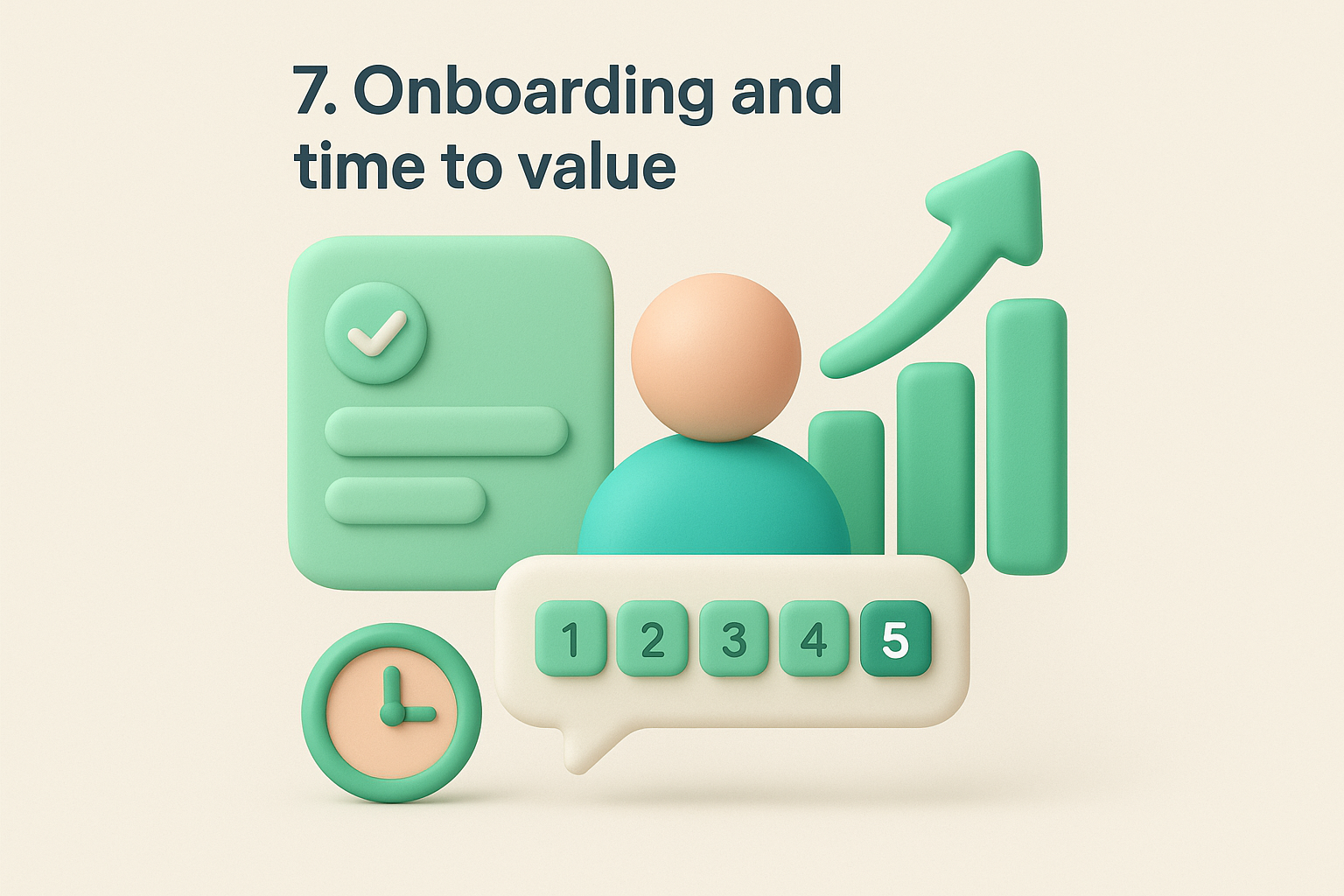
Ask: "How satisfied were you with the onboarding experience?" You can also make it more outcome-driven: "How quickly were you able to get value from [product] after signing up?" The second version ties the question directly to time to value, which is the metric that predicts early-stage retention most reliably.
Send this question 7 to 14 days after signup, once a user has completed the core onboarding steps. Sending it too early catches users mid-setup; sending it too late means the experience has already faded from memory.
Users who rate onboarding poorly in the first two weeks are significantly more likely to churn before their first renewal.
Use a 1-to-5 CSAT scale where 1 is "Very dissatisfied" and 5 is "Very satisfied." This keeps your onboarding scores consistent with the rest of your satisfaction benchmarks.
Add: "What made the setup process harder than expected?" This open-ended question surfaces the specific steps where new users hit a wall.
Segment scores by acquisition channel and user role to identify whether certain types of users consistently struggle with onboarding, then update your onboarding flows accordingly.
A bad support interaction can undo months of goodwill. Customers who feel ignored or poorly handled are far more likely to cancel than customers who experienced a bug, because a bug is a product problem, but a bad support experience is a trust problem. Adding a support-focused question to your customer satisfaction survey questions lets you catch those trust fractures before they turn into cancellations.
Ask: "How satisfied were you with the support you received today?" Keep the question focused on the specific interaction rather than support in general. Tying the question to a single resolved ticket produces cleaner data than asking about support overall, which can blend multiple experiences into one muddled response.
Send this question within one hour of ticket resolution, while the experience is still fresh. The longer you wait, the more a user's general mood replaces their actual memory of the interaction.
A fast, relevant survey sent right after resolution consistently outperforms a delayed one, both in response rate and in data quality.
Use a 1-to-5 CSAT scale where 1 is "Very dissatisfied" and 5 is "Very satisfied." This keeps support scores directly comparable to your other satisfaction benchmarks.
Add: "What could our support team have done better?" This open field captures specific gaps in tone, speed, or resolution quality that a numeric score will never reveal on its own.
Segment support scores by issue type and agent to identify whether satisfaction problems are systemic or tied to specific workflows and team members.
Customers who feel they're paying more than your product delivers don't always say so directly. They cancel quietly at renewal time, and by then it's too late to course-correct. Including a value-for-money question in your customer satisfaction survey questions gives you an early warning before that resentment compounds into churn.
Ask: "How well does [product] deliver value for the price you pay?" This frames the question around the value equation, not just the price tag, which produces more useful responses than simply asking if your product is expensive.
Send this question 30 days before renewal or after a pricing change, such as a plan upgrade or a new tier introduction. Catching value concerns before the renewal decision gives you a window to address them.
A drop in value scores following a price increase is one of the clearest signals that your communication around the change needs work, not necessarily the pricing itself.
Use a 1-to-5 CSAT scale where 1 is "Very poor value" and 5 is "Excellent value." This keeps your value scores comparable to your other satisfaction benchmarks.
Add: "What would make [product] feel worth the price?" This open field surfaces specific features or improvements users associate with getting their money's worth.
Segment value scores by plan tier and usage level to identify whether low-value perception is concentrated among light users who may need better onboarding or a different plan structure.
Users who don't know what your team is building, or why, lose confidence in your product faster than users who hit a bug. Keeping customers informed about your product direction and upcoming changes builds the kind of trust that extends contracts. Adding a communication-focused question to your set of customer satisfaction survey questions tells you whether your updates and roadmap are landing clearly or leaving users in the dark.
Ask: "How satisfied are you with how we communicate product updates and roadmap changes?" This keeps the question focused on your team's output, not the user's preferences, so responses point directly to fixable communication gaps rather than general opinions.
Send this question after a major release or product announcement, or include it in your quarterly satisfaction pulse. Users need something concrete to react to before this question produces useful data.
If users consistently rate communication low despite frequent updates, the problem is likely format or channel, not volume.
Use a 1-to-5 CSAT scale where 1 is "Very dissatisfied" and 5 is "Very satisfied." This keeps your communication scores directly comparable to your other satisfaction benchmarks.
Add: "What would make our product communication more useful to you?" This open field surfaces whether users want more detail, earlier notices, or a different format entirely.
Segment scores by user role and plan tier to identify whether specific groups, such as power users or enterprise customers, need more detailed roadmap visibility than others currently receive.
Closing your survey with an open improvement question gives users a direct channel to tell you what matters most to them right now. Unlike scored questions, this one doesn't measure satisfaction; it captures intent and priority in the user's own words. It's one of the most useful customer satisfaction survey questions you can ask because it hands you a prioritized list of improvements without requiring you to guess.
Ask: "What is the one thing we should improve to make [product] better for you?" Limiting the response to one thing forces users to prioritize rather than list, which produces responses that are far easier to act on than open-ended wish lists.
Send this question at the end of any satisfaction survey, as a natural closing question. It pairs especially well with overall satisfaction or NPS surveys, where you already have a numeric score to anchor the response.
Users who rate you a 3 or below and then answer this question give you the clearest signal of what's driving dissatisfaction.
Skip the rating scale entirely. This question works best as a plain open-text field where users can respond in their own words without the constraint of a predefined range.
No follow-up is needed. The open response is already the follow-up to everything else in your survey.
Group responses by theme and track which improvement areas appear most frequently across different user segments to build a data-backed case for your next development sprint.
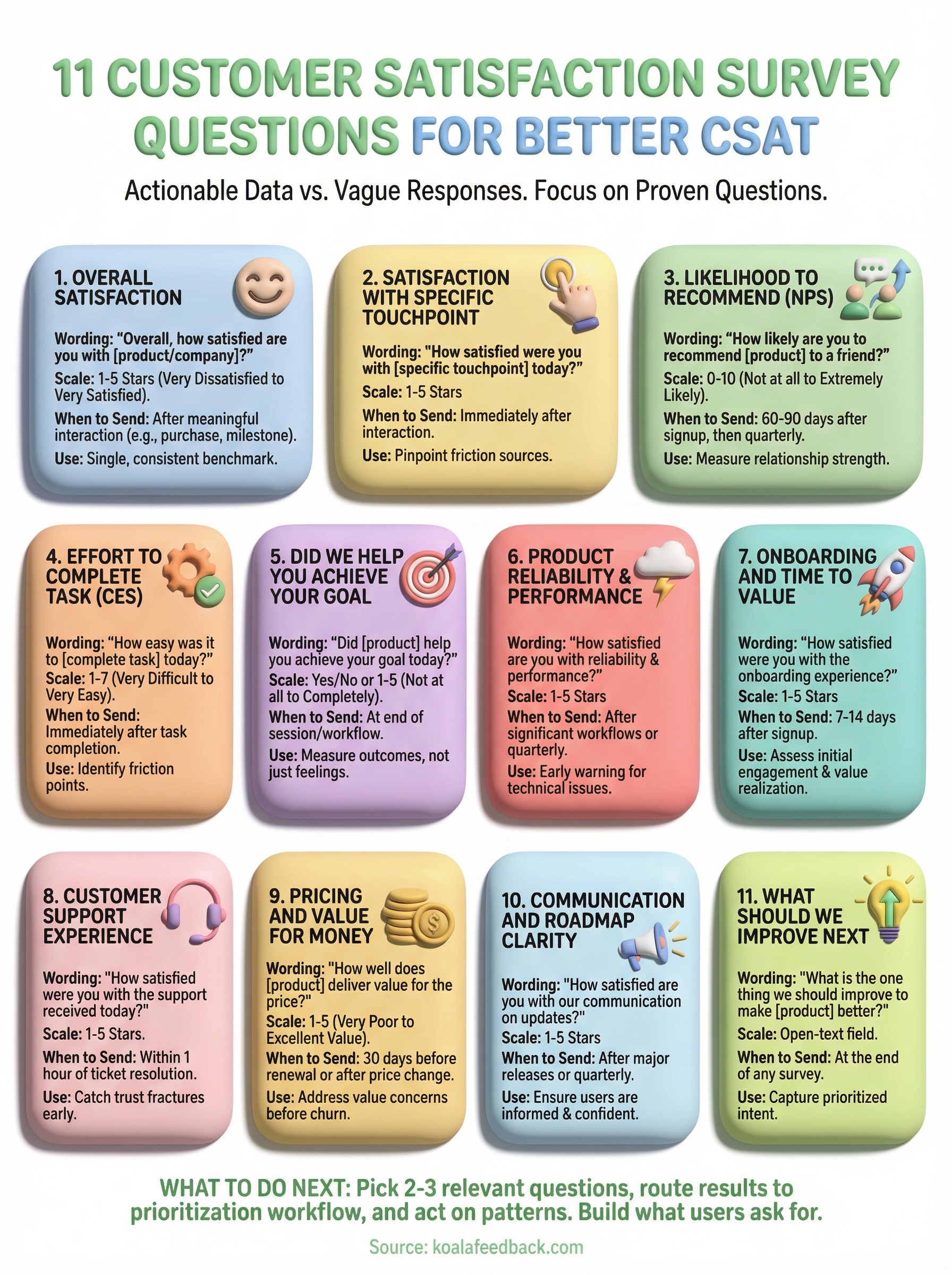
You now have 11 proven customer satisfaction survey questions that cover every stage of the user journey, from first login to renewal. The next step is putting them to work in a system that actually does something with the responses. Collecting feedback without a clear workflow for acting on it wastes your users' time and yours.
Start by picking two or three questions that match your most pressing gaps right now, whether that's onboarding friction, support quality, or value perception. Send them, collect responses, and route the results into a prioritization process where your team can see patterns and make decisions. That last part is where most teams fall short.
Koala Feedback gives you a centralized place to collect user input, spot trends, and share your roadmap so users know their feedback is driving real change. Start capturing feedback that actually shapes your product and build what your users are asking for.

Start today and have your feedback portal up and running in minutes.

