You shipped a new feature, squashed a handful of bugs, and pushed an update live. Now what? If your users don't know what changed, or worse, can't make sense of your changelog, that effort loses its impact. A clear release notes format is what turns a routine update into something users actually read, trust, and appreciate.
But most release notes fall flat. They're either buried in jargon that only engineers understand, or so vague they don't tell users anything useful. The difference between good and bad release notes often comes down to structure and consistency, not writing talent.
At Koala Feedback, we help product teams collect user feedback, prioritize features, and share public roadmaps. Release notes are the final piece of that loop: closing the circle with your users by showing them what you built and why. It's how you turn feedback into visible action.
This guide breaks down the templates, structural best practices, and real-world examples you need to write release notes that actually communicate value. Whether you're documenting a major launch or a minor patch, you'll walk away with a repeatable format you can use starting today.
Release notes are official documents that accompany a software update, explaining what changed, what was fixed, and what users should expect. They sit at the intersection of product communication and user education, and when written well, they give every user clear context for every update that lands in their workflow. A consistent release notes format is not just about listing features; it's about helping users understand what shifted and why it matters specifically to them.
Release notes are structured product communication documents that ship alongside a software release. They summarize new features, bug fixes, performance improvements, and sometimes known issues, all organized so that different readers can find what's relevant to them without digging through everything.
Unlike marketing copy or blog posts, release notes have a functional job: they answer the question "what changed in this version?" They belong to a specific version or release cycle and are meant to be referenced over time, not just skimmed once. Think of them as a permanent record of your product's history, written so anyone on your team or in your user base can look back and understand exactly what changed and when. A developer fixing a regression six months from now, or a support agent answering a customer question, should both be able to find the answer in a well-written release note.
Release notes are most effective when they describe change in terms of user impact, not just technical implementation.
Your users notice changes, whether you document them or not. When something shifts in a product they rely on daily, they want to know what happened and whether they need to take action. A clear release note removes that uncertainty immediately.
Well-written release notes also build trust over time. When users see that you consistently document updates with honest, plain language, they develop confidence in your product. They know you're not hiding anything, and they know how to stay current without guessing. That transparency is especially important when you fix a bug that affected their work, because seeing it acknowledged and resolved publicly closes the loop and reinforces that you're listening.
Release notes are not only outward-facing. Internally, a well-maintained release notes document gives your team a shared reference point for every change that ships. Engineers, support agents, sales reps, and customer success managers can all look at the same record and understand what went out and when, without chasing down the right person to ask.
That shared context also reduces support ticket volume. When users already know what changed because you explained it clearly, they ask fewer follow-up questions. Your support team benefits directly: instead of piecing together an explanation from internal Slack threads or pull request comments, an agent can point straight to the release note. Below are the groups that benefit most from treating release notes as a standard part of your shipping process:
Treating release notes as a core output of your shipping process, not an optional cleanup task, pays off across every team that touches your product.
Release notes, changelogs, and product announcements all describe product changes, but they serve different audiences and different purposes. Treating them as interchangeable leads to documents that don't work well for any of their intended readers. Knowing which format fits which situation helps you build a release notes format that actually communicates rather than just archives.
A changelog is a running log of all changes made to a product, typically organized by version number and date. It's designed for technical readers who need a complete, unfiltered record of every modification. Developers, integration partners, and power users are the primary audience, and they want completeness over narrative. A changelog entry is short, specific, and often formatted using standard categories such as Added, Changed, Fixed, and Removed.
Release notes explain change in terms of user value; a changelog records change in terms of technical accuracy.
Where release notes interpret and explain, a changelog lists and logs. You would link to a changelog when a developer needs to check whether a specific behavior changed between two versions. You would not send it to your entire user base in a product update email.
A product announcement is marketing-oriented content that introduces a new feature or update with the goal of generating excitement and driving adoption. It lives in a blog post, an email newsletter, or a social media post, and it focuses on benefits over specifics. Product announcements tell users what they gain, not every detail of what changed or which version introduced it.
Where release notes are comprehensive and structured, product announcements are selective and persuasive. You pick the one feature worth highlighting and write around it. The tradeoff is that product announcements often lack the technical depth users need when they run into an issue or want to confirm that a specific bug was addressed.
Each document type fills a distinct gap in your product communication. Use this table to match the right format to the right situation:
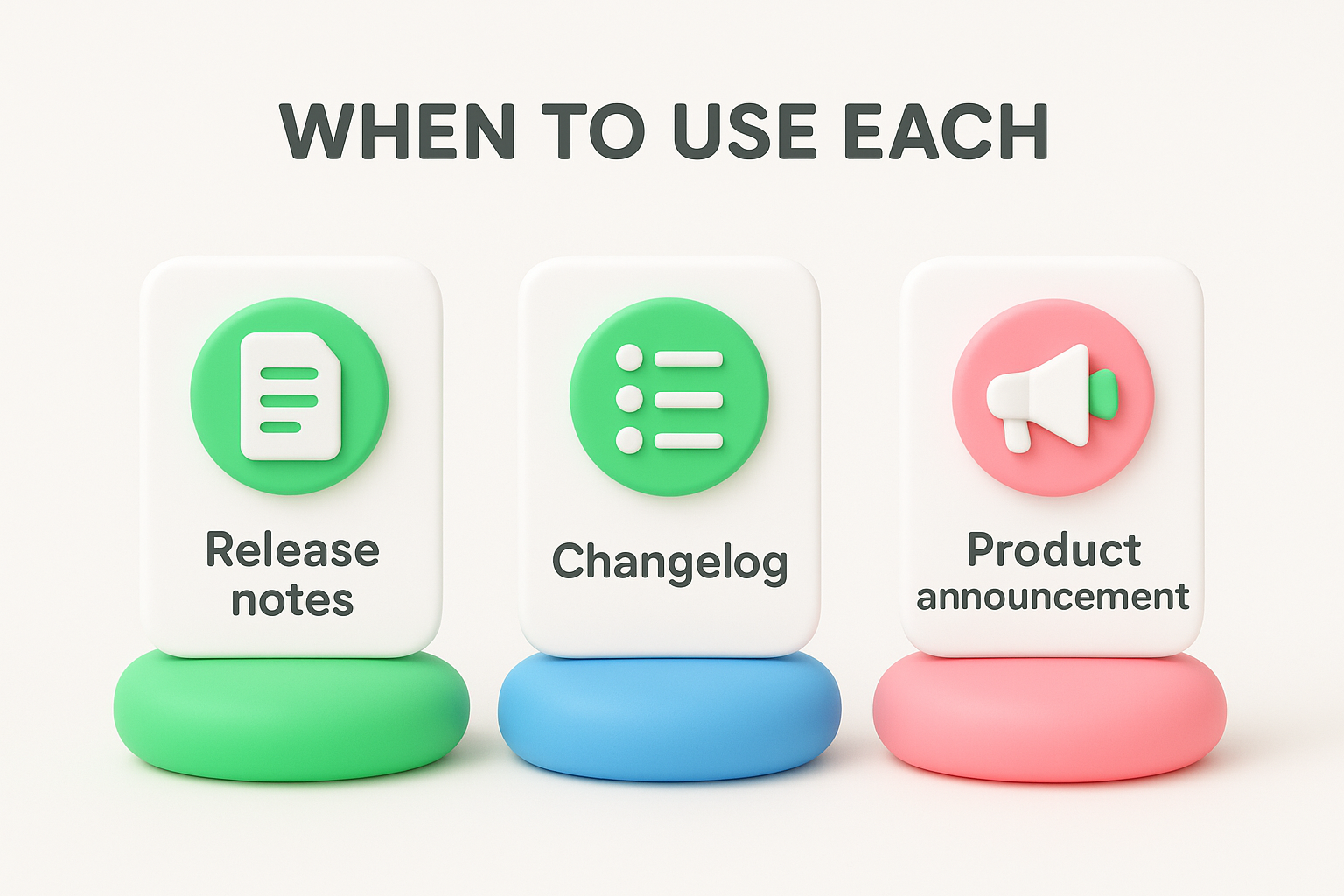
| Document | Primary audience | Goal |
|---|---|---|
| Release notes | All users, support teams | Explain what changed and what action to take |
| Changelog | Developers, technical users | Record every change with full version history |
| Product announcement | Prospects, general audience | Generate awareness and drive adoption |
You do not have to choose just one. Many teams publish all three for a major release, each written specifically for its intended reader. The key is keeping them separate and purposeful, so none of them tries to do too much.
The first decision you make before writing anything shapes everything else in your release notes format: who is reading this and how significant is this release? Getting these two things right upfront saves you from writing notes that are too technical for end users or too vague for developers. Both mistakes result in documentation that fails the people it was meant to serve.
Different user groups need different levels of detail. End users want to know what changed in plain language and whether they need to do anything differently. Developers and technical users want specifics: API changes, deprecations, breaking changes, and version numbers. Internal teams like support and sales need enough context to answer customer questions and highlight wins without digging into code.
Before you write a single line, decide which primary audience you're targeting. If you serve multiple audiences, plan separate documents or clearly labeled sections for each group. Mixing developer-specific information with end-user communication in one unstructured document confuses both readers and undermines the usefulness of the whole document.
Knowing your audience before you write is the single most effective way to keep your release notes readable and useful.
Not every release deserves the same level of documentation. A major release that introduces significant new features or breaking changes warrants full, detailed notes with context and migration guidance. A minor release adding small improvements needs a concise summary. A patch release fixing bugs can often get away with a short, bulleted list.
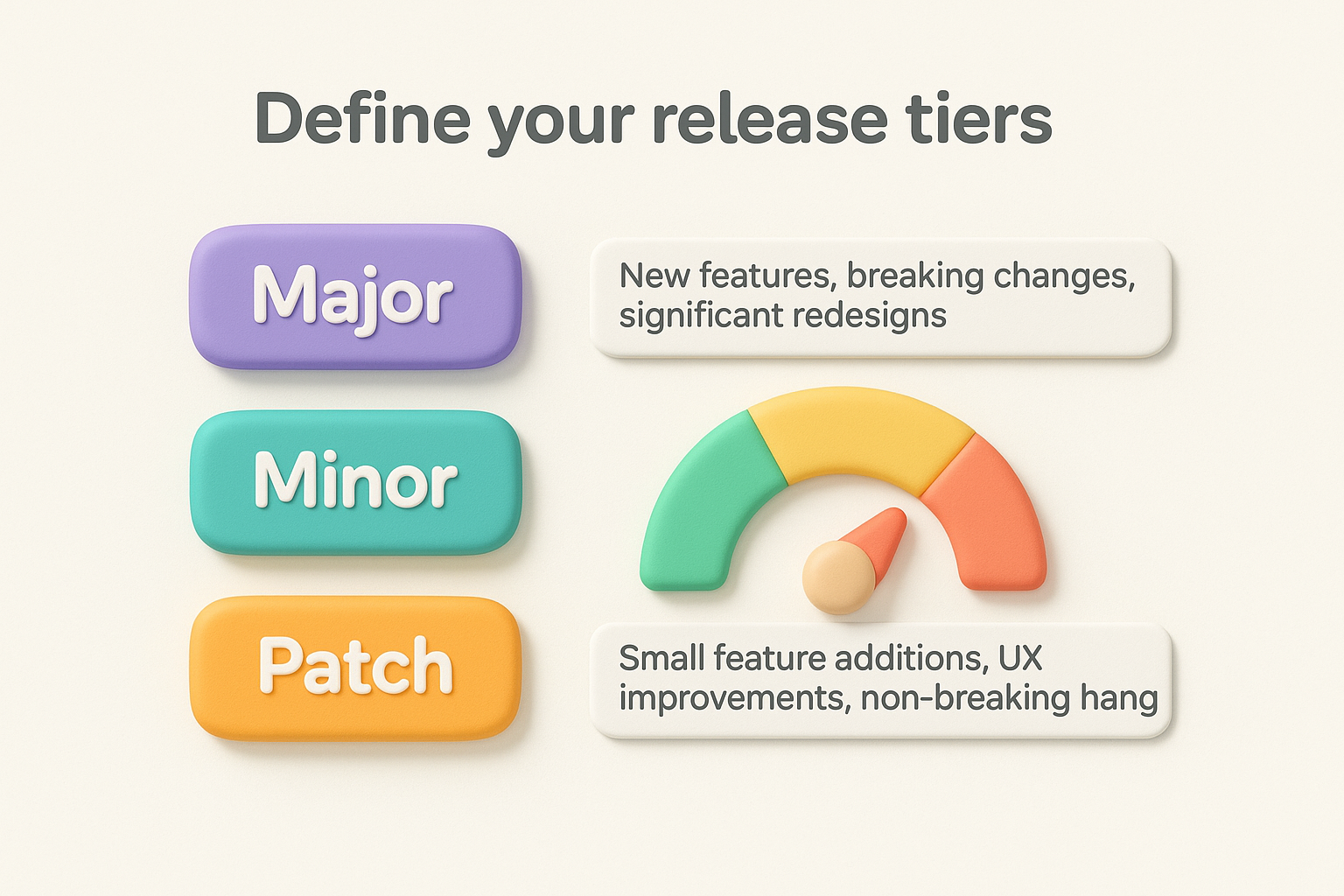
Setting release tiers gives your team a clear standard so that every update gets the right amount of documentation, nothing more, nothing less. Use this framework to match your release type to the appropriate documentation depth:
| Release tier | What it includes | Documentation depth |
|---|---|---|
| Major | New features, breaking changes, significant redesigns | Full notes with context, user impact, and migration steps |
| Minor | Small feature additions, UX improvements, non-breaking changes | Short summary with key details per item |
| Patch | Bug fixes, security updates, performance tweaks | Brief bulleted list with one-line descriptions |
Assign your release a tier before writing, and let that tier dictate the scope and length of your notes. This keeps your documentation consistent across every release cycle and sets clear expectations for both your team and your users about what each type of update means for them.
A consistent release notes format gives your users a predictable reading experience and makes writing significantly faster for your team. Once you lock in a standard structure, each release follows the same pattern, so readers always know where to find what they're looking for. That predictability is not a limitation; it's what makes release notes genuinely useful over time rather than a one-time reference.
A standard structure reduces cognitive load for your readers and your writers at the same time.
Every release note, regardless of tier, should include a defined set of sections so nothing important gets buried or skipped. The sections below form the foundation of a reliable release note. Some releases won't need every section, but knowing what each one covers helps you decide what to include and what to leave out.
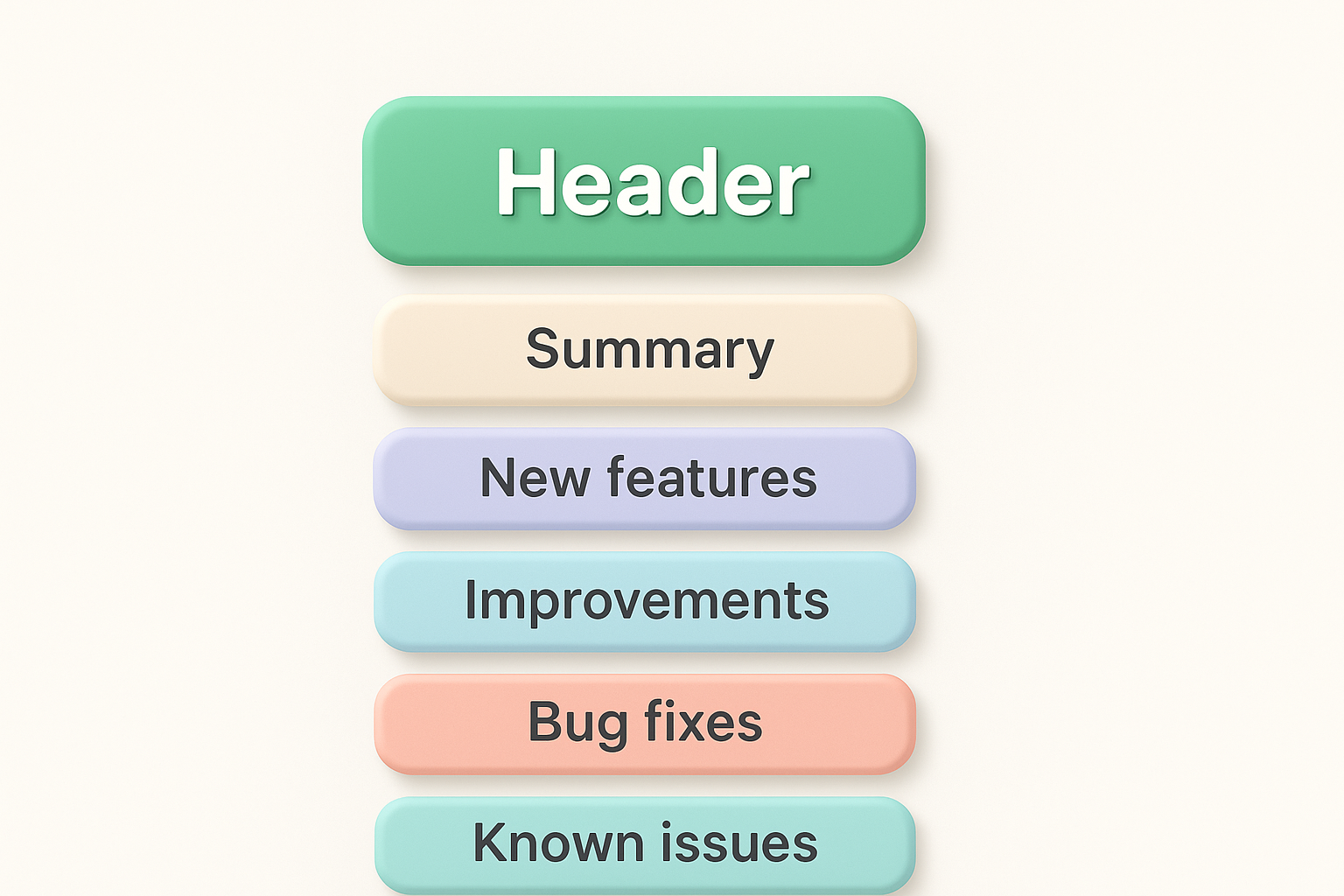
Use this template as your starting point for any minor or major release. Adjust the sections based on your release tier from Step 1, dropping sections that don't apply rather than leaving them blank.
## [Product Name] v[Version Number] - [Release Date]

**Summary**
[One to three sentences describing the release focus and user impact.]

**New Features**
- [Feature name]: [What it does and why it matters to the user.]

**Improvements**
- [Area affected]: [What changed and how it benefits the user.]

**Bug Fixes**
- [Bug description]: [What was happening and what now happens instead.]

**Known Issues**
- [Issue description]: [Workaround or expected resolution timeline if available.]

**Deprecations / Breaking Changes**
- [What is changing]: [Action required and deadline if applicable.]
Save this template somewhere your whole team can access it, and treat it as the default structure for every release cycle going forward.
The way you phrase each line in your release notes determines whether users understand the update or skim past it. Most release note items fail because they describe internal work rather than user impact. Your reader does not need to know what your engineering team did; they need to know how their experience has changed and what, if anything, they need to do about it.
Write every release note item from the user's perspective, not the engineer's.
Every item in your release notes format should open with the change itself, not the process behind it. Phrases like "Refactored the notification pipeline" tell users nothing. Instead, describe the result in plain language. "Notifications now send within five seconds" tells the user exactly what shifted and why it benefits them. The subject of each sentence should be the product or the user, never the development team.
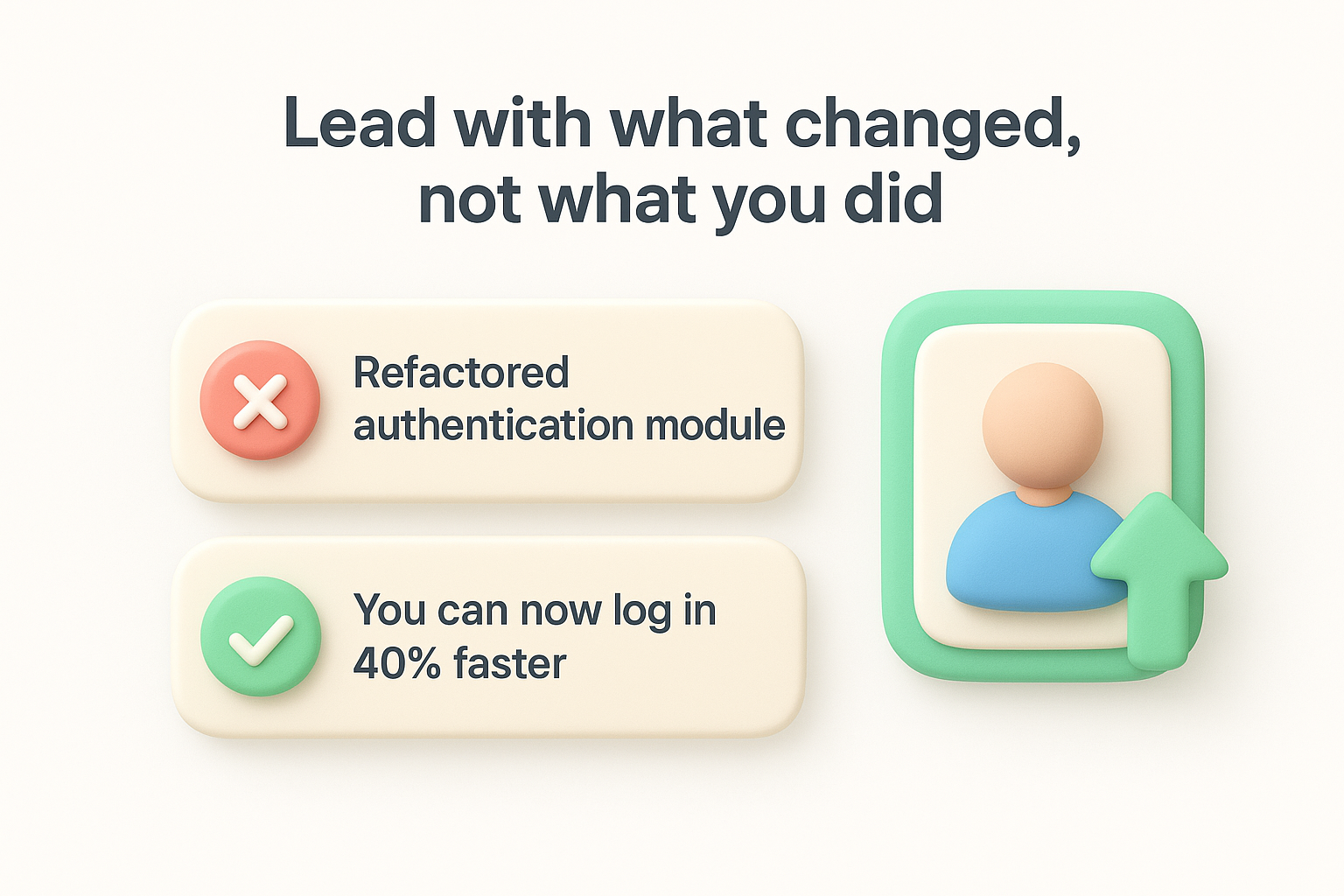
Here is a side-by-side comparison to show the difference:
| Before (process-focused) | After (user-focused) |
|---|---|
| Refactored authentication module | You can now log in 40% faster |
| Updated API endpoint response handling | API calls now return consistent error codes |
| Fixed logic in billing calculation | Invoices now reflect the correct proration amount |
| Migrated data layer to new schema | Search results load in under one second |
Some updates require no action from the user; others require them to update a setting, review a configuration, or migrate data before a deadline. Your job is to make that distinction immediately obvious in every item you write. If no action is needed, confirm that with a short phrase like "No action required." If action is required, state exactly what the user needs to do and by when.
Use this structure for any item that requires user action:
**[Feature or area]**: [What changed and what the user now experiences.]
Action required: [Specific step the user needs to take] by [date or version].
For items with no action needed, a single clear sentence works fine:
**[Feature or area]**: [What changed.] No action required.
Applying this pattern consistently across every item means your users can scan the notes quickly, spot what applies to them, and move on with full confidence.
Bugs, security patches, and known issues each demand a different writing approach within your release notes format. Getting this section wrong either buries critical information users need or causes unnecessary alarm. Your goal is to give each category the right level of specificity so users can quickly understand what was wrong, what changed, and whether they need to act.
Every bug fix item should describe what the user experienced before the fix, not what the code was doing wrong. If a user saw an error message when exporting a CSV file, say that. If a dashboard widget loaded blank data, say that. Your reader needs to recognize their own problem in your description before the fix means anything to them.
Use this structure for each bug fix entry:
**[Feature or area]**: [What the user experienced] has been resolved.
[What now happens instead.]
For example:
**CSV export**: Files with more than 1,000 rows previously triggered a
timeout error on download. Exports now complete successfully regardless
of file size.
Security fixes require a careful balance between transparency and safety. You want users to know a vulnerability was addressed, but publishing a detailed technical description can help bad actors exploit users who have not yet updated. Keep your language specific enough to prompt action without revealing exploitable details.
Acknowledge security fixes clearly, but limit technical details to what users need in order to act.
For most security updates, a short statement works well:
**Security**: Resolved a vulnerability in [general area, e.g., "session
handling"] that could allow [brief impact, e.g., "unauthorized access to
account data"]. We recommend updating immediately.
[CVE-YYYY-XXXXX if publicly disclosed.]
When you need to reference or assign CVE identifiers for publicly disclosed vulnerabilities, consult the NIST National Vulnerability Database for established conventions.
Known issues are active problems you have not resolved yet. Listing them signals that your team is aware and working on a fix, which is far more useful to your users than silence. Users who encounter a listed issue spend far less time troubleshooting because they already know what is happening and can plan around it.
Keep each known issue entry brief and include a workaround if one exists:
**[Area]**: [What the user experiences.]
Workaround: [Step-by-step alternative if available.]
Fix expected: [Version number or timeframe.]
Plain text covers the what, but visuals, documentation links, and rollout details cover the how and when users should act on your update. Adding these elements to your release notes format turns a static document into a practical reference that users return to throughout a release cycle, not just the day it publishes.
A well-placed screenshot removes ambiguity faster than any written description. When you introduce a new UI element or a changed workflow, include an annotated screenshot that shows exactly where the update lives inside the product. For changes involving a sequence of steps, a short screen recording embedded as a GIF or linked video clip gives users a clear visual reference without requiring them to navigate away.
Visuals should show the final state of the feature, not the process your team went through to build it.
Keep each visual directly adjacent to the release note item it supports, not grouped at the bottom of the document. A user scanning for a specific bug fix should not have to scroll past unrelated images to find the relevant screenshot.
Every item that changes user behavior should include a direct link to updated documentation so users can go deeper without searching. If you updated an API response format, link to the API reference. If you changed a settings workflow, link to the specific help article that now reflects the new steps. Use this inline pattern for each item with a supporting resource:
**[Feature name]**: [What changed.] [Learn more →](link-to-docs)
Keep your links current and specific, pointing to the exact page that covers the change rather than a general help center landing page. Stale links undermine user trust in your documentation.
Not every user receives an update at the same time. If you run a staged rollout or a phased release, say so directly in your release notes so users understand why they may not see a change yet. Include the expected completion date and which user segments receive access first.
**Rollout status**: Gradual rollout in progress.
Available to: [User segment or percentage]
Full availability: [Date]
This keeps users informed and reduces inbound support tickets from people wondering why a feature appears in your notes but not in their account. Transparency about rollout timing and scope prevents confusion before it starts.
The sections above give you the structure and logic behind a strong release notes format. Now you need ready-to-use templates that put all of it together in one place. Copy the templates below directly into your documentation workflow and adjust the placeholders to match your product and release tier.
The best release note template is the one your whole team can fill out consistently without extra instruction.
Use this template for bug fix releases and small improvements. Keep each entry to one or two sentences and focus entirely on what the user now experiences differently.
## [Product Name] v[X.X.X] - [YYYY-MM-DD]

**Summary**
[One sentence describing what this patch addresses.]

**Bug Fixes**
- [Area]: [What the user experienced] is now resolved. [What happens instead.]
- [Area]: [What the user experienced] is now resolved. [What happens instead.]

**Improvements**
- [Area]: [What changed and how it benefits the user.] No action required.

**Known Issues**
- [Area]: [What the user experiences.] Fix expected in v[X.X.X].
Major releases need more context and depth because they often change how users interact with a core part of your product. Use this filled example as a reference for tone, structure, and the level of detail that works for a significant update.
## Koala Feedback v3.0.0 - 2026-04-21

**Summary**
This release introduces a redesigned feedback board, faster search,
and a fix for the duplicate vote issue reported by multiple users.

**New Features**
- Redesigned feedback board: Boards now display status labels inline,
  so you can see progress without opening each item. No action required.

**Improvements**
- Search: Results now appear within 500ms across boards with
  more than 10,000 entries. No action required.

**Bug Fixes**
- Voting: Votes cast more than once during a session previously
  duplicated the count. Each vote now registers once.

**Known Issues**
- Email digests: Users on legacy plans may receive duplicate digest
  emails. Workaround: disable and re-enable digest in settings.
  Fix expected in v3.0.1.

**Breaking Changes**
- API v1 endpoints: /feedback/list is deprecated and will be removed
  in v4.0.0. Migrate to /v2/feedback/list before June 2026.
  Action required by 2026-06-01.
Both templates follow the same core structure outlined in Step 2, so your users always know where to look. Save them somewhere your entire team can access and treat the filled example as your internal benchmark for what a finished release note looks like.
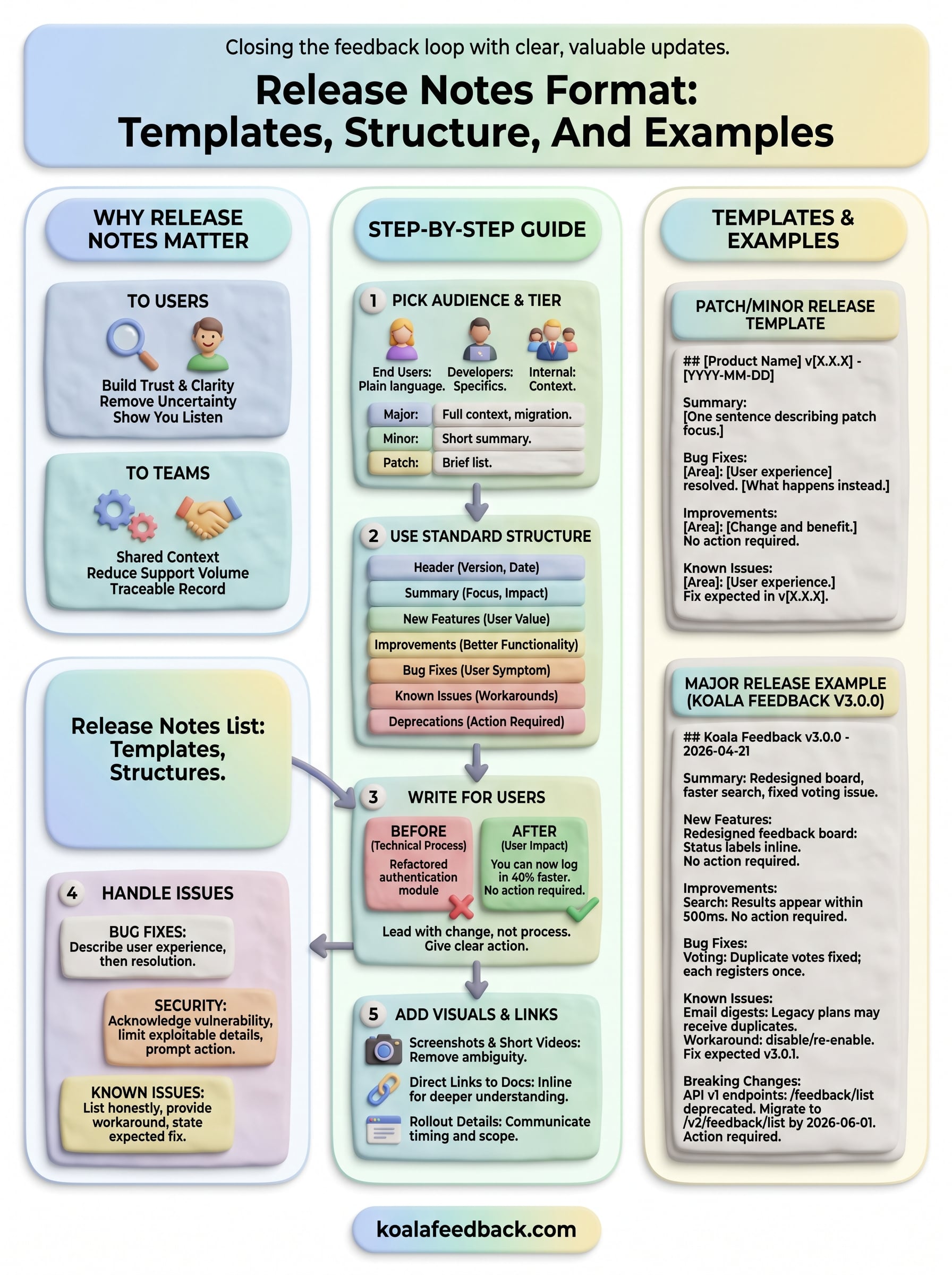
You now have everything you need to build a release notes format that your users will actually read. From choosing the right audience and release tier to writing bug fixes, handling security updates, and dropping in visuals and links, each step connects directly to making your documentation clear and useful for everyone who relies on your product.
Start by picking one upcoming release and running it through the templates in this guide. Apply the structure consistently and you will show your team what good looks like while giving yourself a baseline to refine over time. The more you practice, the faster the format becomes routine.
Closing the feedback loop matters. When users see that their input shapes your roadmap and shows up in your release notes, they stay engaged and trust your product more. Collect, prioritize, and act on user feedback with Koala Feedback to complete that cycle from every angle.

Start today and have your feedback portal up and running in minutes.

