Every time you ship an update, your users have one question: what changed? That's exactly the problem release notes solve. They're the bridge between your development work and the people who use your product, a clear, written record of what's new, what's fixed, and what's improved.
But too many teams treat release notes as an afterthought. They either skip them entirely or bury updates in vague, jargon-heavy bullet points that nobody actually reads. The result? Users miss features they asked for, support tickets pile up, and trust erodes quietly over time.
Good release notes do the opposite. They keep users informed, reduce confusion, and show that you're actively listening and building. At Koala Feedback, we help teams collect and prioritize user feedback, then share progress through public roadmaps, and release notes are a natural extension of that loop. They're how you close the conversation with the people who requested changes in the first place. This article breaks down what release notes are, how they differ from changelogs, and gives you practical templates to start writing better ones today.
When people ask what are release notes, the short answer is: a written summary of every meaningful change made to a software product in a given update or version. They document new features, bug fixes, performance improvements, and known issues so that anyone using or managing your product knows exactly what changed and why it changed. Release notes can appear inside the product itself, in a version history email, on a public-facing changelog page, or embedded in a dedicated customer portal.
Release notes aren't just internal documentation. They serve as a direct communication channel between your team and the people who depend on your product every day.
Your users are the most obvious audience, but release notes serve a wider group than most teams realize. Paying customers read them to understand what changed in the tool they rely on. Support teams use them to answer incoming questions accurately and get ahead of confusion before it turns into a flood of tickets. Sales and customer success reps reference them during renewal conversations, onboarding calls, and demos to highlight the improvements customers specifically asked for.
Executives and product stakeholders also scan release notes to track the pace and direction of your development. When your notes are clear, consistent, and well-organized, everyone across that chain gets the same accurate picture of what shipped, which reduces misalignment and builds confidence in your team's output.
Release notes typically start with the engineering or product team, but they shouldn't stay there. Engineers know what changed at a technical level, but they often default to writing for other engineers. Product managers are better positioned to translate those technical changes into language that reflects user-facing value, answering not just what changed but why it matters to the person using your product day to day.
Involving multiple contributors, specifically product, engineering, and marketing, tends to produce release notes that are more complete and more useful for everyone who reads them. Each role adds something different: engineering brings technical accuracy, product brings context and priority, and marketing brings the plain-language framing that your users actually need to understand and act on an update quickly. When you build that collaboration into your release process early, the notes shift from being a technical formality to a genuine communication asset.
When you understand what release notes are, you start to see them less as a chore and more as a strategic communication tool. Most software teams ship updates constantly, but without clear documentation of those changes, users often feel like your product changes unpredictably under their hands. That disconnect creates friction, and friction leads to churn. Release notes are how you make every update feel intentional rather than random.
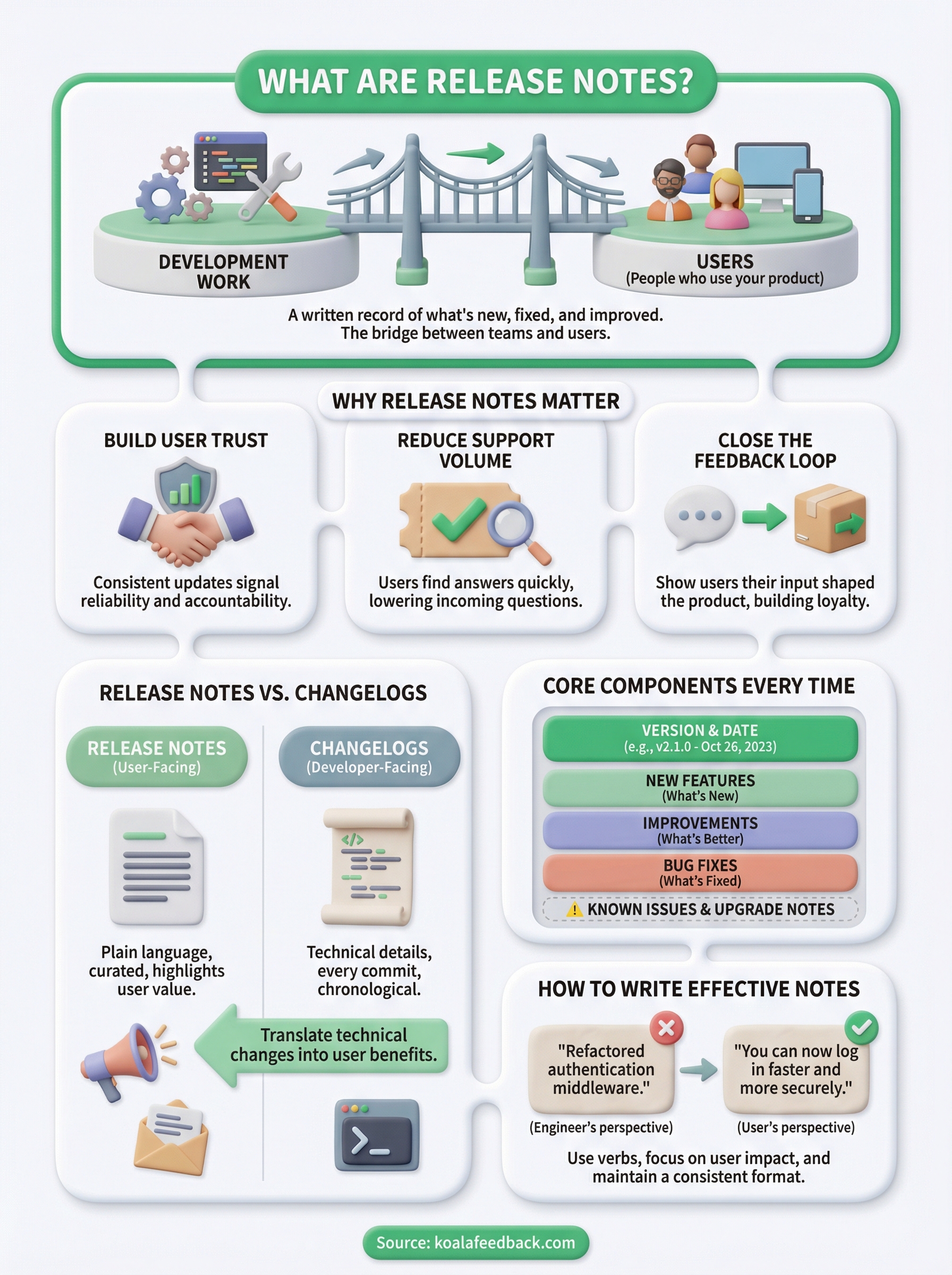
Consistent release notes signal to your users that you're organized, accountable, and actively improving the product. When someone sees that you document every change thoroughly, they trust you more with their workflow and their data. That trust compounds over time, which directly supports retention and long-term customer relationships.
Users who feel informed about product changes are far less likely to feel blindsided and far more likely to stay.
Publishing release notes also closes the feedback loop. When a user submits a request and later sees it listed in your notes, they know their input shaped the product. That recognition builds loyalty in a way that no marketing message can replicate, because it shows you listened and actually followed through.
Clear, detailed release notes cut down on the number of questions your support team has to handle after every deploy. When users can read exactly what changed, they don't need to open a ticket to find out. Your support team also references those notes directly when answering questions, which means faster, more consistent responses across the board. Less guesswork for your team and fewer frustrated users waiting for answers is a measurable improvement in your day-to-day operations.
If you've spent time thinking about what are release notes versus what a changelog is, you're not alone. These terms get used interchangeably, but they serve different audiences and carry different levels of detail. Understanding the distinction helps you decide which format your team needs, and when you might actually need both.
A changelog is typically a developer-facing document that logs every change made to a codebase, often in chronological order with very little context about user impact. It's built for internal teams and contributors, not customers. Release notes, by contrast, are written for your actual users, translating technical changes into plain language that explains what improved and why it matters to them.
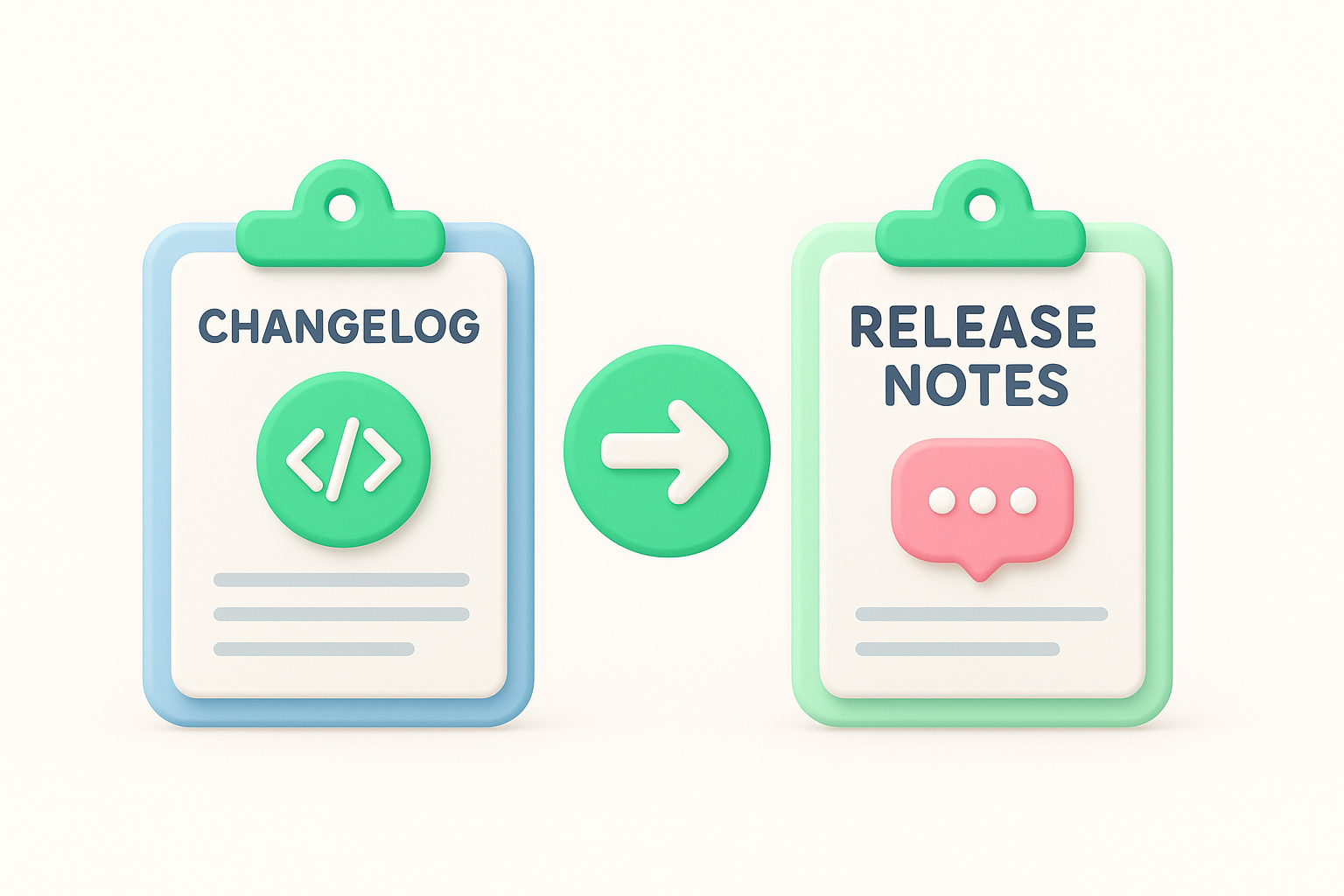
A changelog tracks what changed in your code; release notes explain what changed in your product from the user's perspective.
Your release notes will be shorter and more curated, written with a specific audience in mind. A changelog might list every commit or dependency update, while your release notes highlight only what users need to know to work with the new version effectively.
Patch notes are a subset of release notes, typically focused on bug fixes and minor corrections rather than new features. Update emails serve a similar communication goal but push content directly to users rather than hosting it in a central location that people can return to.
Neither format replaces release notes entirely. Your most effective approach is to use release notes as the authoritative source and pull content from them into patch notes or emails as each situation calls for it.
Once you know what release notes are and why they matter, the next challenge is figuring out exactly what belongs in them. Skipping key elements leaves users confused, while overloading them with unnecessary technical detail causes people to stop reading altogether. Every set of release notes you publish should follow a consistent structure so your users know where to look and what to expect each time you ship.
Your release notes need a few non-negotiable pieces of information every time. The version number and release date go at the top, giving users a clear reference point they can use when reporting issues or comparing versions. Below that, you organize changes into categories: new features, improvements, and bug fixes. Keeping these separate makes it easier for users to scan and find what's relevant to them.
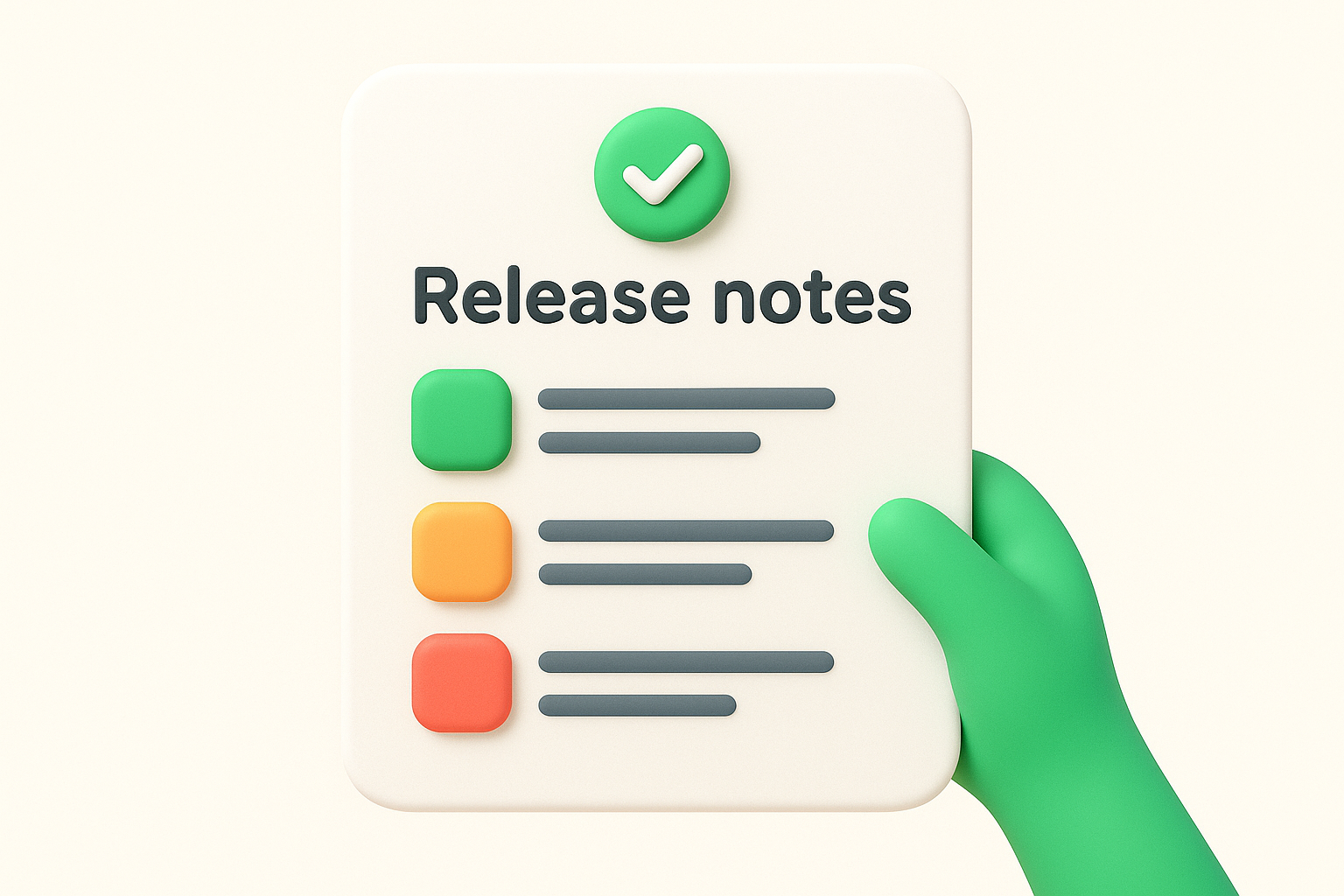
The version number and date aren't optional details; they're the anchors that make your release notes searchable and useful long after the update ships.
Use short, plain-language descriptions for each item. Lead with what changed, then explain why it matters to the user, not to your engineering team.
Known issues deserve their own section. Being upfront about limitations that made it into the release builds more trust than staying silent and letting users discover problems on their own. Include a brief description of each issue and, when possible, a temporary workaround until you ship the fix.
Upgrade notes are equally important if your update affects existing workflows or requires action from users, such as a configuration change or a deprecated setting. Flag these clearly so users can prepare before the update reaches their environment.
Understanding what are release notes is one thing; writing them well is another. The most common mistake teams make is writing from the engineer's perspective rather than the user's. A note that says "refactored the authentication middleware" means nothing to most users. Translate every change into plain language that answers one question: how does this make my experience better?
Start each release note item with a verb that describes user impact: "You can now filter reports by date range" beats "Added date range filter parameter to reports API." When you frame changes this way, users immediately understand the value without needing technical context. Cut anything that only matters internally, such as library updates or code refactors, unless they directly affect how users interact with the product day to day.
The best release notes read like a conversation between your team and your users, not a patch log written for a code reviewer.
Your release notes should feel like they come from one person, even when multiple team members contribute. Set a style guide that defines tone, sentence length, and how to categorize changes across updates. Consistency across releases trains users to trust your communication, because they always know what format to expect and where to find the information they need.
Run a quick checklist before you publish each set of notes:
Now that you understand what are release notes and how to write them well, the next move is to build the habit into your shipping process. Release notes work best when they're consistent, not just something you write once and forget. Set up a simple template your team agrees to use, assign ownership of writing to someone on the product side, and commit to publishing notes with every meaningful update you ship.
The real payoff comes when your release notes connect directly to the feedback your users submitted. When someone sees their request listed as a shipped feature, that closes the loop in a way that drives genuine loyalty and trust. That's where a tool like Koala Feedback adds serious value: it helps you collect and prioritize user requests, then communicate your progress clearly. If you want to strengthen that feedback-to-release cycle, start managing user feedback with Koala Feedback today.

Start today and have your feedback portal up and running in minutes.

