A solid product roadmap keeps your team aligned and your users in the loop, but building one from scratch eats up time you don't have. That's why so many SaaS teams search for a Notion product roadmap template to get started quickly. Notion's flexibility makes it a popular choice, and the right template can save you hours of setup and formatting work.
The challenge? There are dozens of options floating around, and not all of them are built with SaaS workflows in mind. Some are too simple, others are bloated with features you'll never touch. This list narrows it down to 10 templates that actually make sense for product teams managing backlogs, sprints, and release timelines.
Worth noting: a roadmap is only as good as the feedback driving it. At Koala Feedback, we help SaaS teams collect, prioritize, and act on user feedback, then share progress through public roadmaps. Several of these Notion templates pair well with a dedicated feedback tool, and we'll flag where that connection matters throughout the list.
Koala Feedback isn't a Notion product roadmap template, but it solves a problem that no Notion template can: sharing your roadmap publicly with users in a way that invites real engagement. While Notion works well for internal planning, external-facing roadmaps need more than a shared link and a static table.
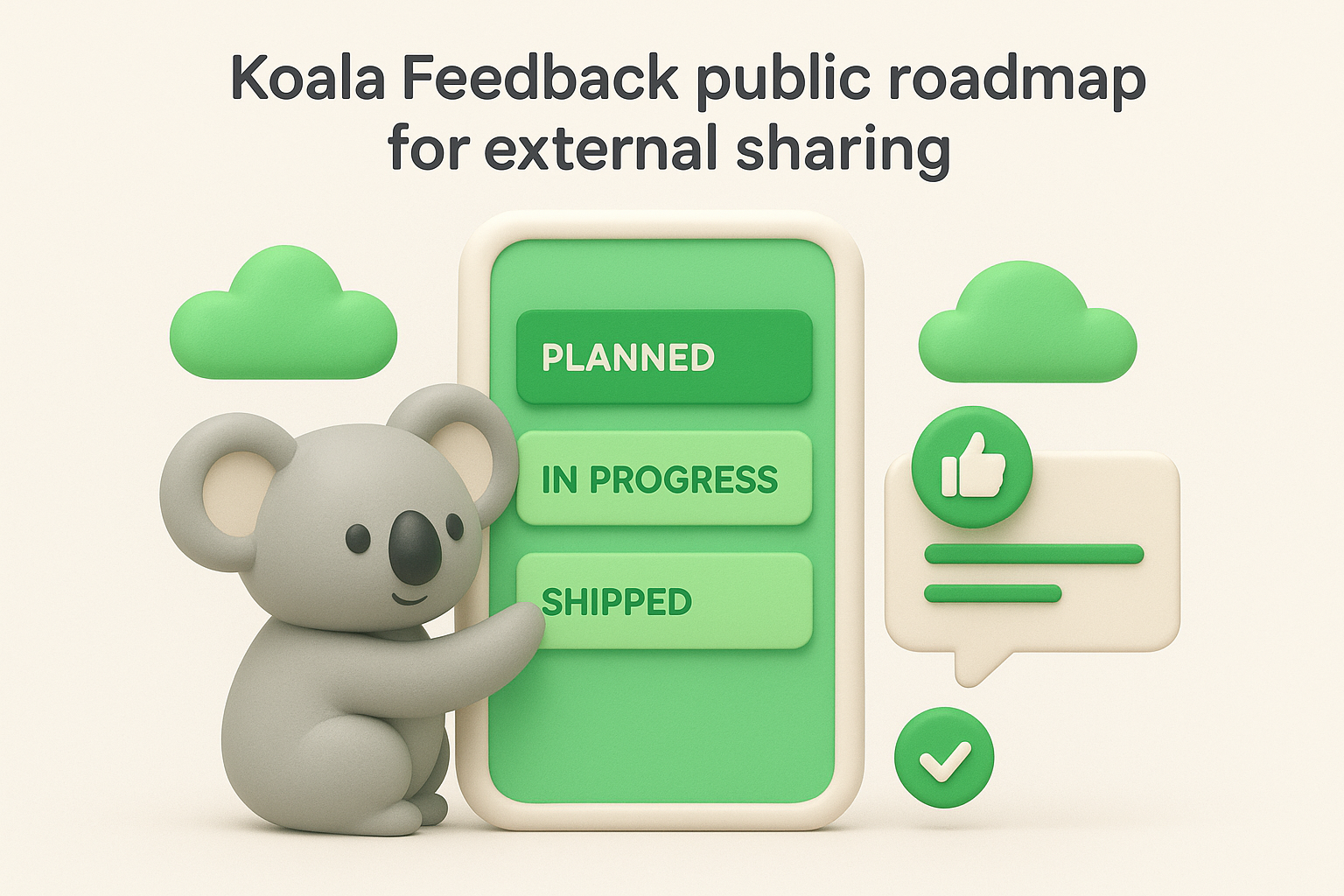
The platform gives you a dedicated public roadmap that shows users what's planned, in progress, and shipped. Users can submit feature requests directly through a feedback portal, vote on ideas, and leave comments. Koala Feedback automatically deduplicates and categorizes incoming submissions, so you're not sorting through hundreds of near-identical requests by hand. You also get customizable statuses to set accurate expectations at every stage of your development cycle.
A public roadmap that lets users vote and comment creates a feedback loop that static Notion pages simply cannot replicate.
This tool fits SaaS product teams that want to close the gap between user feedback and product decisions. If you regularly get feature requests from customers and struggle to track which ones surface most often, Koala Feedback's prioritization boards give you a clear, data-driven picture of what your users actually want built next.
You don't have to choose between the two. Use Notion for internal planning: sprint breakdowns, technical specs, dependency mapping, and team alignment. Then use Koala Feedback as the customer-facing layer where users see progress and submit ideas. When a feature request collects enough votes in Koala Feedback, pull it into your Notion backlog and begin the internal planning work. This two-tool setup keeps your internal workspace focused while giving users a transparent window into where the product is headed.
Koala Feedback offers a free plan that covers the core features, including the feedback portal and public roadmap. Paid plans add customization options such as a custom domain, branded colors, and your own logo. Pricing scales with team size and feature needs, so it works for early-stage startups as well as teams managing multiple product lines. You can get a public roadmap live in under an hour without writing any code.
This is Notion's official take on a product roadmap, built for the current planning year. The 2026 version reflects how modern SaaS teams actually work, with multiple views for tracking status, planning by quarter, and visualizing delivery timelines in a single workspace.
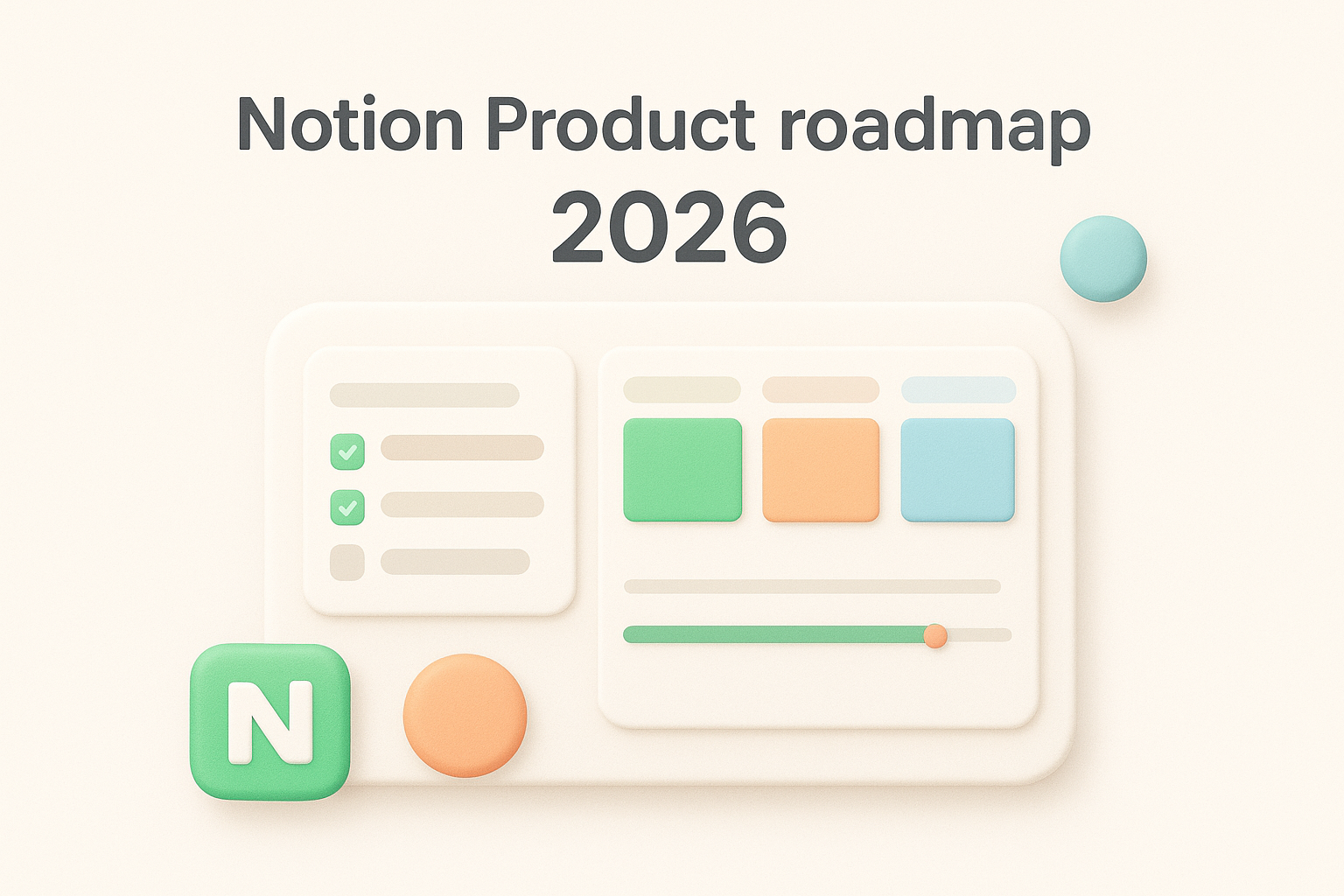
The template includes a database-driven roadmap with a table view, a board view for kanban-style status tracking, and a timeline view for spotting delivery windows. Custom properties let you tag each item by team, priority, and quarter so you can filter your roadmap by any dimension in seconds. Core views include:
This notion product roadmap template suits teams that want a clean, well-structured starting point without building from scratch. It works best for early to mid-stage SaaS teams aligning a small product group around a shared backlog and quarterly goals.
Notion's official templates stay compatible with new platform features as they ship, so you won't run into formatting issues after a Notion update.
Start by adding custom properties for revenue impact, user request count, and engineering effort. You can link a separate feedback database in the same Notion workspace to pull high-voted requests directly into your roadmap view. Filtering by quarter or team keeps planning sessions focused on what's actually in scope rather than the entire backlog.
The template is free to duplicate from the Notion template gallery. You only need an active Notion account to copy it, and it runs on every plan including the free tier, so no payment details are required to get started.
Not every team needs a complex system. The Notion Simple Roadmap 2026 template strips the roadmap down to its core: a clean list of initiatives with status, owner, and timeline fields that won't overwhelm a small team trying to move fast.
The template centers on a streamlined database with just enough properties to track what matters. You get a table view with status tags, a timeline view for visualizing delivery windows, and a board view for quick status updates. There are no deeply nested sub-pages or custom automations to configure before you can use it, which means you can start adding real work within minutes of duplicating it.
This notion product roadmap template fits early-stage SaaS teams or solo product managers who find full-featured templates overkill. If your planning process involves one or two engineers and a tight backlog, a lighter structure keeps everyone focused without extra maintenance.
Simpler templates often outlast complex ones because teams actually maintain them instead of abandoning them after the first sprint.
Add a "Type" property with options for epics, sprints, and bugs, then filter each view by type to keep your planning contexts separate. Link each item to a goal or outcome property so that when you review the roadmap in a planning session, you can quickly check whether each sprint moves the needle on a quarterly target rather than just filling time.
The template is free to duplicate from Notion's template gallery, and it works on every Notion plan including the free tier.
Rather than picking a single template, Notion's product roadmap templates category page gives you a browsable collection of options in one place. If you're not sure which structure fits your team's workflow, this page lets you compare multiple layouts and approaches before committing to one.
The category page surfaces a curated set of roadmap templates built by Notion and community contributors. Each listing includes a preview so you can see the structure before you duplicate it. You'll find options that emphasize timeline views, kanban boards, and goal-tracking setups, giving you a practical range to work with rather than a single prescribed format.
This page works best for teams who are still figuring out their planning process. If you've tried a basic roadmap format and outgrown it, or if you're evaluating your first notion product roadmap template, browsing the full category gives you a clearer picture of what's available without searching across different sites.
Spending 15 minutes reviewing multiple templates before duplicating one saves hours of restructuring later.
Open each template preview and check whether it includes the properties your team already uses, such as owner, priority, and quarter. If a template requires significant customization before it matches your workflow, move to the next one. Look for templates with filtered views already configured since those save the most setup time in practice.
All templates on the category page are free to duplicate with any active Notion account, including the free tier.
The Explo product roadmap template is a community-built Notion template shared by the Explo product team based on how they actually plan their own work. Unlike templates created purely for the template gallery, this one reflects real planning decisions made by a team shipping a live SaaS product.
This template includes a feature tracking database organized by initiative, status, and expected delivery quarter. You get a board view for status-based planning and a table view for detailed editing. Custom properties cover priority level, product area, and assigned owner, giving you enough structure to run planning sessions without building the system from scratch.
This notion product roadmap template suits SaaS teams that want a field-tested structure from a team that uses it in production. If generic templates feel too abstract, seeing how an active product team organizes their work gives you a concrete starting point you can trust.
Templates built by working product teams often include workflow decisions that purpose-built gallery templates skip entirely.
Start by renaming the product area tags to match your own feature categories. If your team runs weekly standups or quarterly planning reviews, add a "Review Cycle" property so each roadmap item connects to a specific ritual. Tying the template structure to how your team already operates keeps it from sitting unused after the first sprint.
The template is free to duplicate from Notion's template gallery. You only need an active Notion account to copy it, and it runs on any plan including the free tier.
The Stytch product roadmap template is another community contribution from an active SaaS team. Stytch shared this Notion workspace layout based on how their own product team tracks initiatives, so the structure reflects real usage rather than theoretical best practices.
This template organizes roadmap items around initiative-level planning, with properties for status, priority, and target quarter. You get a table view for detailed editing and a board view for status-based tracking. The layout also includes a dedicated strategy section that connects high-level goals to individual roadmap items, which is a detail many templates skip entirely.
This notion product roadmap template works well for SaaS teams that want strategy and execution tracked in the same workspace. If your current setup has your product goals living in one document and your roadmap in another, this template gives you a structure that keeps both connected without constant manual syncing.
Keeping strategy and roadmap in the same database makes it easier to spot when your execution has drifted from your original goals.
Add a "Strategic Goal" relation property that links each roadmap item back to a goals database in the same Notion workspace. During quarterly reviews, filter your roadmap by goal to check whether your planned work actually moves the right metrics. This approach turns your roadmap from a delivery checklist into a living document tied directly to outcomes your team cares about.
The template is free to duplicate from Notion's template gallery and works on any Notion plan, including the free tier.
The Abdo Karmalla product roadmap template is a community-built option that stands out for its clean visual structure and practical organization. Karmalla designed it with real product workflows in mind, making it a strong alternative to the more generic options in the Notion gallery.
This notion product roadmap template gives you a database organized around features, statuses, and quarterly targets. You get a table view for detailed editing, a board view for visual status tracking, and clear property fields for priority and ownership. The layout is intentionally lean so you can start using it without a long configuration session before your first planning meeting.
This template fits solo product managers or small teams who want a structured but straightforward roadmap without extra layers of complexity. If you manage the full product lifecycle yourself and need a system that stays current without heavy maintenance, this format gives you exactly that.
A well-scoped template that matches your current team size will outlast an overbuilt one you abandon after two sprints.
When your team grows, add a "Team" relation property that links each roadmap item to the group responsible for delivery. You can also introduce a sub-task database connected to each initiative so engineers and designers track their work at the task level without cluttering the main roadmap view. This keeps the top-level roadmap readable while giving contributors the detail they need.
The template is free to duplicate from Notion's template gallery and works on any Notion plan, including the free tier.
Notion's project roadmap templates category page is a separate collection from the product roadmap gallery, and the distinction matters. Where product roadmaps track features and releases, project roadmaps focus on discrete initiatives with defined start and end dates, making them a different but complementary planning layer for SaaS teams.
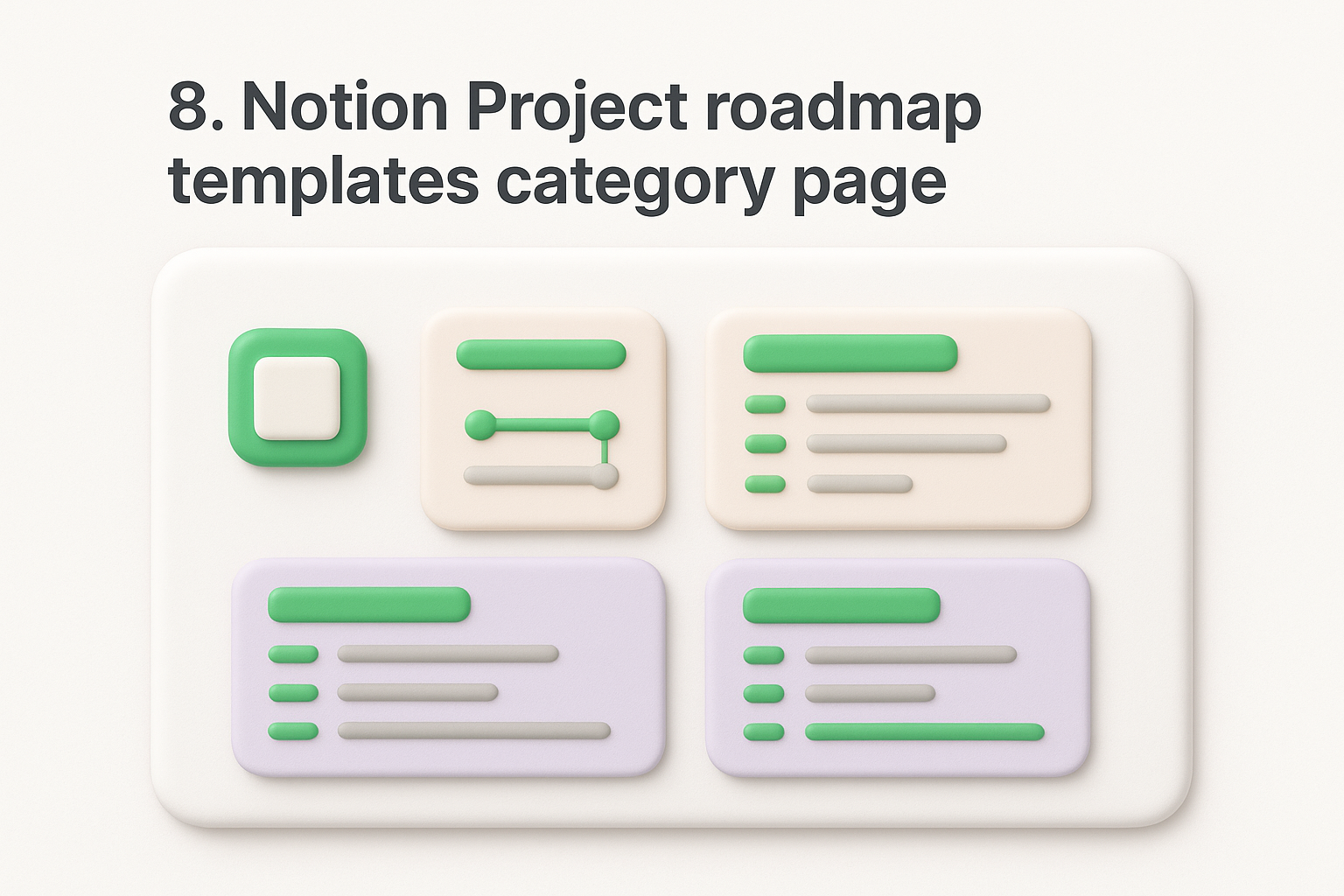
The category page surfaces a curated set of project-focused roadmap templates built by Notion and community contributors. Each listing shows a structural preview so you can assess the layout before you duplicate it. You'll find templates organized around milestones, deliverables, and phase-based timelines rather than continuous feature backlogs, which shifts the planning frame from "what are we building" to "when does each phase complete."
This collection works well for SaaS teams managing time-boxed initiatives alongside their standard product roadmap. If your team runs structured product launches, infrastructure migrations, or compliance projects, the project roadmap format gives you a deadline-driven structure that a feature backlog template won't provide.
Keeping a project roadmap separate from your core product roadmap prevents one-time initiatives from cluttering your ongoing feature planning.
Duplicate a milestone-based template from the category page and map each launch phase, such as internal beta, external beta, and general availability, to its own row. For migrations, add a dependency property so your team can see which phases must complete before the next one begins. This approach gives engineering and product a shared view of sequencing without pulling launch work into your main notion product roadmap template.
All templates on this category page are free to duplicate and work on any active Notion plan, including the free tier.
Notion's Gantt chart template takes a different approach to roadmap planning by putting delivery timelines front and center instead of status boards or backlogs. If your team thinks in dates and dependencies rather than priority rankings, this format gives you a clearer picture of what ships when.
The template centers on a timeline database view where each row represents an initiative with a defined start date and end date. You can see the full delivery schedule laid out visually across weeks or months, making it easy to spot overlapping workloads or gaps in your release calendar without scanning through a table row by row.
This notion product roadmap template suits teams where engineering schedules and delivery dates drive planning conversations. If stakeholders regularly ask when features ship rather than what order they rank in, a Gantt-style layout gives you the format that answers that question immediately.
A timeline-first roadmap shifts planning discussions from "what's most important" to "what's actually deliverable given your current capacity."
Add a "Blocked by" relation property that links each initiative to the items that must complete before it can begin. You can then filter the timeline view to highlight any initiative where the upstream dependency is still in progress, giving your team a clear view of sequencing risks before they become delays.
The template is free to duplicate from Notion's template gallery and works on any Notion plan, including the free tier.
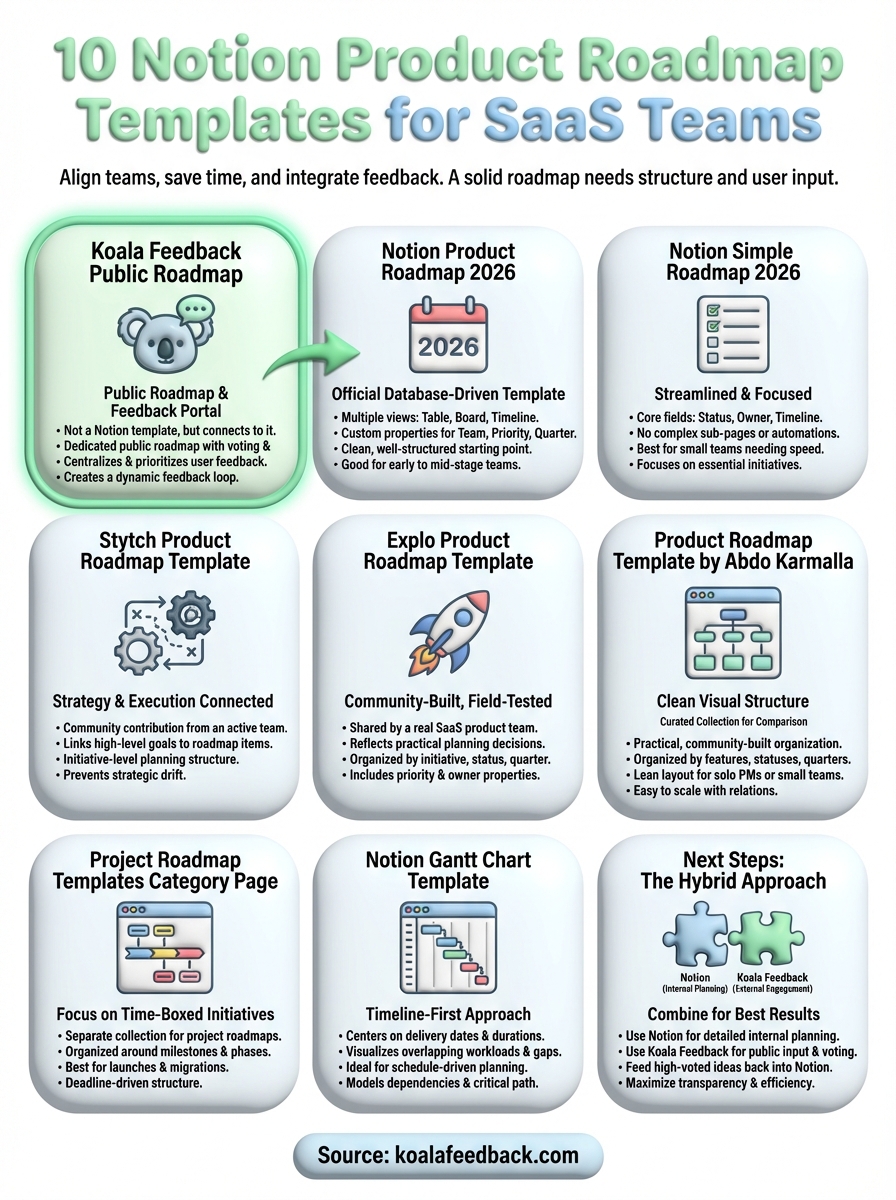
Each template in this list solves a different planning problem. If you're just getting started, the Notion Product Roadmap 2026 template gives you a clean foundation without much configuration. If your team thinks in timelines and dependencies, the Gantt chart template fits better. Pick the option that matches how your team already talks about work, duplicate it, and add only the properties you know you'll use from day one.
A notion product roadmap template handles internal planning well, but it won't give your users a place to submit feedback, vote on ideas, or see what's coming next. That's where a dedicated tool fills the gap. Start your free Koala Feedback account to give your users a public roadmap they can actually engage with, then feed the highest-voted requests directly back into your Notion planning workflow. The two tools work better together than either does on its own.

Start today and have your feedback portal up and running in minutes.

