You shipped the feature. Users asked for it, your team built it, and now it's live. But if your release notes best practices amount to a bullet list buried in a changelog nobody reads, you've wasted the last mile of that effort. Good release notes close the loop between what users requested and what you delivered, they're proof you're listening.
For lean SaaS teams, writing release notes often falls to whoever merged the last PR. That's a problem. Poorly written updates confuse users, generate unnecessary support tickets, and make your product feel like a black box. Well-crafted release notes do the opposite: they reduce friction, build trust, and drive adoption of the features you worked hard to ship.
At Koala Feedback, we help teams collect feedback, prioritize features, and share public roadmaps. Release notes are where that cycle completes. Here are six practices that actually work for small teams shipping fast in 2026.
When your release notes live across Slack, a buried docs page, and a Notion doc nobody updates, users miss them and your team wastes time keeping everything in sync. A single publishing hub eliminates that fragmentation and gives users one reliable place to check what changed. This is one of the most overlooked release notes best practices for small teams moving fast.
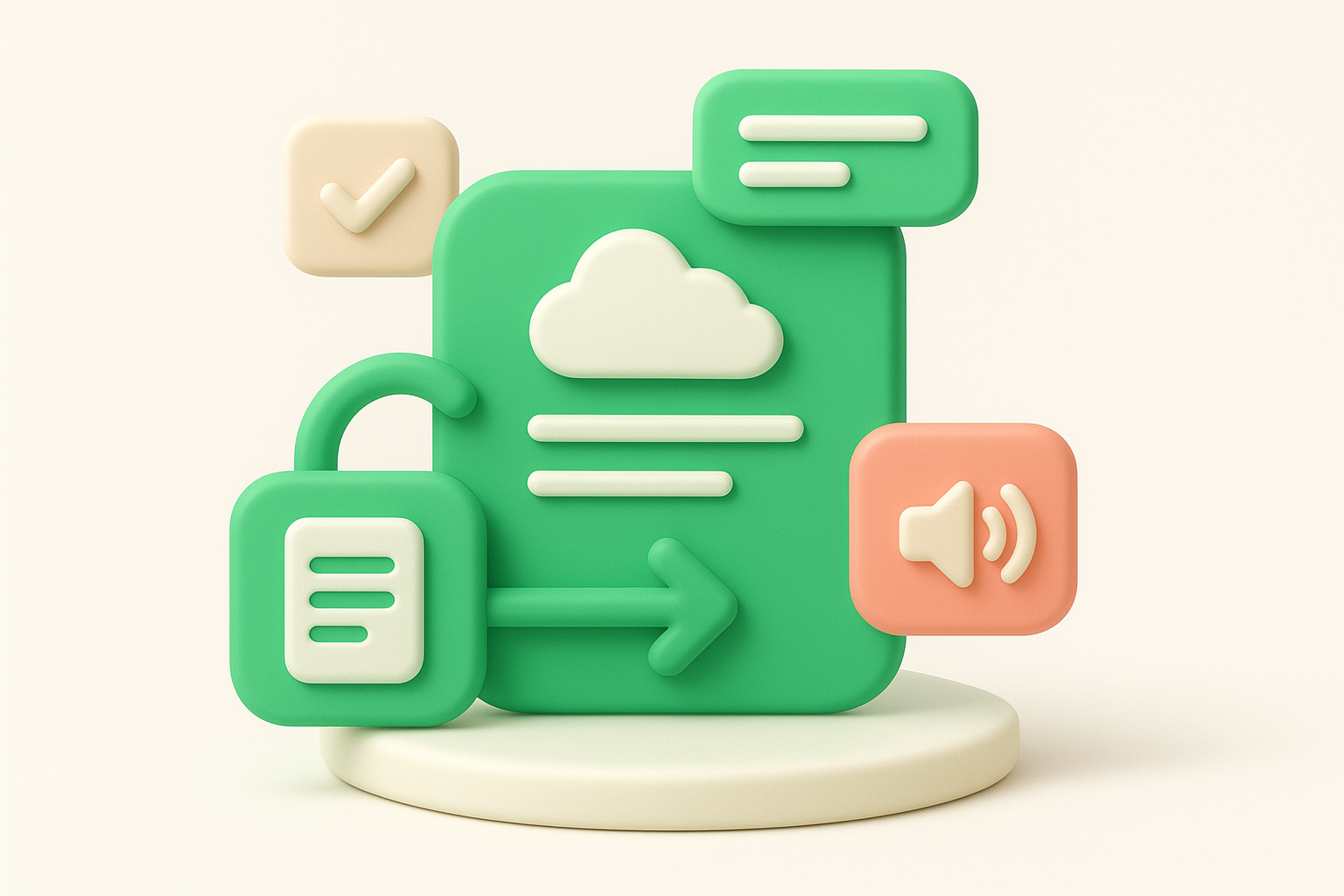
A centralized hub means every update gets published to one location first, and every other channel pulls from there. Koala Feedback's changelog and public roadmap let you post structured updates tied directly to the feedback that drove the work, so users can trace a request from "submitted" all the way to "shipped" without hunting across platforms.
When users can see their specific request move from "planned" to "live" in one place, you build more trust than any marketing copy can manufacture.
Set up your Koala Feedback portal as the single source of truth before you ship anything. Write the update there first, then distribute to other channels. Here is a repeatable workflow:
This approach means you write once and reference everywhere, which is the only realistic option when your team is small.
The most common mistake is treating the changelog as an afterthought, published only when someone asks where the notes are. That pattern turns your hub into a graveyard of sporadic posts. Set a fixed publish cadence, whether weekly or per sprint, and protect that habit even during crunch periods.
Skipping the feedback loop for users who voted on a feature is equally damaging. An automated notification when you ship what someone requested six months ago lands far better than a generic post they will likely never see.
Most release notes open with the wrong thing. Engineers write what they built; users want to know what changed for them. Leading with user outcomes in plain language is one of the simplest release notes best practices that separates a changelog people actually read from one they ignore.
Leading with outcomes means your opening sentence answers a user question: what can I do now that I could not do before? Instead of "Refactored the notification pipeline to support async processing," you write "Notifications now arrive instantly, even during high traffic."
The reader does not care how you built it; they care what it does for them.
That difference is not cosmetic. Outcome-first language drives faster feature adoption because users immediately grasp the value without decoding technical context.
Start every update with a plain-language benefit statement before any implementation detail. A reliable pattern works well here: "[Who] can now [do what]." Keep it to one or two sentences before adding context, like this:
The most common error is burying the outcome after two paragraphs of implementation notes. Users skim release notes in seconds, so if your opening line reads like a commit message, most people will not reach the sentence that actually matters to them. Write the outcome first, then add the technical detail for anyone who wants it.
Users spend seconds, not minutes, reading release notes. If your update looks like a wall of text, most readers will close it before they find the change that affects them. Scannability is a core release notes best practice because it respects your users' time and gets the right information in front of the right people fast.
A tight structure means your release notes follow a consistent visual pattern every time: a short headline, a one-sentence outcome, and an optional detail block. Users who read your notes regularly will learn where to look, which means they process updates faster without needing to read every word.
Break your update into labeled sections using tags like "New," "Fixed," or "Improved" so users can jump to what matters to them. Keep each item to two or three sentences max, and use a short bulleted list when you ship multiple changes in one release.
A predictable format does more for adoption than polished prose. Users trust updates they can scan in ten seconds.
Avoid writing long paragraphs for minor fixes. A bug fix does not need three sentences of backstory; one clear line is enough. Resist the urge to mix release notes and marketing copy in the same block, which forces users to filter out the noise before they reach the actual change.
A release note without a clear next step leaves users stranded. They read the update, understand the change, and then have to go hunting for the docs, the setting, or the screen that makes the feature useful. That friction slows adoption and generates support tickets your team does not have time to answer. Linking deliberately is one of the release notes best practices that directly reduces that workload.
Strategic linking means every release note points users to exactly where they need to go after reading it, whether that is a help article, a specific settings page, or a getting-started guide. You are not cramming links into every sentence; you are adding one or two purposeful pointers that let users act immediately without asking for help.
A release note that ends with a clear link converts readers into active users faster than any tutorial email.
Place your link at the end of the update, after the outcome statement and any detail, so it functions as a natural next action. Use descriptive anchor text like "Set up your export settings" rather than "click here," which tells users nothing about where they are going.
The most common mistake is linking to a generic help center homepage instead of the specific article that answers the question the release note raises. Another problem is linking to internal staging URLs or broken docs, which erodes trust fast. Audit every link before you publish.
Vague release notes create anxiety. When users see "performance improvements" with no context, they wonder if their workflow changed, if their data moved, or if something broke quietly. One of the most reliable release notes best practices is to answer three specific questions in every update: what changed, who it affects, and whether there is any risk involved.
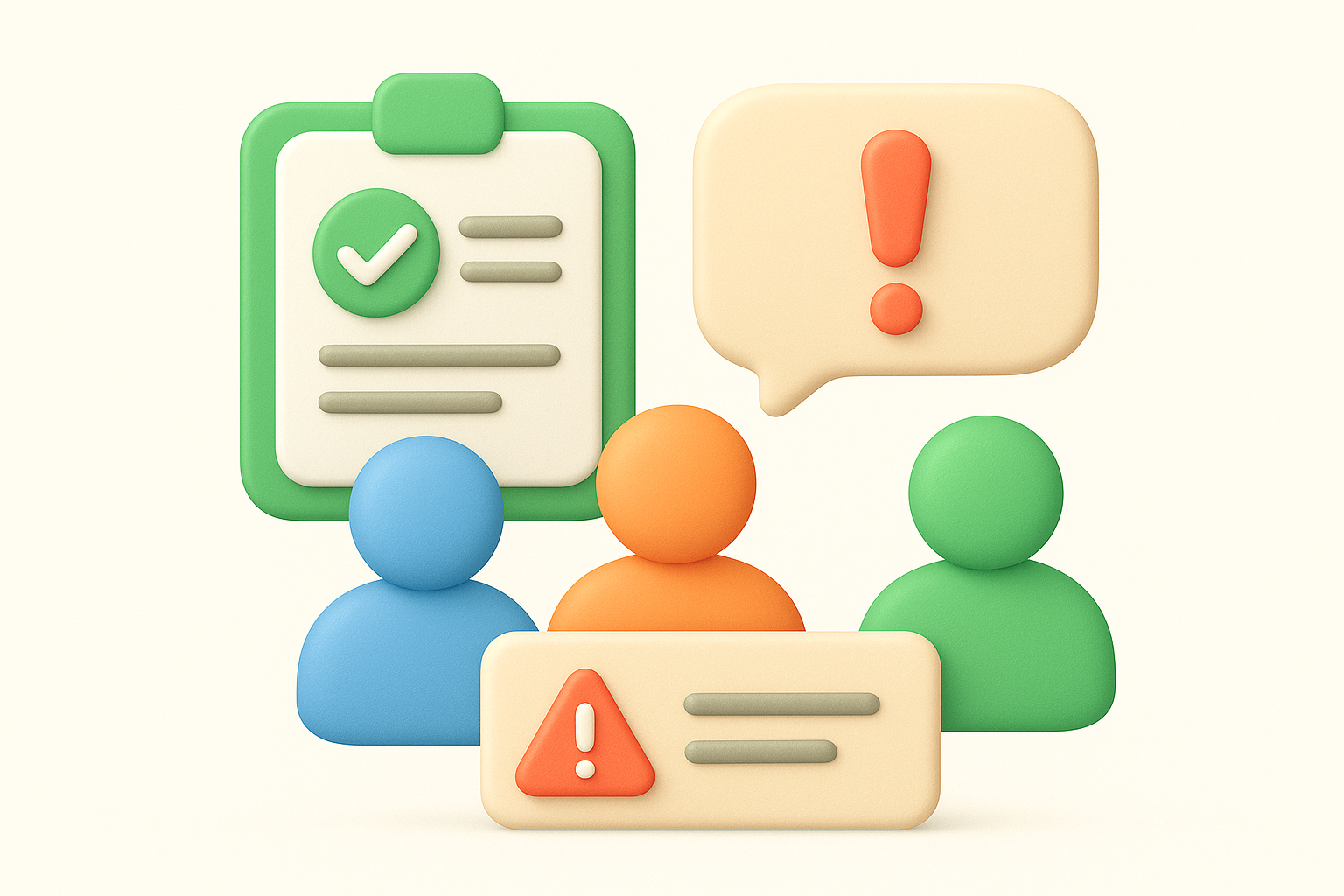
This practice means every update explicitly names the specific change, the user segment it touches, and any action required or risk involved. It is not about writing more words; it is about answering the three questions users ask the moment they read an update.
Users who understand exactly what changed and whether it affects them stop emailing support to ask.
Structure each entry with three short elements: what shipped, who it affects (all users, admins only, a specific plan tier), and any required action or known limitation. Keep one sentence for each element so readers get full context without wading through extra prose. You do not need a rigid template to pull this off consistently.
The most frequent error is writing updates that only describe the technical change while skipping the affected audience entirely. Admins and end users need different information, so a note that ignores segmentation will confuse both groups. Avoid downplaying real risks too. If a change requires a settings update to prevent data loss, say so plainly rather than burying it at the end.
Publishing to a central hub means nothing if users never see the update. Most people will not visit your changelog unprompted, which means distribution is the final step that determines whether your release notes actually drive adoption. Pushing updates to the channels your users already check is one of the most practical release notes best practices you can build into your shipping process.
Sharing where users are means actively pushing release notes to the places your audience already spends time, whether that is in-app notifications, email digests, or a Slack community, rather than expecting them to find the changelog on their own. Passive publishing leaves adoption to chance; active distribution puts the right information in front of the right people at the right time.
Pick two or three distribution channels that match where your users actually engage, and make them a fixed step in your release workflow. A reliable approach covers in-app banners for immediate visibility, a short email digest for users who prefer async updates, and a community post for power users who want the full detail.
You do not need to rewrite the content for each channel. Link back to your central hub and add one line of context tailored to each audience.
The most common error is blasting every channel with the same full-length note, which trains users to ignore the noise over time. Equally damaging is skipping distribution entirely on minor fixes, since a consistent cadence is what builds the habit of checking your updates in the first place.
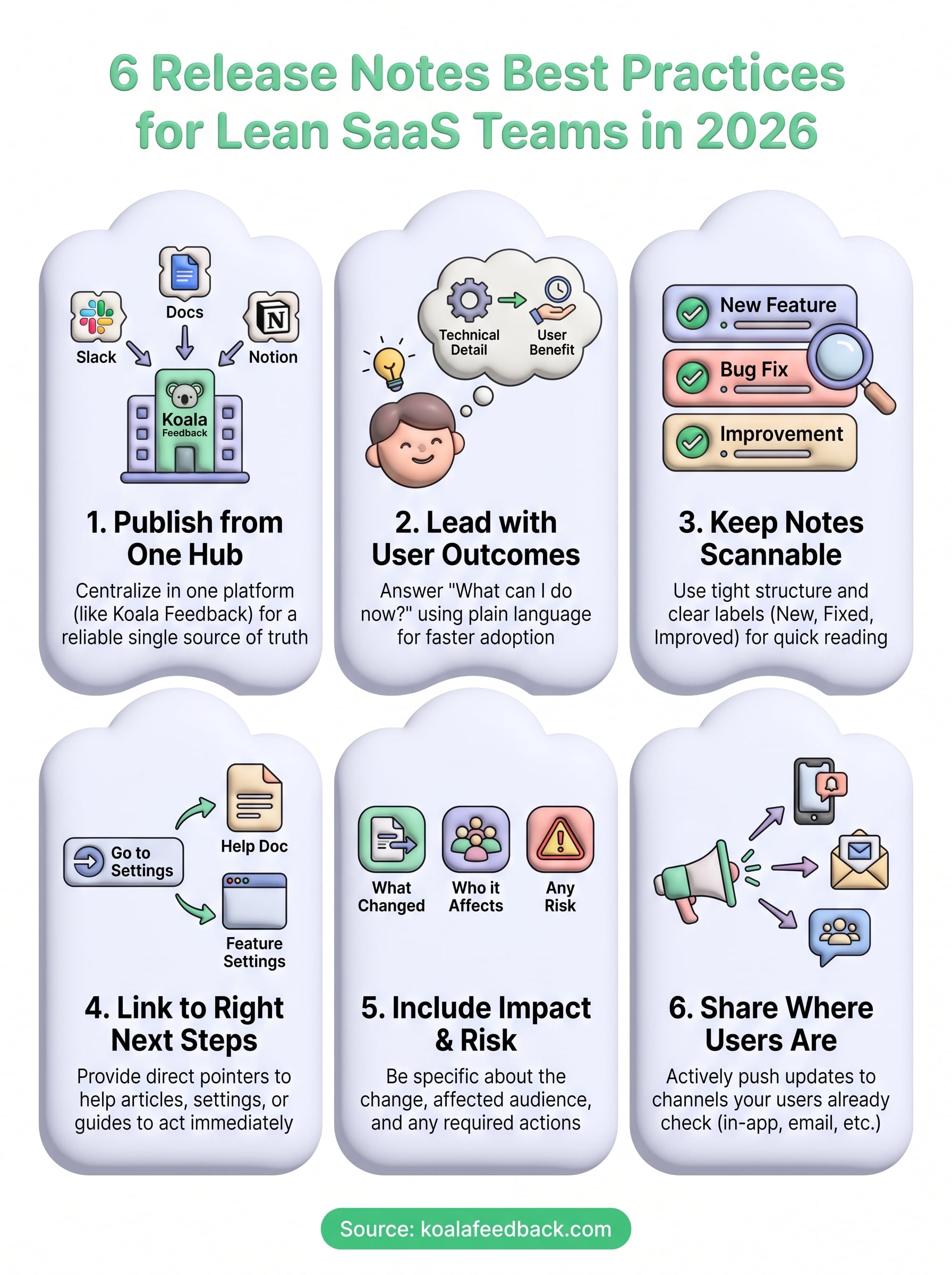
These six release notes best practices give you a repeatable system that works whether you ship weekly or daily. The pattern is straightforward: publish from one hub, write for outcomes, keep it scannable, link to the right next action, be specific about impact and risk, and push updates where your users already are. Each practice builds on the others, so the biggest gains come from applying them together rather than cherry-picking one.
Your release notes are the last step in a cycle that starts when a user submits feedback and ends when they see their request shipped and explained clearly. Closing that loop consistently is what separates teams users trust from teams users ignore. If you want a platform that connects feedback collection, feature prioritization, and public changelogs in one place, start your free trial with Koala Feedback and give your next release the finish it deserves.

Start today and have your feedback portal up and running in minutes.

