Every product decision comes down to a simple question: do you actually know what your customers want, or are you guessing? The answer usually depends on whether you're working with real customer insights definition-level understanding or just staring at raw data and hoping patterns emerge. There's a meaningful difference between the two, and it directly affects what you build, how you prioritize, and whether your users stick around.
Customer insights go beyond surface-level metrics like page views or sign-up numbers. They reveal the why behind user behavior, why people request certain features, why they churn, and why some products earn loyalty while others get abandoned. For product managers and SaaS teams, these insights are the foundation for making development decisions that actually align with user needs instead of internal assumptions.
At Koala Feedback, we built our platform around this exact principle: collecting and organizing user feedback so teams can extract actionable insights from the people who matter most, their customers. From feedback portals to voting systems and public roadmaps, every feature exists to help you turn scattered opinions into clear direction.
This article breaks down what customer insights really are, the different types you should know about, real examples of how they work in practice, and the concrete benefits they bring to product strategy. Whether you're building your first feedback loop or refining an existing one, this guide gives you the full picture so you can make smarter, evidence-based decisions.
Growth doesn't happen by accident, and it rarely happens when product teams work from assumptions. Customer insights give you a direct line to the people using your product, which means your development priorities reflect actual demand instead of internal guesswork. When you understand what drives user behavior, you can make decisions that reduce friction, improve satisfaction, and create the kind of product experience that turns users into advocates.
Every feature you build without solid customer feedback is a bet. Sometimes that bet pays off, but more often teams spend weeks or months shipping something users ignore or don't need. Research consistently shows that a large portion of software features are rarely or never used, which points directly to the gap between what teams think users want and what users actually need. That gap has a real cost: developer time, design resources, and the opportunity cost of features that could have actually moved the needle.
When you build without data, you're not making product decisions. You're making product guesses.
Working from a solid customer insights definition means you're not just collecting feedback for the sake of it. You're building a system that converts user input into evidence, and that evidence shapes every roadmap decision you make.
Retention is one of the highest-leverage metrics for any SaaS business, and customer insights are one of the strongest predictors of it. When users feel heard, when they can submit feedback, see it acknowledged, and watch features they requested actually ship, they stay. That connection between feedback and retention is rooted in the fact that people invest in products that invest in them.
Revenue follows the same pattern. Products that align closely with user needs spend less on customer acquisition because word-of-mouth does more of the work. Your satisfied users become your most credible promoters, and that only happens when the product solves real problems they actually have. Insights help you identify those problems before users churn out of frustration and move to a competitor who listened better.
Understanding why users behave the way they do also helps you spot expansion opportunities within your existing customer base. When you analyze patterns in feature requests and usage feedback, you often uncover unmet needs that point to upsell potential, new use cases, or adjacent markets you hadn't considered building for yet.
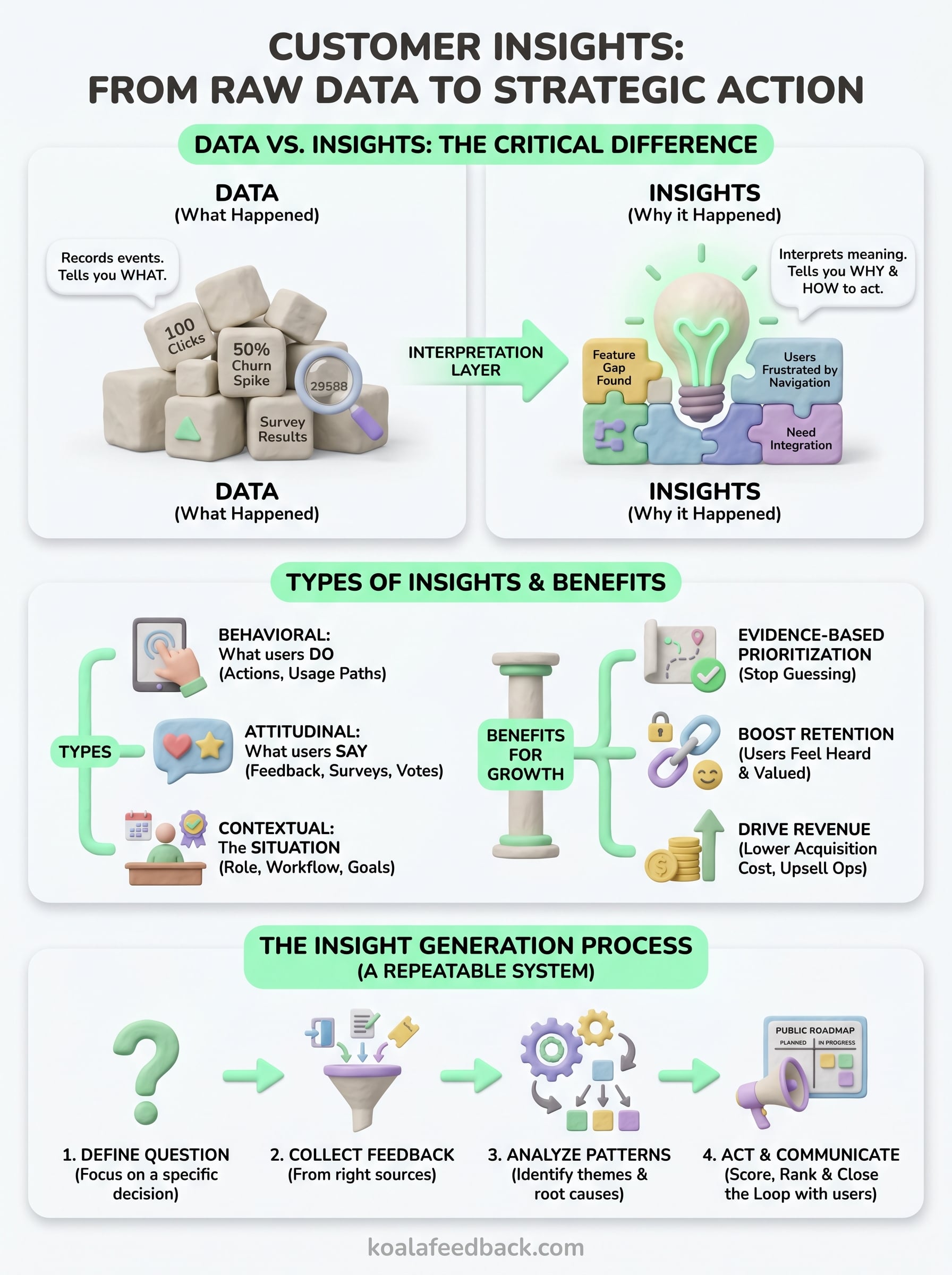
Data and insights are not the same thing, and confusing the two is one of the most common reasons product teams make poor decisions. Data is a record of what happened: how many users clicked a button, how long they stayed on a page, how many support tickets arrived this week. Customer insights are the interpretation layer that sits above that data, the meaning you extract by asking why those things happened and what they reveal about user needs.
The gap between data and insight is the gap between knowing what happened and knowing what to do about it.
A spike in churn is data. Understanding that users are churning because they can't find a feature they expected is an insight. That distinction matters because only the insight gives you something to act on. You can't fix a churn spike by staring at a number, but you can address the root cause once you understand it.
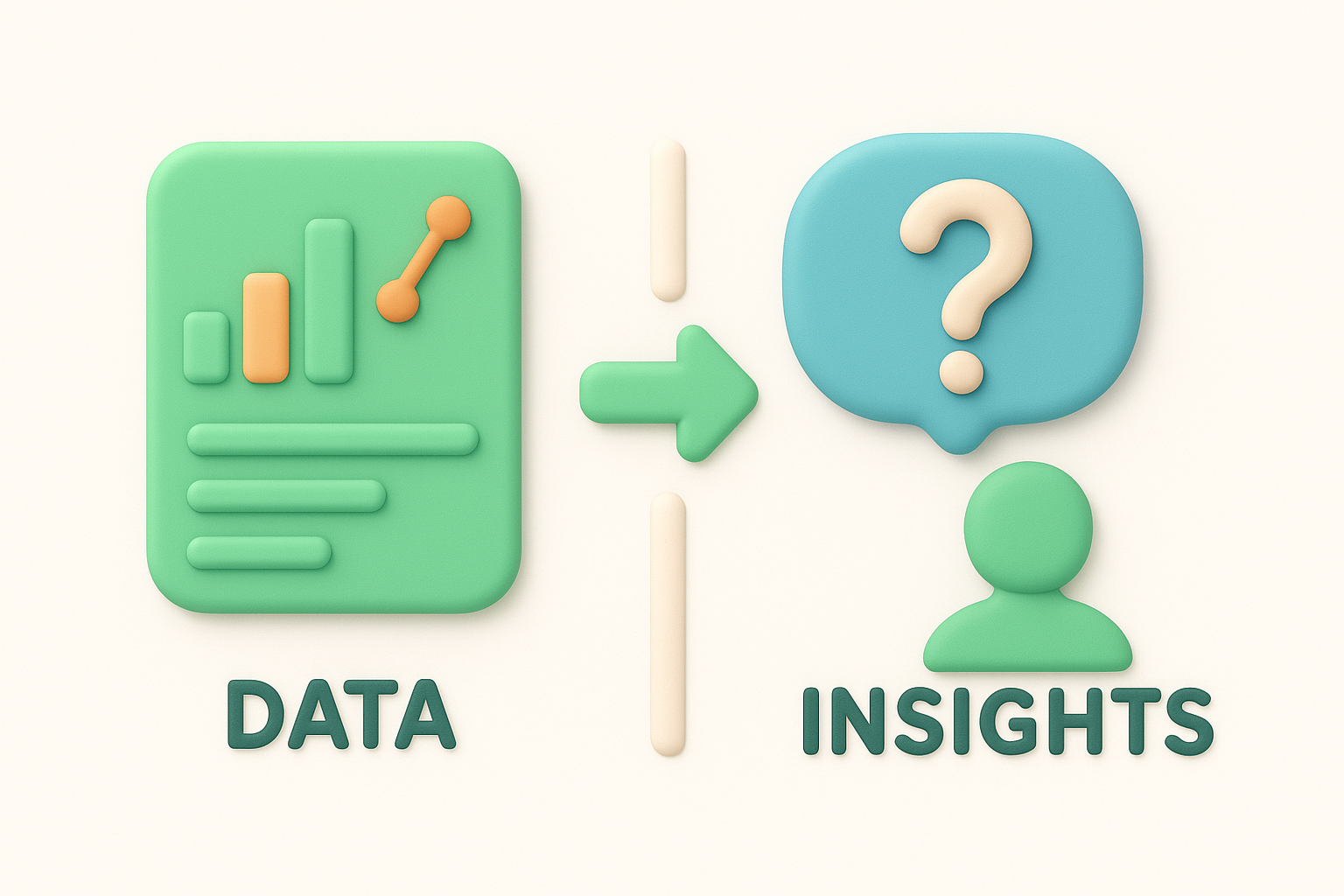
Insights require you to ask a follow-up question every time you encounter a metric. "What does this number mean about the person behind it?" is the question that moves raw data into useful territory and gives your team something concrete to work with.
The clearest customer insights definition you can work from is this: a customer insight is a specific, evidence-based understanding of user behavior, motivation, or need that directly informs a product or business decision. It combines observation, context, and interpretation to tell you something true about the people using your product.
For product teams, every insight should connect to a decision. If an insight doesn't change how you prioritize or build, it's still just data. Your goal is to move from raw inputs like survey responses and feature requests to clear conclusions that guide your next step.
Not all customer insights are the same, and knowing the difference helps you choose the right data sources before you start collecting. When you work from a clear customer insights definition, you recognize that insights fall into distinct categories, each revealing a different layer of user understanding that directly feeds your product decisions.
Behavioral insights come from what users actually do inside your product: which features they use, where they drop off, and how their usage patterns shift over time. Attitudinal insights come from what users say they think and feel, captured through feedback forms, surveys, and feature request votes. Contextual insights capture the situation surrounding those behaviors and attitudes, including the role a user holds, the problem they hired your product to solve, or the workflow they're trying to fit your tool into.
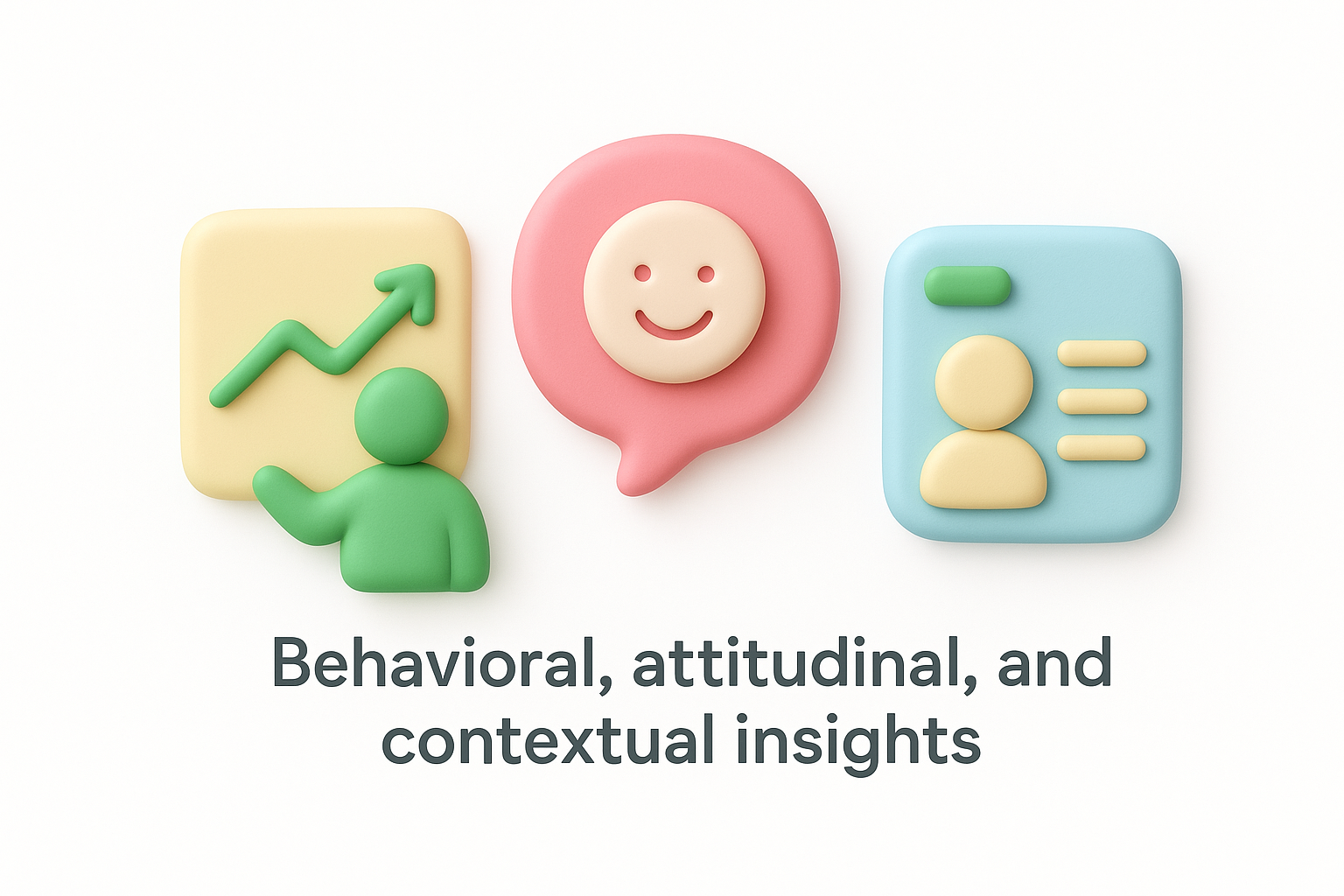
Behavioral data shows you the symptoms; attitudinal data helps you understand the cause.
Your richest data sources are usually the ones closest to the user's own words. Here are the most reliable channels to pull from:
Combining these channels is what separates scattered inputs from a complete picture. You rarely get the full story from a single source, but when you layer behavioral data over direct feedback, patterns emerge that are hard to ignore and easy to act on. The goal is to build a system where multiple data streams reinforce each other so your conclusions rest on evidence, not a single data point.
Generating useful insights is a process, not a one-time event. Every solid customer insights definition you work from assumes that insights come from a deliberate cycle of asking, collecting, analyzing, and acting. If you skip steps or treat feedback collection as passive, you end up with disconnected data points rather than a clear picture of what your users actually need.
The teams that extract the most value from insights are the ones that treat insight generation as a repeatable system, not a quarterly exercise.
Before you collect anything, name the specific decision you are trying to inform. Are you deciding which feature to build next? Are you trying to understand why a specific user segment is churning? A clear question keeps your data collection focused and prevents you from drowning in irrelevant responses.
Vague collection leads to vague conclusions. When you anchor every research effort to a real business decision, the feedback you gather immediately becomes more useful because you know exactly what to do with it.
Once you have your question, match it to the source that can answer it most directly. Different questions call for different inputs:
Raw responses are not insights yet. You need to group similar feedback, identify recurring themes, and ask what those themes reveal about the underlying user need. When multiple users request the same thing in different words, that repetition is your signal that a real gap exists in your product.
Document your conclusions in plain language so every person on your team can read them and immediately understand what action they point toward.
Collecting insights without acting on them is just an expensive research exercise. Once you have drawn clear conclusions from your feedback data, your next move is to translate those conclusions into prioritization decisions and communicate them to the people who submitted feedback in the first place. That closed loop is what separates teams that extract value from their customer insights definition process from teams that collect feedback and let it sit untouched.
When you sit down to prioritize, resist the instinct to go with gut feel. Instead, score each potential feature or improvement against two dimensions: how many users requested it and how closely it aligns with your core product goals. A simple scoring matrix works well here:
| Factor | What to measure |
|---|---|
| User demand | Volume of requests and votes |
| Strategic fit | Alignment with product direction |
| Effort | Estimated build complexity |
| Impact | Expected improvement to retention or revenue |
Running requests through this filter removes personal bias from the conversation and gives your team a shared framework for disagreement. When someone pushes back on a priority call, you point to the evidence rather than defending a preference.
Prioritization without evidence is just opinion with authority behind it.
Communicating your roadmap is not a nice-to-have. Users who submitted feedback deserve to know what happened to it, even if the answer is that you decided not to build it right now. A public roadmap that shows planned, in-progress, and completed items gives users visibility into your decision-making and builds the kind of trust that reduces churn more effectively than any retention campaign.
When you update a status or ship a requested feature, notify the users who asked for it. That single action reinforces that their input shaped your product, which keeps them engaged and invested in your success going forward.
You do not need a complex research program to put a working customer insights definition into practice. Start with one feedback channel, open it to your users, and focus on identifying the three most common requests that come through. That single action gives you more usable signal than months of internal debate about what to build next.
From there, score what you collect, map it to your roadmap, and tell your users what you decided. The whole process compounds over time: the more consistently you run it, the sharper your prioritization gets and the more your users trust that their input matters. Better decisions and stronger retention are both downstream of that trust.
If you want a platform that handles feedback collection, voting, and public roadmaps in one place, start collecting user feedback with Koala Feedback and turn your first round of insights into your next product decision.

Start today and have your feedback portal up and running in minutes.

