A workflow for software development is the repeatable path a piece of work follows from idea to running code. It usually moves through planning, design, building, review, testing, release, and learning from real use. It names who does each step, what must be true before work moves on, and where progress is tracked. A good workflow is short enough to remember and strict only where mistakes are expensive.
This guide explains why a workflow matters and how to build one for your team. It compares the common models (Scrum, Kanban, Waterfall) and shows how AI coding agents change the steps. It ends with a worked example and a ticket template you can copy.
Koala Feedback helps product teams collect user feedback, prioritize requests, and share a public roadmap. That input is the first step of any development workflow, so it gets a place in the example too.
A workflow matters because it replaces personal habits with a shared system, so work moves at a predictable pace no matter who picks it up. Teams without one tend to duplicate effort, build features nobody asked for, and find bugs after release.
The symptoms are easy to spot once you look for them. If two or more of these sound familiar, your workflow is implicit rather than designed:
Visibility comes first. Anyone can see where an item stands, who owns it, and what blocks it. New hires also learn how work gets done by reading one page instead of asking five people.
Measurement is the second benefit. The four DORA metrics are deployment frequency, lead time for changes, change failure rate, and time to restore service. They only mean something once your stages are defined, because you cannot measure lead time without knowing where the clock starts and stops.
These three terms overlap, but they sit at different levels. A methodology such as Agile or Waterfall is a set of principles about how to organize work. The software development process workflow is the concrete sequence of steps your team follows each day, including who does them and how handoffs happen.
Put differently, a development workflow is your methodology made specific enough that a new teammate could follow it on day one.
A workflow is your process made concrete: who does what, in which order, and what must be true before work moves on.
Build one by listing your stages, defining when work may move from one stage to the next, and enforcing those gates with a few automated checks. Start from what your team already does, then fix the biggest wait first.
The classic software development life cycle names seven stages: planning, requirements analysis, design, implementation, testing, deployment, and maintenance. Most teams keep all seven but tune the details, as in the table below.
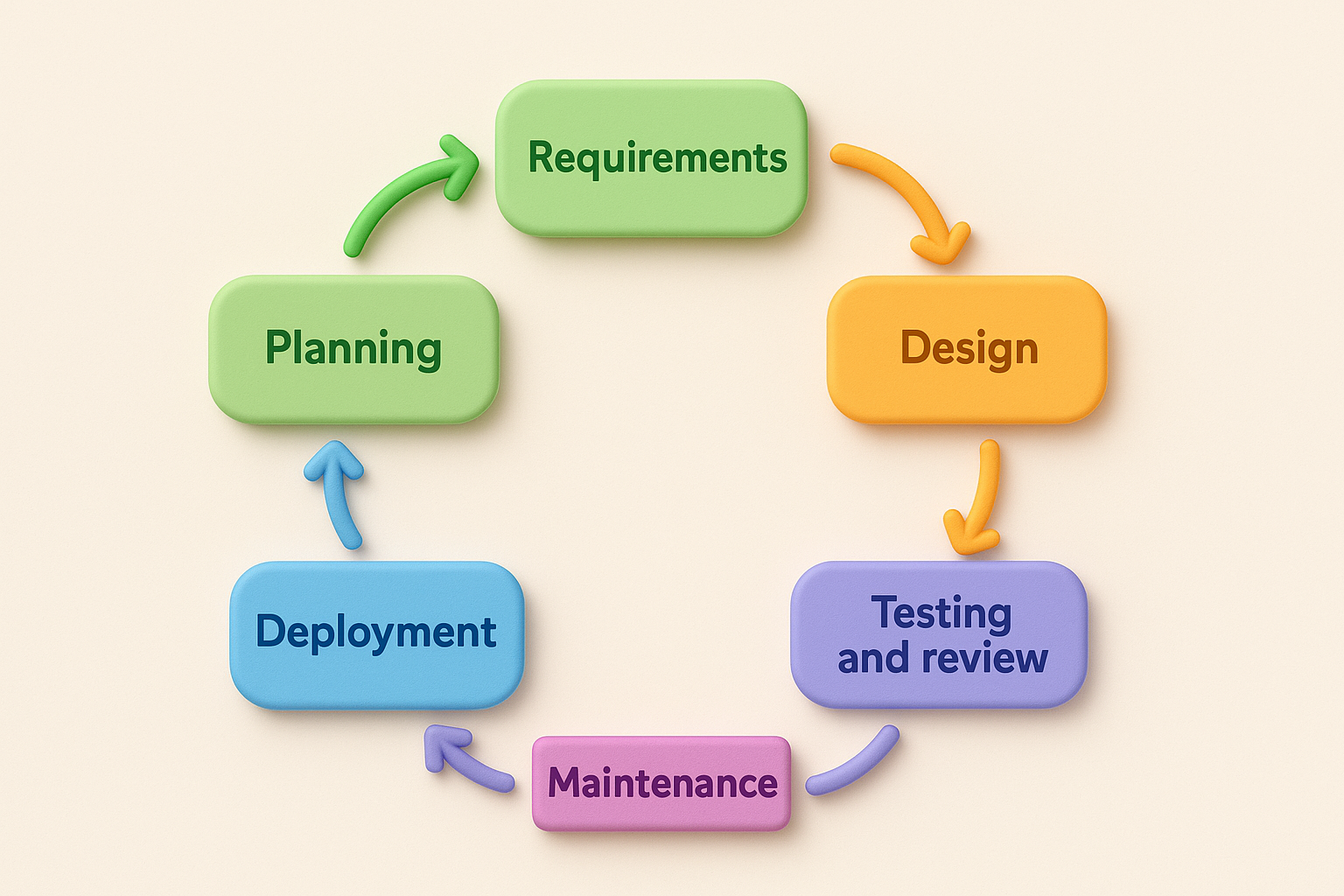
| Stage | Question it answers | Typical output | Work moves on when |
|---|---|---|---|
| Planning | What problem is worth solving now? | Prioritized backlog item | It has a goal and an owner |
| Requirements | What must be true for it to work? | Acceptance criteria | Product and engineering agree on scope |
| Design | How will we build it? | Short design note or diagram | Risky parts have been reviewed |
| Implementation | Can we build it in small steps? | Pull request from a short-lived branch | Build and automated tests pass |
| Testing and review | Does it work and can we maintain it? | Approved pull request, test results | A reviewer approves and checks are green |
| Deployment | How do we ship it safely? | Release in production | It is live and monitored |
| Maintenance | What did we learn? | Bug reports, feedback, metrics | Findings feed the next planning round |
The loop matters more than any single row. What you learn in maintenance becomes the input to planning, which is why the major workflow in software development is a cycle and not a line. Planning is also where the 80/20 rule helps. It is a rule of thumb, not a law, that a small share of features or code accounts for most of the usage or the bugs, so spend your review and testing effort there.
Follow these steps in order. Each one produces something you can write down in a page or less.
Map the workflow you actually have before you design the one you want.
Choose a model by how stable your requirements are and how often you need to ship. Scrum and Kanban suit changing requirements, Waterfall suits fixed ones, and a branching strategy governs how code reaches production under any of them.
The three models below cover most teams. Agile is the umbrella: Scrum and Kanban are two ways of practicing an agile workflow.
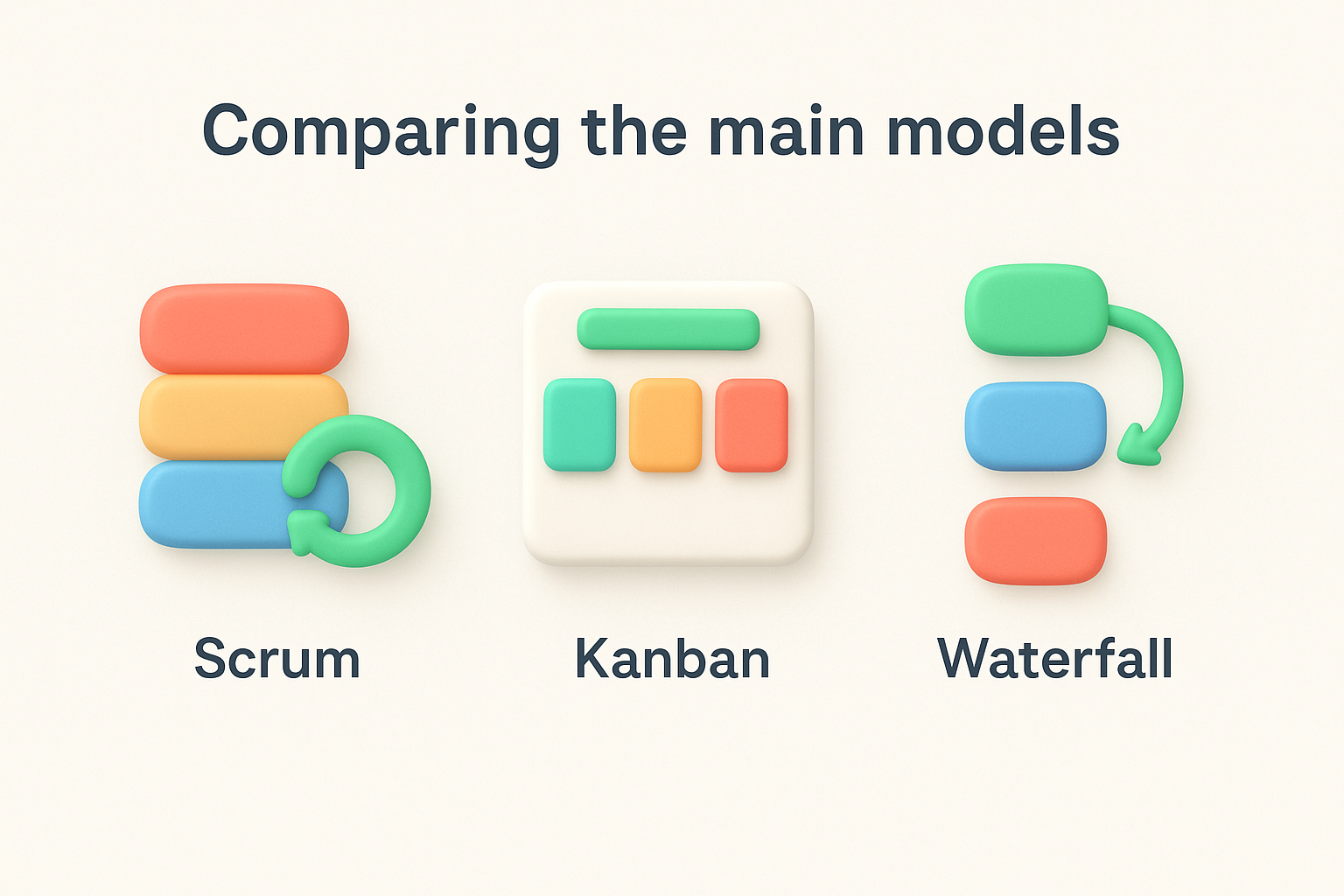
| Model | How work flows | Best for | Main risk |
|---|---|---|---|
| Scrum | Fixed sprints, often one to four weeks, with planning, daily standup, review, and retrospective | Product teams with shifting priorities | Ceremonies nobody trims |
| Kanban | Continuous flow on a board with work-in-progress limits | Support, maintenance, mixed workloads | No built-in cadence for goals |
| Waterfall | Sequential phases, each signed off before the next | Fixed requirements, regulated work | Problems surface late |
Your model says how work is planned. Your branching strategy says how code is integrated. GitHub flow is the simplest: branch from main, open a pull request, review, merge, deploy. Git flow adds long-lived develop and release branches, which suits scheduled, versioned releases but adds merge overhead.
Trunk-based development goes the other way. Developers merge short-lived branches into main at least daily and hide unfinished work behind feature flags. It fits teams that deploy often and have strong automated tests.
Most teams mix models. A common pairing is Scrum-style planning every two weeks with GitHub flow for code and a Kanban board for bugs. If you cannot decide, start with Kanban and a small set of rules, since you can add sprints later but removing ceremony is harder.
Pick the lightest model that keeps your work visible, then add structure only when a specific problem demands it.
AI agents do not remove the stages. They shift your time from typing code to specifying work and verifying results. Teams that get reliable output give the agent structure: project context, a written spec, small tasks, and automated checks.
Most coding agents read a project instruction file at the start of every session. AGENTS.md is the emerging common name. Some tools use their own, such as CLAUDE.md or Copilot instructions, so keep one tool-neutral original and point the others at it.
Put the tech stack, the build, test, and lint commands, your conventions, and recurring mistakes in that file. Keep it short and current, because it is loaded on every request and crowds the context window if it grows. For task-specific knowledge, such as how to write a new endpoint in your codebase, use on-demand skills or reusable instructions that load only when relevant.
For anything bigger than a bug fix, write a spec first. A useful spec has three parts: a proposal (what, why, scope, success criteria), a technical design, and an ordered task list. Spec-driven tools generate these from a few sentences, and you edit them before any code exists.
Then run one task per fresh session with a short handover note. Long chats accumulate noise, and the agent starts referring to details from earlier tasks. Small bugs can skip the spec, but missing details in large features cost several rounds of rework.
Humans keep the decisions and the accountability. The agent takes the repetitive steps.
| Stage | Your job | The agent's job |
|---|---|---|
| Planning | Decide what matters and why | Spot gaps in the spec, draft tasks |
| Design | Approve architecture and boundaries | Propose options within your conventions |
| Implementation | Set guardrails and conventions | Write code for one small task |
| Review | Read critical paths in depth | Run a first-pass review |
| Testing | Define acceptance criteria | Write and run tests, fix failures |
| Deployment | Approve and watch production | Prepare the pull request, run checks |
Verification deserves the most attention, because agents say "this should work" with confidence even when it does not. Tests, linters, type checks, and CI give the agent fast, objective feedback. Work also ships faster, so review more often and in smaller batches.
Agents speed up the typing, so your workflow has to speed up the checking.
Here is a workflow for five developers who ship weekly: one board, short pull requests, review within a day, and a feedback loop from users. It is deliberately plain, so you can adapt it.
Each item moves through the same path, and the team tunes one rule at a time.
As a worked example, suppose your last ten items averaged 3 days to build and 2 days waiting for review, so 5 days from start to merge. The one-day review rule cuts the wait to 1 day, giving 4 days. That is a 20% shorter cycle time without anyone coding faster.
A workflow is only as good as what enters at planning. Collecting requests in one feedback portal with voting and comments shows which problems many users share. Koala Feedback groups requests into boards and publishes a roadmap with statuses such as planned, in progress, and completed. Those map directly onto your stages. The Starter plan is free and includes 3 boards, 5 statuses, unlimited users, and 100 active posts.
Paste this into your tracker so every item carries the same minimum information:
Title:
Problem (who is affected, with evidence):
Scope (in / out):
Acceptance criteria:
-
-
Definition of done:
- Tests added and passing in CI
- Reviewed by one teammate
- Docs or AGENTS.md updated if behavior or conventions changed
- Released and verified in production
Small items, fast review, and a clear definition of done do more for your delivery speed than any tool.
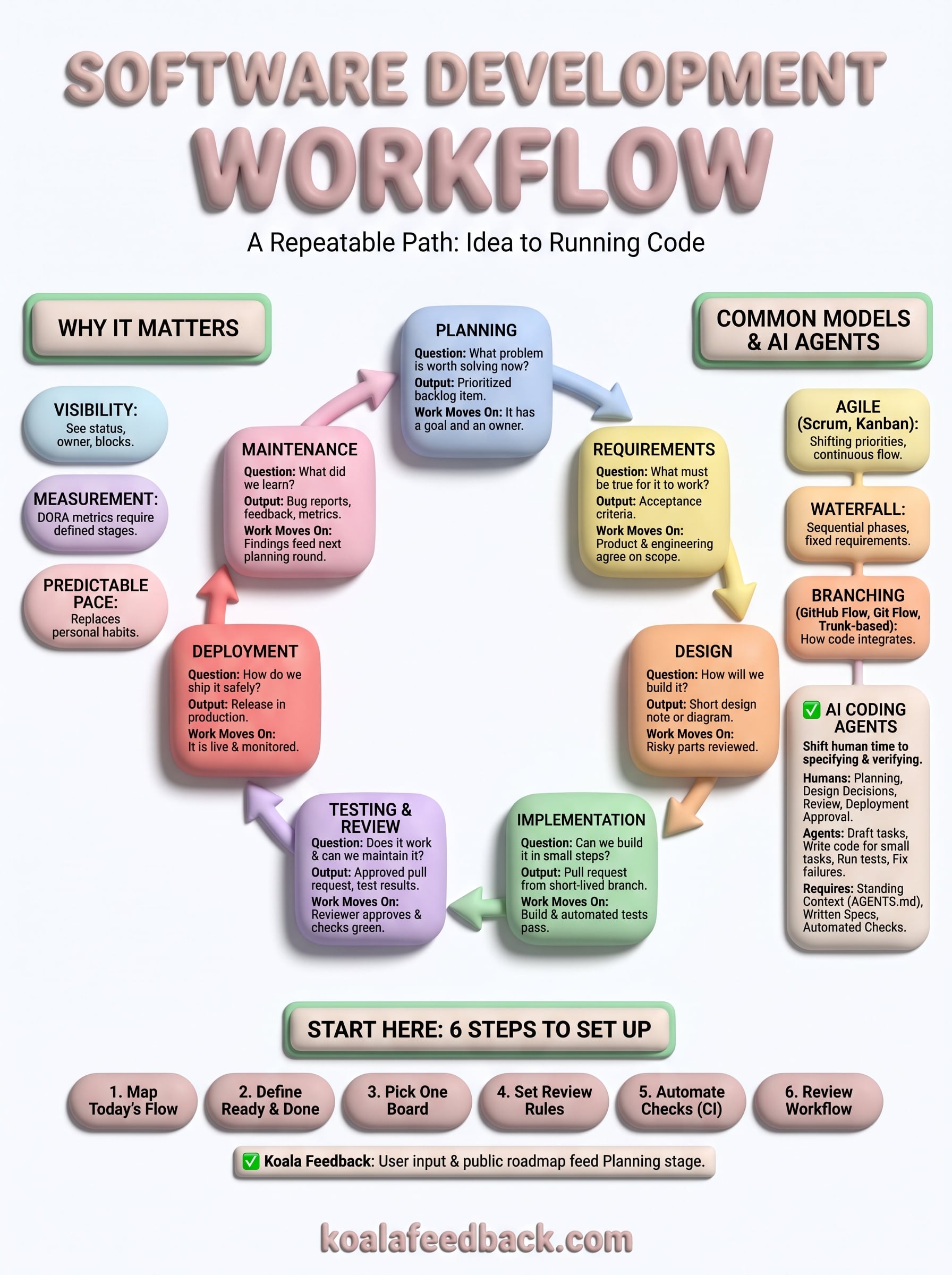
A workflow for software development is a loop of planning, building, checking, releasing, and learning, made explicit so everyone follows it. Map your current one, write down ready and done, automate the checks, and pick the lightest model that keeps work visible. If you use AI agents, give them context and specs, and keep humans on verification.
Plan from evidence, not guesses. If you want a single place to collect requests and share your roadmap, begin on Koala Feedback's Starter plan and feed the results into your next planning session.

Start today and have your feedback portal up and running in minutes.