Keeping users in the loop about product changes shouldn't require a custom-built publishing system. A solid Notion changelog template gives you a structured way to document releases, bug fixes, and feature updates, all inside a tool your team probably already uses.
But not every template is built the same. Some are bare-bones databases with a date column and a text field. Others include status tracking, tagging, and public-facing views that actually help you communicate progress to your users. The difference matters when your changelog is more than an internal log, it's a trust signal.
At Koala Feedback, we help teams collect and prioritize user feedback, then share what's shipping through public roadmaps. A changelog sits right at the end of that loop: the moment you tell users their input led to real changes. Below, we've rounded up six Notion changelog templates worth trying in 2026, broken down by what they do well and where they fall short.
Koala Feedback is not a static Notion changelog template. It is a dedicated platform that connects user feedback collection, feature prioritization, and public changelog publishing into a single workflow. Rather than copying release notes into a document at the end of each sprint, you update a feature's status and the changelog reflects that change automatically, with no extra publishing steps required.
With Koala Feedback, you track updates across three stages: planned, in progress, and completed. Moving a feature to completed surfaces it in your public changelog immediately. Users who voted on that feature receive an automatic notification, which closes the loop between what users asked for and what you actually shipped. Customizable statuses let you adjust the workflow to fit how your team stages and communicates releases, so the system bends to your process rather than the other way around.
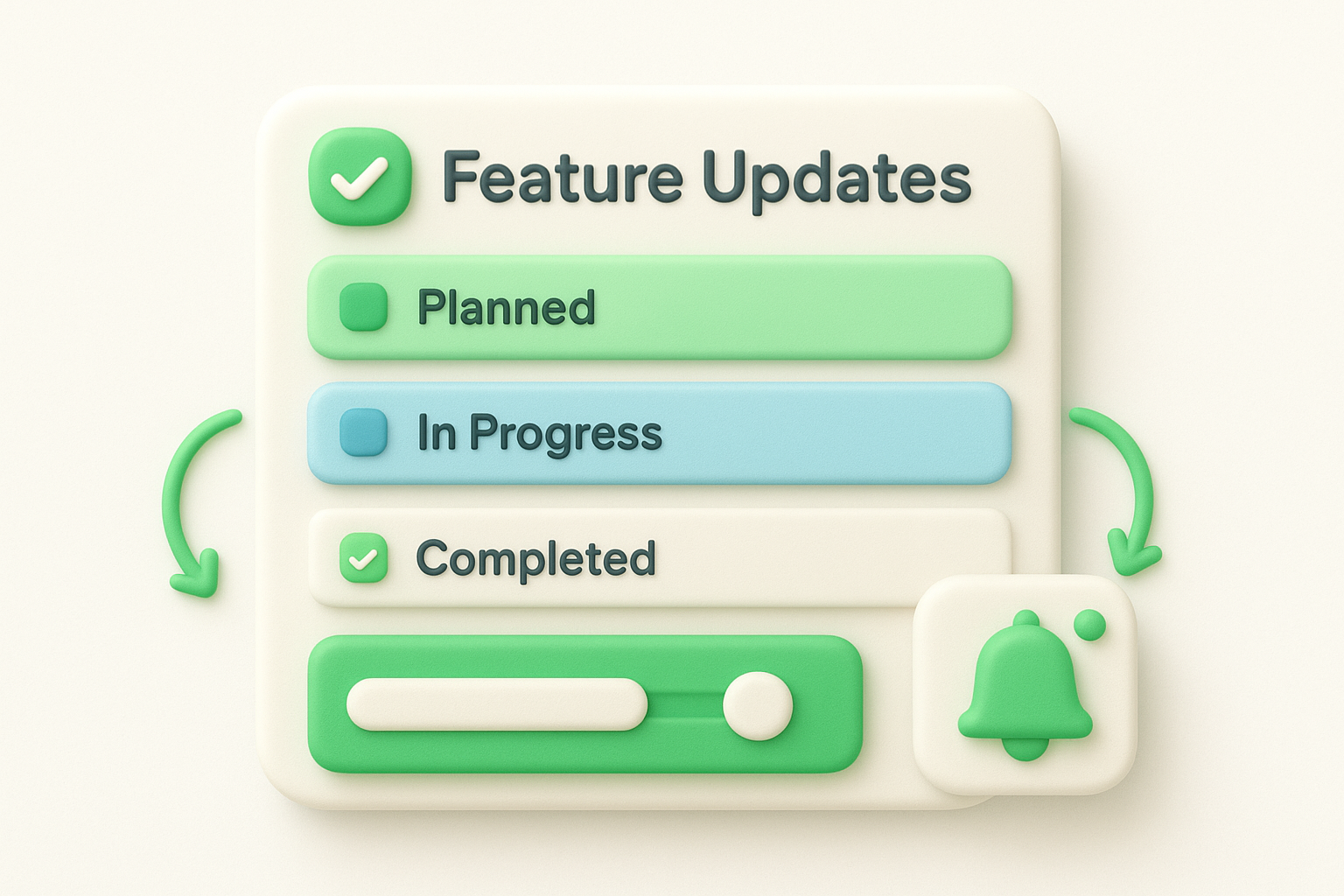
A changelog tied directly to the feature requests users submitted builds far more trust than a generic list of version numbers.
Your public roadmap and changelog live on a branded URL with your own domain, logo, and color scheme. That makes your changelog a public-facing trust signal, not just an internal record no one outside your team ever reads.
SaaS teams and product managers who want a complete feedback-to-changelog workflow get the most value from Koala Feedback. This tool works especially well if your team:
Koala Feedback offers a free plan to get started with no upfront commitment. Paid plans unlock higher feedback volumes, additional team seats, and advanced customization options. You can review the full plan details and current pricing at koalafeedback.com.
The Notion changelog template by lahiru is a free, community-built template available directly in the Notion template gallery. It gives solo builders and small teams a clean starting point for logging product updates without any setup complexity or learning curve.
This notion changelog template comes with a simple database structure that lets you log each update with a version number, release date, and description field. Entries organize chronologically so your most recent changes stay at the top. The template also includes a tag system for categorizing updates by type, such as new features, bug fixes, or improvements, which helps readers scan for the change most relevant to them.
A clear tag system saves users from reading every entry just to find the one update that affects their workflow.
This template works best for independent developers and early-stage founders who need a quick, no-cost way to document changes. If your team already works inside Notion and you want a lightweight changelog setup without committing to a paid tool, this template gets you running in minutes with no configuration required.
The template is free to duplicate from the Notion template gallery. You pay nothing beyond your existing Notion subscription, which makes it one of the most accessible starting points on this list.
The Notion product updates changelog template by Clous is a structured, community-built template designed to help teams present release notes in a polished, readable format. It goes a step beyond a raw database by adding visual organization that makes your changelog feel intentional rather than hastily assembled.
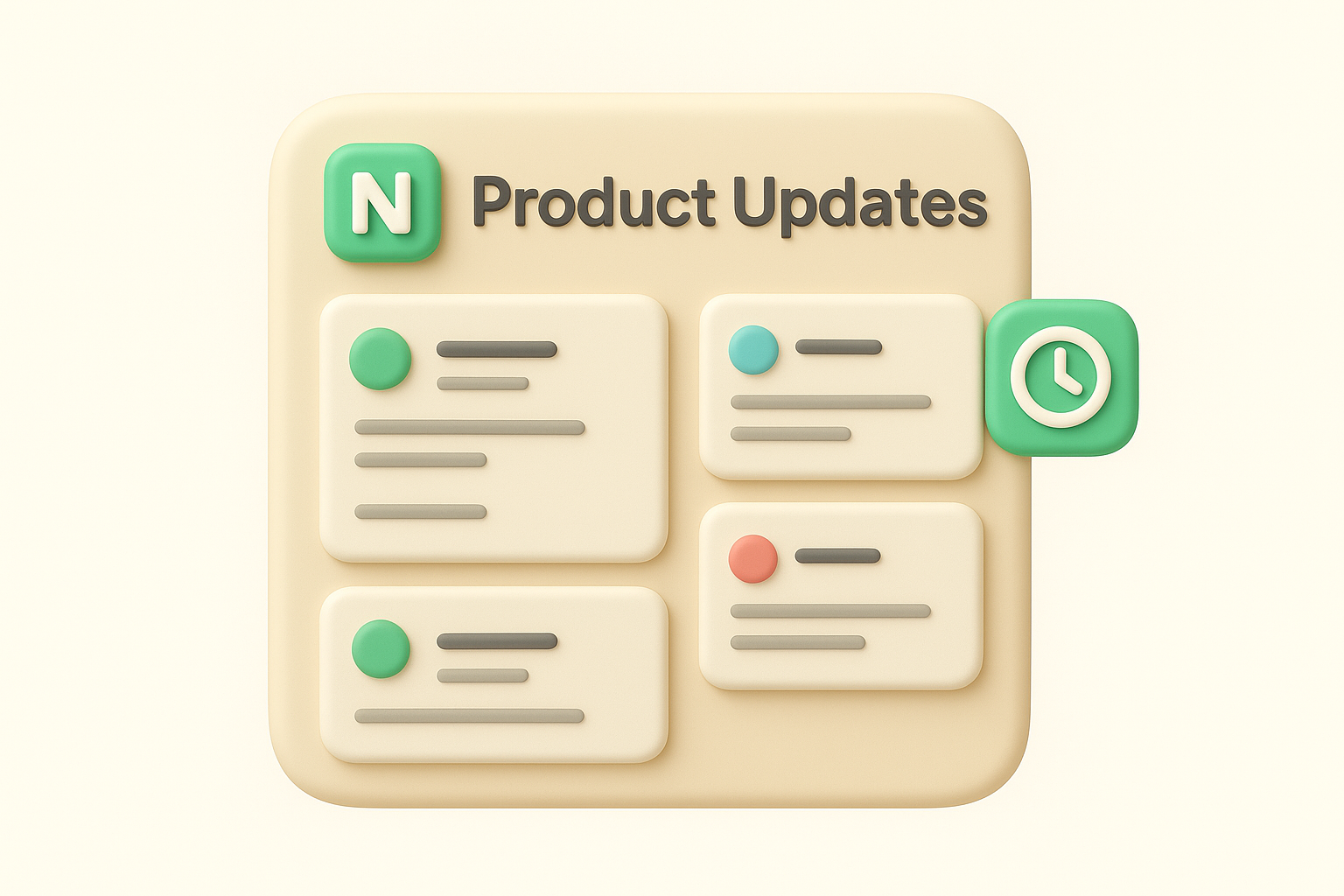
This notion changelog template organizes updates using a gallery or board-style layout, which surfaces recent releases more visually than a plain list. Each entry supports a title, version tag, date, and categorized description, letting you separate new features from patches at a glance. The structure encourages consistency across entries, so your changelog reads cleanly whether you update it weekly or monthly.
Consistent formatting across entries signals to users that your team ships with intention, not chaos.
Product teams and indie developers who want their changelog to look professional without building a custom site will get the most from this template. If you already manage your product documentation inside Notion and want a changelog that matches that quality, Clous's template fits naturally into your existing workflow.
The template is free to duplicate from the Notion template gallery. Your only cost is your existing Notion subscription, making it a zero-friction addition to how your team already operates.
The Product release notes template for Notion is a community-built template designed to bridge the gap between internal sprint documentation and user-facing release communication. It gives teams a ready-made structure that handles both the technical detail developers need and the plain-language summaries users actually read.
This notion changelog template combines a multi-property database with pre-built views that separate your release notes by version, date, and update category. Each entry includes fields for affected components, a short user-facing summary, and a detailed technical description, so engineers and non-technical stakeholders pull the same record without needing separate documents. The dual-audience structure is the standout feature here.
Keeping one source of truth for both technical and user-facing notes cuts the back-and-forth that slows down release communication.
This template suits product teams that ship frequently and need release notes that serve more than one audience at once. If your team regularly coordinates between engineering, support, and product, the structured fields keep everyone aligned without requiring extra meetings or duplicate documentation.
The template is free to duplicate from the Notion template gallery. Your only ongoing cost is your existing Notion plan, so there is no additional subscription or one-time fee required to get started.
The Released.so Notion release notes template gives teams a structured starting point for documenting product updates in a format designed to move from internal draft to public-facing changelog with minimal friction. Unlike a plain database you build yourself, this template comes pre-formatted so you spend less time on setup and more time on the actual writing.
This notion changelog template uses a clean database layout with dedicated fields for version numbers, update categories, and release dates. Each entry follows a consistent structure that separates new features, improvements, and bug fixes into labeled sections, making it easy for users to find what changed and why it matters to them.
A well-labeled changelog entry answers the reader's first question before they even have to ask it.
This template works well for product teams and founders who plan to publish release notes externally but want to draft and manage everything inside Notion first. If your team is comfortable with Notion databases and wants a structured format without building one from scratch, this template handles the groundwork so you can focus on communicating your releases clearly.
The template is free to download and duplicate. Your only cost is your existing Notion subscription, so you can get started without adding another line to your software budget.
Notaku takes a different approach from a standard notion changelog template. Instead of giving you a database to fill in, it converts your existing Notion pages into a public-facing website, so your changelog lives at a real URL your users can visit without ever needing access to your Notion workspace.
Unlike a static template, Notaku connects directly to your Notion workspace and syncs your changelog pages automatically. You write and update your release notes inside Notion, and Notaku handles the rendering, hosting, and public display. The result is a clean, fast-loading changelog site that reflects your Notion content without any manual export or copy-paste step involved.
Writing in Notion and publishing instantly through Notaku removes the gap between drafting and shipping your updates.
This tool works well for small teams and solo developers who already document everything in Notion and want a public changelog without building or maintaining a separate site. If you prioritize speed of publishing over advanced feedback collection features, Notaku keeps your entire workflow inside Notion.
Notaku offers a free tier for basic use with a limited number of pages. Paid plans unlock custom domains, additional pages, and branding controls, with pricing that scales based on your content volume and team size.
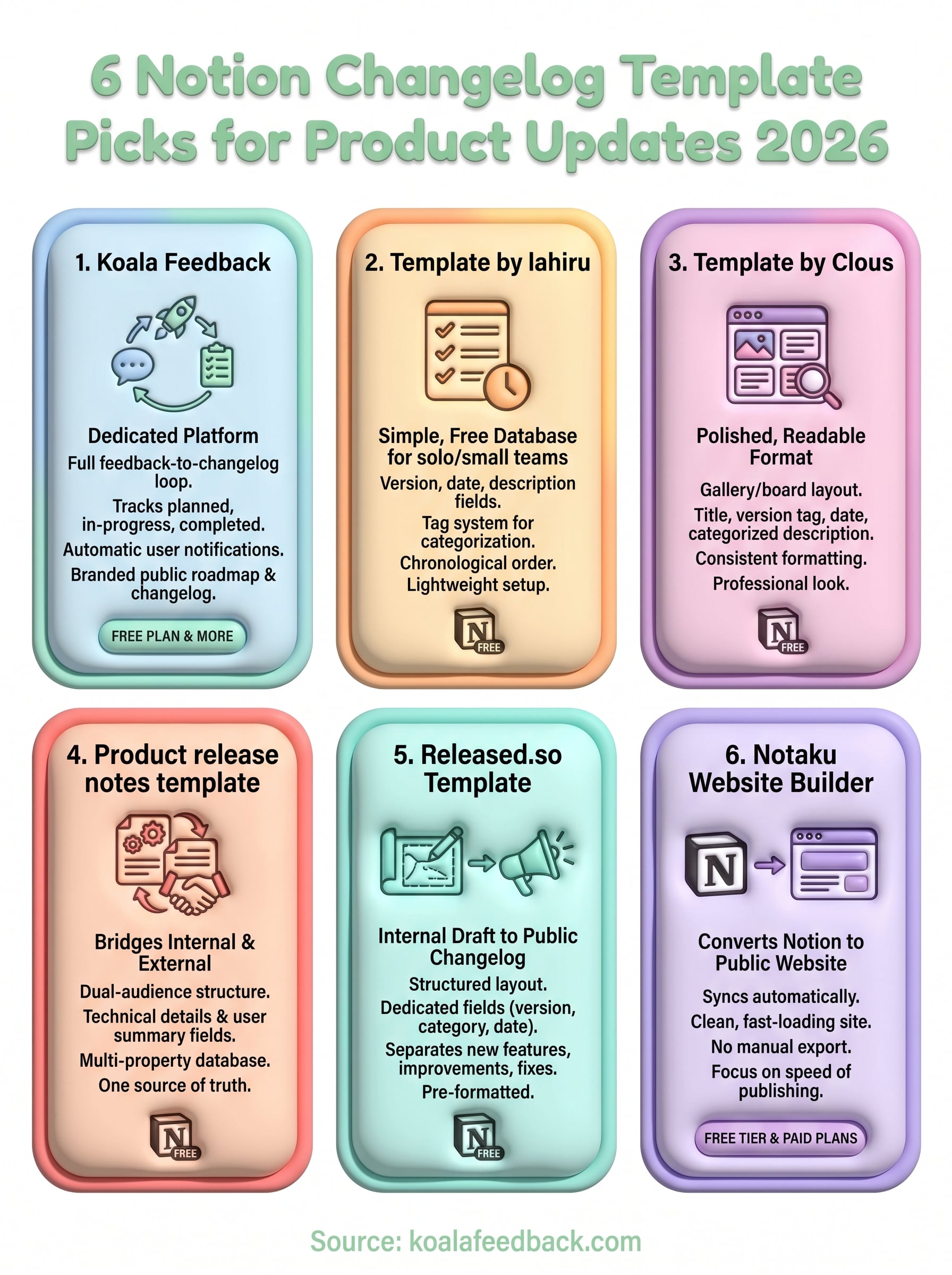
Each notion changelog template on this list solves a real problem, but the right pick depends on where you are in your product journey. If you need a quick, free way to log updates internally, any of the Notion-native templates above get you started in minutes with no additional cost or setup time required.
If you want your changelog to do more than sit in a shared Notion workspace, Koala Feedback connects the full loop from collecting user requests to notifying users the moment their feature ships. Your changelog becomes part of a transparent, branded product experience that builds genuine trust with every release you ship, rather than an internal record your users never see.
Start for free and see how a dedicated feedback-to-changelog workflow changes how your users experience your product. Try Koala Feedback free and set up your first public changelog today without any upfront commitment.

Start today and have your feedback portal up and running in minutes.

