Most companies collect feedback. Few actually do anything useful with it. The difference between these two groups comes down to one thing: whether they've built a real customer feedback loop process, a structured system that turns raw user input into product decisions and visible action.
A feedback loop isn't just a survey or a suggestion box. It's a repeatable cycle where you collect feedback, analyze it, act on it, and then close the loop by telling customers what you did. Skip any step, and you end up with frustrated users who feel ignored, or a product team flying blind. Get it right, and you build a product your users actually want while earning their long-term trust.
That's exactly the problem we built Koala Feedback to solve. Our platform gives product teams a centralized place to capture user feedback, prioritize what matters most, and share progress through public roadmaps, covering every stage of the loop. In this guide, we'll break down each step of the feedback loop process, explain why each one matters, and share best practices you can apply right away.
A customer feedback loop is a structured, repeating cycle where you gather input from users, analyze what they're telling you, take action based on that input, and then communicate back to them about what changed. The word "loop" is deliberate: the process doesn't end after you ship a fix or a new feature. You return to your users, collect their reaction to what changed, and start the cycle again. This continuous motion is what separates a real feedback loop from a one-time survey or a support ticket queue.
Consider it a system with two active sides: the inbound side, where feedback flows from customers to your team, and the outbound side, where your team responds with updates, decisions, or explanations. Most companies only manage the inbound side. They collect feedback, maybe triage it, but never tell customers what happened next. That silence breaks the loop entirely, and it gradually trains users to stop sharing input because it feels pointless to do so.
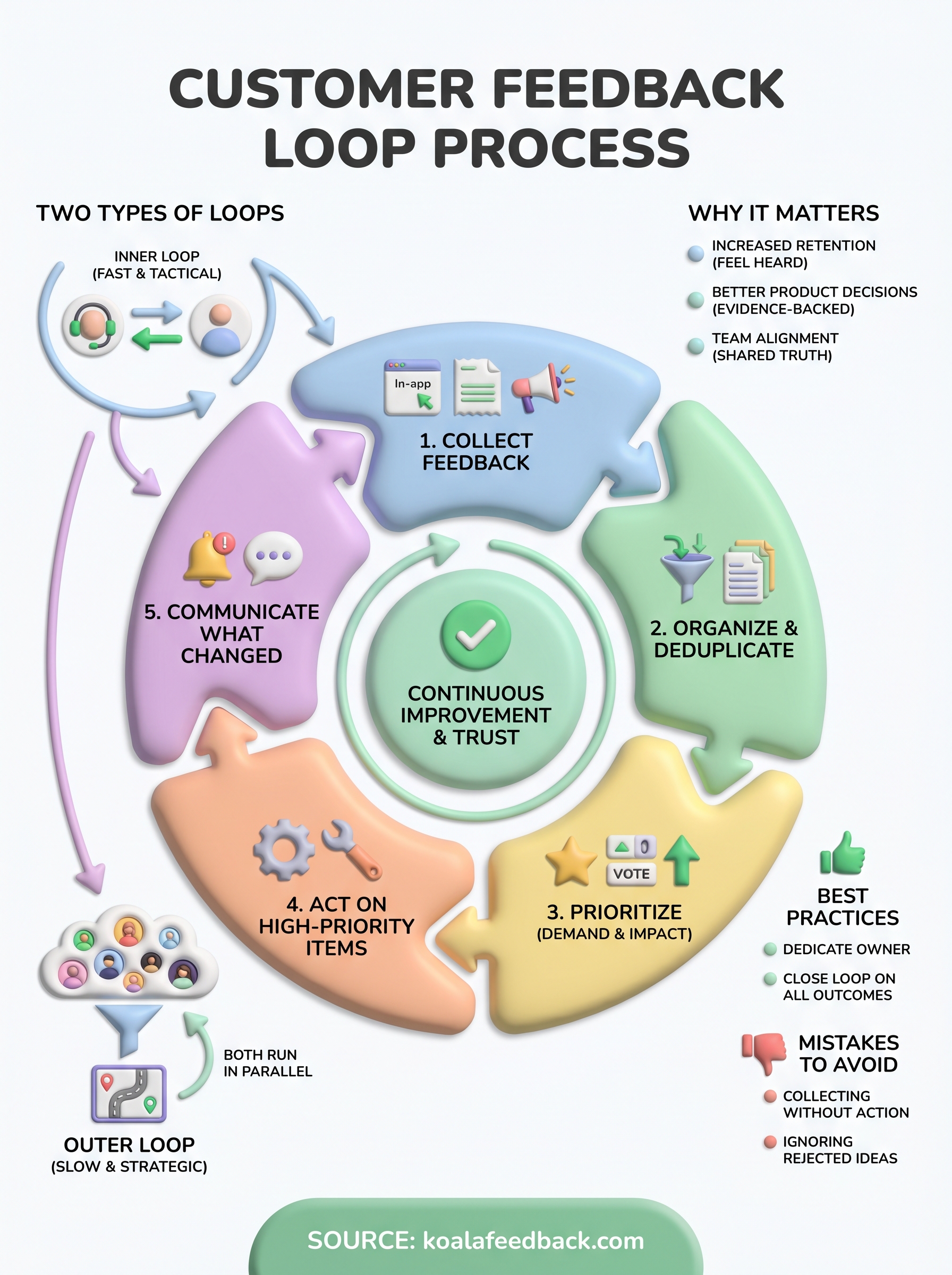
Not all feedback loops operate on the same scale or timeline. Inner loops are fast and tactical, typically involving a direct exchange between one team member and a single customer. A support agent resolves a bug complaint and follows up to confirm the fix worked. A product manager gets on a call with a user who submitted a detailed feature suggestion. These loops move quickly and address individual experiences in near real time.
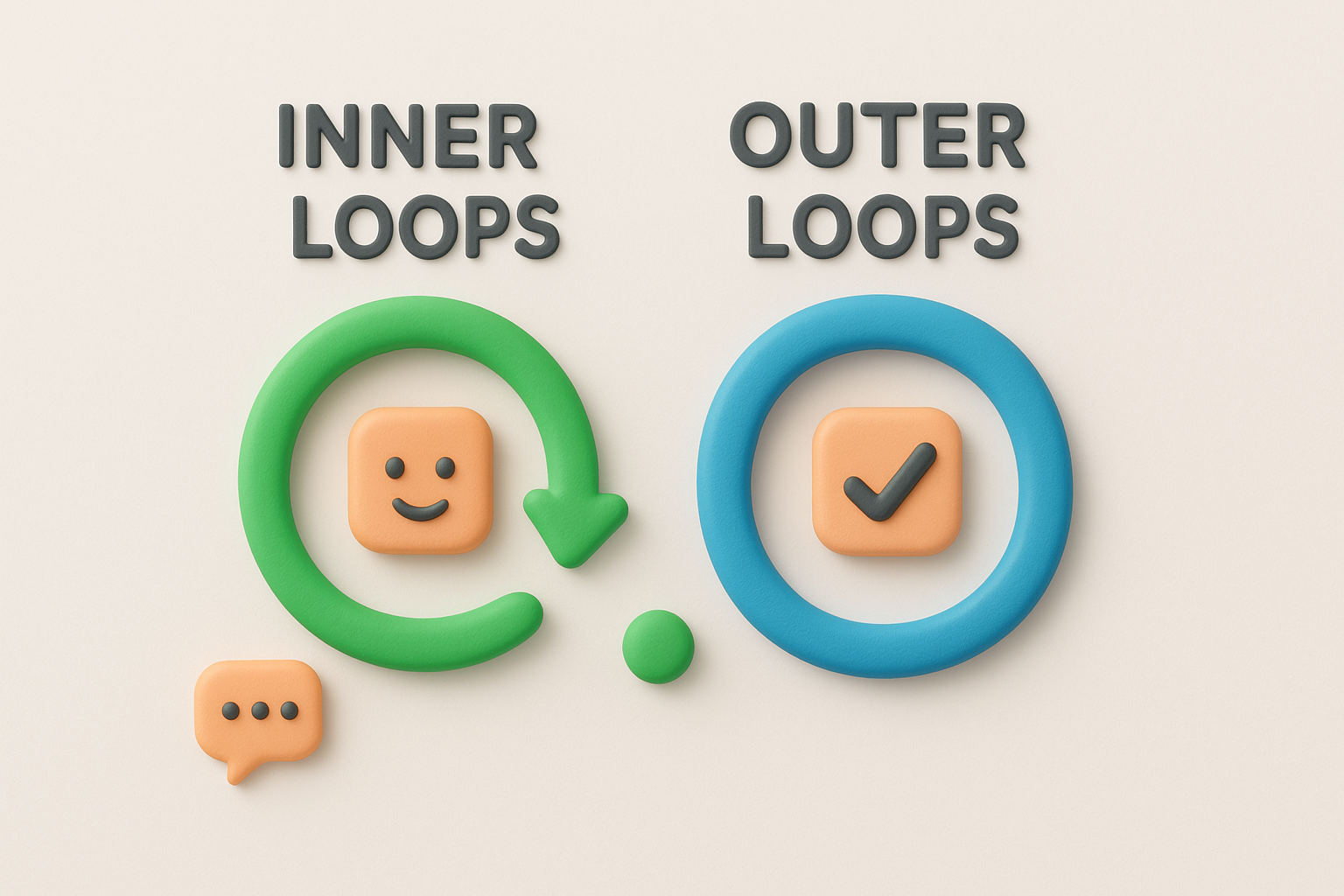
Outer loops are slower and more strategic. They aggregate feedback across your entire user base, surface patterns, and inform decisions about what belongs on the roadmap and what gets cut. A well-run customer feedback loop process usually operates both loops at once: the inner loop handles individual cases as they arrive, while the outer loop shapes long-term product direction over weeks or months.
Running both loops in parallel means no piece of feedback gets lost, whether it came from one user or a hundred.
Here is where many teams fall short: they collect feedback in one place and make product decisions in another, with no visible connection between the two. Centralizing all user input into a single system changes that dynamic completely. When your team can see every piece of feedback in one place, including vote counts, comments, categories, and request frequency, they can prioritize based on actual user demand rather than whoever spoke loudest in the last planning meeting.
This connection runs directly to your product roadmap. Features that consistently attract votes and detailed commentary move up in priority. Features that seem promising internally but generate little user interest get deprioritized or dropped. After a feature ships, you close the loop by notifying the users who requested it, pointing them to what changed, and inviting their reaction. That reaction feeds directly into the next cycle.
Without this connection, you end up running two separate operations: collecting feedback on one side and building product on the other, with no user input informing the decisions and no decisions communicated back to users. Closing that gap is the entire point of the loop. It turns user input from scattered noise into a repeatable system that your team can trust and your users can see working in real time.
SaaS products live and die by how well they serve their users. When you run a solid customer feedback loop process, you stop guessing what users want and start making decisions based on real, documented evidence. That shift changes how your product evolves, how your team prioritizes work, and how much your users trust that you're actually listening.
Users who feel ignored don't stay. When someone submits feedback and never hears back, they interpret that silence as a signal that their input doesn't matter. Over time, that perception compounds into churn, and you lose users not because the product failed technically but because the relationship did. Research from organizations like Microsoft consistently shows that customers who feel acknowledged are significantly more likely to stay with a product long term.
Closing the loop with users after you act on their feedback turns a passive subscriber into an invested advocate.
Notifying a user that the feature they requested is now live creates a moment of genuine connection that no marketing campaign can replicate. That single touchpoint builds loyalty by proving their voice had real weight.
Without a feedback loop, your team makes product decisions based on internal assumptions or whoever spoke loudest in the last planning meeting. Those methods are expensive. Features that miss the mark waste engineering time, push higher-priority work back, and frustrate the users who needed something else entirely.
Your team needs a ranked, evidence-backed view of what users actually want. Instead of debating what to build next, you look at the data: which requests attracted the most votes, which problems surfaced repeatedly across different users, and which complaints kept appearing in support tickets. That information makes prioritization faster and far more defensible.
Product, support, and engineering often work from different pictures of what users need. A centralized feedback loop gives all three teams a shared source of truth. Support sees which issues are already tracked and being addressed. Engineering builds from validated user demand rather than assumptions. Product leads make roadmap calls grounded in data rather than internal politics, which means fewer expensive pivots and more features that actually land.
Every effective customer feedback loop process follows the same basic structure, regardless of your product's size or complexity. The specifics vary by team, but the five steps below apply universally. Each one builds directly on the previous, and skipping any one of them breaks the cycle.
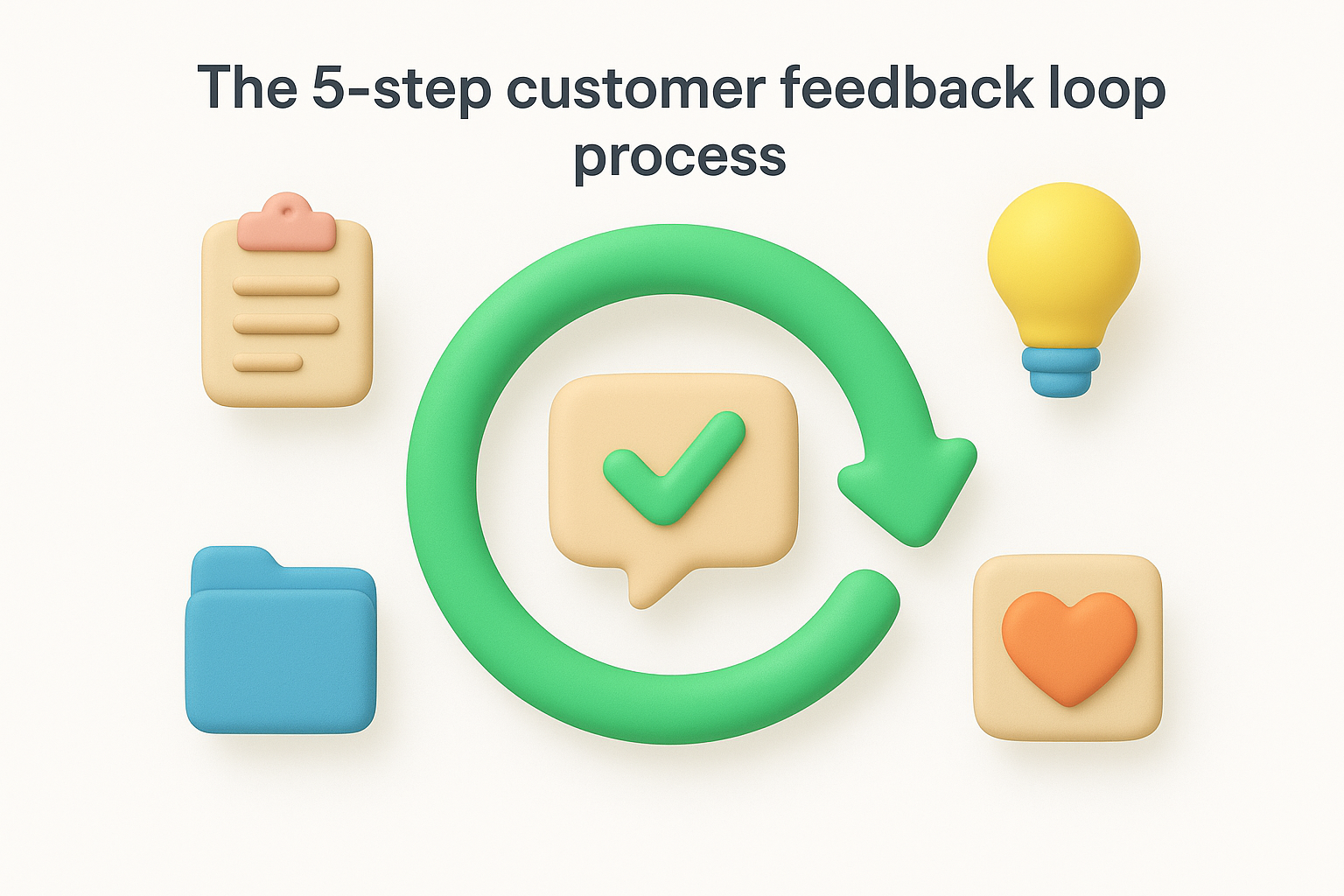
Your first job is to gather input from as many relevant sources as possible. In-app prompts, support tickets, review sites, user interviews, and public feedback portals all generate signal worth capturing. The key is making it easy for users to share feedback without friction, so they don't give up before they finish.
The easier you make it to submit feedback, the more honest and useful that feedback becomes.
Centralize all incoming feedback into a single location so nothing gets lost across Slack threads, email inboxes, or spreadsheets.
Raw feedback is noisy. Multiple users often report the same problem or request in different words, which inflates your backlog and makes it hard to spot real patterns. Categorizing and deduplicating submissions gives you an accurate picture of what your users actually need, not just what showed up most recently.
Group feedback by theme or product area so your team can compare volume and urgency side by side rather than scanning an unstructured list.
Not everything can be built next. Score requests by how many users raised them, how severe the problem is, and how closely the solution aligns with your product direction. This step turns a chaotic backlog into a ranked, defensible list your team can act on without constant debate.
Remove requests that generate little interest and promote the ones users return to repeatedly with votes, comments, and detailed descriptions.
Building is the step most teams handle well, but framing it correctly inside the loop matters. Treat each feature or fix as a direct response to documented user demand, not an internal initiative. This keeps your team accountable to the users who drove the decision.
Link every shipped item back to the original feedback so you can notify the users who requested it in the next step.
Shipping a feature without telling anyone about it wastes the relationship capital you built by collecting the feedback in the first place. Notify the users who voted or commented on a request when it goes live, explain what you built, and invite them to share their reaction.
This outbound communication is what restarts the cycle. Users who see their input reflected in the product become the most reliable source of your next round of feedback.
Knowing where to ask for feedback is just as important as knowing what to ask. The channels you choose determine who responds and how honest their answers are. A strong customer feedback loop process relies on reaching users in the right place at the right moment, rather than blasting out generic surveys and hoping for the best.
Your feedback sources should cover different stages of the user journey, not just a single touchpoint. In-app prompts catch users while they're actively engaged. Public feedback portals let your broader user base vote on ideas and add detailed comments over time, which gives you aggregate signal that a single survey can't match. Support tickets surface pain points that users feel urgently enough to report. Each channel gives you a different type of input, so combining them gives you a much fuller picture.
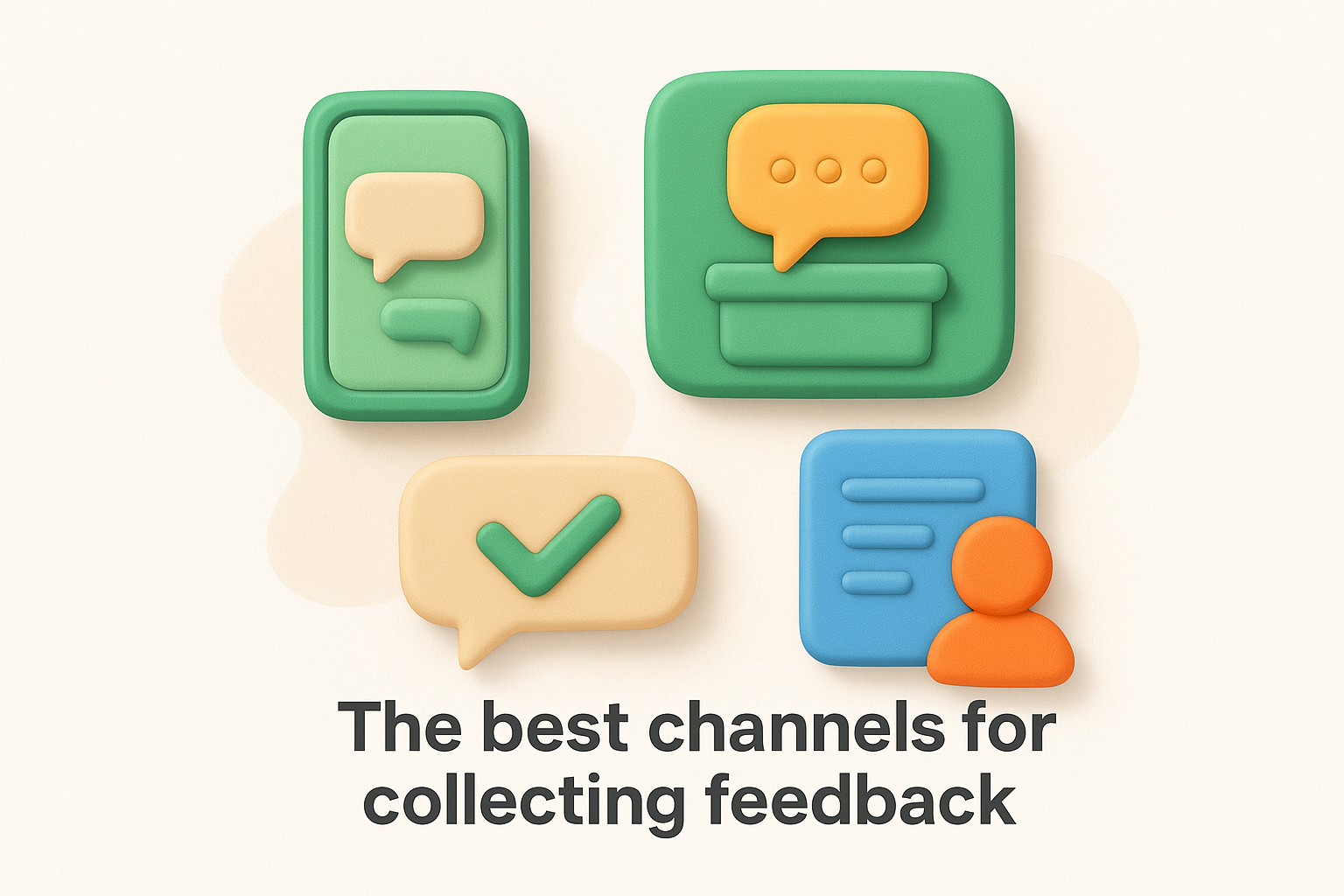
No single channel captures everything, so running several in parallel protects you from significant blind spots.
Here are the most reliable sources to include in your setup:
When you ask shapes the quality of what you receive. Asking for feedback immediately after a user completes a specific action, like finishing their first project or hitting a usage milestone, captures their experience while it's still fresh. Sending a survey three weeks after signup with no clear trigger typically produces shallow, low-effort responses because the user has no specific moment to reflect on.
Avoid interrupting users mid-task. Triggering a feedback prompt while someone is in the middle of something important creates friction and resentment. Instead, wait for a natural stopping point, like after they export a file, close a session, or complete a workflow. Better timing produces better data, and better data means your team makes smarter decisions at every step that follows.
Closing the loop is the step that completes the customer feedback loop process and gives it genuine meaning. Without it, you've collected data, made decisions, and shipped work, but users never learn that their input had any effect. That silence kills participation over time. When you close the loop well, users understand that submitting feedback is worth their time, and they keep doing it, which sustains the cycle for every iteration that follows.
When you ship a feature or fix that users requested, reach out directly to everyone who voted, commented on, or submitted that specific request. Don't send a generic newsletter blast. A targeted notification that references the exact request they made feels personal and proves you were listening. Keep the message short: tell them what shipped, explain any relevant changes to how it works, and invite them to share their reaction.
Personalized follow-ups after shipping turn one-time feedback submitters into repeat contributors.
Timing matters here. Send the notification at the same time the feature goes live, not weeks later when users have moved on. If you delayed a request or decided not to build something, communicate that too. Telling a user why you passed on their idea is far better than leaving them to wonder whether you ever read it.
Completing the loop isn't only about communicating outward to users. Your support, product, and engineering teams all need visibility into what shipped and why, so they can answer user questions accurately and tie future incoming feedback to existing decisions. When support reps don't know what changed, they can't confirm it to users who ask, and that gap erodes the trust you built by closing the loop in the first place.
Build a shared internal record that connects each shipped item to the original feedback that drove it. This creates an audit trail your team can reference during planning, support escalations, and retrospectives. Over time, that record also shows you which types of feedback consistently translate into shipped work, helping your team recognize the patterns worth prioritizing in the next round.
Running a strong customer feedback loop process requires more than the right tools. The habits you build around the process, and the traps you avoid, determine whether the loop produces reliable signal or adds noise to your team's backlog. Tracking the right metrics ensures you can tell whether the loop is actually working before problems compound.
Dedicate a specific owner to the feedback loop rather than treating it as a shared responsibility with no clear accountability. When everyone owns it, nobody does. Assign one person to review incoming feedback on a regular cadence, flag high-priority items, and coordinate notifications when work ships. Keep your feedback categories consistent so your team can compare volume across time periods without reorganizing the backlog every few months.
Involve your users early in the process. When you're scoping a new feature, reach back out to the users who originally requested it and share what you're considering. Their input at the design stage prevents expensive rework after you build something that partially misses what they needed.
The most common mistake is collecting feedback without any system to route it to the right team. Feedback that sits in a spreadsheet with no owner and no status becomes stale fast, and users who submitted it eventually stop bothering. A second costly mistake is only closing the loop on successful outcomes. If you deprioritized a feature request, tell those users why. Skipping that conversation leaves them assuming you ignored them.
Closing the loop on rejections builds as much trust as closing it on shipped features.
Numbers give you an honest read on whether your loop is functioning. Track these consistently:
Rising return submission rates signal that users trust the loop enough to keep participating, which is the clearest sign the process is working as intended.
A strong customer feedback loop process doesn't require a large team or complex tooling. It requires consistency: collect feedback from the right places, organize it so your team can act on it, and then tell users what you did with their input. Every step reinforces the next one, and skipping even one of them breaks the trust you're trying to build. The companies that retain users longest aren't always the ones with the most features. They're the ones whose users believe their voice shapes the product.
Start small if you need to: pick one channel, establish a review cadence, and close the loop on the first batch of requests you act on. Build the habit before you scale the system. If you want a platform that handles the collection, organization, and communication all in one place, try Koala Feedback and put the loop into practice from day one.

Start today and have your feedback portal up and running in minutes.

