The best product roadmap ppt template is the one that matches what your audience has to decide. Use a Now, Next, Later layout for customers and early-stage teams, a quarterly timeline for stakeholder reviews, an agile layout for engineering, a release grid for sales and marketing, and an outcome-based layout for executives and investors.
Most people search for a free download and then spend an hour fixing slides built for someone else's product. The dates don't fit, the rows are wrong, and the slide promises more than your team can deliver. The layout matters more than the visual polish.
Below are five layouts, each with who it suits and how to build it in PowerPoint from a blank slide. That means you can adapt any free product roadmap PowerPoint template you already have. At Koala Feedback we run public roadmaps for product teams, so we also point out where slides stop working.
A Now, Next, Later roadmap is the simplest layout and the safest when your estimates are shaky. It sorts work into three columns by time horizon instead of by date.
This is the easiest product roadmap PowerPoint template to keep honest. Each column holds three to five short initiatives, not a full feature list, so the slide reads in seconds.
It suits early-stage teams, customer-facing presentations, and agile teams that don't want to commit to dates. Your audience sees direction, and you avoid defending a deadline in the room.
A roadmap without dates still answers the question stakeholders actually ask: what comes first?
You don't need to download anything to start. Open File, then New, and search "roadmap" for built-in options. You can also browse Microsoft's free project planning slides and delete anything with dates. Or build from a blank slide:
Slides go stale quickly, though. Koala Feedback's public roadmap works on the same idea with planned, in progress, and completed statuses, and the free Starter plan includes five statuses.
A quarterly timeline roadmap lays initiatives across four quarters, with one row per product area or team. It is the classic format for stakeholder meetings.
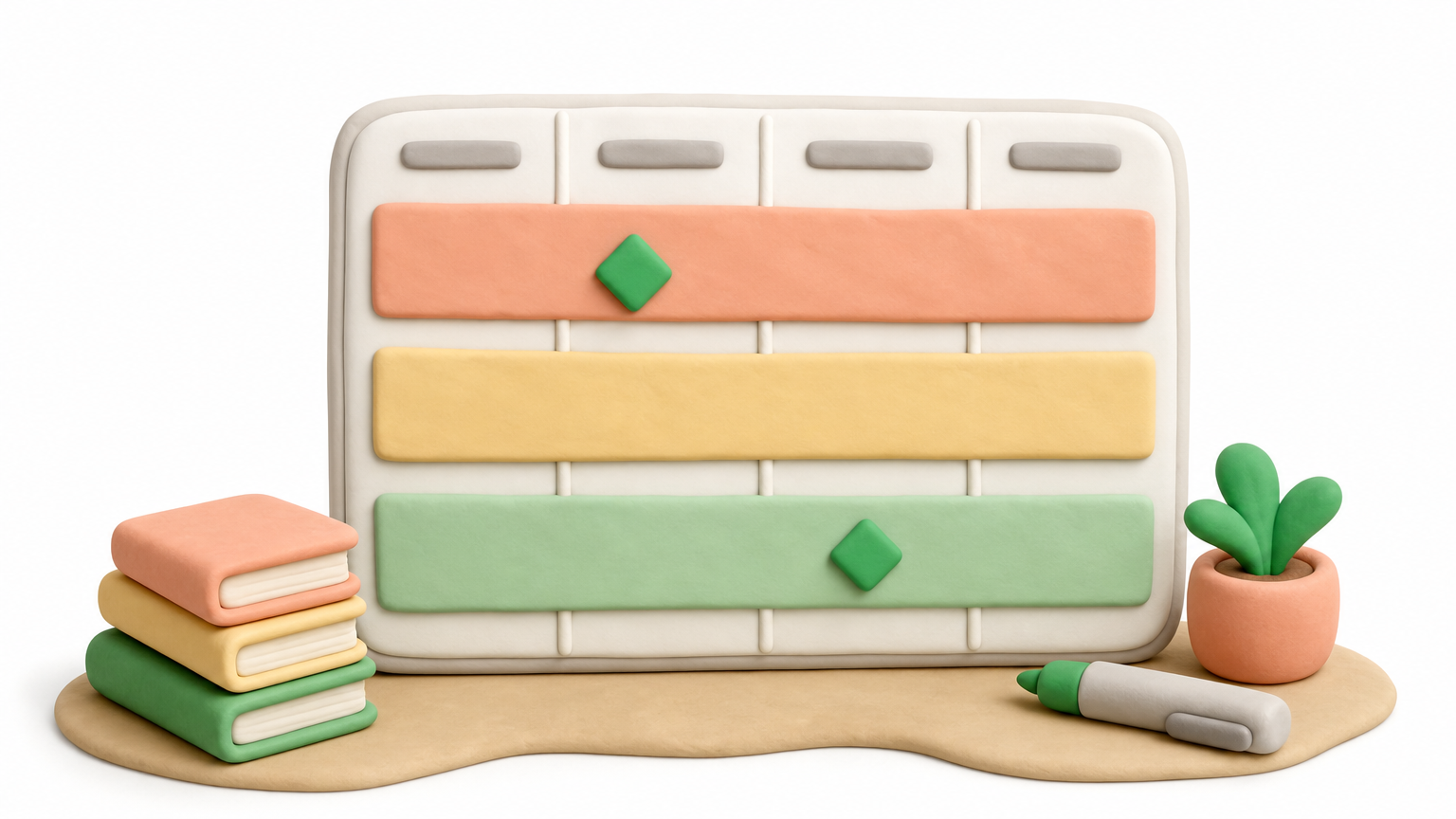
The slide has quarters across the top and swimlanes down the side. A typical example uses Q1 to Q4 as columns and three lanes: Onboarding, Reporting, and Integrations. A bar spans the months where each initiative is active.
It fits quarterly business reviews and planning meetings where several product areas compete for attention. Leaders can see overlap and gaps at a glance, which makes it a good free product roadmap PowerPoint template to start from.
A timeline slide with more than fifteen bars is a spreadsheet, not a presentation.
Build the grid as a table, then draw the bars as shapes on top. Turn on gridlines under the View tab so the bars snap to month boundaries. Then:
An agile product roadmap shows sprints or releases as columns and work streams as rows, with a status color on every item. It communicates direction without pretending the plan is fixed.
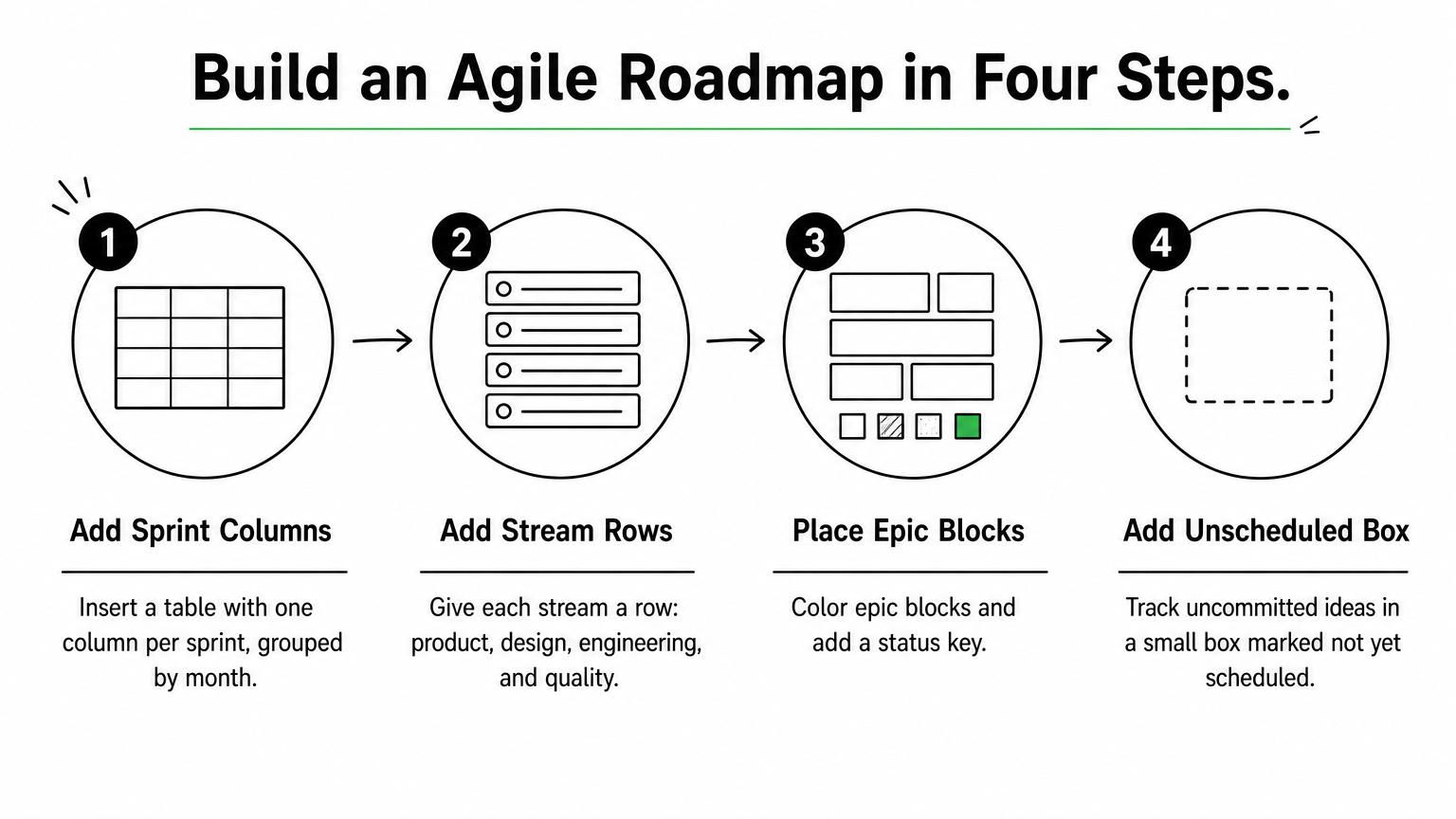
An agile product roadmap template for PowerPoint works best when it shows themes and epics, not individual tickets. Commit to the current sprint or two, and treat everything beyond that as a forecast that will change.
Product managers, Scrum masters, and development teams use it in sprint planning and retrospectives. It also helps when a stakeholder asks why a feature moved, because the status colors show the reason.
An agile roadmap commits to the current sprint and signals direction for everything after it.
Keep the structure light so you can update it in minutes every sprint:
A release roadmap grid organizes work by release instead of by date. It answers the question sales and support teams ask most: what ships in which version?
Each column is a release, such as v2.1, v2.2, and v2.3. Each row is a category: new features, improvements and fixes, and marketing or enablement tasks. One cell shows everything a release carries.
This layout suits sales, support, marketing, and release managers who plan launches, training, and announcements around product changes. It works well as a companion to a timeline slide, because it adds the detail that a timeline hides.
Sales needs the release name and the month, not the ticket number.
Use a table for the grid and small icons to mark the row types:
An outcome-based roadmap organizes work under business goals and target metrics instead of features. It is the right choice for executives, boards, and investors.
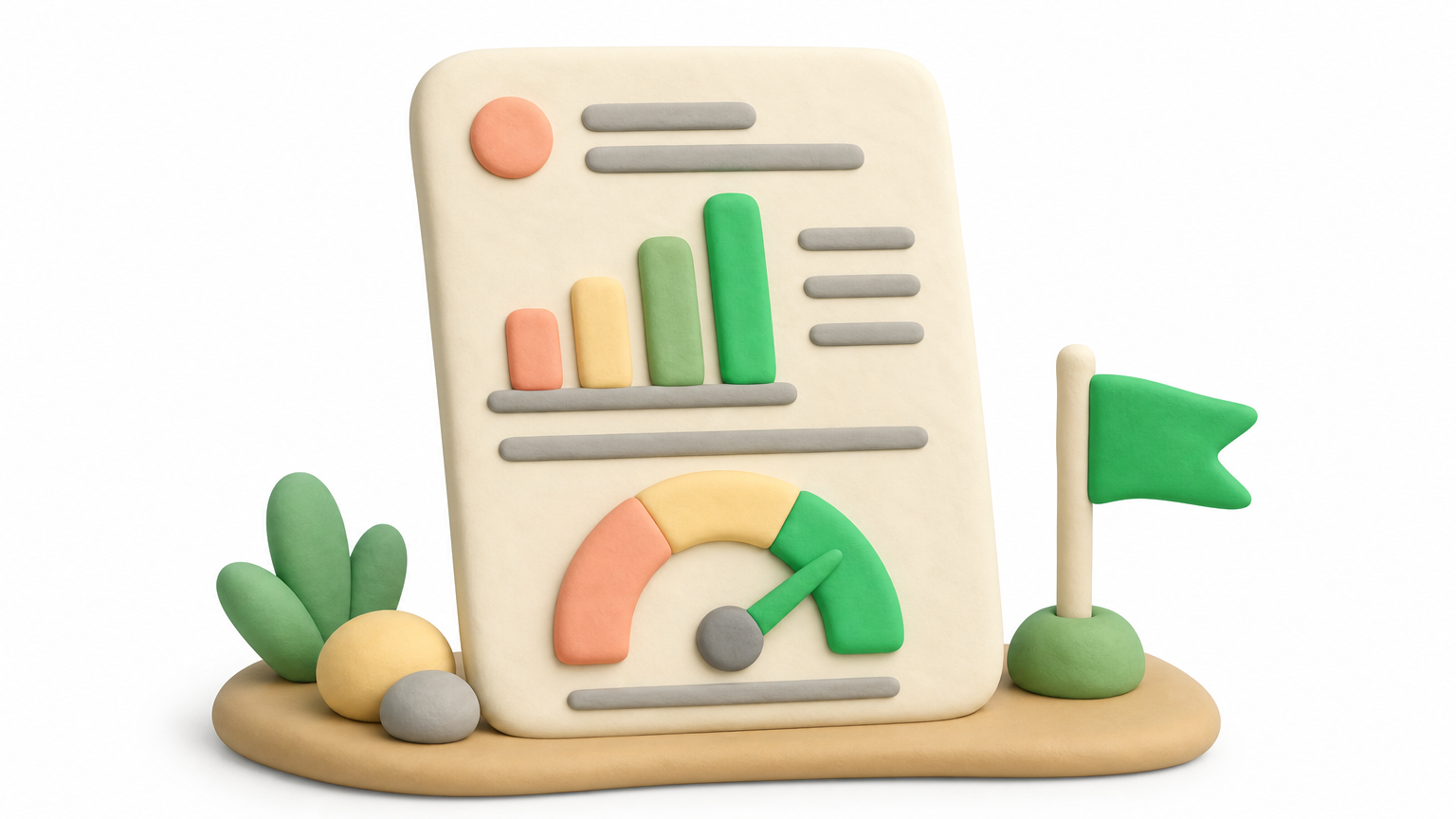
Each row is a goal, such as "Improve first-month retention." Next to it sit the target metric and the two or three initiatives that support it, spread across this year and next year. Feature names appear only as evidence that the plan is real.
This layout suits executive reviews, board meetings, and investor updates, where the question is why the work matters, not how it is built. A strong product roadmap ppt template for this audience has fewer words than any of the others.
Executives fund outcomes, so lead with the metric and let the features follow.
Use three slides so each one makes a single point:
Mark the deck confidential if it contains plans you haven't shared externally, and refresh it every quarter.
Pick the layout by audience, not by looks. Now, Next, Later suits customers, the quarterly timeline suits stakeholder reviews, the agile layout suits engineering, the release grid suits sales and marketing, and the outcome layout suits executives. Whether you start from PowerPoint's built-in options or a blank slide, keep each slide to one idea and update it on a fixed schedule.
If you find yourself rebuilding the same deck every few weeks, a live roadmap saves the effort. You can share a public roadmap with Koala Feedback, sign up for free, and let users see what is planned, in progress, and done without a single slide.

Start today and have your feedback portal up and running in minutes.