Building a Jira product roadmap gives your team a visual way to plan and communicate your product direction. Whether you're using Jira's built-in features or exploring Advanced Roadmaps, getting the setup right matters for keeping stakeholders aligned and development on track.
This guide walks you through creating a product roadmap in Jira step by step. You'll learn how to structure your roadmap, connect it to your backlog, and share progress with your team. We'll also cover Jira Product Discovery and explore when you might need a dedicated roadmap tool, like Koala Feedback, to capture user feedback and prioritize features based on what your users actually want.
Before you start building your jira product roadmap, you need the right setup and access in place. Jumping straight into roadmap creation without proper groundwork leads to confusion, duplicate work, and a roadmap that doesn't connect to your actual development process. Take time to prepare these essentials first.
You need administrator or project lead permissions to create and manage roadmaps effectively. Standard Jira users can view roadmaps, but editing capabilities require elevated access within your Jira instance. Check with your Jira admin if you're unsure about your permission level.
Your Jira project should already exist with a clear project type selected (Software, Business, or Service Management). Software projects work best for product roadmaps since they include agile boards and sprint planning features. If you're starting fresh, create your project first and choose the template that matches your team's workflow.
Make sure your project includes at least one board configured before you build your roadmap, so you can visualize how items flow from planning to execution.
Build your roadmap from existing issues, epics, and user stories already in your Jira backlog. Creating a roadmap with an empty backlog means you'll need to populate everything manually, which doubles your setup time. Import or create at least your major features and themes before opening the roadmap view.
Your team needs shared understanding of goals and timelines before you start mapping. Schedule a brief session with stakeholders to identify the top priorities for the next quarter or release cycle. This prevents you from building a roadmap that reflects only one person's vision instead of team consensus.
Gather information about upcoming releases, sprint schedules, and key milestones your organization has already committed to. Document dependencies between features and note any external deadlines from customers or sales commitments. You'll use this context when placing items on your timeline and estimating delivery dates.
Jira offers multiple roadmap views depending on your plan type and what you need to communicate. Choosing the wrong view creates confusion because stakeholders see either too much detail or not enough context. Start by understanding which roadmapping tool you have access to and who will use your roadmap.
The Timeline view (available in Jira Software Premium and Enterprise) displays your jira product roadmap as horizontal bars across a calendar. This view works best when you need to show executives, customers, or cross-functional teams how features map to quarters or release dates. You can collapse details to show only epics and expand to reveal child issues when teams need more information.
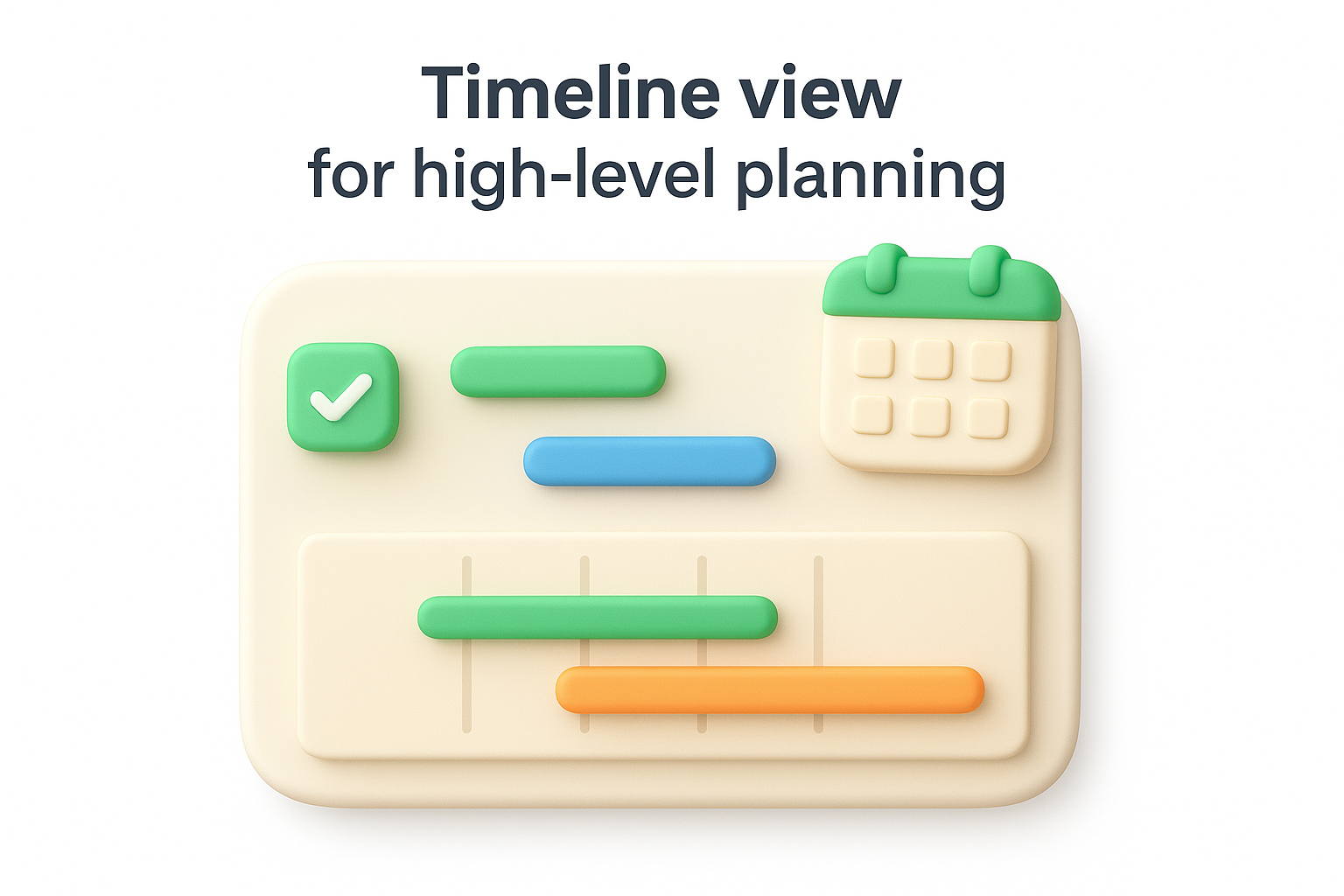
Access Timeline by opening your project, clicking Roadmap in the left sidebar, then selecting Timeline from the view options. Drag and drop items to adjust dates, and use color coding to group related features by theme or product area.
Use Timeline view when your audience cares more about delivery dates and dependencies than daily task progress.
Board view connects your roadmap directly to active sprints and shows work in progress for development teams. This view displays issues as cards you can drag between columns like "To Do," "In Progress," and "Done." Your team sees exactly what they're building right now instead of abstract future plans.
Switch to Board view when planning sprint work or running daily standups. Keep Timeline for stakeholder updates and Board for team-level execution. Many teams maintain both views, using Timeline for monthly reviews and Board for daily operations.
Your jira product roadmap needs structure before you add items to the timeline. Setting up epics and themes creates the framework that connects daily tasks to strategic goals. Without this hierarchy, your roadmap becomes a flat list that doesn't communicate priority or relationships between features.
Start by creating epics for major features or capabilities you plan to deliver. Click Create in Jira, select Epic as the issue type, and write a clear name like "Customer Dashboard v2" or "Mobile App Payments." Add a brief description that explains the business value and key outcomes you expect.
Group related epics under custom labels or components that represent themes. For example, label multiple epics with "Onboarding Experience" or "Enterprise Features" to show which strategic area they support. This grouping helps stakeholders see how individual features contribute to bigger objectives. You can also use Jira's parent-child relationships to nest epics under initiatives if you have Advanced Roadmaps enabled.
Assign start and end dates to each epic based on your team's capacity and known constraints. Click on an epic in Timeline view and drag the edges to adjust dates, or enter specific dates in the issue details. Avoid stacking too many epics in the same time period unless you have multiple teams working in parallel.
Space your epics with buffer time between them to account for unexpected delays, dependencies, and technical debt work that always emerges mid-sprint.
Review your timeline with your development team before finalizing dates. They know velocity and technical complexity better than anyone else, so their input prevents you from committing to impossible schedules.
Your jira product roadmap becomes more useful when you show how features connect and when you tailor views for different stakeholders. Adding dependencies, releases, and custom views transforms your roadmap from a simple timeline into a strategic planning tool that prevents bottlenecks and communicates clearly to every audience.
Click on any epic or issue in your roadmap, then scroll to the Issue Links section in the details panel. Select blocks or is blocked by to create dependency relationships between items. For example, if "Payment Integration" must finish before "Subscription Management" can start, link them with "Payment Integration blocks Subscription Management."
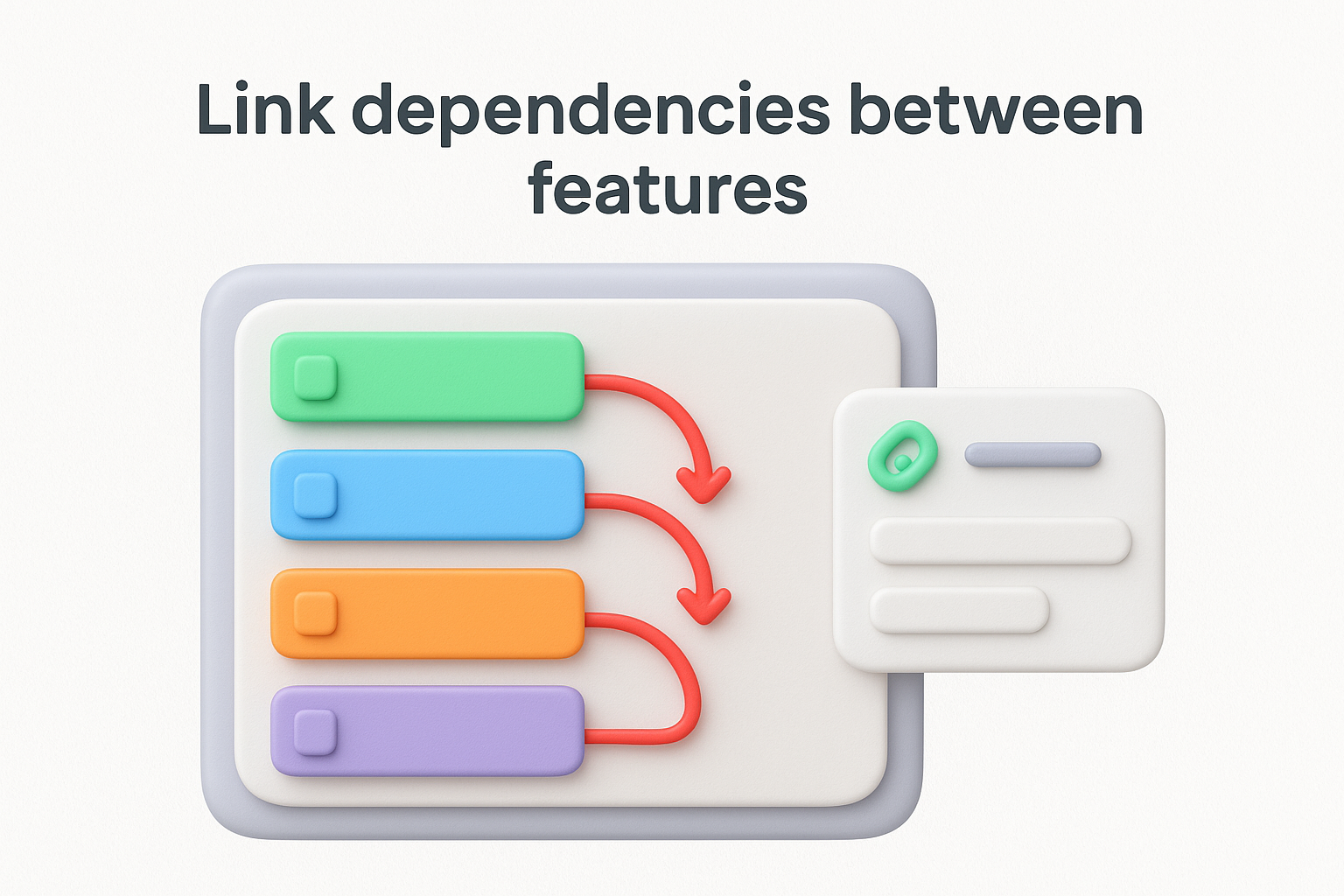
Jira displays dependency arrows directly on your Timeline view, showing which items must complete before others can begin. Red arrows indicate conflicts where dependent items overlap in time, alerting you to scheduling problems before they derail your plan.
Use dependency links to identify critical path items that will delay everything else if they slip, then allocate your strongest resources to those features.
Create versions in your project settings to represent major releases or milestones. Navigate to Project settings > Releases and add versions like "Q2 2026 Release" or "Version 3.0." Assign epics to these versions by editing each epic and selecting the appropriate Fix Version field.
Filter your roadmap by version to show only what ships in specific releases. This helps sales teams, support staff, and executives see exactly what capabilities launch together without overwhelming them with every task and subtask your development team tracks.
Your jira product roadmap loses value the moment it stops reflecting reality. Teams ignore outdated roadmaps because they don't trust the information, and stakeholders make bad decisions based on old assumptions. Schedule regular maintenance to keep your roadmap aligned with actual development progress and changing business priorities.
Set weekly review sessions with your product team to update issue status, adjust timelines, and address blockers. Block 30 minutes every Monday or Friday to sweep through your roadmap and mark completed items, shift delayed features, and add newly approved work. These short sessions prevent small inaccuracies from compounding into major disconnects between your roadmap and reality.
Run monthly stakeholder reviews where you present the roadmap to executives, sales, and customer success teams. Use these sessions to gather feedback on priorities and communicate any significant timeline changes. Document decisions about scope cuts or new features in Jira comments so future team members understand why plans changed.
Regular reviews transform your roadmap from a static document into a living tool that guides daily decisions and keeps everyone working toward the same goals.
Change epic status fields as work progresses through planning, development, and release stages. Click each epic and update the status dropdown to "In Progress" when development starts and "Done" when features ship. This simple action keeps your timeline view accurate without rebuilding the entire roadmap.
Adjust dates immediately when you identify delays or accelerated timelines. Drag epic bars in Timeline view to reflect new estimates rather than leaving incorrect dates in place. Update any dependent features automatically to prevent cascading schedule conflicts across your plan.
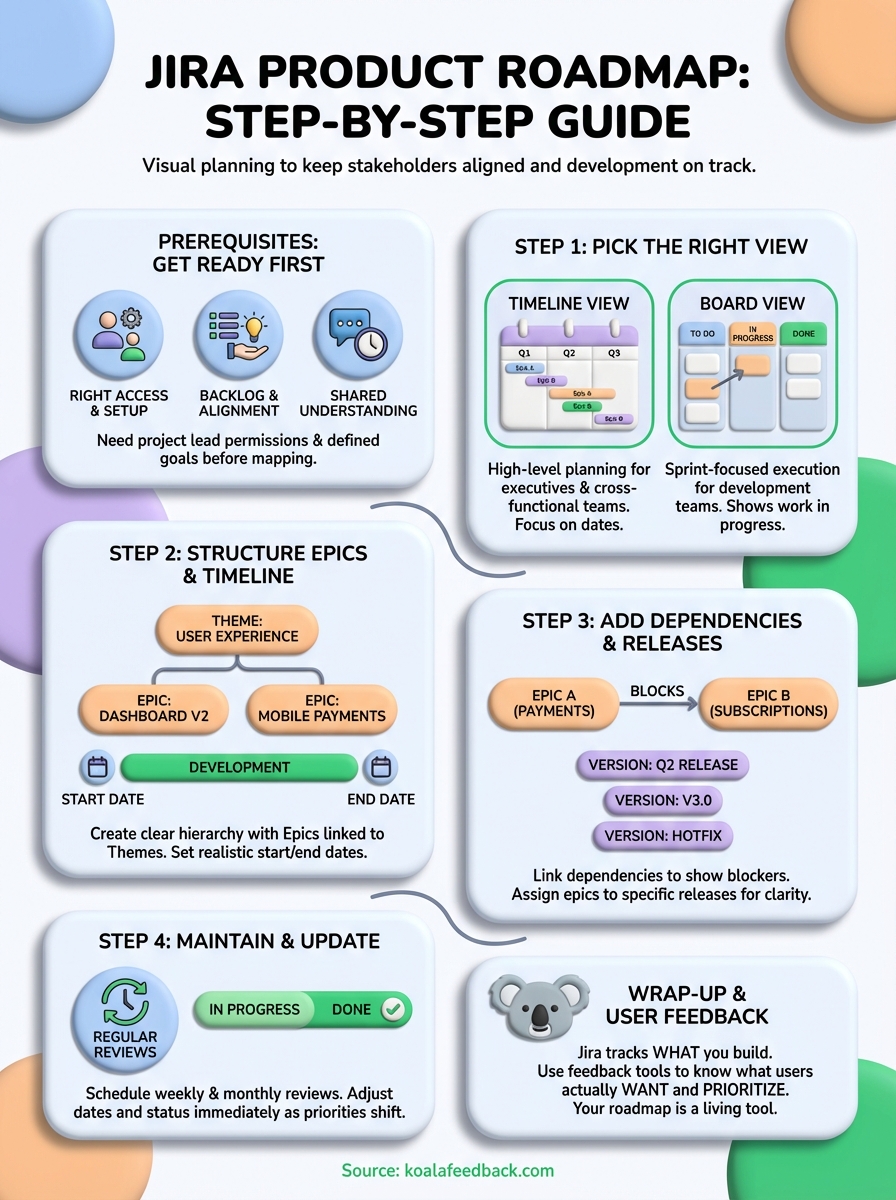
Building your jira product roadmap in Jira takes initial setup time, but the structure pays off when teams stay aligned and stakeholders know what to expect. You've learned how to choose the right view, organize epics and themes, connect dependencies, and maintain accuracy over time. Your roadmap now serves as a single source of truth for product direction.
The real challenge isn't building the roadmap itself. The challenge is gathering user feedback that tells you which features actually matter to your customers. Jira tracks what you plan to build, but it doesn't show you what users are asking for or which requests have the most votes.
Koala Feedback helps you collect and prioritize user feedback alongside your Jira roadmap. Your users submit ideas, vote on features, and see what you're building, while you make data-driven roadmap decisions based on real demand instead of assumptions.

Start today and have your feedback portal up and running in minutes.

