You can ship a great feature and still lose a customer. Most of the time, the reason is simple: nobody asked what they actually needed. Customer satisfaction and feedback are two sides of the same question, and teams that treat them separately end up guessing.
Here is the short answer. Customer satisfaction is how well your product meets what customers expect, usually measured with scores like CSAT, NPS, or CES. Customer feedback is the raw input behind those scores: ideas, complaints, and requests in the customers' own words. Satisfaction tells you where you stand. Feedback tells you why, and what to fix next.
This article defines both terms, explains why they affect retention and revenue, and shows how to collect feedback with surveys and other channels. You will see real examples of survey questions and feedback in practice. We build Koala Feedback to help product teams gather and organize this input, so we focus on methods you can apply right away, with or without a tool.
Satisfaction is not a vanity metric. It predicts whether people renew, upgrade, and recommend you to others. Feedback is how you learn what moves that number, which is why customer satisfaction and feedback belong in the same conversation as your roadmap and your revenue forecast.
Keeping a customer costs less than winning a new one. Bain & Company research found that a 5% increase in retention can raise profits by 25% to 95%, depending on the business. For a SaaS company with monthly or annual contracts, churn is the number that satisfaction moves most directly.
Most unhappy customers never complain. They quietly cancel. A low CSAT score or an angry comment is a warning you can still act on, while a silent churn is just a lost account you learn about in a billing report.
Unhappy customers who tell you why give you a second chance. The ones who stay quiet don't.
Without feedback, prioritization tends to go to the loudest voice in the room. With it, you see patterns instead of anecdotes. Fifty customers asking for the same integration is a very different signal than one executive's hunch. Over time, good feedback shows you:
Votes and comments make this concrete. When customers can upvote an idea, you get a ranked list of demand rather than a pile of emails to interpret.
Customers who see their input acted on feel heard. Closing the loop, meaning telling people what you did with their suggestion, turns a one-time comment into an ongoing relationship. A public roadmap helps here because it sets clear expectations about what is planned, what is in progress, and what is not coming.
Happy customers also bring in new ones. They leave reviews, answer reference calls, and recommend you in communities where buyers ask for advice. That lowers your acquisition cost and gives you social proof that no ad campaign can fake.
Good customer satisfaction and feedback programs combine two kinds of input: scores that show trends and open comments that explain them. You need both.
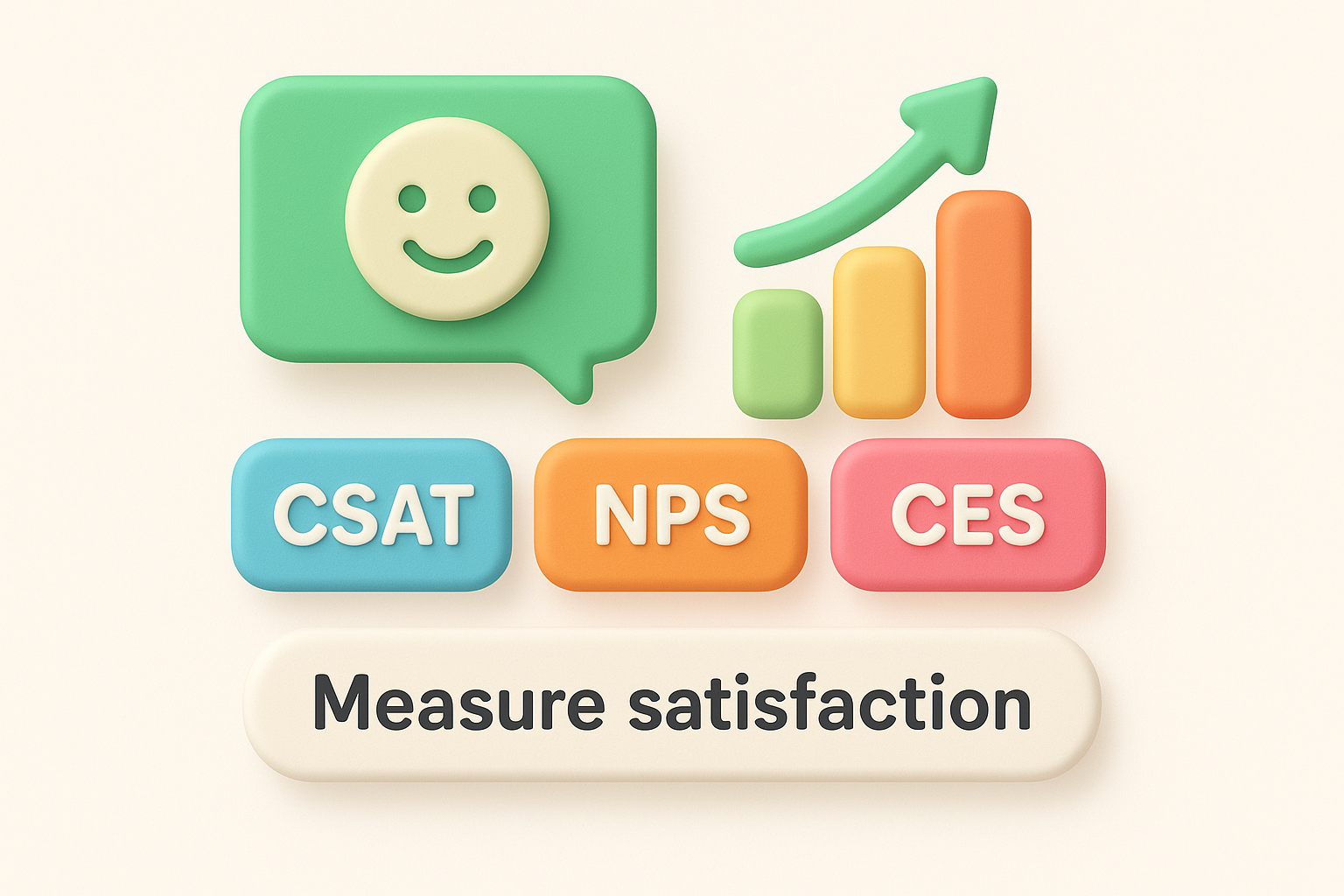
Start with the numbers. Each of these customer satisfaction metrics answers a different question, so pick the one that fits the moment.
| Metric | Question it answers | Typical scale |
|---|---|---|
| CSAT | How satisfied were you with this interaction? | 1 to 5 |
| NPS | How likely are you to recommend us? | 0 to 10 |
| CES | How easy was it to get this done? | 1 to 7 |
Send CSAT right after a support chat or onboarding step. Run NPS every quarter to track overall loyalty. Use CES after tasks like setup or migration, where friction drives churn.
Pair every score with one open question, such as "What is the main reason for your score?" This is where feedback customer satisfaction data becomes useful, because the comment tells you what to fix.
A score tells you something changed. A comment tells you why.
Surveys are only one of the ways to collect customer feedback, and they reach only the people who answer them. Add always-on channels so customers can speak up at any time:
Whatever you choose, keep everything in one place. Feedback scattered across inboxes, spreadsheets, and Slack threads can't be counted, so you can't see which requests come up most. A central board that deduplicates similar requests solves this.
Surveys are where many customer satisfaction and feedback programs stall. Response rates drop fast when a survey feels like homework, and vague questions produce vague answers. The fix is fewer, clearer questions that respect the customer's time.
Double-barreled questions ruin data. "How satisfied are you with our pricing and support?" mixes two topics, so you can't tell which one drove the score. Ask about one thing at a time, and use neutral wording so you don't nudge people toward praise.
| Weak question | Problem | Better version |
|---|---|---|
| How satisfied are you with our pricing and support? | Two topics in one | How satisfied are you with our support? |
| Don't you think the new dashboard is great? | Leading | How would you rate the new dashboard? |
| Do you like our product? | Too vague | What do you use most in our product, and why? |
Aim for three to five questions in an in-app or email survey. One score plus one open comment is often enough. Send it right after the moment you are asking about, such as a resolved ticket or a finished setup, while the memory is fresh.
One clear question that gets answered beats ten questions that get abandoned.
Rating scales give you numbers you can track from quarter to quarter, so keep the scale identical every time. Open questions give you the reasons behind the score. Try prompts like "What almost stopped you from finishing setup?" or "What is one thing we should change?" Both are specific, easy to answer, and point to something you can fix.
Definitions only go so far. These examples show what customer satisfaction and feedback look like in practice, from the survey question you send to the comment that comes back.
Each touchpoint calls for different satisfaction survey questions. Pair every score with an open follow-up so you learn the reason, and keep the wording short enough to answer in seconds.
| Moment | Metric | Question | Follow-up |
|---|---|---|---|
| Support ticket closed | CSAT | How satisfied are you with the help you received? | What could we have done better? |
| Quarterly check-in | NPS | How likely are you to recommend us to a colleague? | What is the main reason for your score? |
| After setup | CES | How easy was it to get set up? | What almost stopped you? |
| Cancellation | Exit survey | What is the main reason you are leaving? | What would have kept you? |
The cancellation survey is the one teams skip, and it is often the most honest. Departing customers have nothing to protect, so they tell you the real reason they left.
Raw feedback is messy. Your job is to read the signal underneath it.
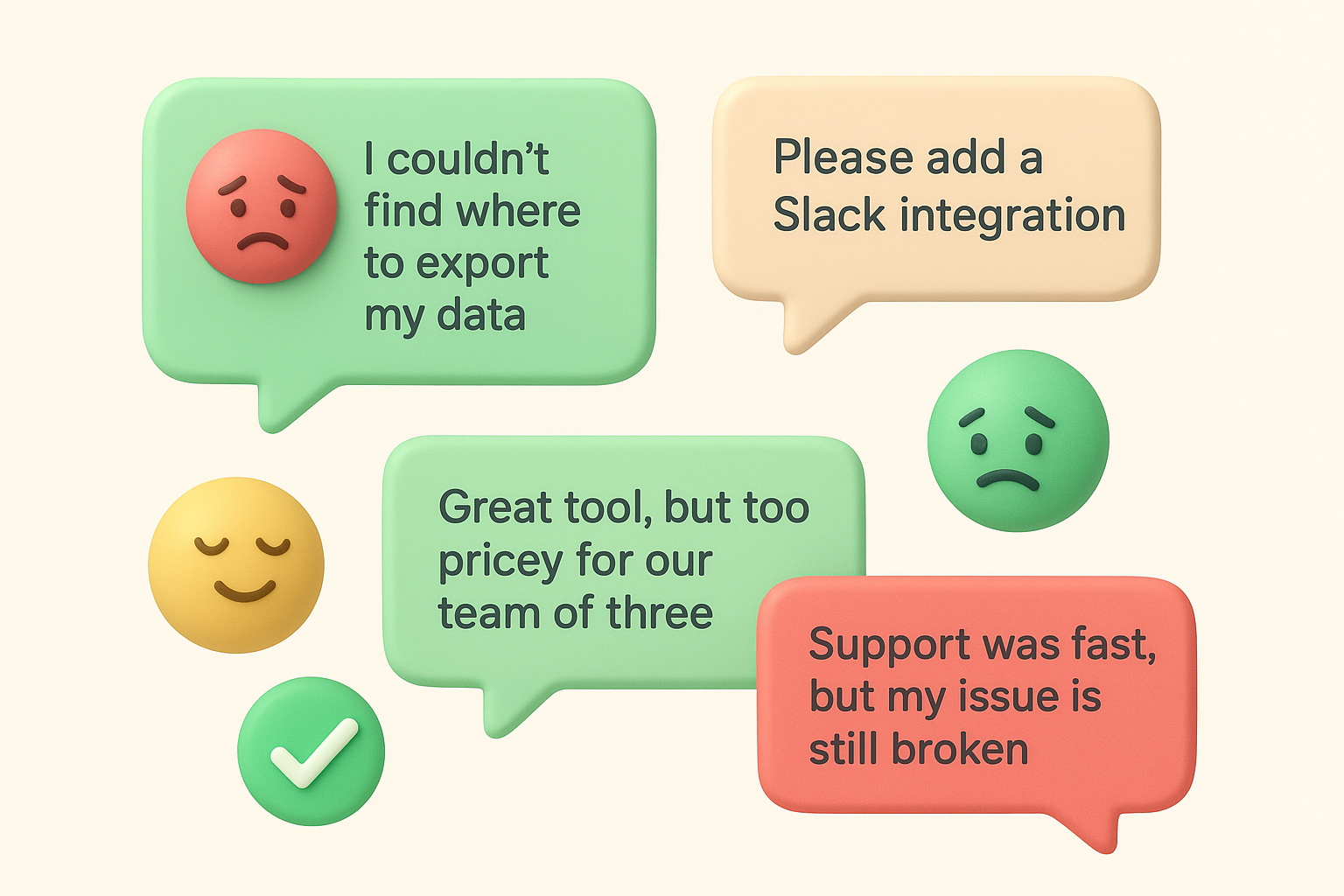
| What the customer says | What it signals | Possible action |
|---|---|---|
| "I couldn't find where to export my data." | Navigation friction | Move export to the main menu |
| "Please add a Slack integration." (47 votes) | Clear, measurable demand | Mark it as planned on the roadmap |
| "Support was fast, but my issue is still broken." | Happy with speed, not resolution | Review escalation rules |
| "Great tool, but too pricey for our team of three." | Pricing mismatch for small teams | Test a smaller plan |
Notice that the third comment could earn a high score on a speed-focused CSAT survey and still hide a real problem. Read comments next to scores, never instead of them, because a good number can mask a bad experience.
A good score can hide a bad experience, so always read the comment behind it.
Collecting input is the easy half. Customer satisfaction and feedback only pay off when something changes in the product and customers can see it. A simple three-step feedback management process keeps the work from stalling.
Begin by tagging every item by product area and type, such as bug, request, or question. Then merge duplicates, so 47 separate emails asking for a Slack integration become one item with 47 votes. You can only count demand once similar requests sit together.
Rank each item against a few simple questions. Demand alone is not enough, because the most requested feature is not always the most valuable one.
Weigh the segment too. A request from ten paying accounts that are at risk of churning can outrank one with 100 votes from free-plan users. Score items quickly, review them on a regular schedule, and resist the urge to debate each one for an hour.
Finally, tell people what happened. Move each item to a status such as planned, in progress, or done, and notify everyone who voted. Even a "not planned, and here is why" builds more trust than silence.
Feedback you never answer teaches customers to stop giving it.
After a release, check whether the numbers moved. Compare CSAT or NPS for the customers who asked for the change against the scores from before the release. If satisfaction did not improve, read the new comments to find out what you missed.
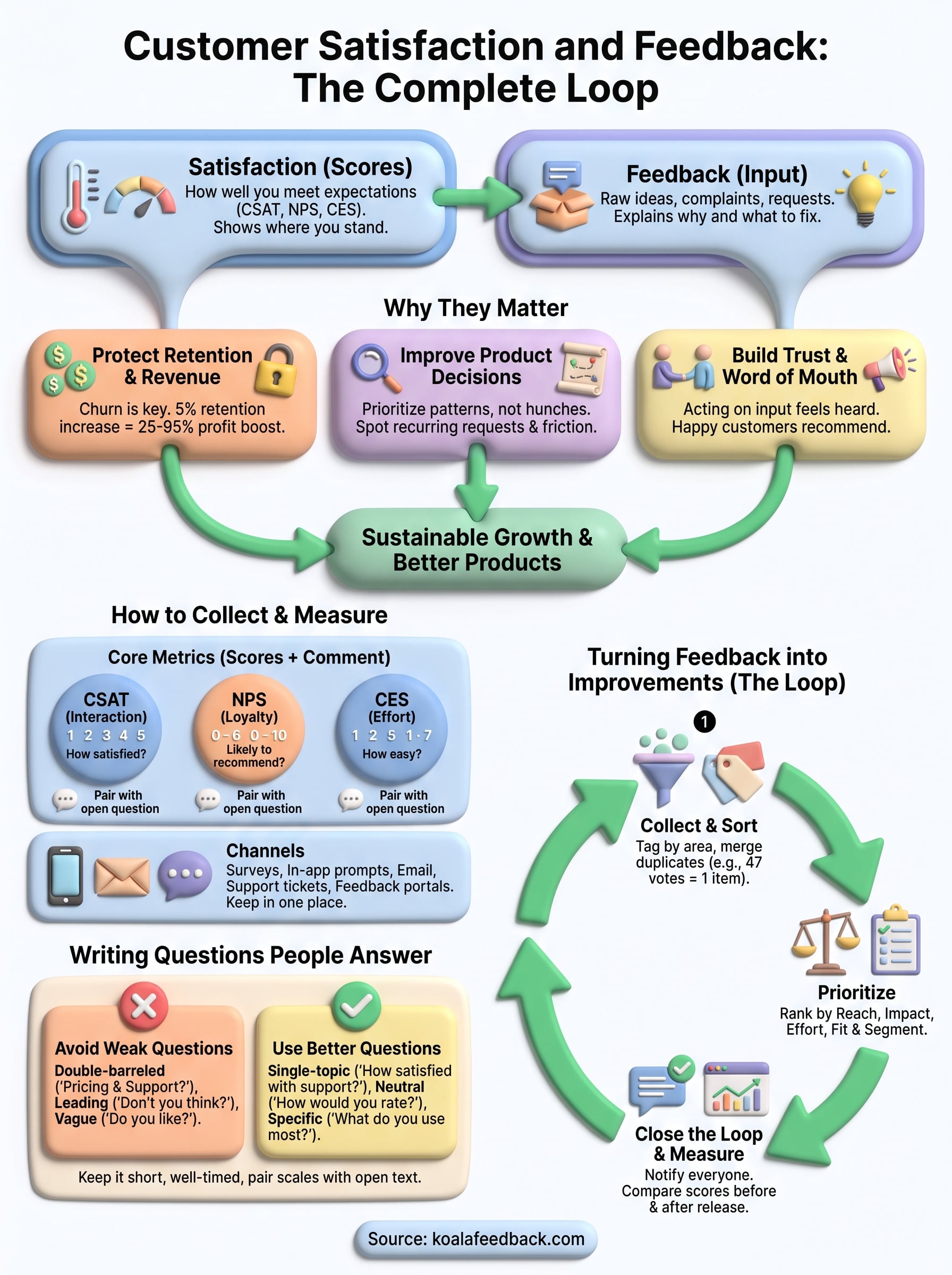
Customer satisfaction and feedback work as a pair. Satisfaction scores show you where you stand, and feedback explains why. Together they tell you what to build, what to fix, and which customers need attention before they leave.
The routine is not complicated. Collect input through surveys and always-on channels, ask about one thing at a time, and group similar requests so you can see real demand. Then prioritize with plain criteria, close the loop with everyone who spoke up, and check whether your scores moved. Teams that repeat this cycle make better decisions and keep more customers.
If you want one place to gather, vote on, and rank requests, you can collect and prioritize customer feedback with Koala Feedback and share progress through a public roadmap your users can follow.

Start today and have your feedback portal up and running in minutes.

