People tell you the truth when they know it can't be traced back to them. Ask for feedback in a meeting or a signed survey and you usually get polite nods. Ask anonymously and you hear about the broken onboarding flow, the confusing pricing page, or the manager who never listens. That is why a good anonymous feedback tool is worth setting up before you need it.
The best free anonymous feedback tools let you collect input without requiring logins, hide identifying data, and still give you enough structure to act on what comes in. Most free plans cap responses, limit exports, or lock reporting, so the right pick depends on whether you're hearing from employees, customers, or both.
Below, you'll find 10 options compared on anonymity safeguards, free plan limits, ease of setup, and how well each one helps you sort and follow up on feedback. We build feedback software at Koala Feedback, so we know what separates a tool that collects comments from one that helps you act on them.
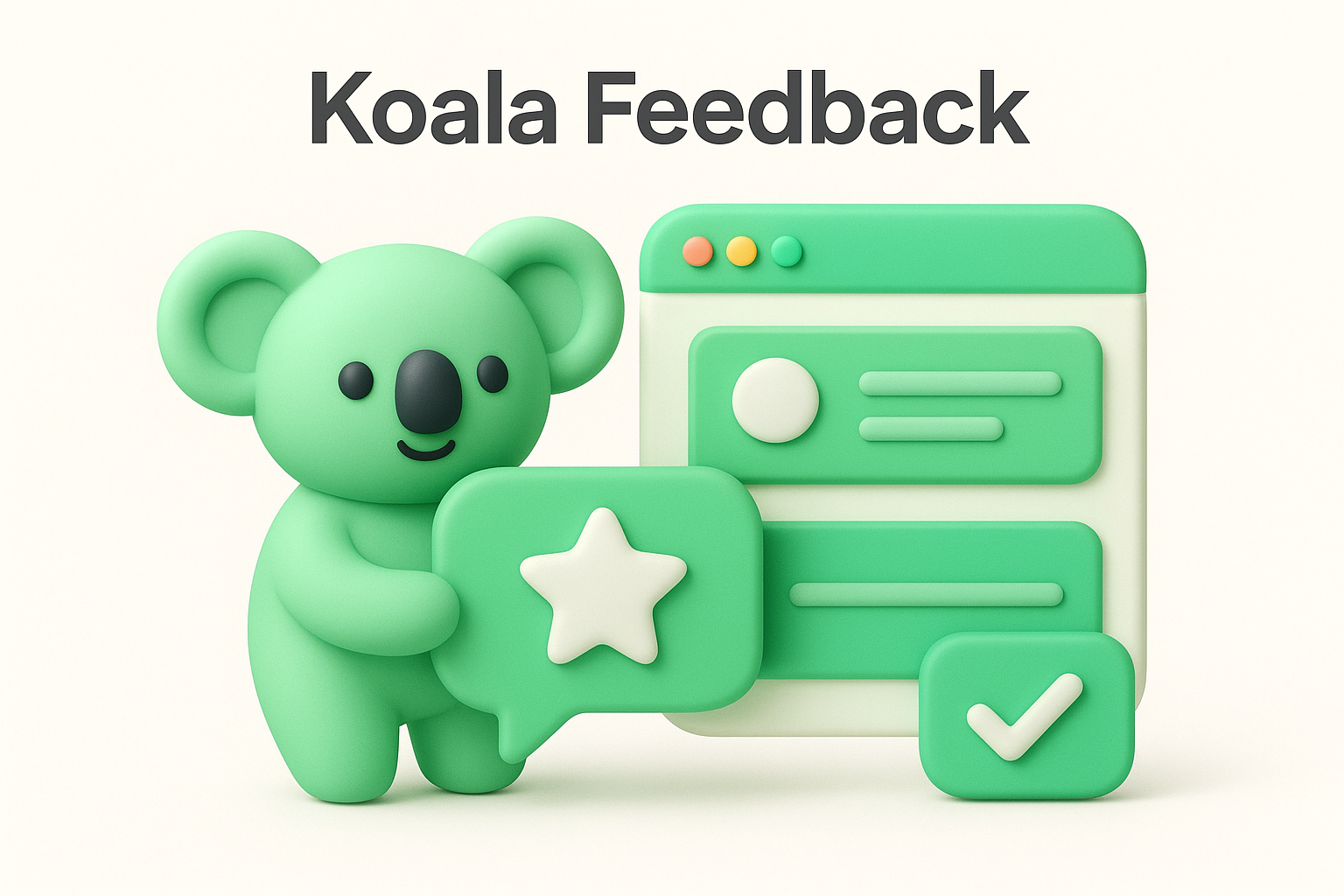
Koala Feedback is a feedback portal where customers submit ideas, vote, and comment on requests from others. It automatically deduplicates and categorizes submissions, then sorts them into prioritization boards by product area. You can put the portal on your own domain with your own colors and logo, so it feels like part of your product.
Anonymity here works differently than in a pure suggestion box. The portal is built around public ideas and votes, so how anonymous people feel depends on your setup and on how little you ask them to share. Keep identifying fields to a minimum, tell people what is visible, and test the portal as a visitor before you announce it.
Koala Feedback is the right anonymous feedback tool when you want low-friction input from customers that turns into a prioritized roadmap, not a hidden inbox.
Koala suits teams that want feedback to end up in a prioritized backlog instead of a spreadsheet. It also fits anyone who needs a public roadmap to show people what happened to their input.
Plans and limits change, so check the pricing page on the Koala Feedback site for current numbers before you commit. I won't quote figures that may be stale by the time you read this.
When you evaluate any free tier, including this one, check the cap on users or submissions and whether custom branding and your own domain are included. Those two limits decide whether a free plan survives past your first real launch.
Koala is a product feedback platform, not a whistleblower channel. If you need a strictly anonymous employee suggestion box for sensitive topics like management or workplace conduct, a dedicated tool from later in this list is a safer fit. Public voting also means people see each other's ideas, which is great for customers and wrong for HR concerns.
It also does one job well rather than many. You won't find survey logic, long forms, or polls here. If you want quick one-off questionnaires, a general survey builder will get you there faster.
Free Suggestion Box is a bare-bones online suggestion box. You create a box, share its link, and people type a message into a form. No account is needed to submit, and the form doesn't ask for a name or email, so the sender stays unknown unless they choose to sign.
A free anonymous feedback tool only protects people when its form asks for nothing it doesn't need.
Small teams, clubs, and schools get the most from it, especially if you want a free online anonymous feedback tool running in minutes with no training. It works best when the question is simple and the volume is low.
The core box is free, which covers the basics: a shareable link and an inbox for suggestions. Plans can change, so check the current plan details on the vendor's site before you depend on higher volume, branding, or longer storage.
Expect very little structure. There is no voting, deduplication, or roadmap, so sorting suggestions is manual once the inbox fills up. It also won't tell you which ideas matter most to the most people.
Anonymity has a catch too. Without logins, you can't verify who is writing, so spam or repeat submissions can slip in. You also can't close the loop publicly the way a portal can, so tell people in a meeting or email what you did with their input.
Incogneato is an anonymous feedback tool built for managers and teams. You get a personal link, share it, and anyone can send you a message without creating an account or giving a name.
Its standout feature is the two-way anonymous conversation. You can reply to a message, and the sender can read your answer and respond again without being identified. That lets you ask follow-up questions, which a plain suggestion box can't do.
The most useful anonymous feedback is the kind you can ask a follow-up question about.
Managers, team leads, and founders who want candid input about their own leadership will get the most from it. It also suits small groups that need a quick tool for anonymous feedback without any HR system behind it.
You can start for free, which makes Incogneato a practical free anonymous feedback tool for a single team or manager. Plans change, so confirm current limits on the vendor's site, especially message caps, number of links, and how long conversations are kept.
It is built for conversations, not analysis. There is no voting, categorization, or roadmap, so patterns across many messages are yours to spot by hand. Past a few dozen messages, that gets tedious.
Trust is the other catch. Because one person owns the link and reads everything, people may hesitate to raise issues about that person. For sensitive topics, tell your team exactly who sees the messages and what happens to them.
Suggestion Ox is a hosted suggestion box built for workplaces. You create a box, share the link or post it on your intranet, and employees submit ideas without signing in. Submissions arrive without names, and the platform is designed so you can respond to ideas without asking who sent them.
An anonymous channel only works when people believe a message can't be traced back to them.
HR teams and office managers will get the most from it, since it feels like a digital version of the box by the break room. It is a sensible tool for anonymous feedback when you want a dedicated employee channel that stays separate from customer input.
Pricing is where you need to be careful. Suggestion Ox has leaned on paid plans with a trial rather than a permanent free tier, so verify what you get at no cost on the vendor's site before you build a process around it. Among free anonymous feedback tools, this one may serve you better as a short test than a long-term home.
Structure is light. Expect no public voting, no roadmap, and little customer-facing polish, so it won't help you decide what to build next. Sorting ideas by theme is mostly manual.
Small teams also face a trust problem. If only five people work for you, a very specific complaint can reveal its author no matter what the software hides. Keep prompts broad, and tell people who reads the inbox.
Jotform is a general online form builder with thousands of templates, including employee and customer feedback forms. You pick a template, delete the name and email fields, and share the link. Respondents don't need an account.
Anonymity depends on how you build the form. Jotform can log details like IP address with each submission, so review your form settings for what gets recorded and keep the questions generic.
A form is only anonymous if you remove every field and setting that could identify the sender.
Teams that want a flexible free online anonymous feedback tool with custom questions, rating scales, and file uploads will like it. It fits when your feedback needs more shape than a single text box.
The Starter plan is free, and its caps have recently been around 5 forms and 100 submissions per month. Paid plans raise those limits and remove Jotform branding. Limits change, so confirm the current numbers on the vendor's site before you share a form widely.
Forms collect responses but don't organize them. There is no voting, deduplication, or roadmap, so you read and tag everything yourself. Reports and exports help, but spotting patterns stays manual.
Free-tier caps also bite quickly. A company-wide form can hit the monthly submission limit within days. The link is open to anyone who has it, so you can't stop one person from submitting repeatedly.
SurveyMonkey is one of the best-known survey platforms, with ready-made templates for employee engagement, customer satisfaction, and event feedback. You build a survey, share a web link, and respondents answer without creating an account.
To make a survey anonymous, turn on the Anonymous Responses option in your collector settings. It tells the platform not to store identifying details such as IP addresses or email addresses next to each answer. Do this before you send the link.
A SurveyMonkey survey is only anonymous once you switch on anonymous responses and leave out every identifying question.
Teams that need numbers, not just comments, get the most from it. Among anonymous feedback tools, this is the one for rating scales, multiple choice, and trend comparisons across quarters, with enough polish to send to customers or staff.
The Basic plan costs nothing, but it is deliberately tight. Surveys are short and response counts are capped, and some analysis features sit behind paid tiers. Limits change often, so check the current numbers on SurveyMonkey's pricing page before you send a survey to a large group.
Analysis is the main catch on the free tier. Filtering, exports, and advanced reporting usually require an upgrade, and a low response cap can leave you unable to see everything people sent.
Small groups carry another risk. If you add demographic questions like team, role, or location, a few answers can identify a person, even with anonymous responses on. Keep those questions to a minimum.
ProProfs Survey Maker is an online survey builder with a large template library covering employee feedback, customer satisfaction, and suggestion-style forms. You build the survey, share a link, and respondents answer without creating an account. Reports show up in a built-in dashboard.
Anonymity is a setting you control, not a guarantee. Leave out name and email fields and check the collection options for what gets recorded with each response. Then submit a test answer and look at what appears in your results.
Run a test submission first, because what your own dashboard shows is what your respondents are trusting you not to see.
Trainers, HR teams, and small businesses that want guided templates and quick scoring will feel at home here. It works well as a tool for anonymous feedback when you want results in charts rather than a raw inbox.
There is a free plan, but it is built as a trial run. It has tight caps on questions and responses, and advanced reporting, branding removal, and larger volumes sit behind paid tiers. Plans change, so confirm current limits on the vendor's site before you send anything to a big group.
Free-tier caps are the main problem. A low response ceiling can cut off feedback from a larger team, and limited reporting makes it harder to dig into open-text comments.
Structure is also thin. Expect no voting, deduplication, or roadmap, so patterns across comments are yours to find by hand. Small teams should skip detailed demographic questions, because a few answers can point to one person.
Typeform is a form and survey builder that shows one question at a time, so a feedback form feels more like a conversation than a spreadsheet. Respondents open a link and answer without creating an account.
Anonymity is mostly up to you. A form collects only what you ask, so skip name and email fields and avoid hidden fields, which can carry identifying data in the link. Send yourself a test response and check what shows up in your results.
A friendly form still isn't anonymous if it asks who you are.
Teams that care about completion rates and polish will like it. The one-question flow keeps people from abandoning longer surveys, and it embeds cleanly on a website, which suits anyone who wants a free online anonymous feedback tool that doesn't look like a form.
The free plan exists, but it is very small, with a response cap that has been as low as 10 per month. Paid plans raise the cap and unlock logic, branding changes, and more integrations.
Limits shift often, so confirm the current numbers on Typeform's pricing page before you plan a company-wide survey. Among free anonymous feedback tools, this one works better as a short trial than a permanent home.
Low caps are the biggest problem. A team of 40 people can exhaust the free quota in a day, and you won't see what arrives after that.
There is also no voting, deduplication, or roadmap, so you sort comments by hand. Anyone with the link can submit repeatedly, and in a small team, demographic questions can point straight at one person.
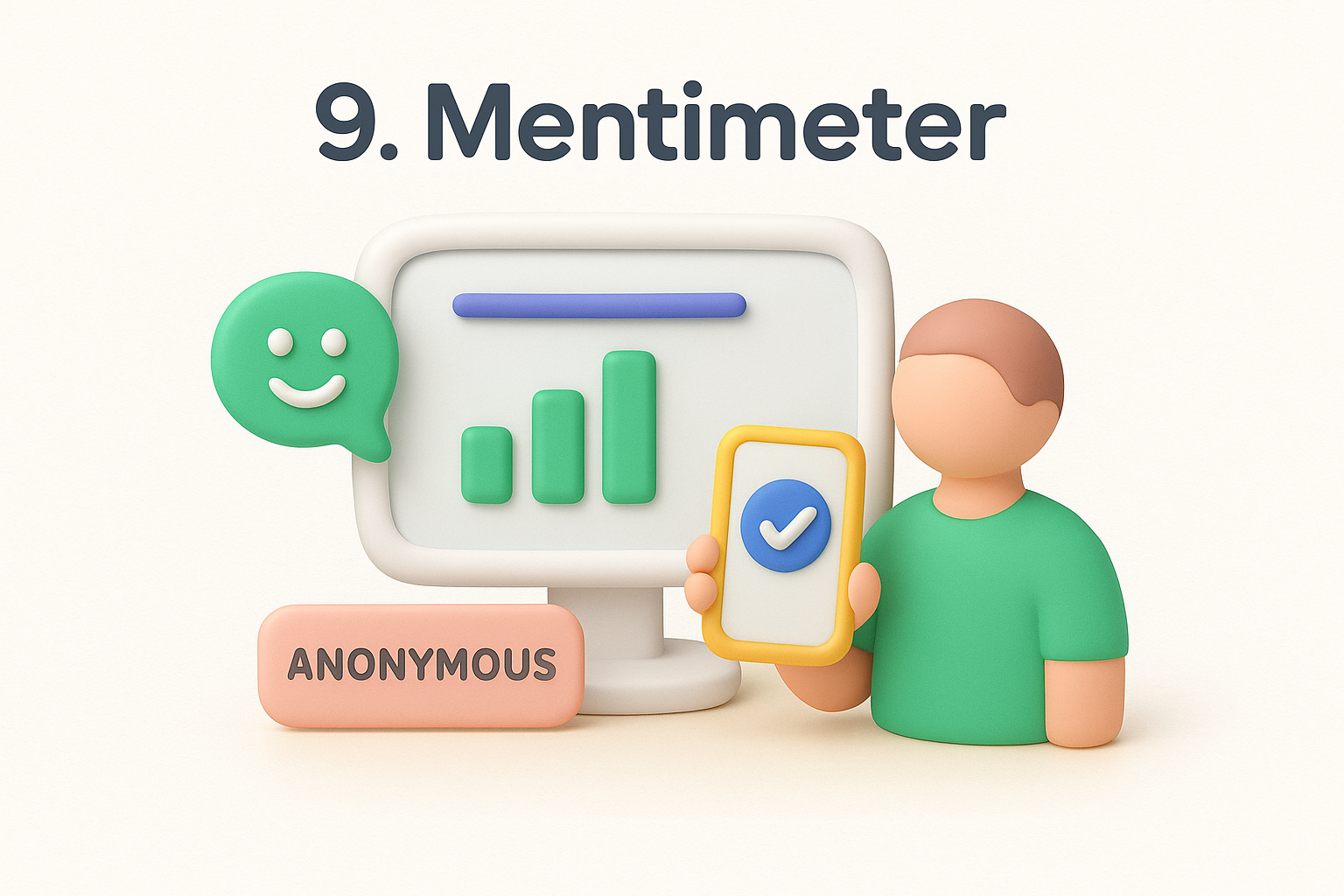
Mentimeter is an interactive presentation tool built for live audiences. You create polls, word clouds, or Q&A slides, and people join with a code on their phones without creating an account.
Responses stay anonymous by default because participants never enter a name unless you add a question asking for one. Still, run a test from a second device and check what your results screen shows before the real session.
Live anonymous polling works because nobody has to speak up first.
Meetings, workshops, and town halls are where it shines. It is a practical tool for anonymous feedback when you want honest answers in the room, in real time, instead of silence after "any questions?"
The free plan lets you run live sessions, but it caps the number of question slides per presentation. Exports and advanced features sit behind paid tiers. Limits change, so confirm current numbers on the vendor's site. As a free anonymous feedback tool, it suits a single session better than ongoing intake.
It is built for the moment, not the long run. There is no standing inbox, no voting on ideas over time, and no roadmap, so feedback lives in a session report you have to save.
Group size matters too. In a team of six, open-text answers can be recognized by writing style, and everyone sees results on screen. Tell people what will be displayed, and turn on moderation for sensitive questions.
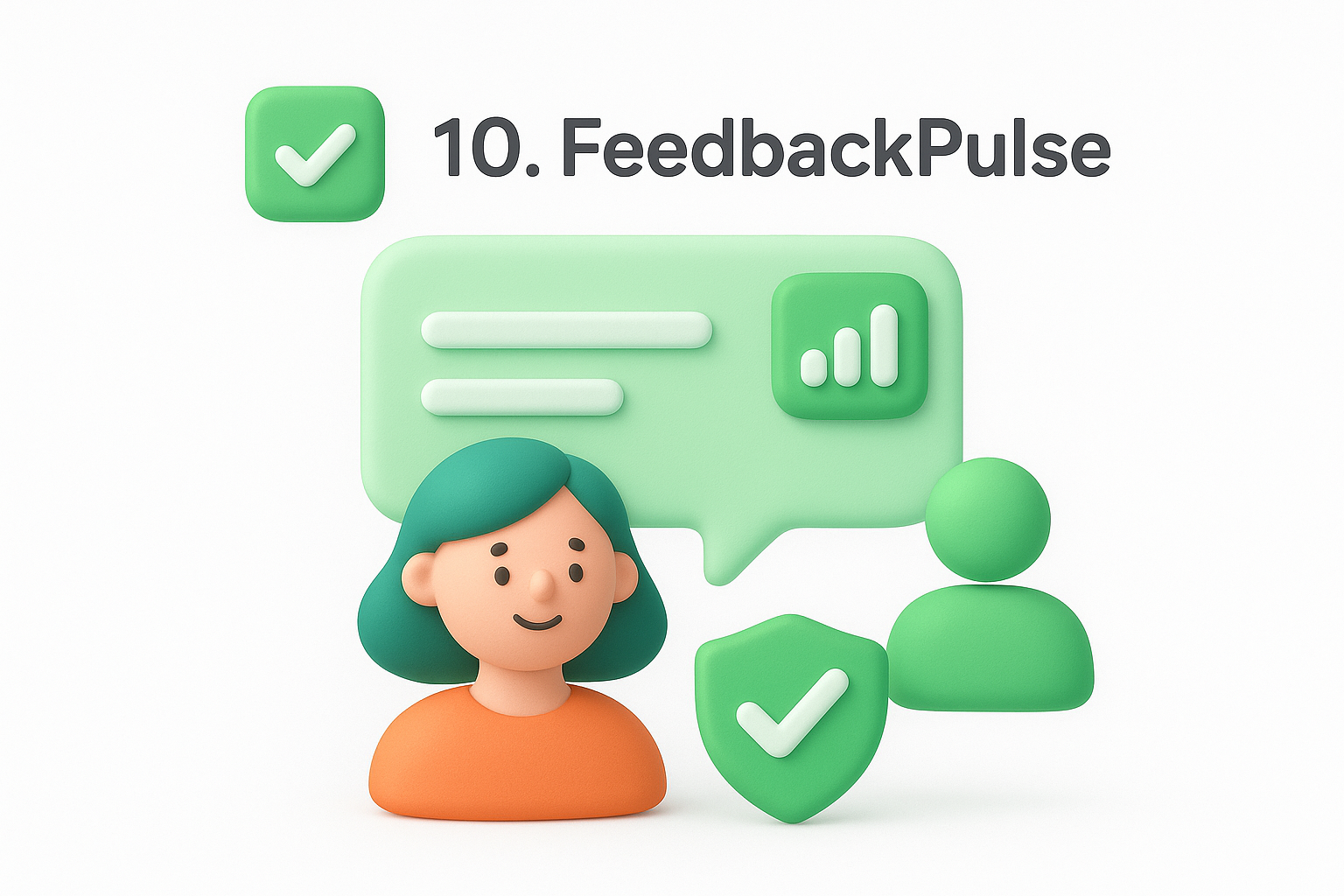
FeedbackPulse is an employee pulse survey tool built around short, recurring check-ins instead of one-off forms. Staff answer a few questions on a schedule, and managers see results by team or topic. Features vary by plan, so verify specifics on the vendor's site.
Anonymity in pulse tools usually depends on a minimum group size for reporting. Results should appear only when enough people have answered, so nobody gets singled out. Ask whether that threshold exists and whether you can change it, then submit a test response to see what admins can view.
In a pulse tool, the reporting threshold matters more than the promise of anonymity.
HR leads and managers who want regular, trackable sentiment instead of a single survey will get the most from it. It helps you spot morale trends before they turn into resignations.
Free access, where offered, usually means a small team or a trial window. Confirm whether a permanent free plan exists on the pricing page before you build a process around it.
Also ask about user caps and reporting limits, since those decide whether the free tier works for you. Among free anonymous feedback tools, treat this one as a trial until you've checked.
It is built for internal sentiment, so it won't collect customer feature requests. There is no public voting or roadmap. Customer ideas belong in a portal like Koala Feedback.
Small teams face the usual risk. With fewer than five respondents in a group, results can point at one person. Keep groups large, and share what you changed after each round, or people stop answering.
Start with your audience, because the right anonymous feedback tool depends on who is talking and what you plan to do with the input. Employees raising sensitive issues need a private inbox. Customers suggesting features need voting and a visible outcome.
| Audience | Best fit from this list |
|---|---|
| Customers and product ideas | Koala Feedback |
| Employee suggestions | Free Suggestion Box, Suggestion Ox, Incogneato |
| Surveys with scores | SurveyMonkey, ProProfs, Typeform, Jotform |
| Live meetings and workshops | Mentimeter |
| Ongoing team sentiment | FeedbackPulse |
Once you've chosen, strip out every field that could identify someone, then test the form as a respondent. A tool can promise anonymity, but your setup decides whether it holds.
Anonymity is a promise you keep through setup, not a switch you flip in settings.
Finally, close the loop. Even a free anonymous feedback tool earns trust only when people see what changed, so post a short update after each round and repeat the cycle on a schedule.
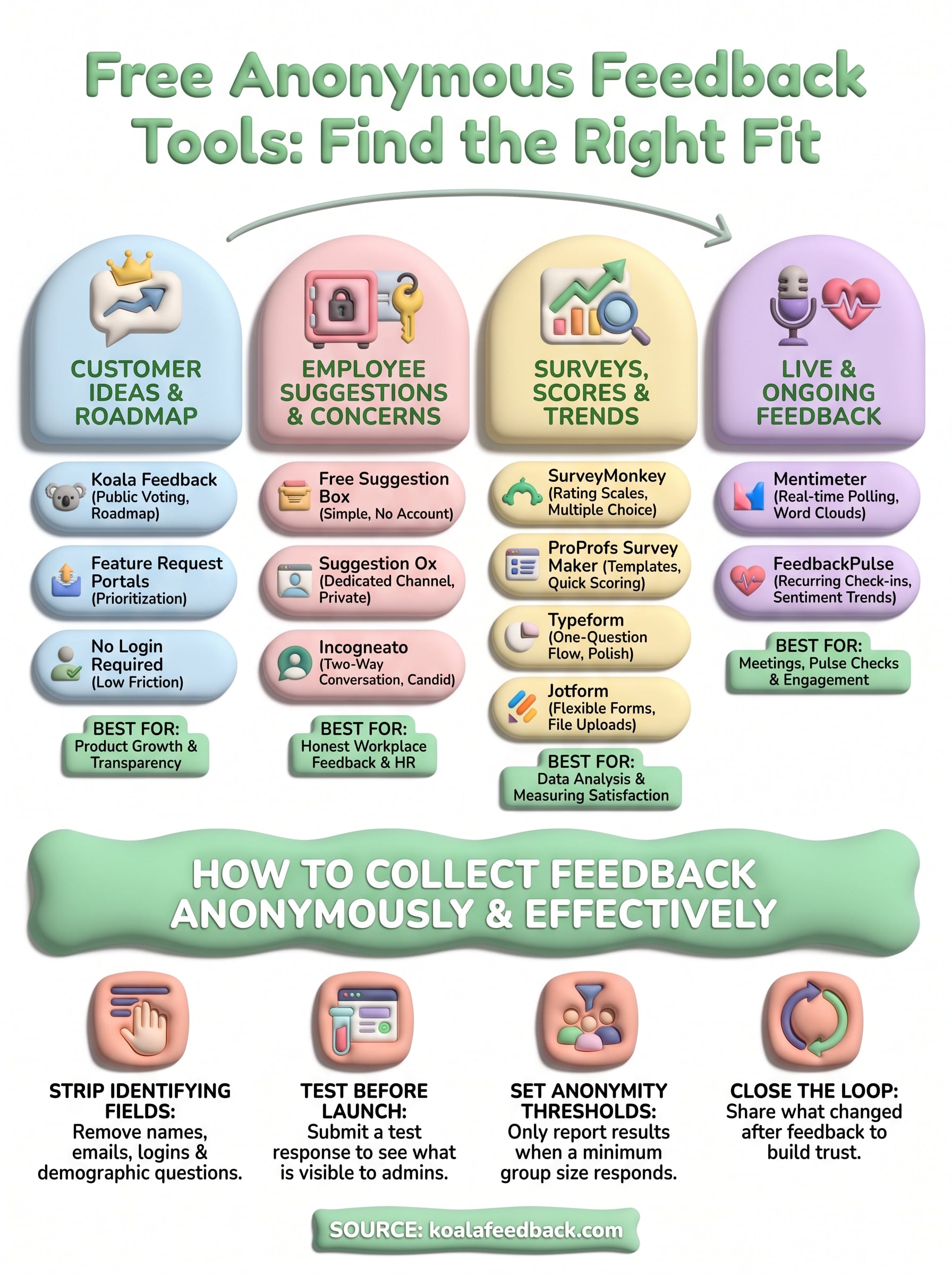
No single anonymous feedback tool wins for every group. Employees raising sensitive issues need a private inbox with no logins, customers suggesting features need voting and a visible outcome, and live rooms need a quick poll. Match the tool to your audience first, then check the free plan limits before you share a link.
Whatever you pick, your setup decides whether anonymity holds. Remove identifying fields, run a test submission, and tell people who reads the responses. Then close the loop with a short update, because people stop sharing honest input when nothing seems to change.
If your feedback comes from customers and you want to collect it in one place and turn it into a prioritized roadmap, try Koala Feedback and set up your first feature request portal.

Start today and have your feedback portal up and running in minutes.

