Most product teams don't fail because they skipped design. They fail because they designed without a clear process, so decisions came from opinions instead of evidence. A user experience design methodology gives you that process, a repeatable way to move from a vague problem to a product people can actually use.
Here is the short answer. A UX design methodology is a structured sequence of stages, usually research, definition, ideation, prototyping, testing, and iteration. Each stage has its own methods, such as interviews and surveys early on, wireframes in the middle, and usability tests before launch. Picking the right user experience design methods for each stage matters more than following any single framework to the letter.
Below, we walk through each stage, explain what it is for, and show which techniques fit best. We also cover how feedback after launch feeds the next cycle. At Koala Feedback, we see this loop daily: teams that collect and prioritize real user input make better design calls than teams that guess.
Skipping method feels faster, especially when a deadline is close. It rarely is. A user experience design methodology protects your schedule, your budget, and your users from three costly habits: guessing, rework, and misalignment.
Every product team has a loudest voice in the room, and without a process that voice wins. A method changes the question from "what do we think?" to "what did we observe?" Interviews, usability sessions, and analytics give you something concrete to point at when a stakeholder pushes for a pet feature. That is what makes evidence-based decisions possible.
Consider a checkout redesign. One designer wants fewer form fields. Another wants a progress bar. Neither is right by default. A five-person usability test shows whether people stall on the address form or at payment, so the team debates a finding instead of a preference.
A method does not make design decisions for you. It makes them defensible.
Changing a wireframe takes an hour. Changing shipped code takes a sprint, sometimes two. The later you find a problem, the more it costs to fix, which is why early validation is the strongest financial argument for a methodology. The table shows how the same flaw grows more expensive as it moves downstream.
| Where the flaw is found | Typical fix | Relative cost |
|---|---|---|
| Research or concept review | Rewrite the problem statement | Hours |
| Prototype testing | Edit a clickable mockup | Hours to a day |
| During development | Rework code, tests, and copy | Days to a sprint |
| After launch | Hotfix, migration, support load | Sprints, plus lost trust |
Teams that rely on user experience design techniques such as paper sketches and clickable prototypes catch these flaws while they are still cheap. They also build less of the wrong thing, which frees engineers to work on features users actually need.
Product managers, designers, and developers often work from different assumptions. A shared methodology gives everyone the same map of the work and the same definition of progress. It also makes handoffs cleaner, because each stage ends with a clear deliverable.
Feedback closes the loop. Once a feature ships, a feedback portal where users submit ideas, vote, and comment shows you whether the design works in real use. That input becomes the research for your next cycle, so the methodology keeps improving the product instead of ending at launch.
Treat the methodology as a pipeline where each stage produces something the next one needs. Work through the stages in order, but expect to loop back. Before you move on, name the deliverable you produced and list what you still don't know.
Research comes first. You learn who your users are, what they are trying to do, and where they get stuck. Finish with a short list of validated problems, not a folder of raw notes. Definition then turns that list into a problem statement with success criteria, such as "new users finish setup in under five minutes."
Ideation follows. Generate many options before you pick one, then score them against the criteria you just wrote. That step keeps the most persuasive person from winning by default and gives you a ranked shortlist to prototype.
Prototyping turns the shortlisted idea into something people can click or hold. Match fidelity to the question. A paper sketch can answer "does this flow make sense?" while testing visual hierarchy and microcopy needs a polished mockup. Testing then puts it in front of five to eight real users, and even five typically reveal most major usability problems.
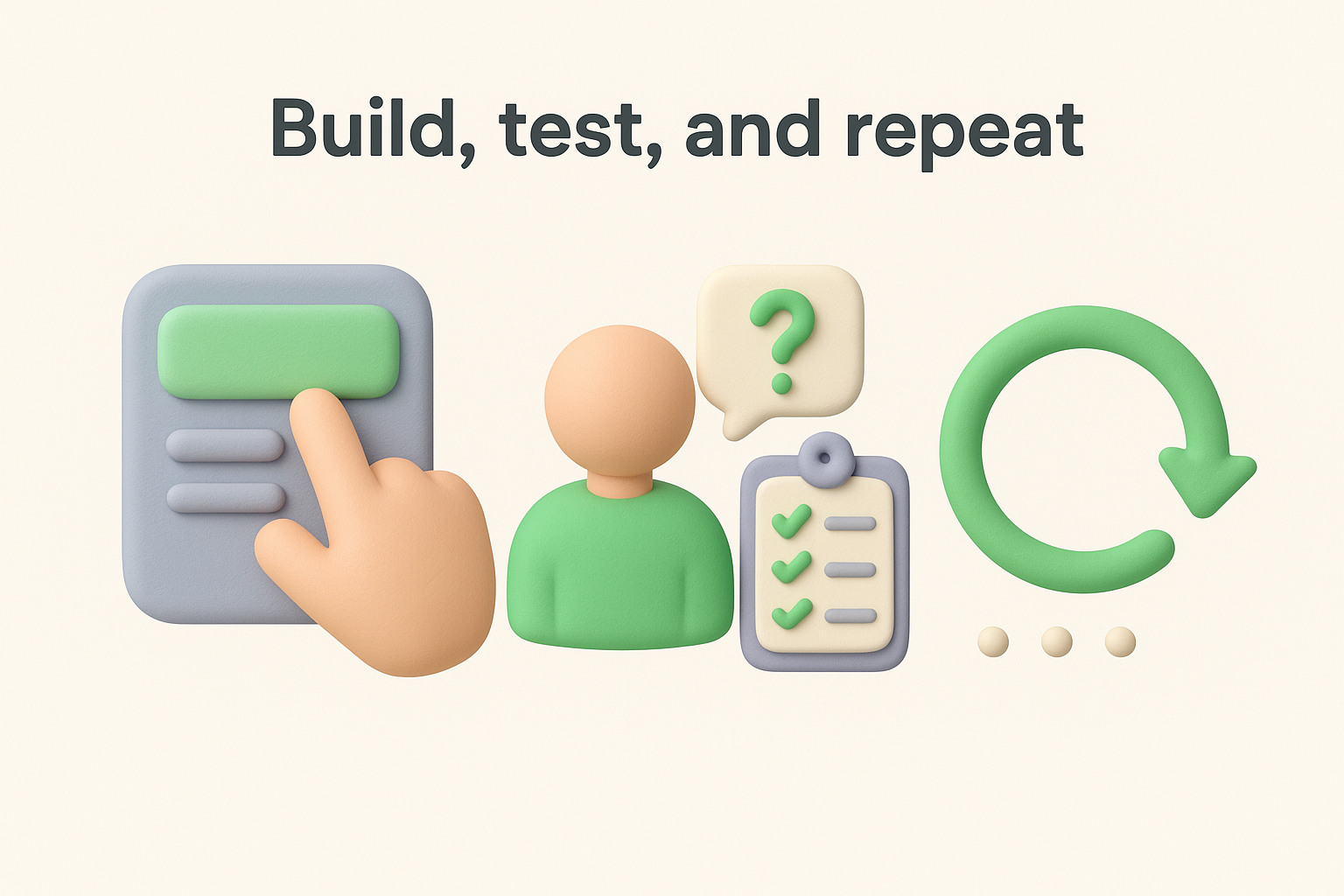
Iteration closes the loop. Fix the top issues, retest, and after launch bring in live user feedback. Skip this step and a well-tested design slowly drifts away from real needs as your users and market change.
Use this table as a checklist at each gate. If you cannot fill in the deliverable, the stage is not finished.
| Stage | Question it answers | Deliverable |
|---|---|---|
| Research | Who struggles, and why? | Findings, personas |
| Definition | What exactly are we solving? | Problem statement, success metrics |
| Ideation | Which option is strongest? | Ranked concepts |
| Prototyping | What will it look like and do? | Clickable prototype |
| Testing | Does it work for real users? | Prioritized issue list |
| Iteration | What changes next? | Updated design, backlog |
Never leave a stage without a deliverable and a written list of open questions.
Stages tell you what to produce. Methods tell you how. Your user experience design methodology should pair each stage with two or three techniques that fit the question in front of you, not every technique you have heard of.
Early on, you need to learn what people do and why. User interviews with five to eight people uncover motivations that numbers can't show. Surveys then tell you how widespread a problem is. Support tickets and votes in a feedback portal add a third source: what users ask for without being prompted.
Definition techniques turn that raw material into focus. A journey map plots each step a user takes and marks the frustrations, so the worst moment is obvious. A jobs-to-be-done statement ("When I invite my team, I want to set permissions fast, so I can start working") keeps the problem tied to a real goal.
Ideation works best when it is fast and a little messy. Crazy 8s gives each person eight sketches in eight minutes. Dot voting then narrows the pile without a debate.
Prototyping moves from cheap to detailed. Begin with paper sketches, then build low-fidelity wireframes, and only then a clickable mockup in a tool like Figma. Each step answers a more specific question, so don't polish before the flow makes sense.
Once you have something to show, watch people use it. Moderated usability tests let you ask follow-up questions as someone struggles. Unmoderated tests run faster and cheaper, though you lose the chance to probe. After launch, A/B tests and analytics show which version performs better, and feedback comments explain why.
Match the method to the question you need answered, not to the tool you already own.
Use this table to shortlist user experience design techniques for each stage. Effort varies with team size and access to users.
| Stage | Common methods | Typical effort |
|---|---|---|
| Research | Interviews, surveys, feedback analysis | 1 to 2 weeks |
| Definition | Personas, journey maps, jobs-to-be-done | Days |
| Ideation | Crazy 8s, dot voting, sketching | Hours to a day |
| Prototyping | Paper, wireframes, clickable mockups | Days |
| Testing | Moderated, unmoderated, A/B | Days to a week |
| Iteration | Feedback review, analytics | Ongoing |
Every framework below uses the same core stages. They differ in emphasis, pace, and how much documentation they expect. Treat them as different ways to run one user experience design methodology, not as rival schools you must pick a side in.
The table compares the five you will meet most often. Scan the last two columns first, because they decide whether a framework fits your team.
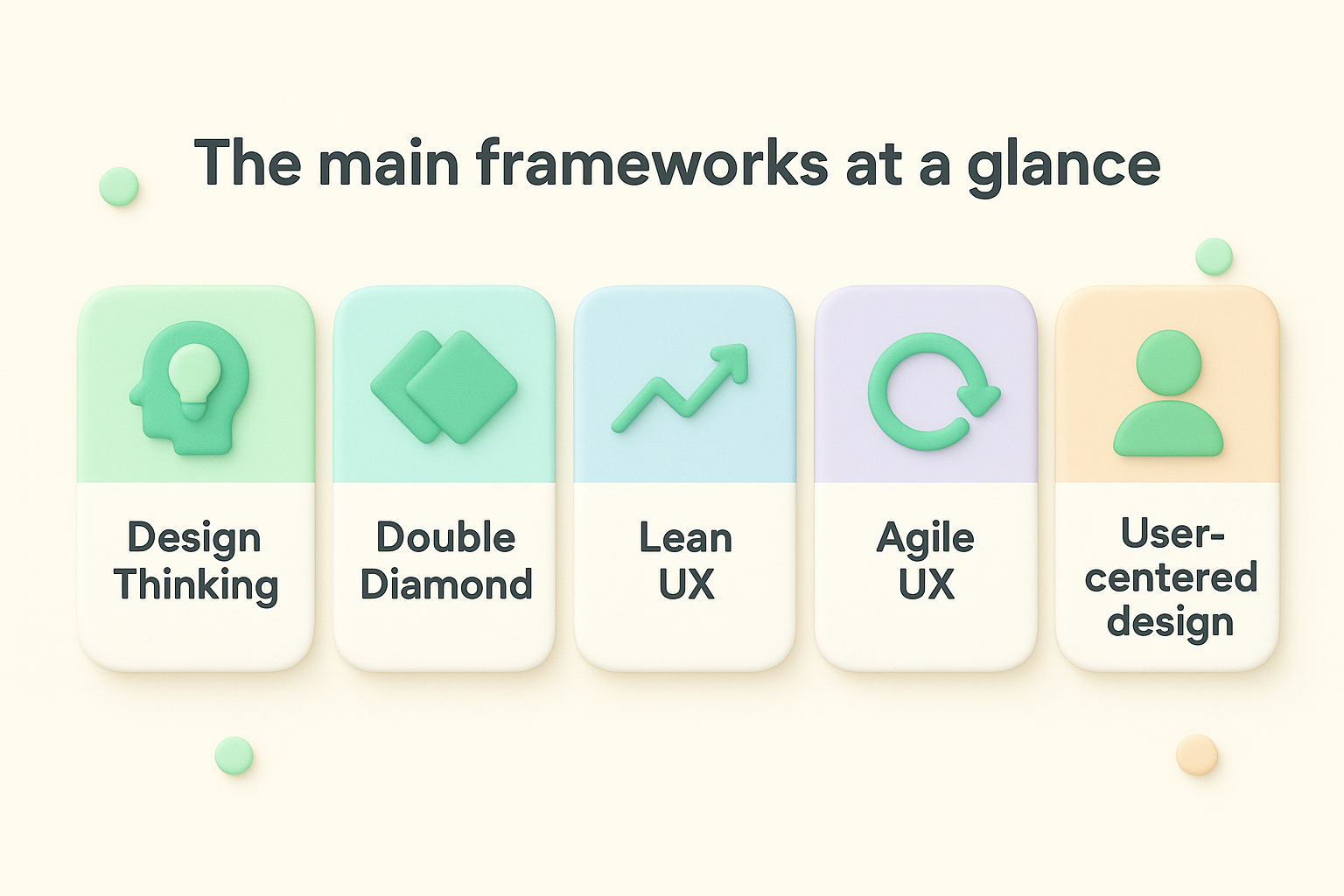
| Framework | Core idea | Best for | Watch out for |
|---|---|---|---|
| Design Thinking | Empathize, define, ideate, prototype, test | Fuzzy problems, new products | Workshops that never reach delivery |
| Double Diamond | Diverge then converge twice: problem, then solution | Separating discovery from delivery | Feels heavy for small fixes |
| Lean UX | Hypotheses and small experiments | Startups, small teams | Thin research behind quick tests |
| Agile UX | Design and build in parallel sprints | Teams shipping every two weeks | Design debt from tiny tickets |
| User-centered design | Involve users at every stage (ISO 9241-210) | Complex or regulated products | Slower cadence |
Design Thinking and the Double Diamond suit open-ended problems, where you don't yet know what to build. Lean UX and Agile UX suit products already in market, where you ship small changes and learn from each release.
Base the choice on three things: how well you understand the problem, how often you ship, and how costly a wrong call would be. Then match your situation to a starting point.
The best framework is the one your team will actually follow every sprint.
Most mature teams blend several. A common pattern is the Double Diamond for discovery, Agile sprints for delivery, and a feedback portal feeding the backlog after launch. Borrow the user experience design techniques that answer your current question and drop the ceremony that doesn't. If a ritual produces no deliverable and no decision, cut it.
A feature request is a symptom, not a spec. Say your feedback portal shows a post titled "Bulk invite teammates" with 41 votes. The obvious move is to build a CSV upload. A team that follows a user experience design methodology treats the post as research input and asks what problem sits behind it.
Read the comments first. Several voters mention onboarding a 20-person sales team, and two admit they gave up and invited only three people. That pattern points to a setup problem, not a missing file format.
Here is how a team could move this request through the pipeline, using one or two user experience design methods per stage. The details are illustrative, but the sequence is real.
| Stage | Method | What the team learns |
|---|---|---|
| Research | Five interviews with voters, plus comment review | Admins invite 15 to 30 people at once, during setup |
| Definition | Jobs-to-be-done statement | "When I set up my account, I want my whole team in fast, so I can start working this week." |
| Ideation | Crazy 8s, then dot voting | Three options: CSV upload, paste an email list, import from a directory |
| Prototyping | Clickable mockup of the paste-list flow | Cheapest option to test first |
| Testing | Moderated test with five admins | Most finish quickly, two stumble on the invalid-email error message |
| Iteration | Beta release, analytics, new feedback | Invite completion rate and follow-up comments |
Notice what never happened. The team did not build the CSV upload. Pasting a list covered the main need at a fraction of the effort, and testing caught a confusing error message before any code was written.
A feature request tells you where it hurts, and your method tells you what to build.
After release, close the loop. Move the post to a completed status on your public roadmap so every voter sees the result, then watch for new comments. Those comments are the research for the next cycle, and they show whether the fix worked in real use.
You can run this same sequence on any request in your backlog. Pick the one with the most votes and the least clarity, and start with five interviews.
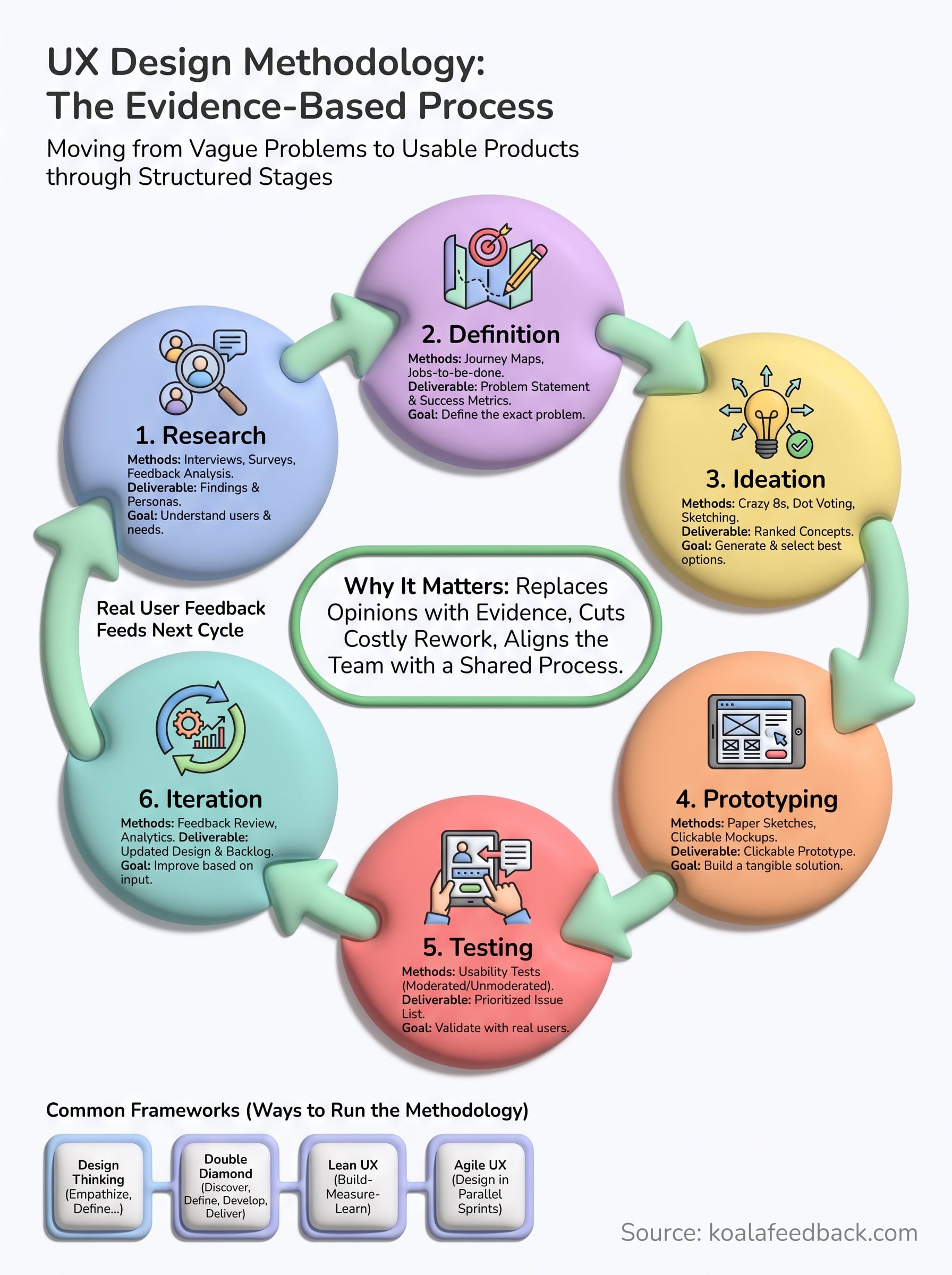
A solid user experience design methodology comes down to one habit: let evidence lead. Move through research, definition, ideation, prototyping, testing, and iteration, and make each stage hand a concrete deliverable to the next. The methods inside each stage tell you how.
You don't need a perfect framework to start. Find the stage where your team guesses the most, add one method that fits, and write down what it should produce. Small, repeatable steps beat a grand process nobody follows, and every cycle gets cheaper as your team learns.
Then keep the loop running after launch. Real user input is the best research for your next round. To gather it in one place, start collecting and prioritizing user feedback with Koala Feedback, and share your progress on a public roadmap so users see what you built because of them.

Start today and have your feedback portal up and running in minutes.

