Product roadmaps work best when everyone can actually see them, and for teams already living inside Figma, that means building the roadmap where the work happens. A solid Figma roadmap template saves you from starting with a blank canvas every time you need to plan sprints, map out quarterly goals, or align stakeholders on what's coming next.
The challenge is finding templates that go beyond looking pretty. You need something editable, structured, and flexible enough to fit your team's workflow, whether you're a PM plotting feature priorities or a design lead mapping UX improvements. We've pulled together five templates worth your time, covering everything from high-level strategic views to agile-friendly boards.
And once your roadmap takes shape, tools like Koala Feedback can feed it with real user input, so the features you prioritize are backed by actual demand, not guesswork. Here are our picks.
Koala Feedback is not a Figma roadmap template, but it pairs directly with one. While your Figma file handles the visual layout, Koala Feedback handles the live data behind it, giving your roadmap a real foundation built on what users actually want.
You use Koala Feedback to collect, categorize, and vote on feature requests from real users. Instead of guessing what to put on your roadmap, you pull from a centralized pool of prioritized feedback that shows you which requests carry the most weight.
A Figma roadmap template is a great planning tool, but it stays static unless you connect it to real input. Koala Feedback gives you a public roadmap view that users can follow in real time, complete with status updates like planned, in progress, and completed.
Your Figma file becomes the internal planning layer, while Koala Feedback becomes the user-facing version that keeps everyone aligned.
Product managers and SaaS teams who already use Figma for internal roadmap planning but need a way to connect that process to user demand and external roadmap communication.
Koala Feedback is not a design tool, so you will not use it to replace your Figma work. It also focuses specifically on product feedback and roadmaps, which means teams looking for broader project management features may need additional tools alongside it.
Koala Feedback offers a free plan to get started, with paid plans available as your team and feedback volume grow. You can check current pricing options directly on their site.
The Figma Community hosts a growing library of free roadmap files built and shared by designers and product teams worldwide. You can duplicate any file directly into your Figma workspace and start editing immediately, with no extra downloads or signups required.
You get access to dozens of editable roadmap layouts, ranging from simple timeline views to multi-track quarterly plans. Each file includes pre-built frames and text layers you can overwrite with your own initiatives right away.
Search using terms like "product roadmap" or "figma roadmap template" in the Community tab, then sort by most duplicated to surface the files that teams rely on most.
The most duplicated files tend to have the clearest structure and the fewest formatting issues out of the box.
Swap the color styles to match your brand, update text layers with your actual features, and remove any sections you do not need. Most files use auto-layout, so resizing rows and columns stays clean as your plan grows.
Teams that need a quick visual starting point without committing to a paid planning tool.
Free. All Community files are available at no cost with a standard Figma account.
FigJam's built-in agile roadmap template gives teams a collaborative whiteboard format designed specifically for live planning sessions, not just static documentation.
You get a structured swimlane layout with pre-built sections for backlog, in progress, and completed work. The template includes sticky notes, connectors, and timeline markers that your whole team can edit simultaneously during a session.
The swimlane format lets you map sprints and epics side by side, making dependencies visible at a glance. Each row can represent a product area or team, so nothing gets buried when you have multiple workstreams running at once.
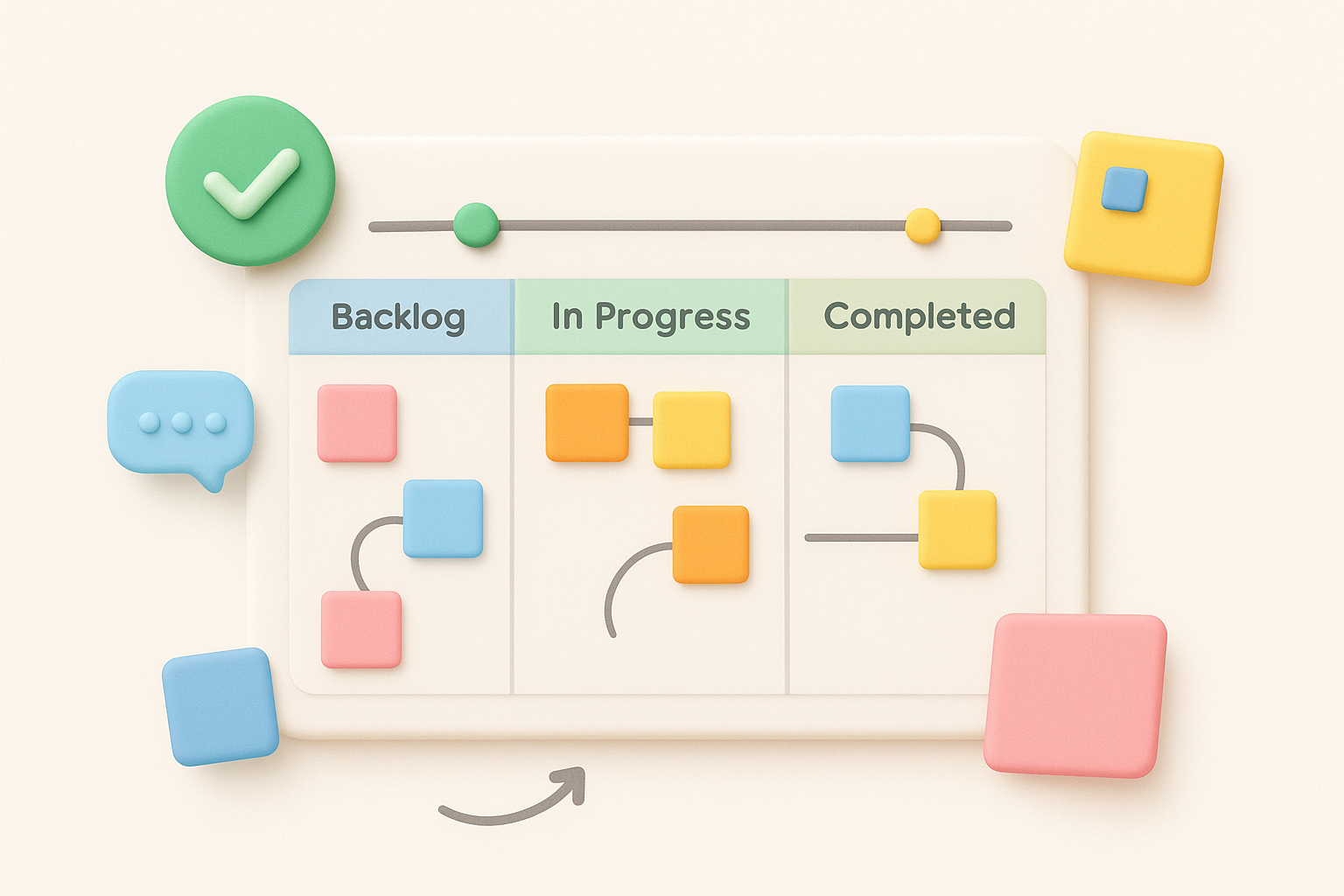
This layout works especially well when you need to surface blockers before a sprint kicks off.
Open the template, invite your team via a shared link, and assign each person a color-coded sticky note role. Work through each swimlane together, moving items between columns as priorities shift in real time.
Agile teams and scrum leads who need a figma roadmap template built for group participation rather than solo planning.
Free with any FigJam account, including the free tier.
The Figma Community also hosts a dedicated design product roadmap file built specifically for teams that blend UX and product planning into a single workflow. You can duplicate it to your workspace in seconds and start filling in your own features and design milestones right away.
You get a structured multi-column layout that separates design tasks from product deliverables while keeping both visible on the same canvas. The file includes pre-labeled sections for priorities, owners, and delivery timelines so you are not building that structure from scratch.
This figma roadmap template works well when your design team and product team share overlapping timelines. Rather than maintaining two separate documents, you can track UX work and feature releases in parallel without losing context on either side.
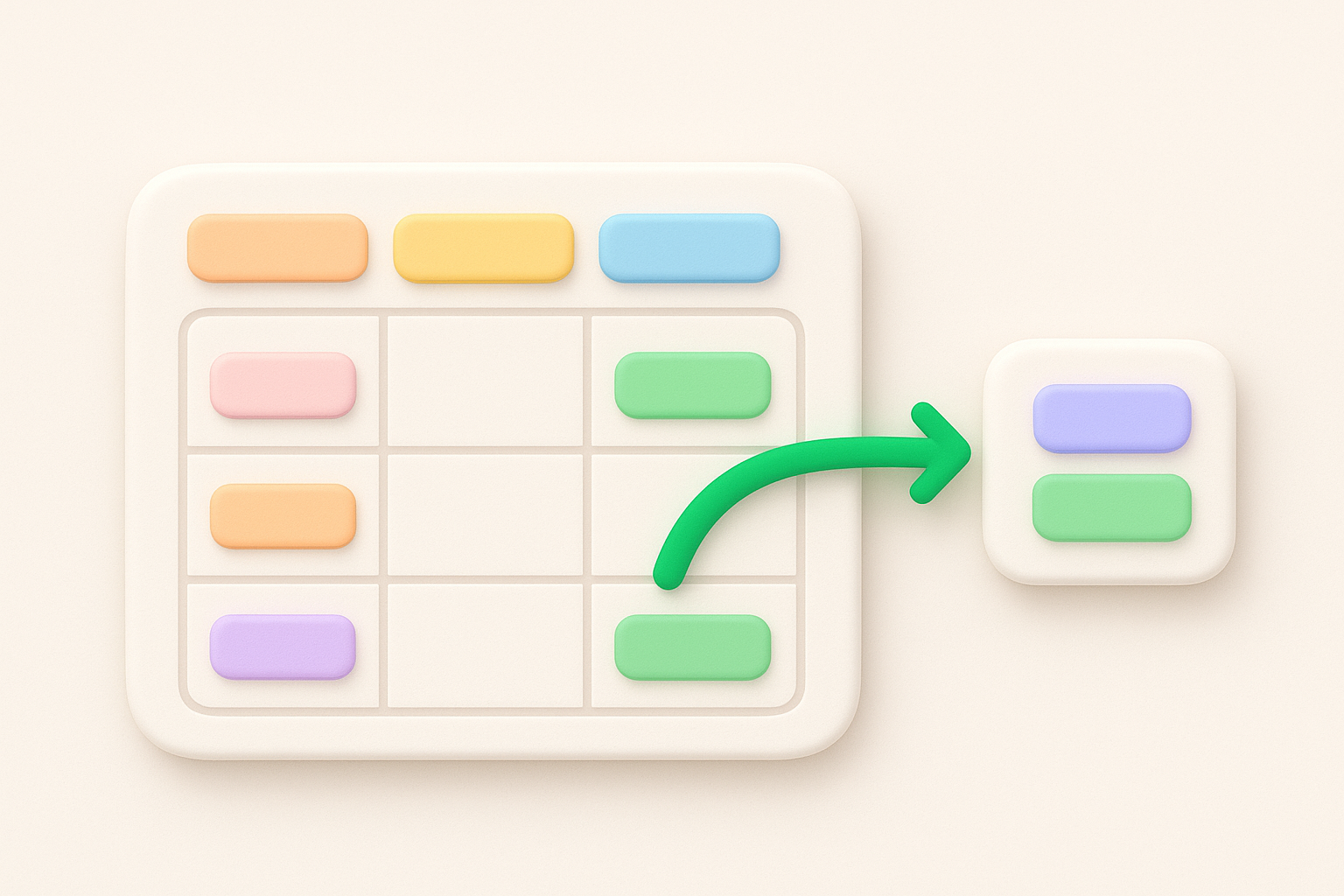
One shared view cuts down the back-and-forth between design leads and PMs significantly.
Replace the default column headers with your actual quarter labels, then assign each row to a product area or squad. Adding a color code per team keeps ownership clear as the roadmap fills up.
Cross-functional teams that want design and product planning unified in one file.
Free through the Figma Community with any standard account.
The Figma Community also offers an infographic-style roadmap template that trades swimlanes for a visual, shareable layout built to communicate progress at a glance. You can duplicate it instantly and start editing without needing any extra setup.
You get a horizontal infographic layout with color-coded phases and milestone markers, fully editable using standard Figma layers. The file includes:
This figma roadmap template shines when you need to present strategy to stakeholders who do not need every technical detail. It turns complex planning into a clean one-page story that anyone can read in seconds.
An infographic layout works best when your audience needs the "what" without the "how."
Group features into broad phases rather than individual tasks to prevent the layout from getting cluttered. Limiting each phase to three or four key initiatives keeps the visual clear as your roadmap expands over time.
Stakeholder presentations and executive reviews where visual clarity matters more than granular task detail.
Free through the Figma Community with any standard Figma account.
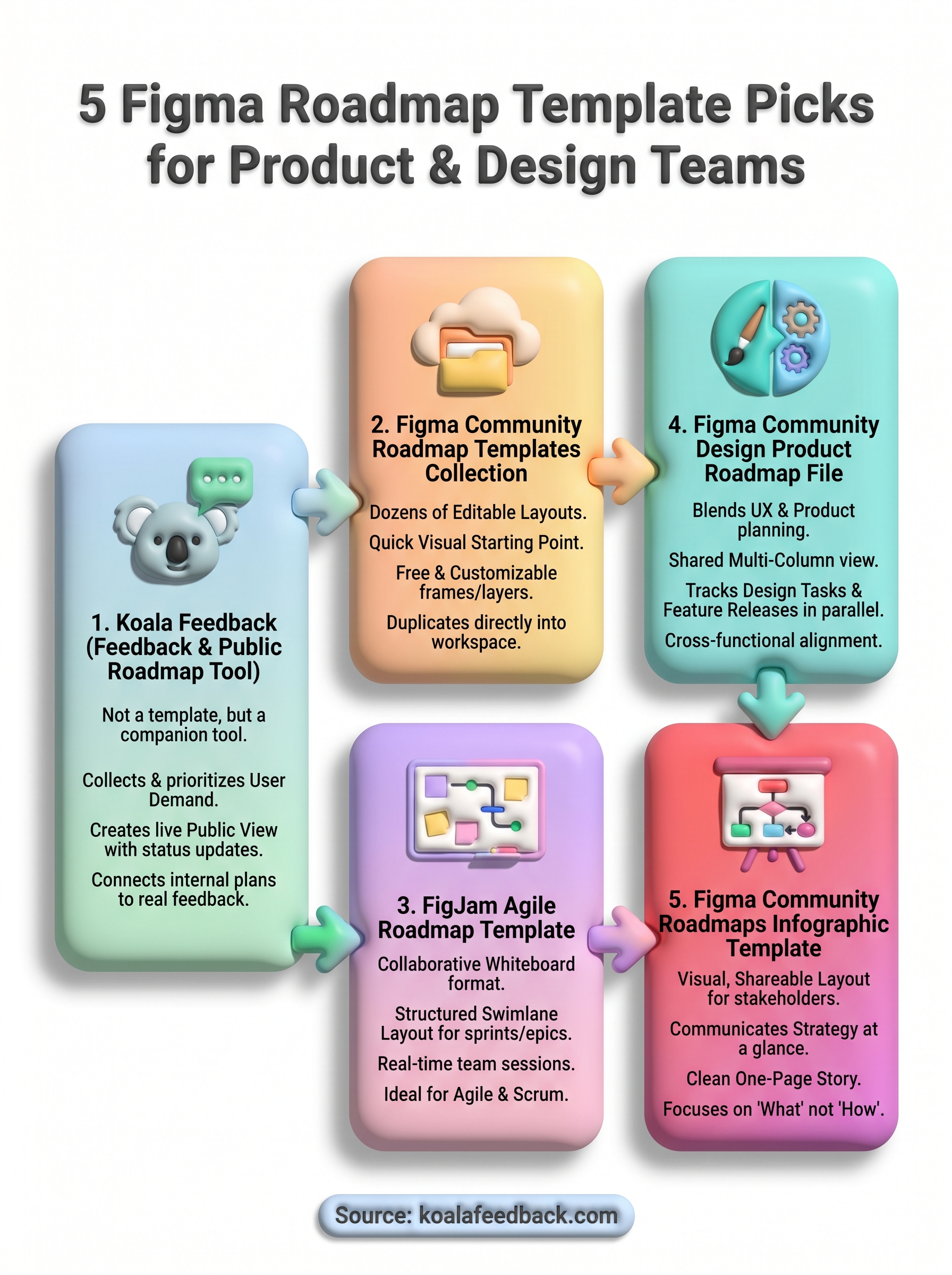
Each figma roadmap template on this list solves a different part of the planning puzzle, from agile sprint boards to executive-ready infographics. The right choice depends on who you're planning for and how much collaboration your roadmap sessions require.
Start by duplicating one of the free Figma Community templates that fits your current workflow, then fill it in with the features and timelines your team is already tracking. From there, the real gap most static roadmaps leave open is connecting your plan to actual user demand. Without real feedback behind your priorities, you are making calls based on assumptions rather than evidence.
That is where Koala Feedback closes the loop. It lets you collect, prioritize, and communicate feature requests so your roadmap reflects what users actually need. Start building a feedback-backed roadmap with Koala Feedback and give your next planning cycle a stronger foundation.

Start today and have your feedback portal up and running in minutes.

