You're drowning in feedback. Survey responses sit in one spreadsheet, support tickets live in another tool, and feature requests get buried in Slack threads nobody rereads. Without a customer insights framework, all that data stays scattered and your team keeps guessing which features actually matter to users.
This guide gives you a repeatable, step-by-step process for turning raw customer input into decisions you can defend. You'll learn how to collect feedback systematically from every channel, tag and categorize it so patterns become visible, and build a prioritization process that ranks requests by real user demand instead of whoever shouted loudest in a meeting.
We'll walk through the full loop: gathering data, organizing it into themes, scoring and prioritizing what to build, and closing the feedback loop by communicating progress back to users through a public roadmap. Each step includes practical tools and examples, so by the end you'll have a framework you can set up this week, not a theoretical model that stays in a slide deck.
Most product teams already collect plenty of customer input. The problem isn't a lack of data, it's that the data lives in silos and nobody has a consistent process for turning it into decisions. Support tickets flag bugs, NPS surveys measure sentiment, sales calls surface objections, and a feedback portal collects feature requests, but if these sources never meet in one place, you end up building based on gut feeling rather than evidence. A customer insights framework gives you the structure to pull all of that scattered input into one workflow, so every request gets weighed against the same criteria before it lands on your roadmap.
Without a defined process, teams fall into predictable traps. The loudest customer, usually the biggest account or the most persistent Slack message, gets their feature built first, regardless of how many other users actually want it. Duplicate requests pile up because nobody is deduplicating similar feedback, so your backlog looks bigger and messier than it really is. And when you finally ship something, there's no record of who asked for it, so you can't close the loop or measure whether the feature moved the needle. This isn't just inefficient, it actively damages trust. Users who submit feedback and never hear back stop bothering to submit it at all.
A framework turns feedback from noise you react to into a system you can trust to guide roadmap decisions.
A structured approach fixes this by giving every piece of feedback a home, a category, and a way to be measured against other requests. Here's what shifts once teams put a framework in place:
| Without a framework | With a customer insights framework |
|---|---|
| Feedback scattered across spreadsheets, email, Slack | Centralized in one feedback portal |
| Decisions driven by the loudest voice | Decisions driven by vote counts and demand data |
| Duplicate requests inflate the backlog | Similar requests merged and deduplicated |
| Users left wondering what happened to their idea | Public roadmap shows status and progress |
| No way to prove feature impact | Requests linked back to outcomes after launch |
Once feedback is centralized, categorized, and prioritized using a consistent method, product decisions become defensible. You can point to actual demand numbers in a roadmap meeting instead of arguing from opinion. And because the process is repeatable, it scales as your user base grows instead of collapsing under the weight of more feedback. The next four steps walk you through building that system from the ground up, starting with the question you should answer before you collect a single piece of feedback: what are you actually trying to learn?
Before you open a single spreadsheet or tool, decide what you actually need to learn. Jumping straight into data collection without a goal is how teams end up with hundreds of feature requests and no idea which ones matter. A customer insights framework only works if you know what decision the insights are meant to support, whether that's reducing churn, guiding your next quarterly roadmap, or validating a pricing change.
Start by naming the specific business outcome you're chasing this quarter. Product managers often skip this step and default to "collect more feedback," which isn't a goal, it's an activity. Instead, connect feedback collection to something measurable: lowering support ticket volume by 20%, improving trial-to-paid conversion, or identifying which three features would most reduce cancellations. That connection determines which feedback sources matter most and which you can safely ignore for now.
If you can't state why you're collecting feedback, you won't know when you have enough of it.
Once the goal is set, translate it into concrete questions your feedback data needs to answer. Vague questions produce vague answers, so be specific:
Document these questions somewhere your whole team can see them, whether that's a shared doc or a pinned note in your feedback tool. Every subsequent step, from centralizing sources to prioritizing requests, should trace back to answering them. Skip this step and you'll collect plenty of data but still won't know what to build next.
Once you know what questions you're answering, the next job is pulling every scattered input into one place. Most companies already have five or six channels generating feedback: support tickets, sales call notes, app store reviews, NPS surveys, social mentions, and a feedback portal if you have one. Leaving them separate means you're analyzing a fraction of the picture every time you make a roadmap decision. Building a real customer insights framework starts with routing all of it into a single system instead of checking six tabs before every planning meeting.
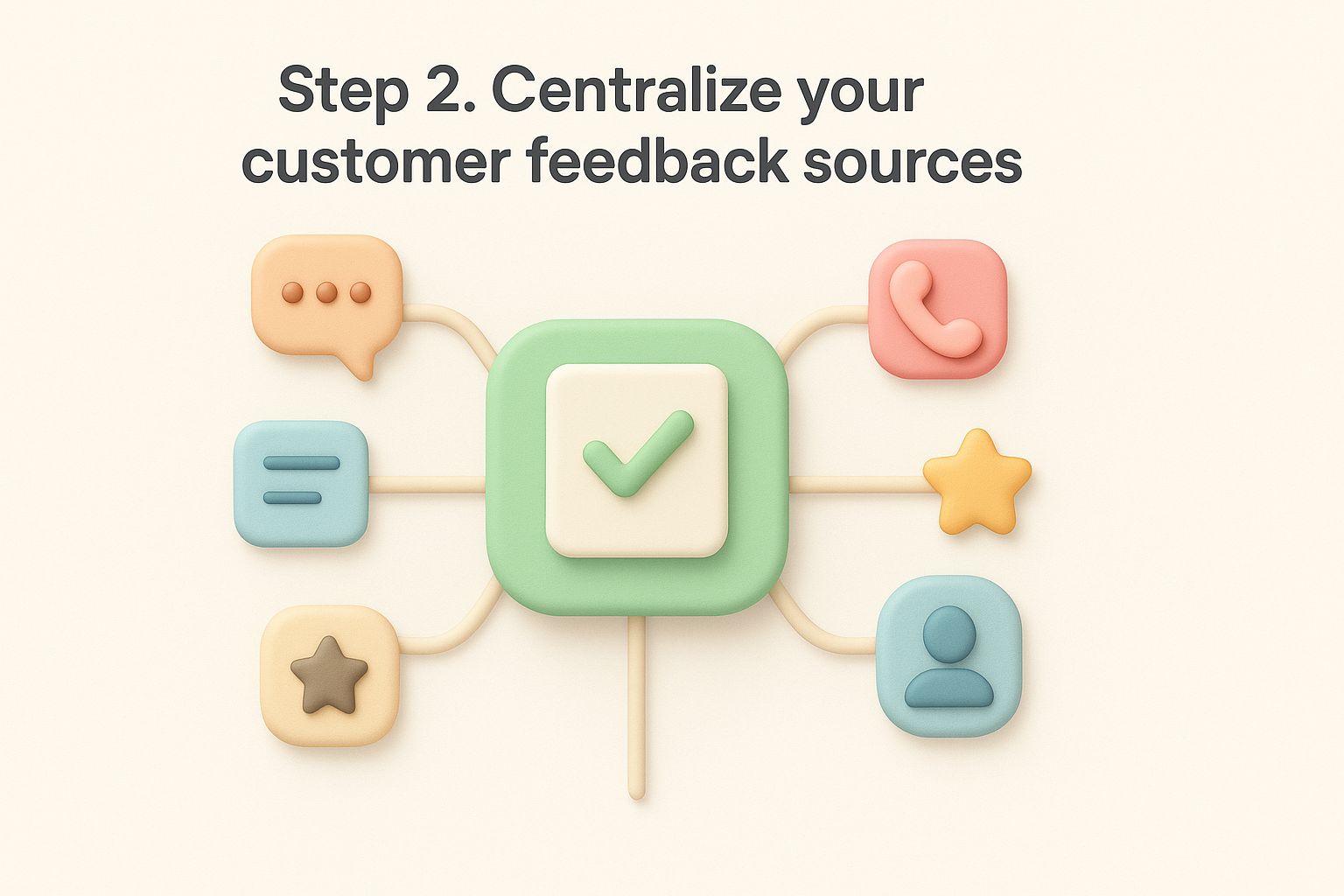
Start by listing where feedback currently lands, even the messy, informal channels nobody officially tracks:
This inventory alone usually surprises teams. There's almost always more feedback flowing in than anyone realized, it's just never been collected consistently.
Instead of manually copying notes between tools, give customers and internal teams one place to submit and track requests. A tool like Koala Feedback lets users submit ideas directly, vote on existing ones, and comment, while your support and sales teams log what they hear elsewhere into the same board.
Feedback that isn't centralized might as well not exist when it's time to prioritize.
Encourage support agents to submit tickets that reveal a feature gap straight into the portal rather than letting them die in a closed ticket. Over time, this single source of truth becomes the input for every prioritization decision you make next.
Raw feedback is only useful once you can see patterns in it. With everything centralized in one portal, the next job is tagging each item so similar requests surface together instead of sitting as hundreds of disconnected entries. This is the point where a customer insights framework starts producing actual answers instead of just a longer list.
Create a small set of categories that map to your product areas or the goals you defined in step one, then apply them consistently. Useful tag groups include:
Koala Feedback's categorization tools let you group related submissions onto shared boards automatically, so a request tagged "integrations" from a support ticket sits next to a similar one submitted through the portal.
Separately, the same request often gets phrased five different ways by five different users. Merging duplicates rather than leaving them scattered is what turns a messy backlog into a reliable demand signal, since vote counts on a merged item tell you far more than five isolated, low-vote entries ever could.
A single merged request with fifty votes tells you more than fifty scattered, uncounted ones ever will.
Once tags and merges are in place, step back and read across categories rather than item by item. Notice whether complaints cluster around one feature area, whether a segment keeps raising the same objection, or whether urgency signals concentrate around renewal season. Those clusters, not individual requests, are what should drive the prioritization work in the next step.
With themes identified, you can finally rank what to build using evidence instead of instinct. This is where a customer insights framework pays off directly: every request already carries vote counts, segment tags, and urgency signals, so scoring them against your business goals from step one becomes a quick exercise rather than a guessing game.
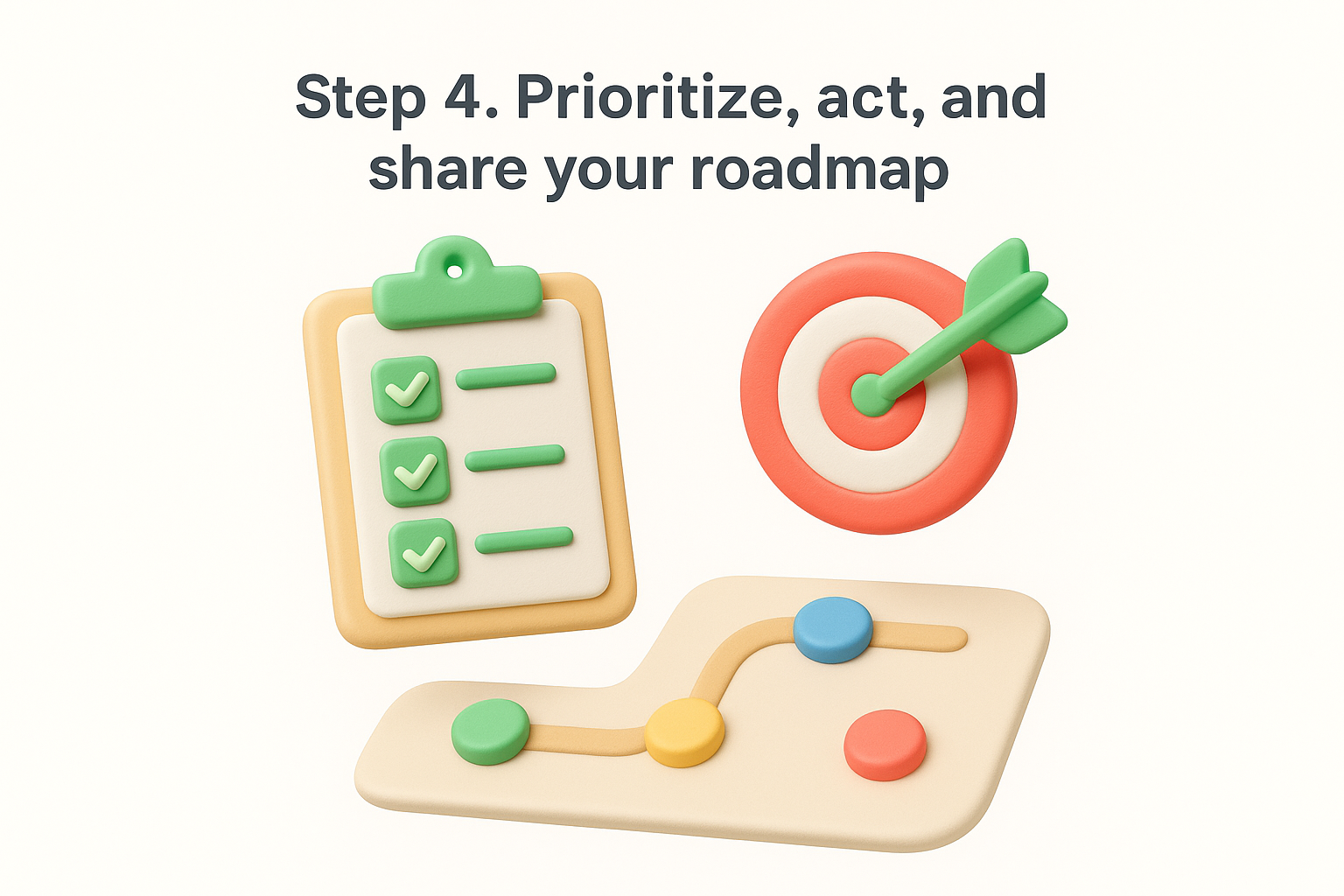
Pull each themed request into a simple scoring model that weighs the factors that matter to your business:
Assign each factor a score of 1 to 5, then rank requests by total. Koala Feedback's prioritization boards let you organize scored items by product area, so your team sees exactly what's next for billing, onboarding, or integrations without digging through a spreadsheet.
Prioritization only works when every request is scored against the same criteria, not whichever one got mentioned in this week's meeting.
Once a feature moves from backlog to build, update its status so voters can see progress without asking. Customizable statuses like "planned," "in progress," and "shipped" keep expectations realistic and cut down on repeat support questions asking "whatever happened to that request I made."
Finally, put that prioritized list in front of your users through a public roadmap. Sharing what's planned, in progress, and completed closes the loop that started back in step two, and it shows customers their votes actually shaped what got built. Teams that skip this last step lose the trust benefit of the whole framework, even if their internal prioritization was solid.
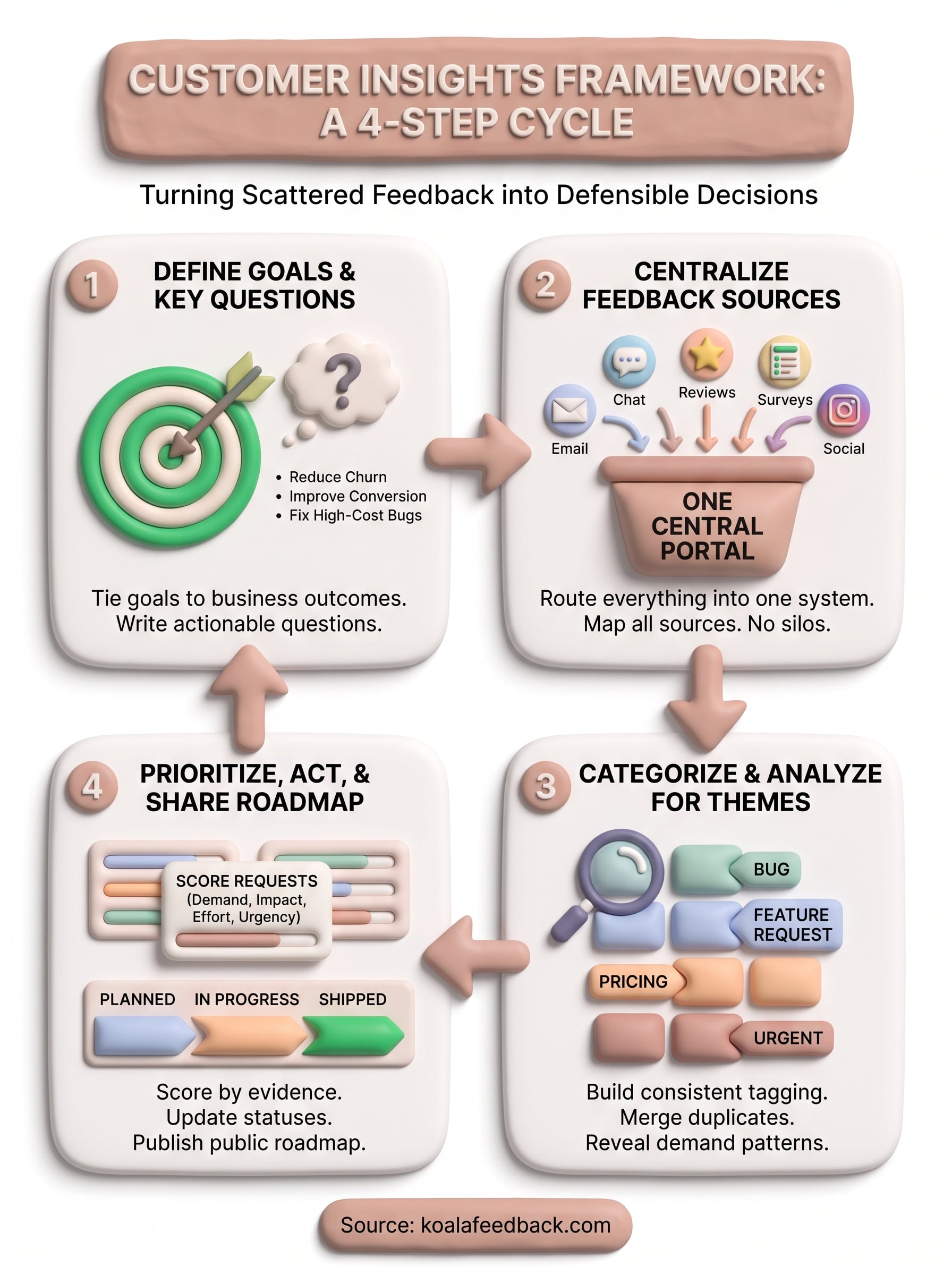
A customer insights framework isn't a project you finish once and file away. Goals shift, new segments join, and feedback keeps arriving whether you're ready for it or not, so treat these four steps as a cycle you revisit every quarter rather than a checklist you clear once. Build the habit of reviewing scores, re-tagging emerging themes, and updating your roadmap statuses on a set schedule instead of whenever someone remembers.
Circle back to your original questions from step one every few months and check whether the data still points the same direction. If churn drivers or feature demand shift, adjust your scoring weights accordingly. Done consistently, this loop turns scattered feedback into a genuine product advantage instead of a backlog nobody trusts.
Ready to put this into practice instead of leaving it in a doc? Try Koala Feedback and centralize, categorize, and prioritize your feedback in one place, starting today.

Start today and have your feedback portal up and running in minutes.

