A good feedback form has one clear goal, three to six questions, and a mix of one rating question and one open-text question. These customer feedback form examples cover five goals: product ideas, purchase satisfaction, loyalty, support quality, and cancellations. Product teams should start with the feature request form. Online stores and service businesses should start with the post-purchase form. Subscription companies get the most from the Net Promoter Score and cancellation forms. Support leads should use the support interaction form.
Most customers ignore long, generic surveys. They respond when the form is short, arrives right after the experience you ask about, and asks something they can answer in seconds. A form that tries to measure everything measures nothing, and you end up with a pile of vague answers.
Each sample below includes copy-ready questions you can paste into any online form builder, email, or document, plus the moment to send it. We build Koala Feedback, a platform for collecting and prioritizing product feedback, so the first example is the one we know best.
A feature request form captures what customers want built, in their own words, and it is the best starting point for any software team. It works as a standing form that stays open all the time instead of a survey you send once.
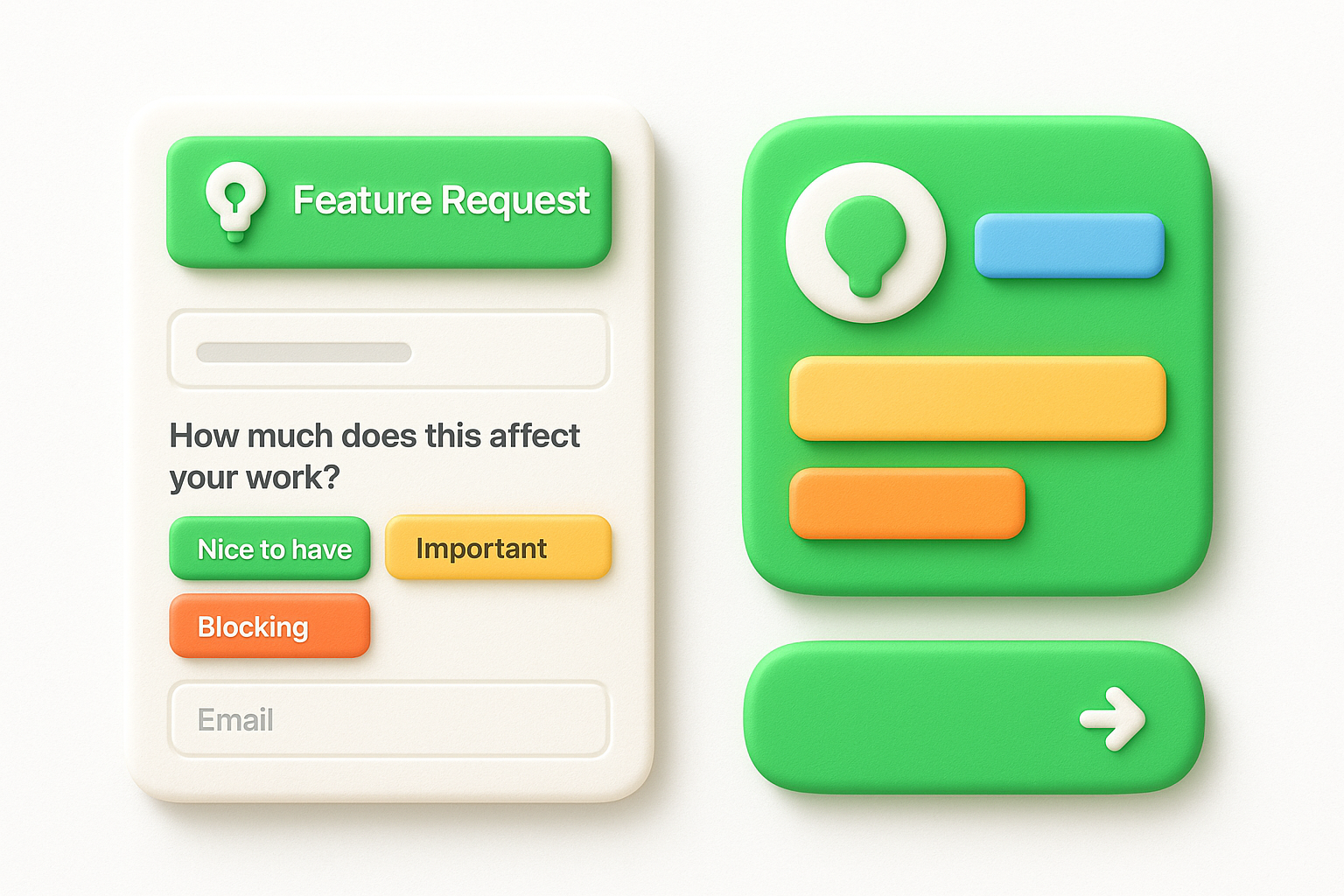
Keep it to a title, a problem statement, and an importance rating. Asking for the problem instead of the solution gives you the real need behind the request, which is often different from the feature the customer names.
Idea title:
What problem are you trying to solve?
How much does this affect your work? (Nice to have / Important / Blocking)
Which part of the product is this about? (dropdown of product areas)
Email (optional):
This form suits product managers, SaaS owners, and development teams. In Koala Feedback, it is a feedback portal where customers submit ideas, vote, and comment on each other's requests. Duplicate posts are deduplicated and categorized automatically, so the same request does not fill your board three times. You can put the portal on your own domain with your colors and logo, and it can be live in minutes.
The free Starter plan includes 3 boards, unlimited users, and 100 active posts, which is enough for a first portal. Growth costs $29 a month, billed annually, and adds unlimited boards. Link the portal from your app, help center, and release emails. Then use the public roadmap to show which requests are planned, in progress, or done.
A good request form asks for the problem, not the solution.
A post-purchase satisfaction form asks a customer how the buying experience went, right after it happened. It gives you a CSAT score (customer satisfaction on a 1 to 5 scale) and a short explanation behind it.
Pair one rating with one open question so every score comes with a reason. Add a question about friction, because the thing that almost stopped a purchase is the cheapest fix you will find.
How satisfied are you with your purchase? (1 to 5)
How easy was it to place your order or sign up? (1 to 5)
Was anything confusing or almost stopped you from buying?
What is one thing we could improve?
May we follow up with you? (Yes / No)
It suits ecommerce shops, service providers, and software companies with a checkout or onboarding flow. Send it within a day of delivery, or after a customer's first meaningful action in your product, while the experience is still fresh.
Deliver it as a single-page online form linked from a confirmation email. If the first question can be answered with one click inside the email, response rates tend to improve, because the customer has already started the form.
Send the form while the purchase is still fresh, and ask about friction as well as satisfaction.
A Net Promoter Score form measures loyalty with one question: how likely is a customer to recommend you. Customers answer on a 0 to 10 scale. Scores of 9 and 10 are promoters, 7 and 8 are passives, and 0 to 6 are detractors. Your score is the percentage of promoters minus the percentage of detractors.
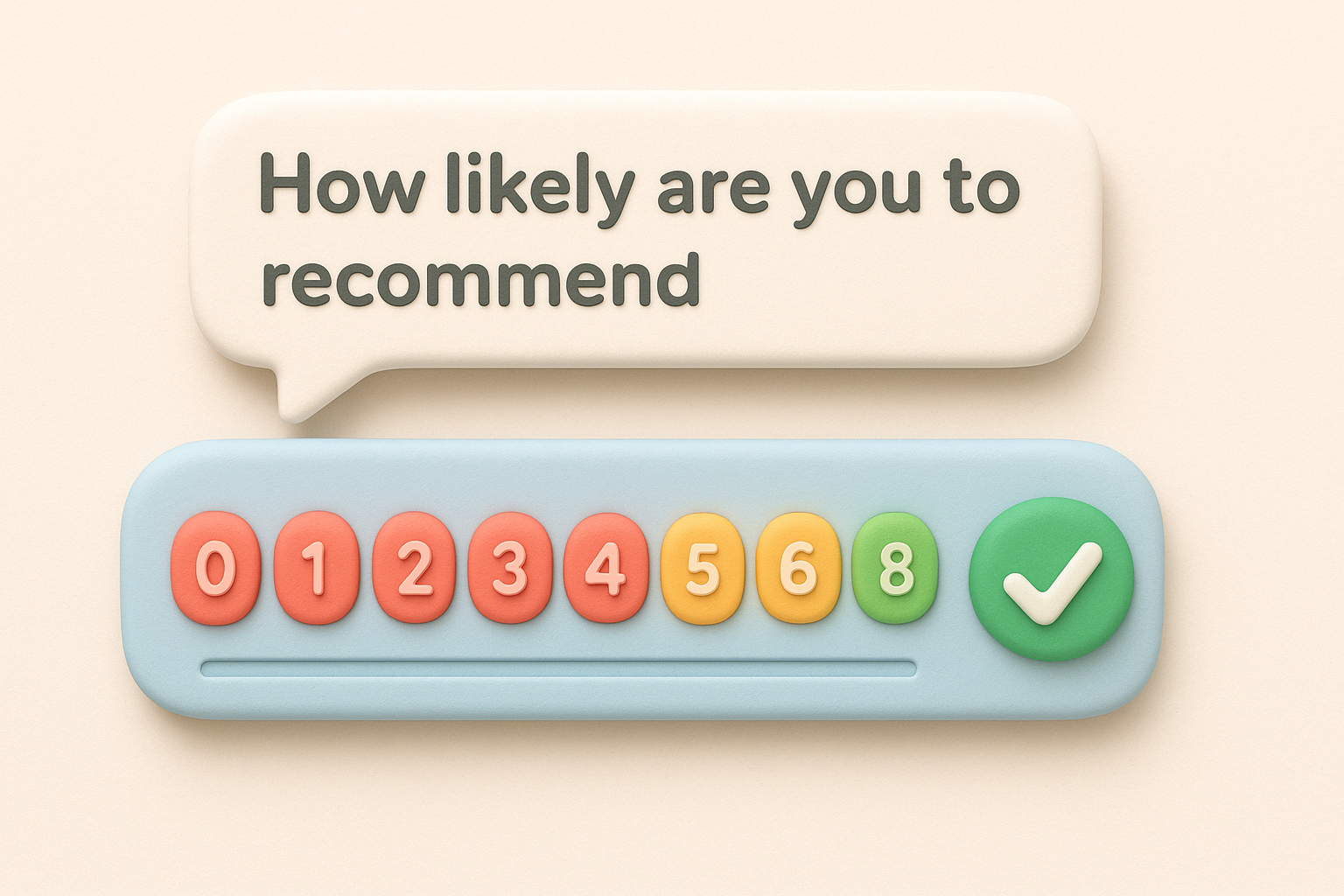
The score alone tells you little. The follow-up is where the value sits, so branch the follow-up by score and keep each version to one question.
How likely are you to recommend [Company] to a friend or colleague? (0 to 10)

If 9 to 10: What do you like most about us?
If 7 to 8: What would make us a 10 for you?
If 0 to 6: What is the main reason for your score?
This form suits subscription businesses and any company with repeat customers. It works as a trend line, not a one-off verdict, so send it on a fixed schedule. Once a quarter is a sensible ceiling, because asking the same people more often trains them to ignore you.
Work through a worked example. If you survey 200 customers and 90 are promoters, 70 are passives, and 40 are detractors, your NPS is 45% minus 20%, which is 25. Read the detractor comments first.
Track the NPS trend over time, but act on the written reasons behind each score.
A support interaction form asks about one specific ticket or chat, and it should arrive the moment the conversation closes. It tells you whether the problem was solved and how much effort the customer had to spend solving it.
Ask about resolution first, then effort. A customer can like an agent and still leave with the problem unsolved, and the resolution question catches that gap. The agreement statement below is a Customer Effort Score question on a 1 to 7 scale.
Was your issue resolved? (Yes / No / Partly)
"[Company] made it easy for me to handle my issue." (1 = strongly disagree, 7 = strongly agree)
How satisfied are you with the help you received? (1 to 5)
What could we have done better?
It suits support managers, customer success teams, and small businesses that handle support by email. Embed the first question in the closing message of the ticket, so the customer answers without opening another page.
Review the "No" and "Partly" answers weekly and tag them by cause, such as missing documentation, slow replies, or a product bug. Recurring causes point to fixes outside the support team, and those fixes often belong on your product roadmap.
Ask whether the problem was solved before you ask whether the customer was happy.
A cancellation form asks customers why they are leaving, at the moment they leave. It is the most honest feedback you will get, because customers who are already gone have nothing left to be polite about.
Use a short list of reasons plus an open question. Multiple-choice answers are easy to count, and the open field catches the reasons you did not think to list.
What is the main reason you are leaving?
( ) Too expensive
( ) Missing a feature I need
( ) Hard to use
( ) Switched to another tool
( ) I no longer need it
( ) Other: ____
What would have kept you as a customer?
Would you be open to a short call? (Yes / No)
This form suits subscription and SaaS businesses with a cancel button. Show it inside the cancellation flow and keep it optional, since forcing an answer annoys people and produces junk responses.
Count the reasons every month. If "Missing a feature" keeps winning, take those comments to your feature request board and see which ideas have the most votes. Linking churn reasons to requested features tells you what to build first.
Show the exit form at the moment of cancellation, and keep it optional.
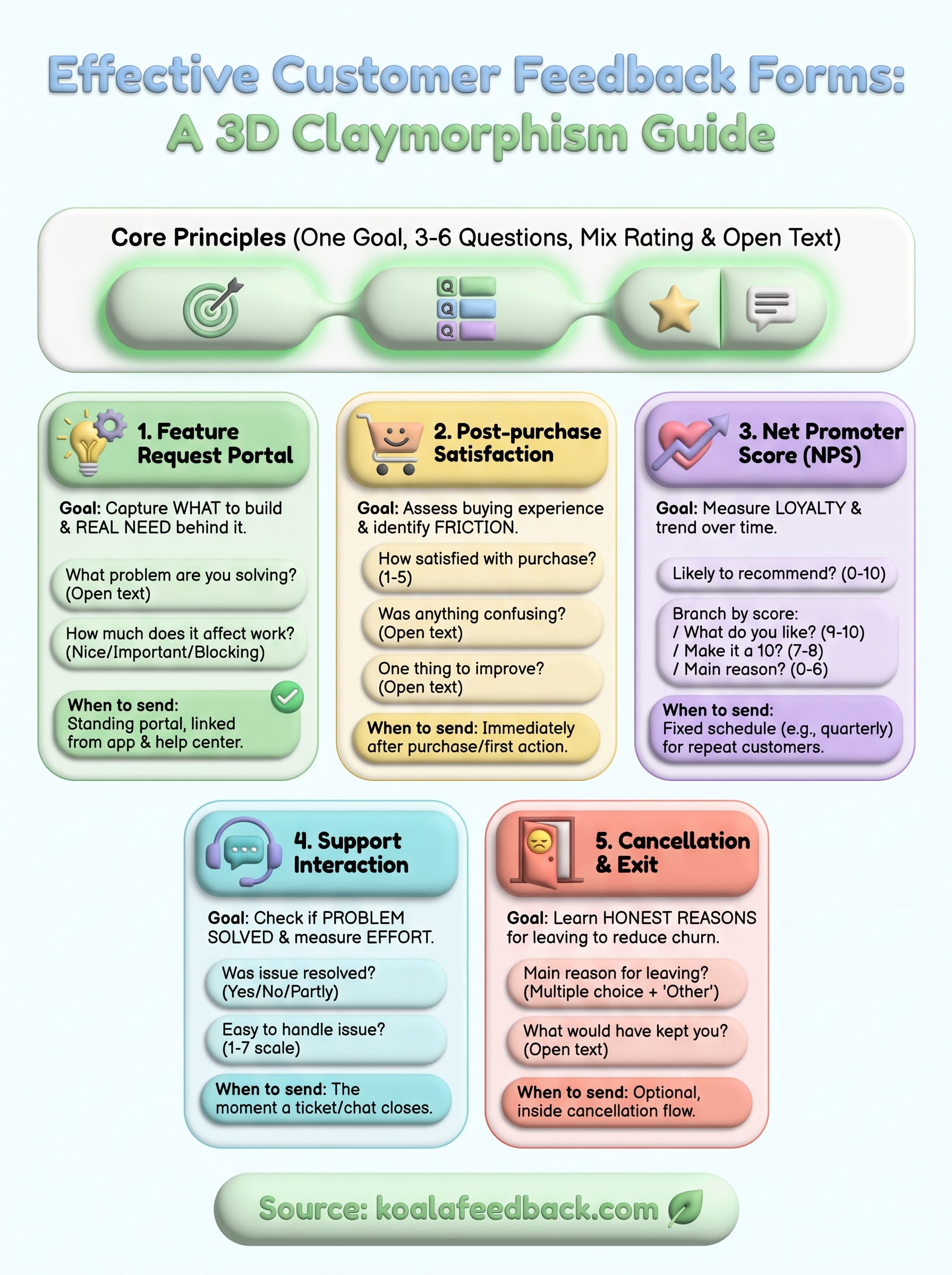
The best customer feedback form is the one that matches a single decision you need to make. Use the feature request form for what to build, the post-purchase form for how buying feels, NPS for loyalty over time, the support form for service quality, and the exit form for churn. Keep each one to a handful of questions and send it at the moment the experience happens.
Pick the example closest to your biggest open question and send it to a small group first. Read the written answers, cut any question nobody uses, and then roll it out wider. If you want a feedback form that stays open, collects votes, and feeds a public roadmap, you can try Koala Feedback for free and have your first portal running in minutes.

Start today and have your feedback portal up and running in minutes.