Collecting feedback directly from your website visitors gives you insights that analytics alone can't provide. Hotjar Incoming Feedback is a widget-based tool that lets users share their thoughts about specific pages or elements while they're actively browsing your site. It captures real-time reactions without requiring users to fill out lengthy surveys or leave your website.
This guide covers what Hotjar Incoming Feedback is, how to set it up, and how to make sense of the data it collects. Whether you're evaluating Hotjar or comparing it to dedicated feedback platforms like Koala Feedback, understanding how this tool works will help you decide if it fits your user research workflow. By the end, you'll know exactly how to configure the widget, analyze incoming responses, and turn that feedback into actionable product improvements.
Hotjar Incoming Feedback is a lightweight feedback widget that sits on your website and lets visitors submit comments without leaving the page they're viewing. When users click the widget tab, a simple form appears where they can type their thoughts, categorize the feedback (such as bug reports, feature requests, or general comments), and submit it directly to your Hotjar dashboard. Unlike traditional surveys that interrupt the browsing experience, this tool stays out of the way until someone chooses to use it.
You control where the widget appears on your site by adding a tracking code snippet to specific pages or your entire domain. The default presentation is a small tab positioned on the right or left edge of the screen, labeled with text like "Feedback" or a custom message you configure. Visitors can click this tab to open a submission form that asks them to describe their experience and select a category. The widget itself is customizable, so you can adjust colors, text, and positioning to match your brand without needing developer resources beyond the initial installation.

The widget remains visible as users navigate, making it easy to capture feedback at any point during their session.
Each submission captures the user's comment, their selected category, and the URL of the page where they triggered the widget. Hotjar also records metadata like browser type, device, and screen resolution to help you understand the technical context behind each piece of feedback. If you've set up user attributes or identified visitors through Hotjar's tracking system, those details attach to the submission as well. This means you can see if feedback came from a logged-in customer, a trial user, or an anonymous visitor, which helps you prioritize responses based on who's speaking.
Traditional analytics tell you what users do, but context-rich feedback explains why they behave that way. Hotjar incoming feedback bridges this gap by capturing reactions while visitors experience your site, giving you access to emotions, frustrations, and suggestions that don't show up in heatmaps or session recordings. This real-time input helps you prioritize product decisions based on actual user pain points rather than assumptions about what needs fixing.
Quantitative data shows you where users drop off, but incoming feedback explains the reasons behind exits. A user might abandon a checkout page because the shipping calculator broke, the copy confused them, or they couldn't find a payment option they trust. These details surface through voluntary comments, allowing you to address specific blockers instead of guessing at solutions. You also catch usability issues that affect small user segments who might not show up as significant trends in your aggregate data.
Voluntary feedback often highlights critical bugs or confusing elements before they impact enough users to distort your conversion metrics.
Product teams use incoming feedback to validate design hypotheses and test whether new features solve real problems. When multiple users mention the same navigation issue or request similar functionality, you gain confidence that your backlog priorities align with actual needs. This direct communication channel reduces the gap between what you build and what your audience wants, making each development cycle more efficient.
Setting up Hotjar incoming feedback takes less than 10 minutes if you already have the Hotjar tracking code installed on your site. You navigate to the Feedback section in your Hotjar dashboard, create a new Incoming Feedback widget, and customize how it appears to visitors. The process involves choosing display settings, writing the prompt text that users see, and deciding which pages should show the widget based on URL patterns or targeting rules.
Log into your Hotjar account and select Feedback from the main navigation menu. Click the button to create a new feedback widget and choose "Incoming Feedback" as your widget type. Hotjar then asks you to name your widget (for internal reference only) and define where it should appear by entering URL match patterns like "contains /checkout" or "exact match https://yoursite.com/pricing". You can also set targeting conditions based on device type, user behavior, or custom attributes you've configured in your Hotjar installation.
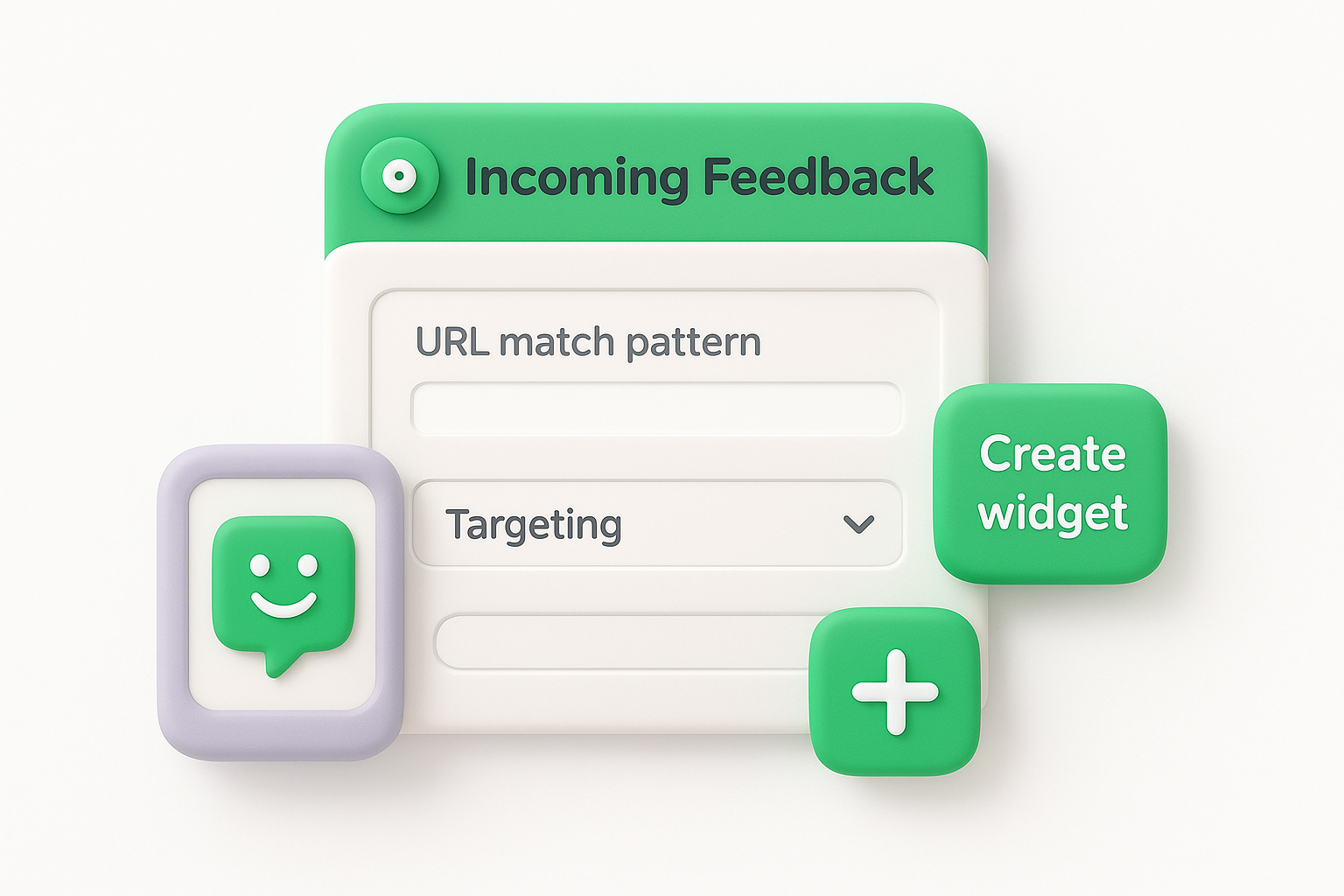
Targeting specific pages prevents feedback overload while capturing input where users most need to share their experience.
Adjust the widget's visual appearance by selecting colors that match your brand, changing the tab label text, and choosing whether it sits on the left or right edge of the screen. You can also edit the form questions users see when they click the widget, adding custom categories like "Bug Report" or "Feature Request" to help you sort responses later.
Raw hotjar incoming feedback becomes valuable when you organize submissions and connect them to specific product decisions. Your Hotjar dashboard displays all responses in a feed where you can filter by category, date range, or keyword to spot recurring themes. Start by reviewing new feedback daily or weekly, depending on your traffic volume, and tag responses with labels that match your internal workflow like "bug," "UX improvement," or "feature request."
Export your feedback data from Hotjar or use the built-in filtering tools to group responses by user-selected categories and your custom tags. Count how many users mention the same issue or request, which helps you distinguish between isolated complaints and widespread pain points. If five users independently report confusion about your navigation menu, that signals a clear priority over a single request for a niche feature.
Tracking submission frequency reveals which problems affect the most users and deserve immediate attention.
Match feedback submissions to session recordings available in Hotjar to watch how users behaved before submitting their comments. This context shows you whether a frustrated comment about checkout stems from a technical bug, unclear instructions, or a missing payment option. Document your findings in your product roadmap or issue tracker, then close the loop by updating your roadmap status when you ship fixes or new features based on that input.
Maximizing the value of hotjar incoming feedback requires strategic placement and clear communication about what you're asking from users. You risk collecting vague or unhelpful responses if your widget prompt doesn't guide visitors toward specific, actionable comments. Focus on creating conditions that encourage detailed input while respecting your visitors' time and attention.
Write your widget's opening text to explain what type of feedback you're collecting and how you'll use it. Instead of generic prompts like "Share your thoughts," try "Tell us if anything confused you on this page" or "Report bugs or broken features." This specificity helps users frame their responses around issues you can actually address, reducing irrelevant submissions about topics outside your control like shipping times (if you don't handle logistics) or pricing complaints when you're focused on usability.
Clear prompts produce focused feedback that directly informs product decisions instead of generic opinions.
Don't show the widget on every page across your entire site, which overwhelms both you and your visitors with unnecessary volume. Target high-value pages where user feedback matters most, like checkout flows, feature pages, or onboarding sequences where problems directly impact conversion rates.
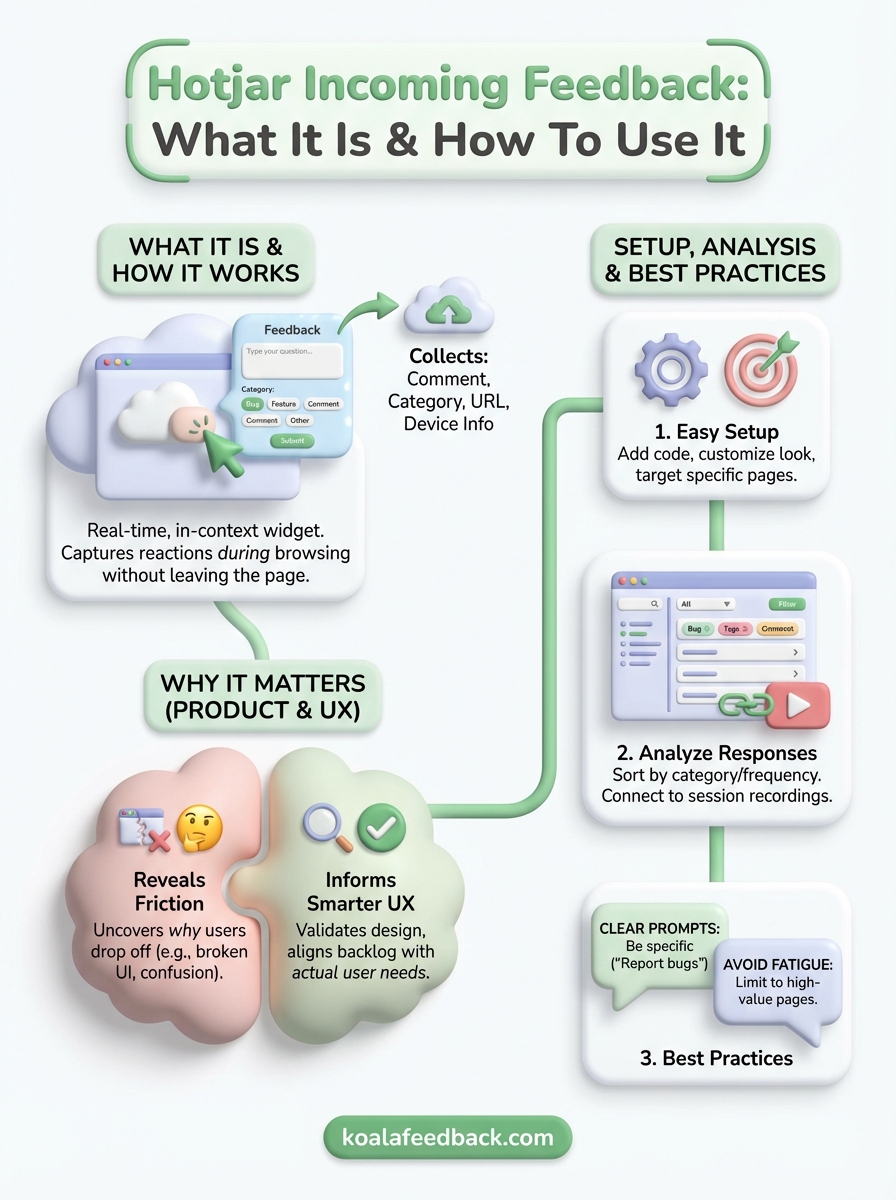
Hotjar incoming feedback gives you a simple widget-based system for capturing user reactions while visitors browse your site. You've learned how to set up the widget, customize its appearance, and target specific pages where feedback matters most. The tool works by collecting comments, categories, and technical context that help you understand why users behave the way they do. Analyzing responses by frequency and connecting them to session recordings turns raw input into actionable product decisions. Best practices include writing clear prompts, limiting widget visibility to high-value pages, and organizing submissions with tags that match your workflow.
Start by implementing the widget on one or two critical pages where you need immediate feedback, then expand coverage based on what you learn. If you want more structure around feedback collection, prioritization, and roadmap sharing, Koala Feedback offers dedicated tools that centralize user input and help you communicate progress back to your audience.

Start today and have your feedback portal up and running in minutes.

