Atlassian Product Discovery, now known as Jira Product Discovery, is Atlassian's answer to a problem every product team faces: figuring out which ideas actually deserve development time. It sits within the Jira ecosystem and gives product managers a dedicated space to collect, evaluate, and prioritize ideas before they become backlog items.
If you're evaluating it for your team, you probably want to know what it actually does, what it costs, and whether it fits your workflow. This article breaks down Jira Product Discovery's core features, how its prioritization framework works, and its current pricing structure so you can make an informed decision without digging through scattered docs and marketing pages.
At Koala Feedback, we build tools in this same space, feedback portals, voting boards, and public roadmaps, so we know what matters when choosing a product discovery tool. We'll give you a straight, honest look at what Atlassian offers here, where it shines, and where it might fall short depending on your needs.
Jira Product Discovery is a dedicated ideation and prioritization tool built within the Atlassian ecosystem. Unlike Jira Software, which manages active development work, Jira Product Discovery focuses on the earlier stage: capturing ideas, organizing them, and deciding which ones move forward. Think of it as the layer that sits between raw user feedback and your engineering backlog, specifically designed to help product managers make deliberate, data-backed decisions about what gets built next.
The tool was purpose-built for product managers, not developers. It gives PMs a structured place to collect ideas from stakeholders, customers, and internal teams, attach supporting data to each idea, and rank them using customizable prioritization frameworks. Only the ideas that survive this evaluation process move forward into Jira Software as actionable work items, which keeps your discovery process clean and your development backlog focused on work that's actually been thought through.
Jira Product Discovery bridges the gap between raw ideas and committed development work, giving product managers a structured way to decide what gets built before engineering time gets committed.
Atlassian Product Discovery doesn't replace any existing Jira tools. It integrates directly with Jira Software, so once an idea gets prioritized and approved, you can push it to your development backlog with a few clicks. This connection keeps your product strategy and your engineering workflow in sync without requiring a separate handoff process or manual re-entry of information.
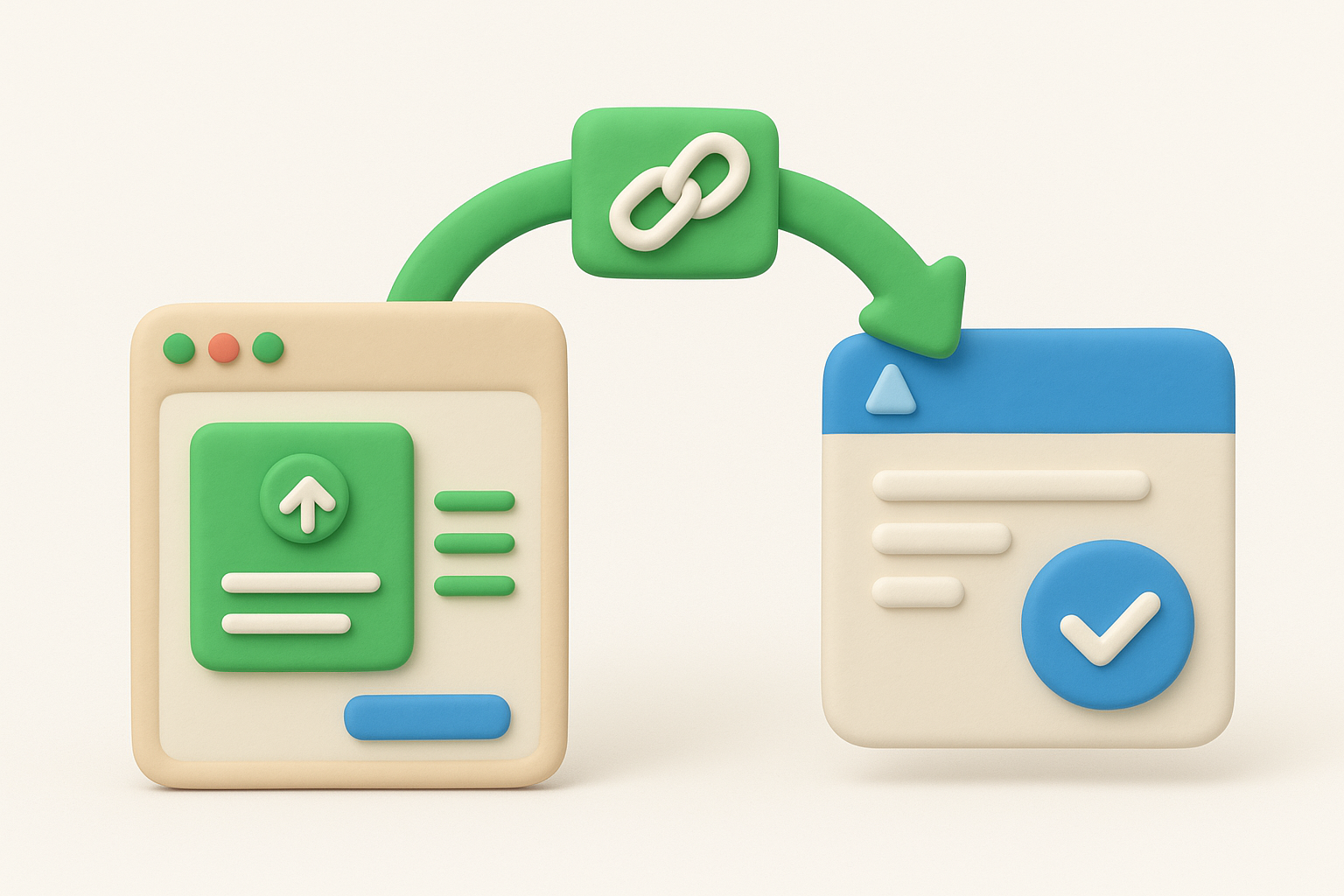
Your engineering team keeps working in the familiar Jira Software environment while your product team operates in a separate, cleaner space designed for discovery work. Both sides stay connected through linked Jira issues without cluttering the dev backlog with half-formed ideas or pulling developers into conversations that belong in the discovery phase.
Product teams without a dedicated discovery tool typically end up managing ideas in spreadsheets, shared documents, or email threads. This creates scattered, hard-to-compare information that makes prioritization slow and inconsistent. Jira Product Discovery centralizes everything so you can see all your ideas, their supporting data, and their current status in one view without switching between tools.
Managing stakeholder expectations also becomes much easier with a structured record. When someone asks why a specific feature isn't being built, you need a clear, defensible answer backed by real data. Jira Product Discovery preserves the reasoning behind each decision, including which ideas were considered, what data influenced the call, and why certain requests were deprioritized, which builds trust with both internal teams and the customers who submitted those ideas in the first place.
Product teams adopt Jira Product Discovery because their existing tools were never built for this kind of work. Spreadsheets break down quickly when you're managing hundreds of ideas with varying levels of supporting data. Jira Software backlog items get cluttered with half-baked concepts that haven't been properly evaluated. Atlassian product discovery solves these problems by giving your team a purpose-built environment that handles the messy, exploratory work that happens before development starts.
One of the biggest reasons teams make the switch is separation of concerns. When unvetted ideas live in the same space as committed development work, your engineering team constantly deals with noise that doesn't belong there. Jira Product Discovery gives your product managers a clean workspace where ideas can be explored, evaluated, and killed off before they ever touch the dev backlog.
Keeping your discovery process separate from your execution layer protects your engineering team's focus and keeps your backlog meaningful.
This separation also helps you move faster through the discovery phase because PMs aren't navigating the same tool constraints designed for sprint planning and issue tracking. The workflow fits the actual work.
Your stakeholders and customers will always have more requests than your team can deliver. Jira Product Discovery helps you handle that gap by giving you a structured record of every idea, the data attached to it, and the reasoning behind each prioritization call.
When someone asks why their feature request didn't make the cut, you can point to concrete evidence rather than vague explanations. That kind of transparency builds trust with internal teams and reduces the friction that typically comes with saying no to feature requests.
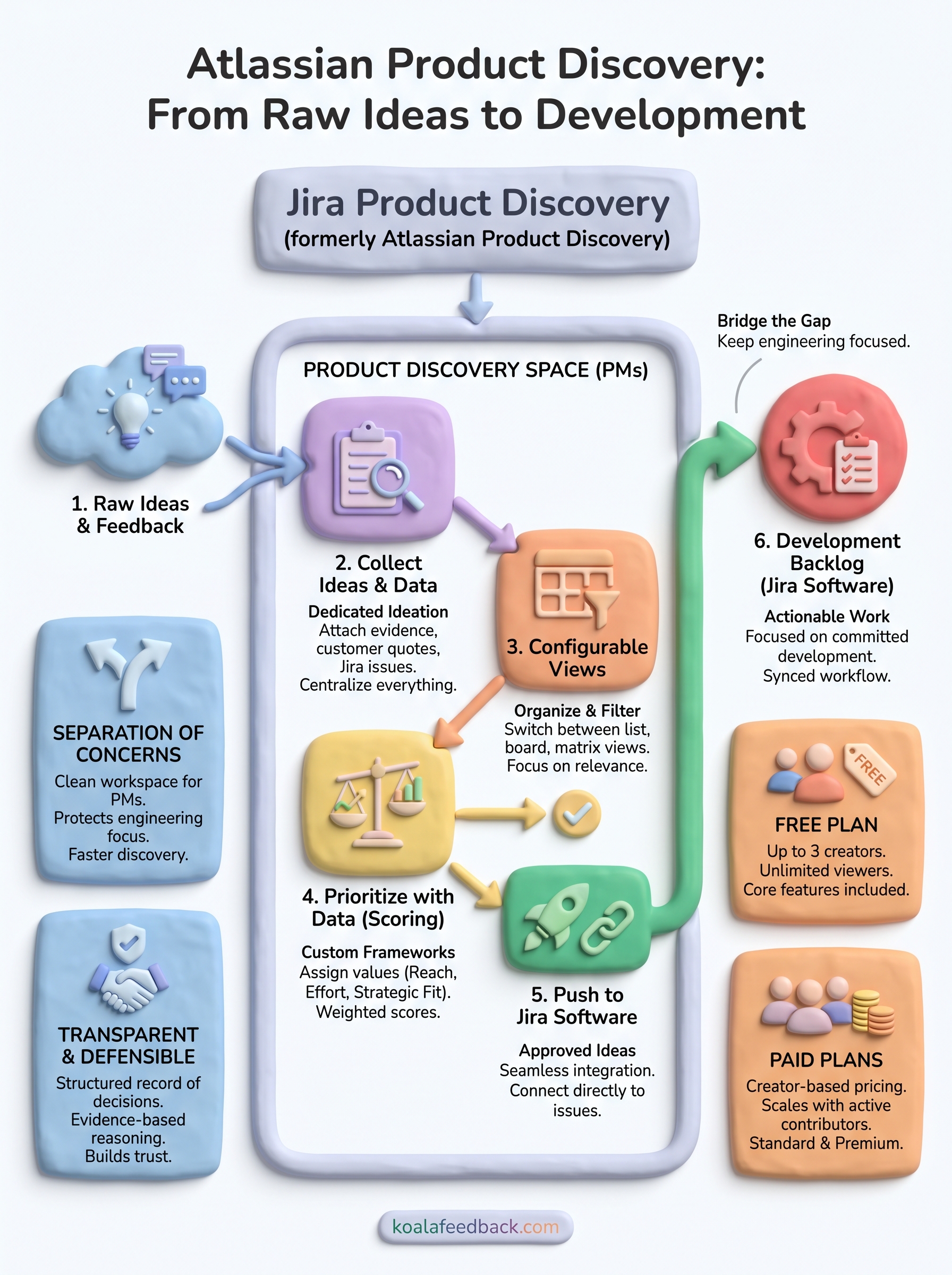
At its core, Jira Product Discovery follows a clear flow: collect ideas, attach supporting data, prioritize using customizable scoring, and push approved ideas into Jira Software as actionable work items. The whole process stays inside the Atlassian ecosystem, so you never need to manually transfer information between your discovery space and your engineering backlog.
You start by creating an idea directly in Jira Product Discovery or importing feedback from external sources. Each idea gets its own detail view where you can attach supporting evidence like customer quotes, linked Jira issues, or business impact estimates. This consolidates everything that justifies building something into one place, which makes comparing ideas much easier when prioritization conversations happen.
The idea detail view is where scattered feedback turns into a structured, defensible case for development.
Ideas then organize into configurable views that function like filtered lists or boards. You control which fields display, how ideas get grouped, and which ones surface first so your team always focuses on what's most relevant at a given stage of discovery.
Atlassian product discovery uses a field-based scoring system to rank ideas against each other. You define the criteria that matter most to your team, such as customer impact, effort, or strategic fit, then assign values to each idea accordingly. Common scoring criteria include:
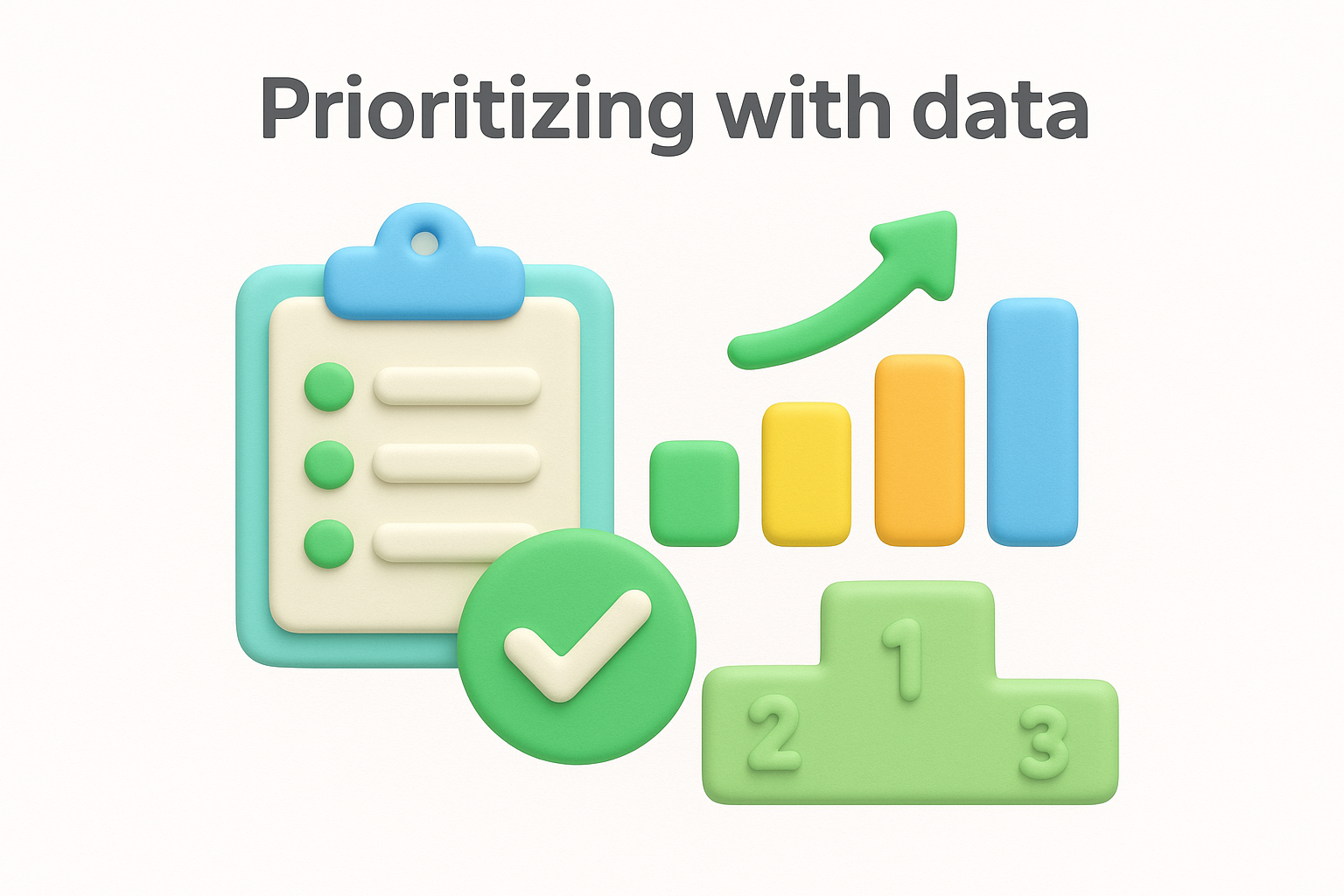
The tool calculates a weighted score from those values, giving you an objective starting point for prioritization conversations rather than defaulting to whoever argues the loudest in the room.
Jira Product Discovery and Jira Software share the same platform, but they solve completely different problems. Understanding what each tool does and where their boundaries sit helps you avoid confusion when setting up your workflow and makes it easier to explain the distinction to your engineering team.
Atlassian product discovery centers its feature set around the pre-development phase, giving product managers specific tools that Jira Software never offered. The core features you get include:
The feature set reflects a clear design decision: give product managers the tools they actually need for discovery without forcing them to work inside a system built for engineers.
Jira Software manages work your team has committed to building. It handles sprints, backlogs, bug tracking, and release cycles. Jira Product Discovery sits upstream from all of that, managing ideas that haven't been committed to yet.
The practical difference is who uses each tool and when. Your product managers use Jira Product Discovery to evaluate and approve ideas. Your developers pick those ideas up in Jira Software once a decision is made.
Atlassian product discovery uses a creator-based pricing model, meaning you only pay for the users who actively create and edit ideas. Stakeholders and viewers can access the tool without counting toward your paid seat total, which keeps costs lower for larger organizations where most people just need read access.
Jira Product Discovery includes a free tier that supports up to three creators. If you're running a small product team or want to test the tool before committing budget, the free plan gives you access to core features including idea capture, custom fields, and Jira Software integration. Viewer seats are unlimited on the free plan, so you can share your discovery work with your whole company without paying extra.
The free plan is genuinely functional for small teams, not just a stripped-down trial.
Once you go beyond three creators, you move into the paid tiers. Atlassian charges per creator per month, and pricing scales based on how many active contributors your team has. The Standard plan runs around $10 per creator per month, billed annually, and covers the full core feature set most product teams need. The Premium plan adds advanced features like enhanced admin controls and priority support, at a higher per-creator rate.
Your actual spend depends on how you define creator access within your team. If you keep creators limited to your product managers and leads while giving everyone else viewer access, the cost stays manageable. If you give every stakeholder creator access, the bill climbs fast. Atlassian's pricing page gives you an interactive calculator so you can estimate costs based on your specific team setup before committing to a plan.
Jira Product Discovery makes sense if your team is already inside the Atlassian ecosystem and wants a dedicated space to evaluate ideas before they reach your engineering backlog. The creator-based pricing keeps costs reasonable for small teams, and the free plan gives you enough to run a real evaluation before spending anything.
That said, atlassian product discovery doesn't cover everything. If you need a customer-facing feedback portal where users can submit ideas, vote on feature requests, and see your public roadmap, Jira Product Discovery isn't built for that. It focuses on your internal discovery process, not on giving your customers a direct voice.
If collecting and prioritizing user feedback alongside a public roadmap is what you actually need, Koala Feedback covers that gap directly. You get a branded feedback portal, voting boards, and a shareable roadmap your users can follow, without stitching together separate tools to make it work.

Start today and have your feedback portal up and running in minutes.

