Jira Product Discovery is Atlassian's dedicated tool for product teams that need to collect ideas, prioritize opportunities, and map out what to build next. It sits alongside Jira Software but serves a fundamentally different purpose, shifting the focus from task execution to product strategy.
If you're a product manager or team lead trying to figure out whether JPD is the right fit, you're probably weighing its features against other options, checking pricing, and wondering how it actually works in practice. That's exactly what this article covers. We'll break down what Jira Product Discovery does, how much it costs, where it shines, and where it falls short.
At Koala Feedback, we build tools that help teams collect user feedback, prioritize feature requests, and share public roadmaps, so product discovery is something we think about constantly. We've spent real time evaluating how different tools handle this workflow, and JPD is one that comes up often in conversations with our users. Here's what you need to know about it.
Most product teams run into the same wall: they collect feedback from multiple sources, juggle competing priorities, and struggle to communicate decisions back to stakeholders. Jira Product Discovery was built specifically to address this gap, giving product managers a dedicated space to capture ideas, link them to business outcomes, and decide what to build next. Without a tool like this, you're left patching together spreadsheets, Confluence docs, and Jira tickets in ways that rarely hold together under pressure.
Jira Software is designed for engineering execution, not product strategy. When you try to use it for discovery work, you end up treating feature ideas the same way you treat bug fixes, which distorts your prioritization process. Mixing those two workflows creates noise that slows your whole team down.
Product discovery requires a different kind of thinking, one focused on weighing customer impact, effort, and strategic fit before any code gets written. When that thinking happens in a task tracker, it gets buried in sprint backlogs and status fields that were never built to support it.
Keeping discovery work separate from execution work lets your team think more clearly about what to build before committing to build it.
Your product process likely has two distinct phases: figuring out what to build, then building it. Jira Product Discovery handles the first phase, giving you a structured way to capture opportunities and score them against criteria that matter to your team. The direct connection to Jira Software means approved ideas flow into delivery without you recreating them from scratch. That handoff is where JPD earns its place in your stack:
Jira Product Discovery organizes your work into views, insights, and ideas that connect to your broader product goals. You start by creating a project, then add ideas from multiple sources: customer conversations, support tickets, or your own team's suggestions. Each idea becomes a record you can enrich with data, tag with relevant insights, and score against custom fields your team defines.
Ideas in JPD sit at the center of everything. You attach customer insights directly to each idea, which means every prioritization decision carries evidence behind it rather than gut instinct. Once an idea is approved, you link it to a Jira Software issue with a single action, so your engineering team picks it up without any manual re-entry.
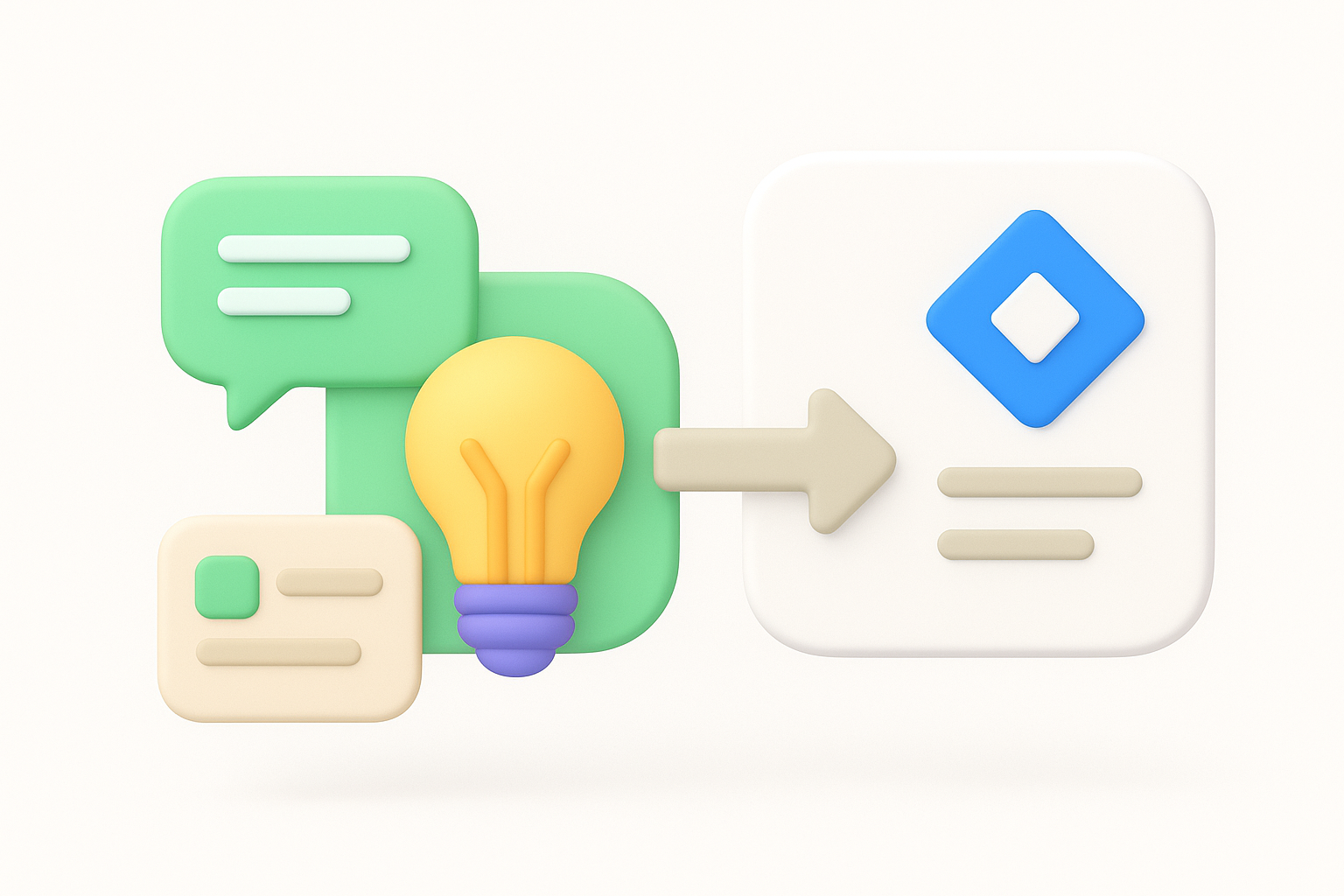
The direct connection between product ideas and Jira Software issues removes the handoff friction that slows most teams down.
Your team works inside configurable views that let different stakeholders focus on what matters to them. Product managers use prioritization boards, while executives check the roadmap view. Everyone stays aligned without extra meetings or status documents. Common views you will use include:
Jira Product Discovery gives product managers a focused set of tools built around the work that actually moves products forward. Rather than overwhelming you with options, it concentrates on capturing ideas, scoring them, and connecting them to delivery, which keeps your workflow clean and your team aligned.
Custom fields let you define exactly which criteria matter for your product. You score ideas against factors your team selects, and the tool calculates a priority score that reflects your actual values rather than whoever speaks loudest in a meeting. Common fields teams configure include:
When your scoring criteria match your business goals, prioritization becomes a process rather than a negotiation.
You can attach customer quotes, support tickets, and research notes directly to each idea as insights. This gives every feature request a traceable evidence trail that survives team changes and quarterly resets.
Linking ideas to Jira Software issues takes a single click, so approved work moves to engineering without re-entry. That connection is one of the strongest reasons product teams choose this tool over standalone discovery options.
Jira Product Discovery uses a creator-based pricing model, which means you only pay for the people who actively manage ideas and roadmaps, not every viewer on your team. That distinction matters because stakeholders who just read your roadmap don't count against your seat total.
Paying only for active creators keeps your costs predictable as your stakeholder list grows.
Atlassian offers three tiers for Jira Product Discovery: Free, Standard, and Premium. The Free plan supports up to three creators, which works well for small teams testing the tool before committing. Standard adds contributor limits and basic admin controls, while Premium unlocks advanced roadmap features, unlimited storage, and priority support.
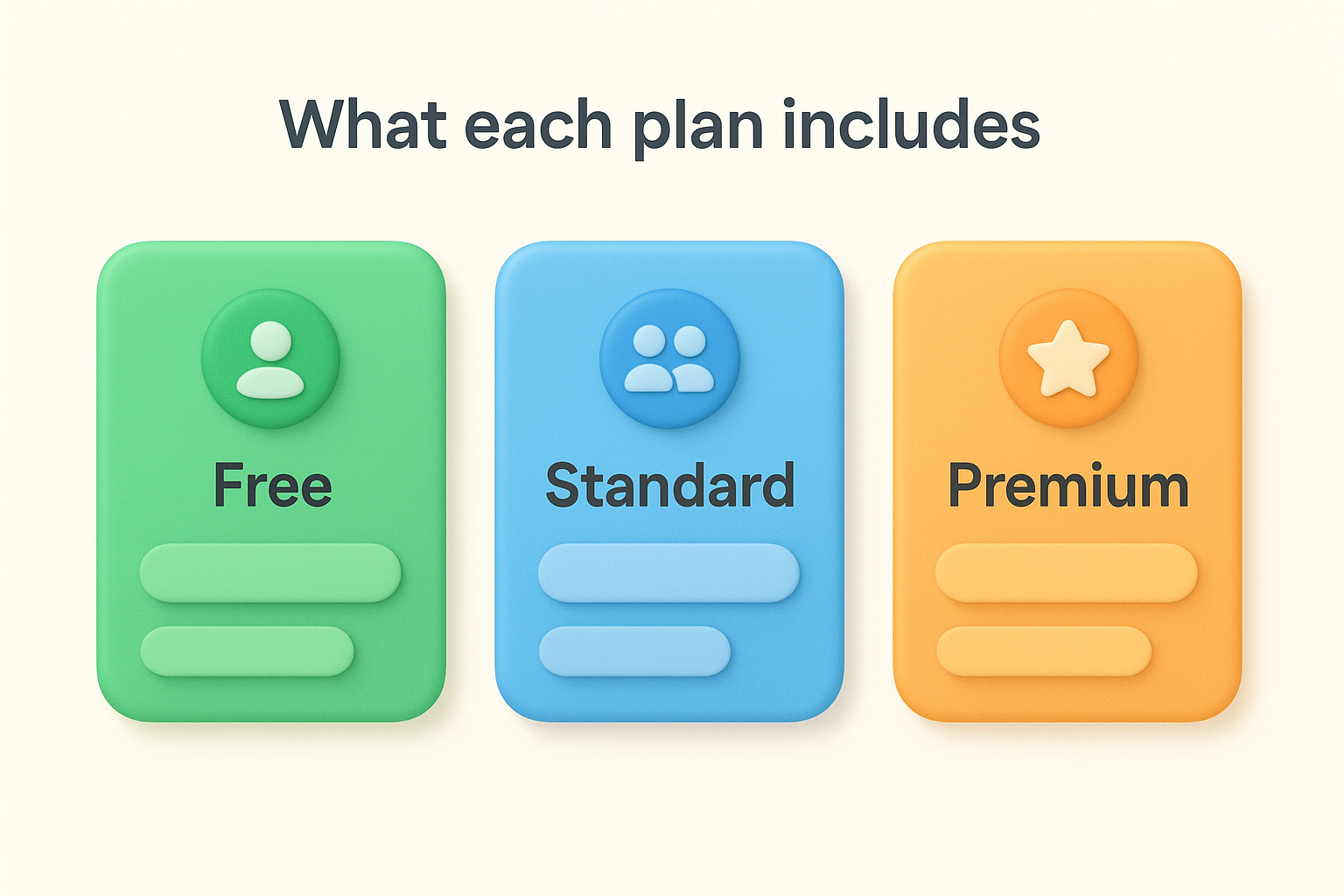
Pricing scales per creator per month, and Atlassian bills annually for the lowest rate. Standard runs around $10 per creator per month, and Premium sits closer to $25. Because viewers are free, a product team of four managers serving a 50-person company pays only for those four seats. Check Atlassian's official pricing page directly for current rates, since Atlassian adjusts pricing periodically.
These three tools are often confused because they share an Atlassian umbrella, but each one serves a distinct purpose. Jira Product Discovery handles the strategic layer of product work, Jira Software manages execution, and Confluence acts as your documentation hub. Treating them as interchangeable creates unnecessary friction for your team.
Using the right tool for each phase of product work keeps your process clean and your team focused.
Jira Software is built around sprints, backlogs, and issue tracking, which makes it ideal once your team has decided what to build. It tracks engineering progress, assigns tasks, and manages releases. It was never designed to help you weigh competing ideas or score strategic opportunities, so forcing discovery work into it produces cluttered backlogs and weak prioritization.
Confluence serves as a shared knowledge base where your team stores specs, meeting notes, and research documents. You can reference Confluence pages inside JPD, but Confluence itself has no dedicated prioritization or scoring features. It functions as a read-only reference layer rather than an active decision-making tool. Together, all three tools cover strategy, documentation, and delivery without overlap.
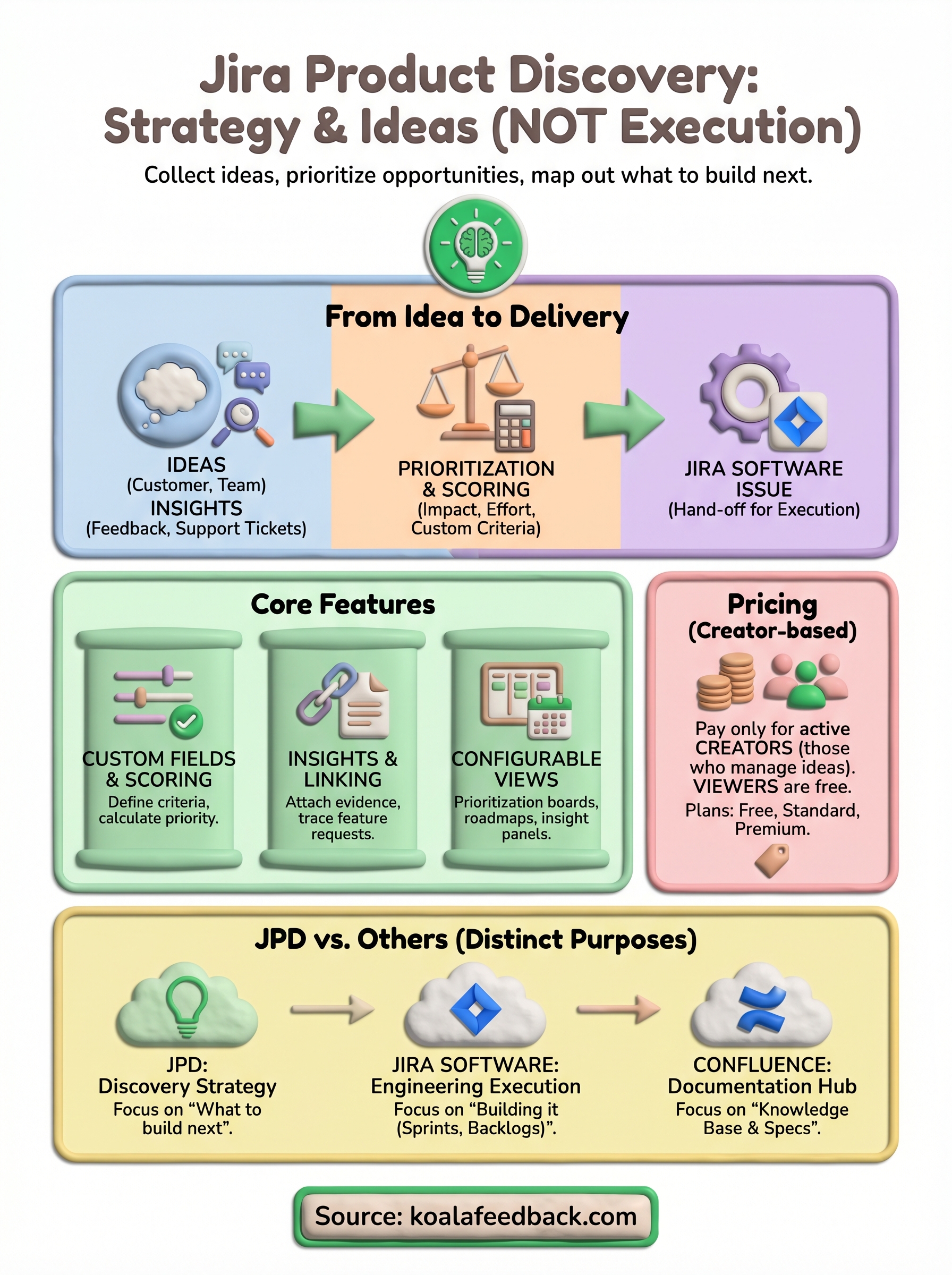
Jira Product Discovery gives product teams a structured way to move from scattered ideas to clear priorities without losing the evidence behind each decision. It works best when your team already lives in the Atlassian ecosystem and needs a dedicated layer for strategy that connects directly to engineering execution. If that describes your setup, JPD is worth serious consideration.
That said, JPD is not the only way to run a solid discovery process. If you need a lighter tool that collects user feedback, lets customers vote on features, and shares a public roadmap without the complexity of a full Atlassian stack, there are focused alternatives worth exploring. Koala Feedback was built specifically for that workflow, giving your users a direct voice in what you build next and keeping your team aligned on priorities. If that sounds useful, see how Koala Feedback handles product discovery and decide which approach fits your team best.

Start today and have your feedback portal up and running in minutes.

