The Microsoft AppSource marketplace is where businesses go to discover, try, and purchase cloud solutions, from SaaS apps to AI agents, that integrate directly with the Microsoft ecosystem. If you're building or selling software, it's a distribution channel you can't afford to ignore. But with thousands of listings competing for attention, standing out requires more than just showing up.
That's where user feedback becomes critical. At Koala Feedback, we help SaaS teams collect and prioritize what their users actually want, the kind of insight that shapes better products and, ultimately, stronger marketplace listings. Whether you're preparing to publish your first app on AppSource or optimizing an existing one, understanding how the marketplace works gives you a real edge.
This article breaks down what Microsoft AppSource is, how it works, and how to navigate it, whether you're a buyer searching for the right tool or a software company looking to reach more customers.
The Microsoft AppSource marketplace is Microsoft's official online store for business-focused cloud applications. It launched in 2016 as a dedicated hub where organizations can browse, test, and purchase third-party software that works directly with Microsoft products like Azure, Dynamics 365, Microsoft 365, and Power Platform. Think of it as a vetted app library built specifically for enterprise and business buyers, not a general consumer app store.
AppSource covers a wide range of software categories, so you'll find tools across CRM, ERP, analytics, AI, collaboration, finance, and project management, among others. Microsoft organizes listings into these main product types:
Every app published on AppSource goes through Microsoft's certification process, which checks for security, compliance, and integration quality before the listing goes live.
When you visit AppSource, you sign in with your existing Microsoft or Azure Active Directory account. This connection matters because it lets you trial or deploy apps directly into your organization's Microsoft environment without creating separate accounts for each vendor. Your admin permissions and tenant settings carry over, so IT teams can control what gets installed across the organization from one place. That tight integration is what separates AppSource from a generic software directory.
The Microsoft AppSource marketplace connects your product directly to millions of active business users who already operate inside the Microsoft ecosystem. These buyers aren't browsing out of curiosity; they have budgets, purchase authority, and a clear need for tools that work inside the platforms they already pay for. That pre-existing commitment makes AppSource a uniquely high-intent marketplace.
Being listed on AppSource puts your product in front of buyers who are already committed to the Microsoft stack, which means shorter sales cycles and higher purchase intent.
Microsoft reports that its commercial marketplace reaches over 4 million active customers across more than 90 countries. For buyers, this means you're searching a pool of solutions that have already passed Microsoft's security and compliance checks, which cuts your own vendor evaluation time significantly. For software publishers, the reach is hard to replicate through any other single channel.
Beyond raw numbers, AppSource gives you access to enterprise procurement workflows, including private offers, multi-year deals, and co-sell opportunities with Microsoft's own sales teams. That infrastructure takes years to build through direct sales, but AppSource puts it within reach much faster. For buyers, it also means you get standardized pricing, trial options, and simplified billing all in one place.
Accessing the Microsoft AppSource marketplace is straightforward if you already have a Microsoft account. Navigate to appsource.microsoft.com and click Sign in in the top right corner. You'll authenticate using your existing Microsoft 365, Azure, or work/school account credentials, so no separate registration is required. If your organization uses Azure Active Directory, your corporate login works automatically.
Your access level inside AppSource depends on your account type and the permissions your IT admin has configured. Personal Microsoft accounts let you browse and trial some apps, but most enterprise features, such as deploying apps into your tenant or accessing private offers, require a work or school account with the appropriate admin roles. Before you start exploring, check with your IT administrator to confirm your account has the right permissions for what you need.
If you're evaluating tools for your whole team, ask your admin about your current role so you can review app details and trial options without triggering an accidental deployment.
Here's a quick breakdown of what each account type unlocks:
The Microsoft AppSource marketplace organizes its catalog with filters that let you narrow results quickly. Start by using the search bar at the top of the page, then refine with the left-hand filters for product category, pricing model, industry, and compatible Microsoft product. This approach cuts through thousands of listings to surface only what's relevant to your situation.
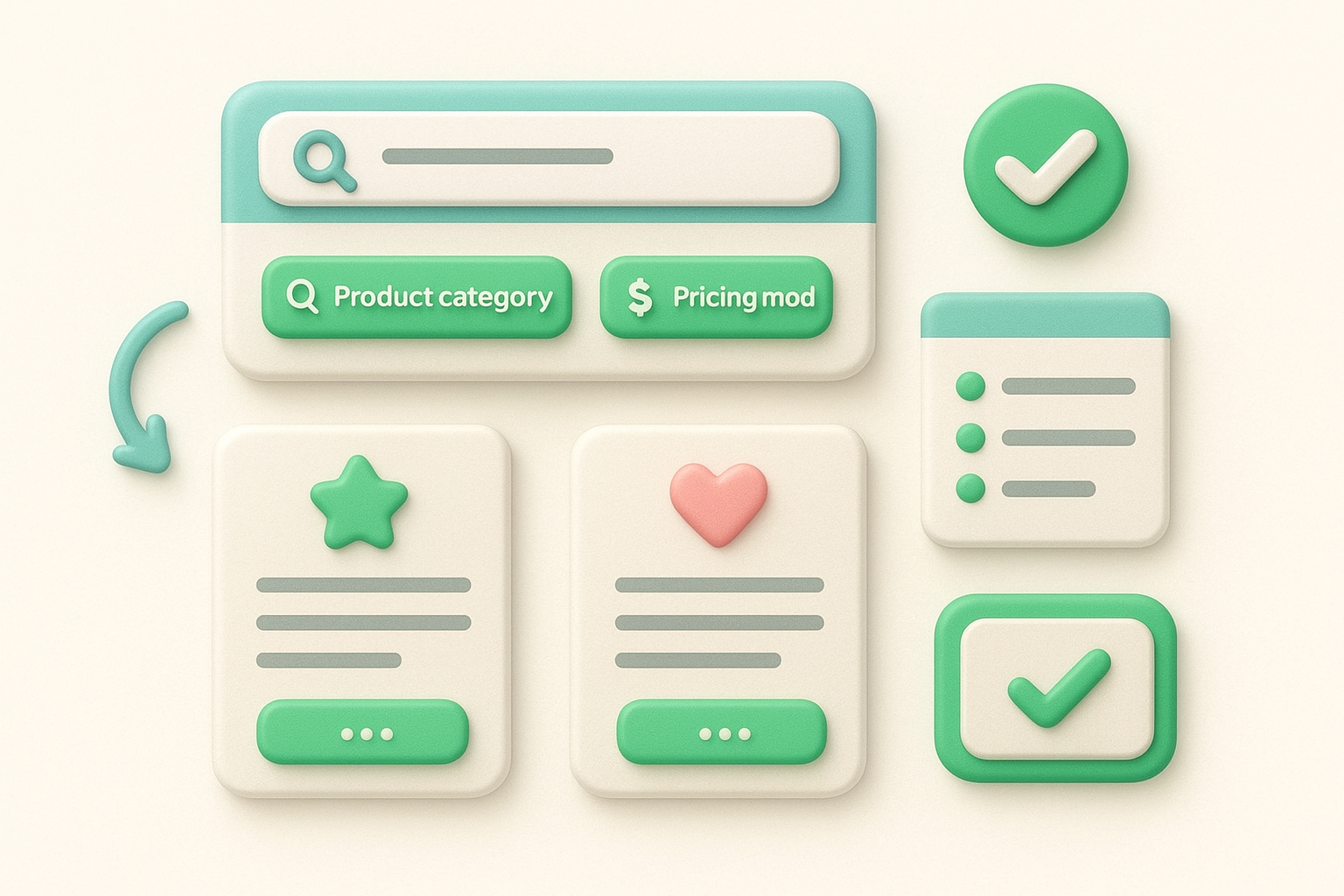
Use the "Works with" filter to only see apps certified for the specific Microsoft product your team already uses daily.
Each listing page gives you ratings, review counts, and a detailed feature overview across pricing tiers and support options. Pay close attention to the "Plans + Pricing" tab, which shows exactly what each tier includes before you commit to a trial. Check the reviews section for patterns around support quality and integration reliability, since these surface issues the marketing copy won't mention.
Keep your shortlist to three to five solutions maximum so comparisons stay manageable. For each app, capture these details before moving to the trial stage:
The Microsoft AppSource marketplace gives you several ways to evaluate a solution before spending money. Most listings offer a free trial, a guided test drive, or a "contact me" option depending on the publisher. Start with a trial whenever one is available, since it lets you test the actual product inside your Microsoft environment before any contract changes hands.
Never skip the trial phase, even for well-reviewed apps. Real usage reveals integration gaps that screenshots and demos won't show.
Once you've confirmed a solution fits your needs, click "Get it now" on the listing page and follow the checkout steps tied to your work account. Your IT administrator will need to approve tenant-wide deployment, so loop them in before you finalize the subscription.
After purchase, confirm your license terms and support tier so you know exactly what you're entitled to. Most apps deploy directly into your Microsoft tenant from the listing page, but some require a manual configuration step from the vendor. Check the app's setup documentation before you go live so nothing catches your team off guard.
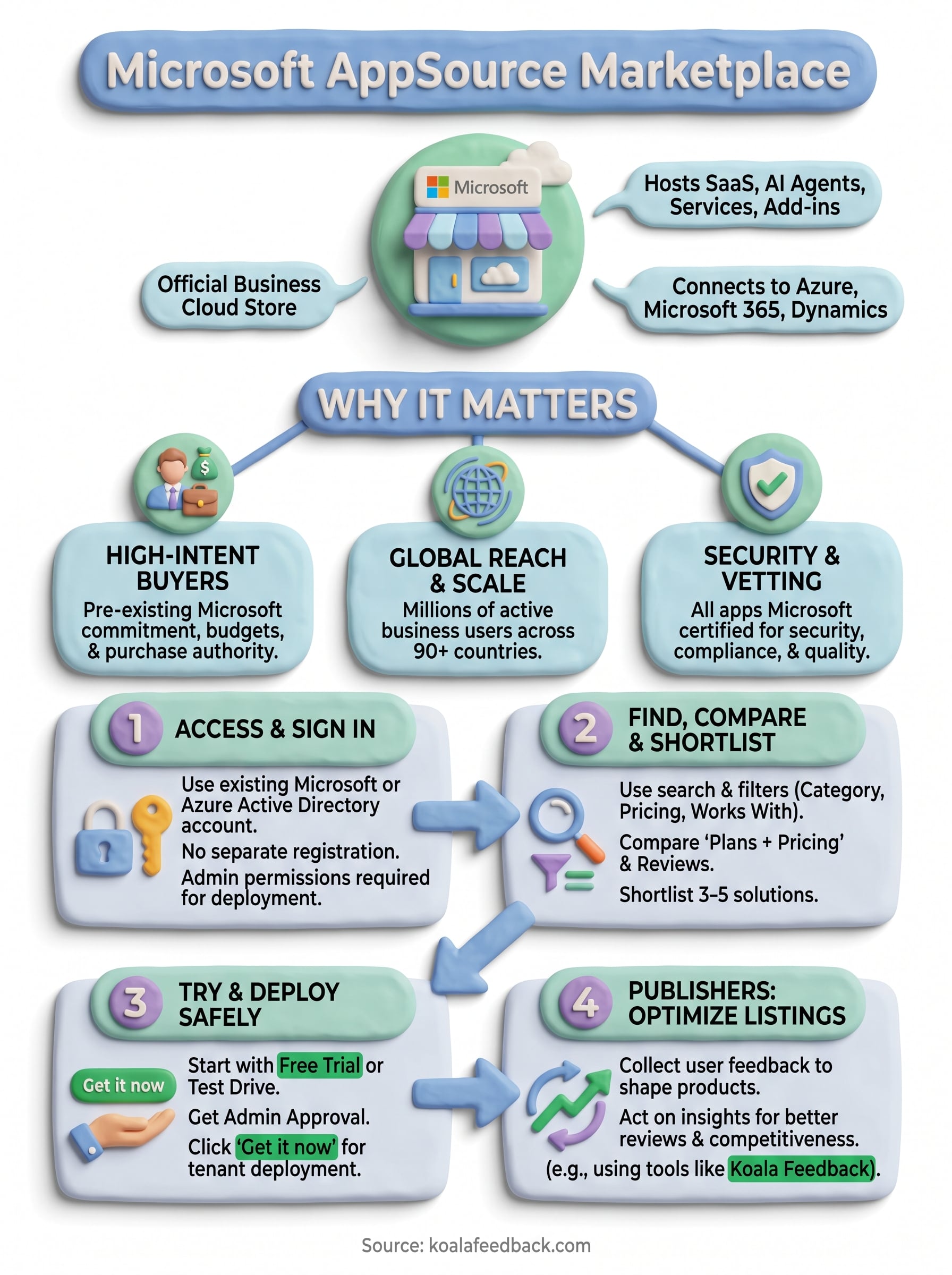
You now have a clear picture of how the microsoft appsource marketplace works, from signing in with your work account to shortlisting, trialing, and deploying solutions safely inside your Microsoft environment. The next step is to put that knowledge to work by opening AppSource, running a focused search in your product category, and testing the top two or three options before making any purchase decision.
For software publishers preparing to list on AppSource, the quality of your listing depends heavily on how well you understand your users. Buyers read reviews, check ratings, and compare features against real needs, which means the feedback you collect from your existing users directly shapes how competitive your app looks in the marketplace. Capturing and acting on that feedback before you publish gives your listing a measurable advantage. Start building that feedback loop today with Koala Feedback.

Start today and have your feedback portal up and running in minutes.

